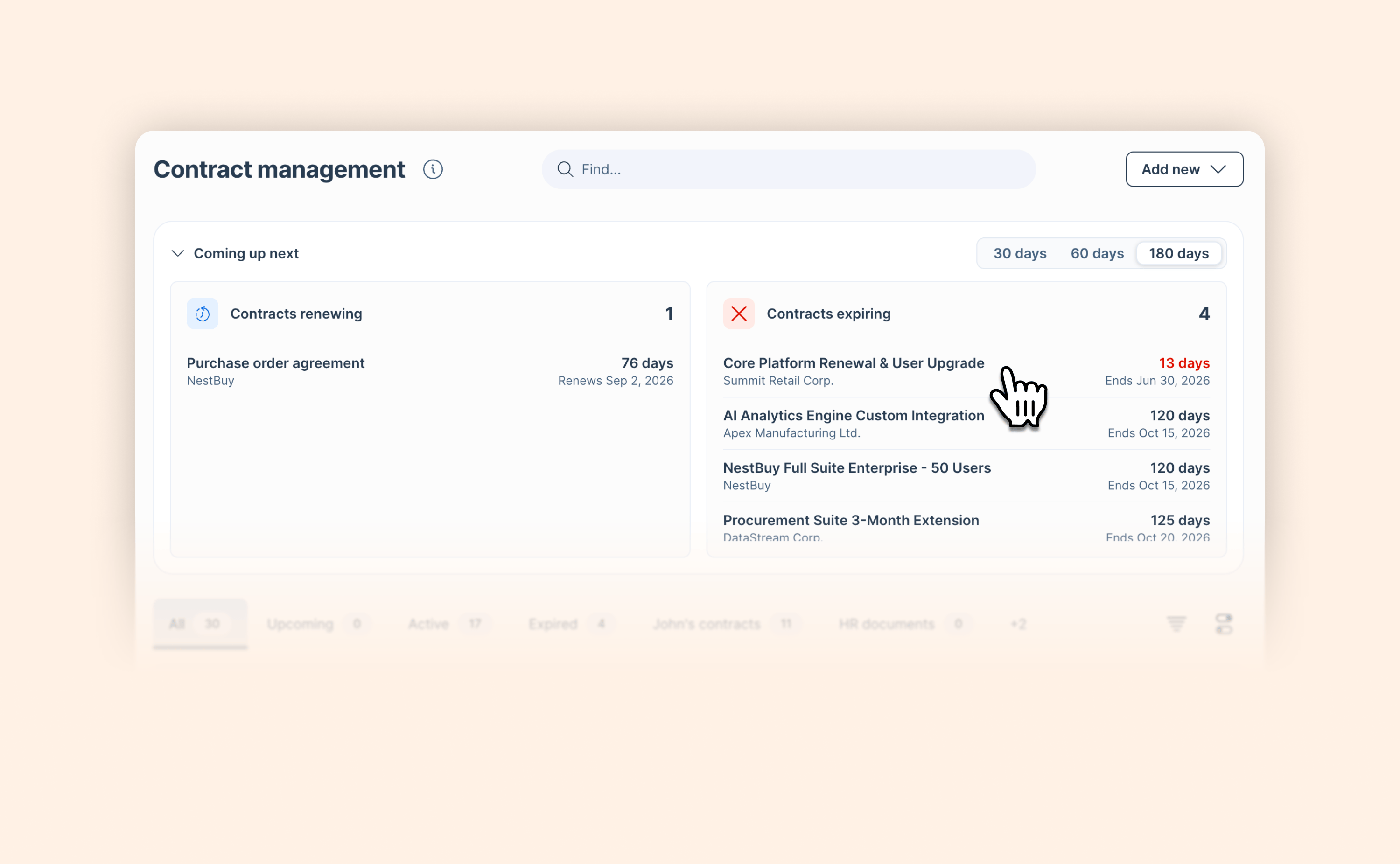
Work with GetAccept from Claude — or any AI tool you use, via MCP
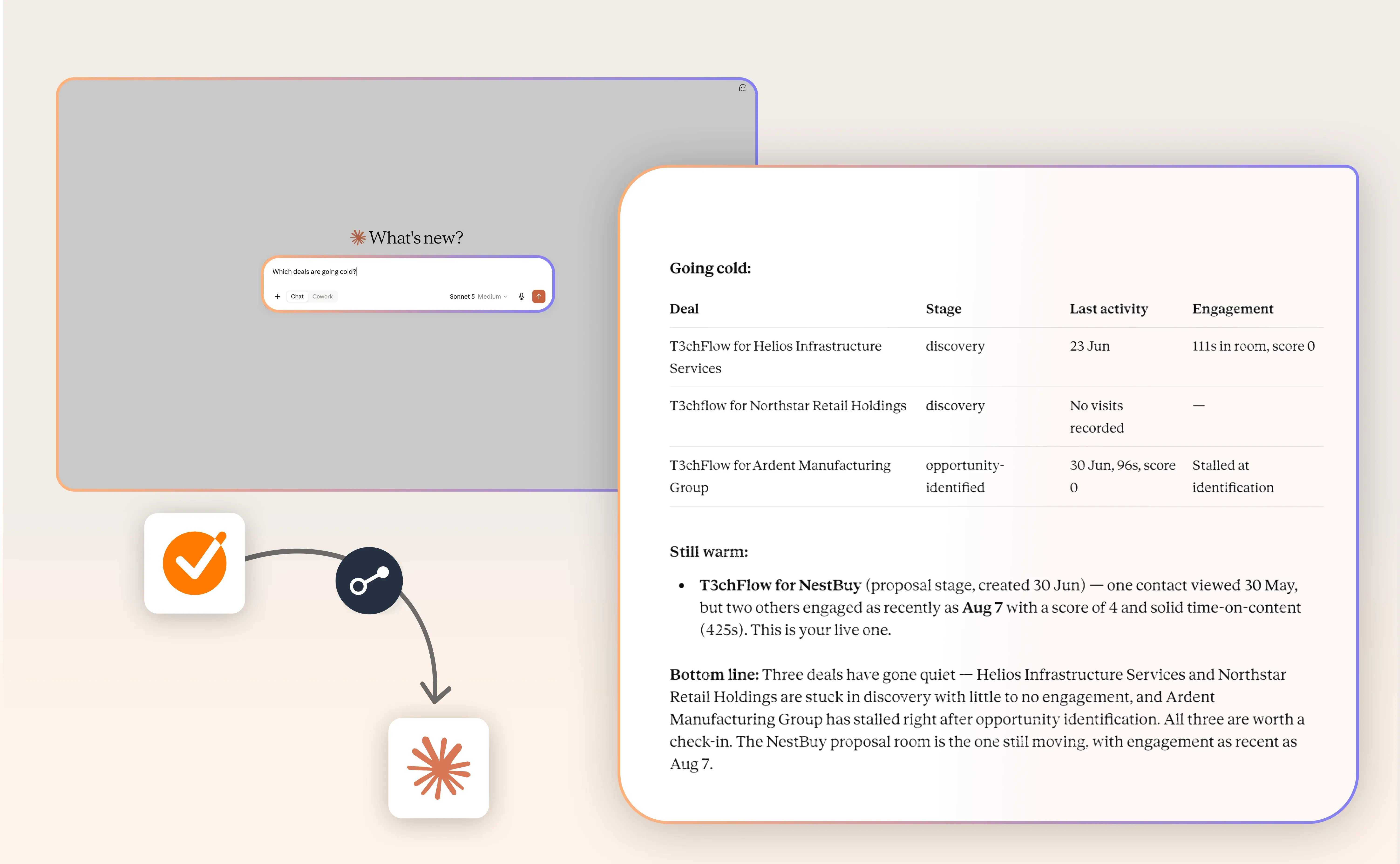
Ask about a deal. Log a call. Even build and launch a whole new Deal Room — all without leaving the conversation. GetAccept's MCP server connects your existing AI tool, Claude or otherwise, directly to your GetAccept account. No new platform to learn, just a new way to work with the account you already have.
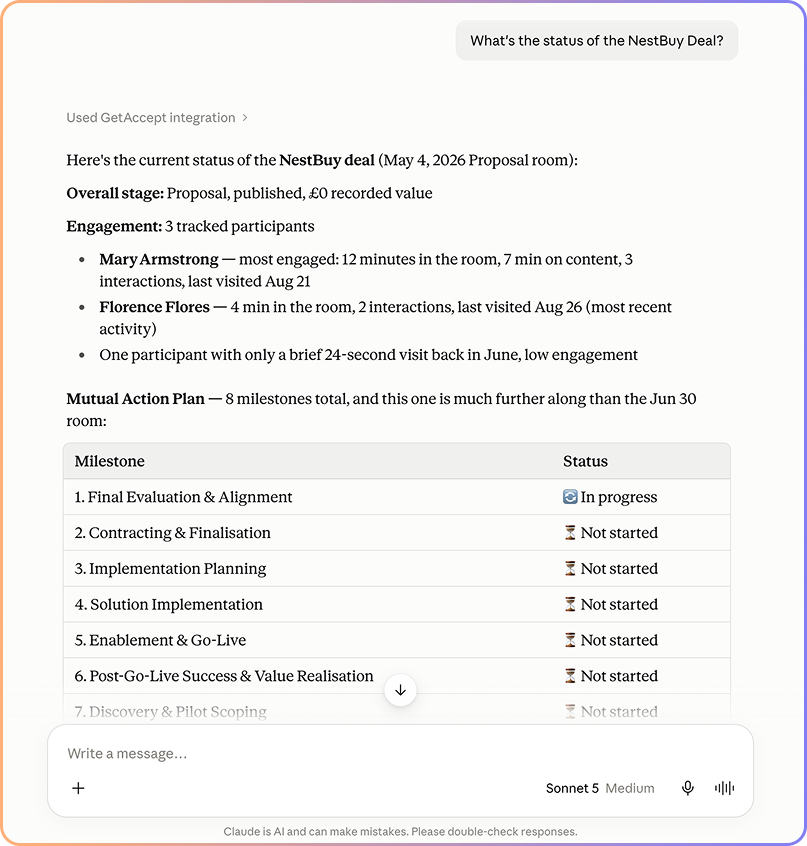
Start by asking about your deals:
- "Which deals are going cold?" — see engagement drop-off, not just confirmation something was sent
- "What files are in the NestBuy deal room?"
- "Has this contract been signed yet?"
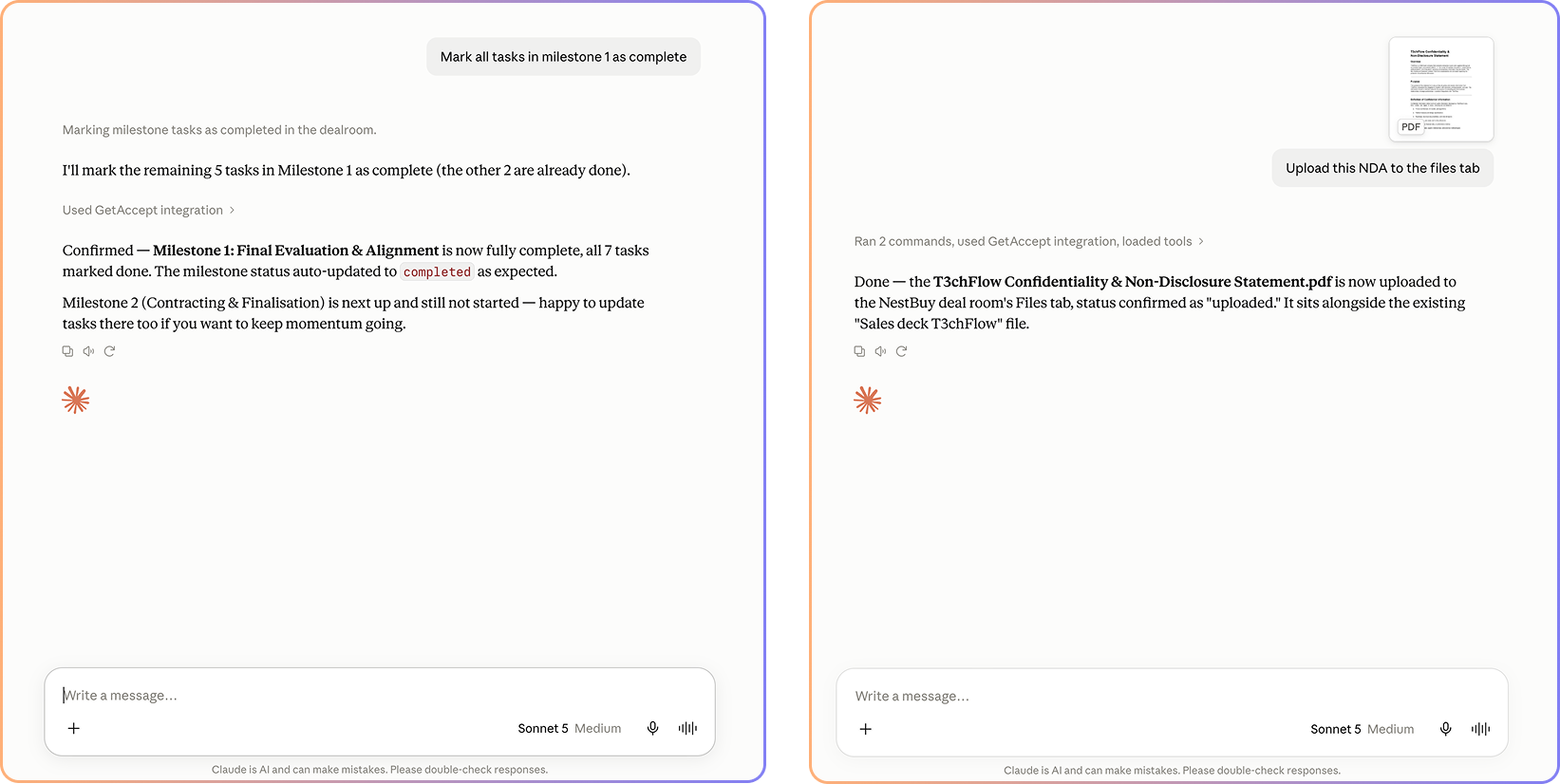
Then get it taking action:
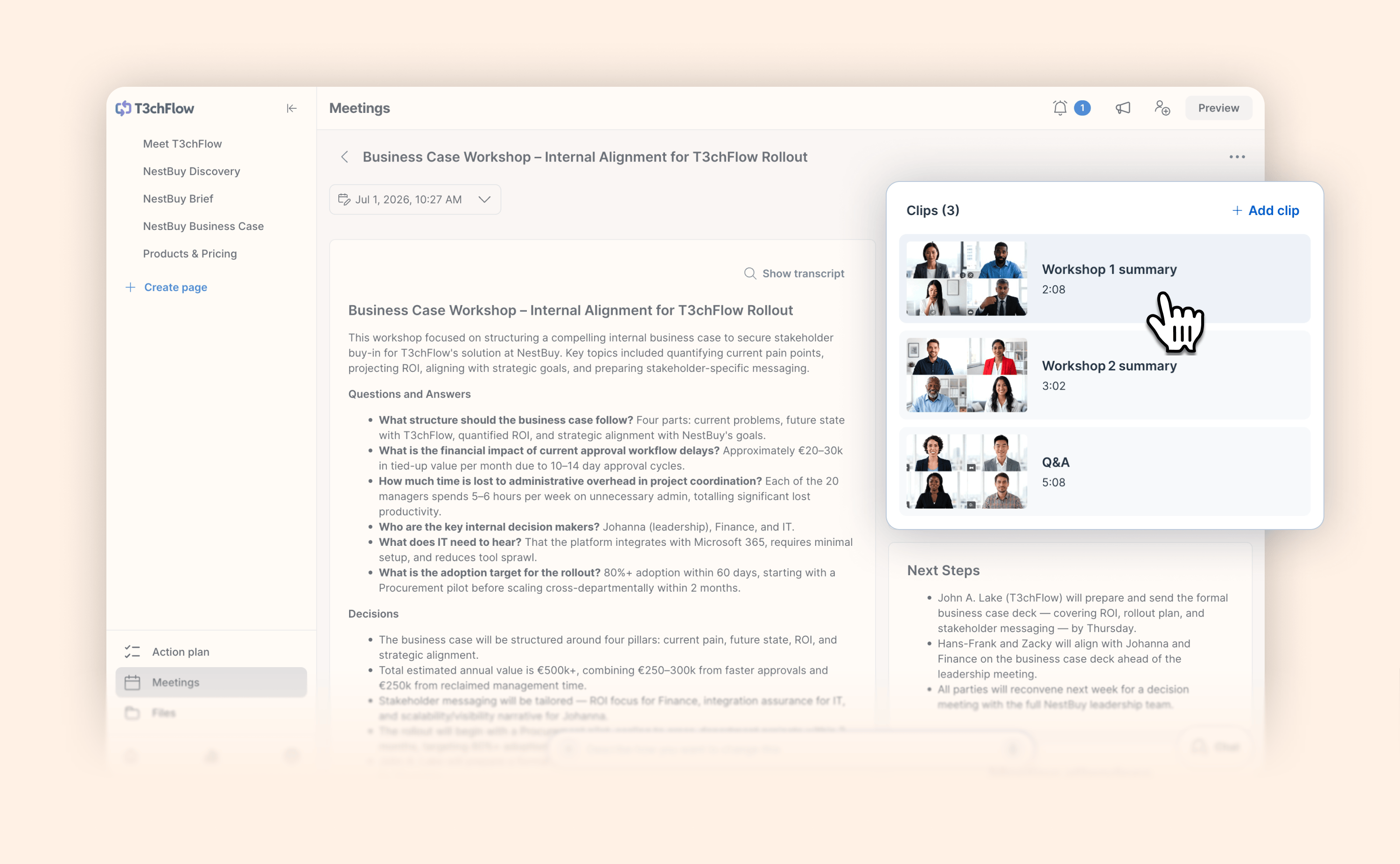
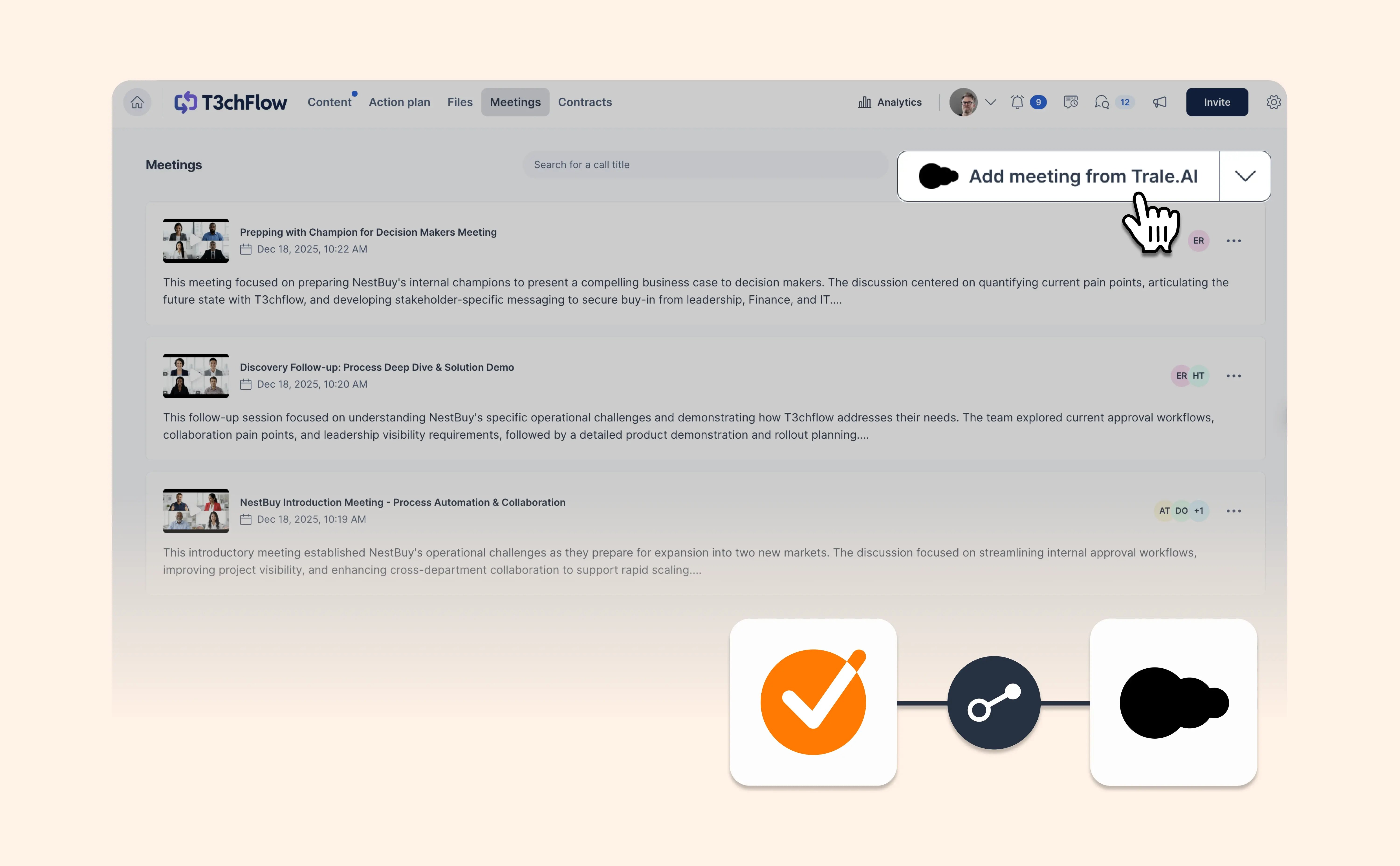
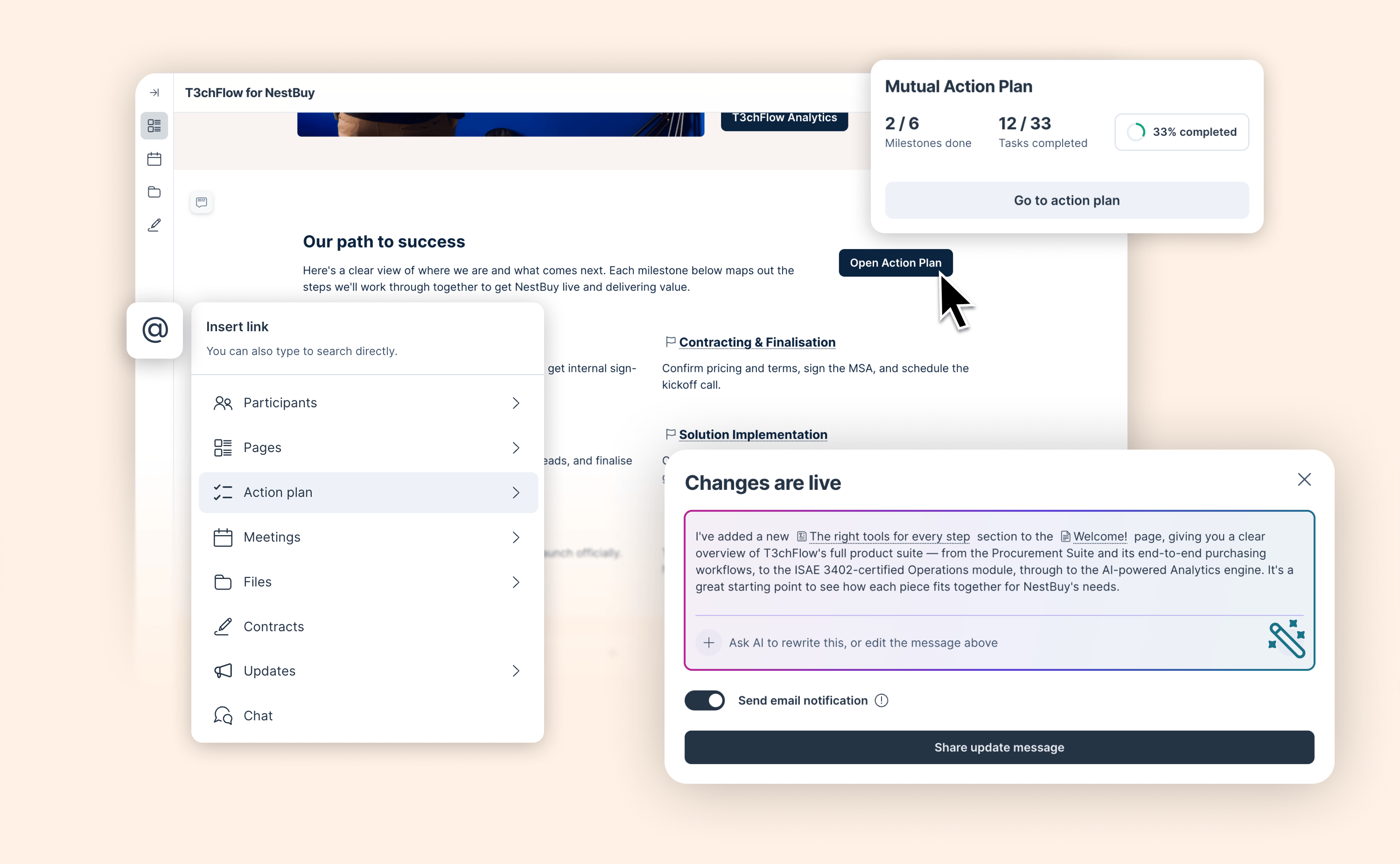
- "Log the call" — paste in a summary or a full transcript, and GetAccept will draft the meeting into the Deal Room
- "Upload this file to the Acme deal room"
- "Mark the pricing review task as complete"
And when you're ready, build a whole deal from scratch:
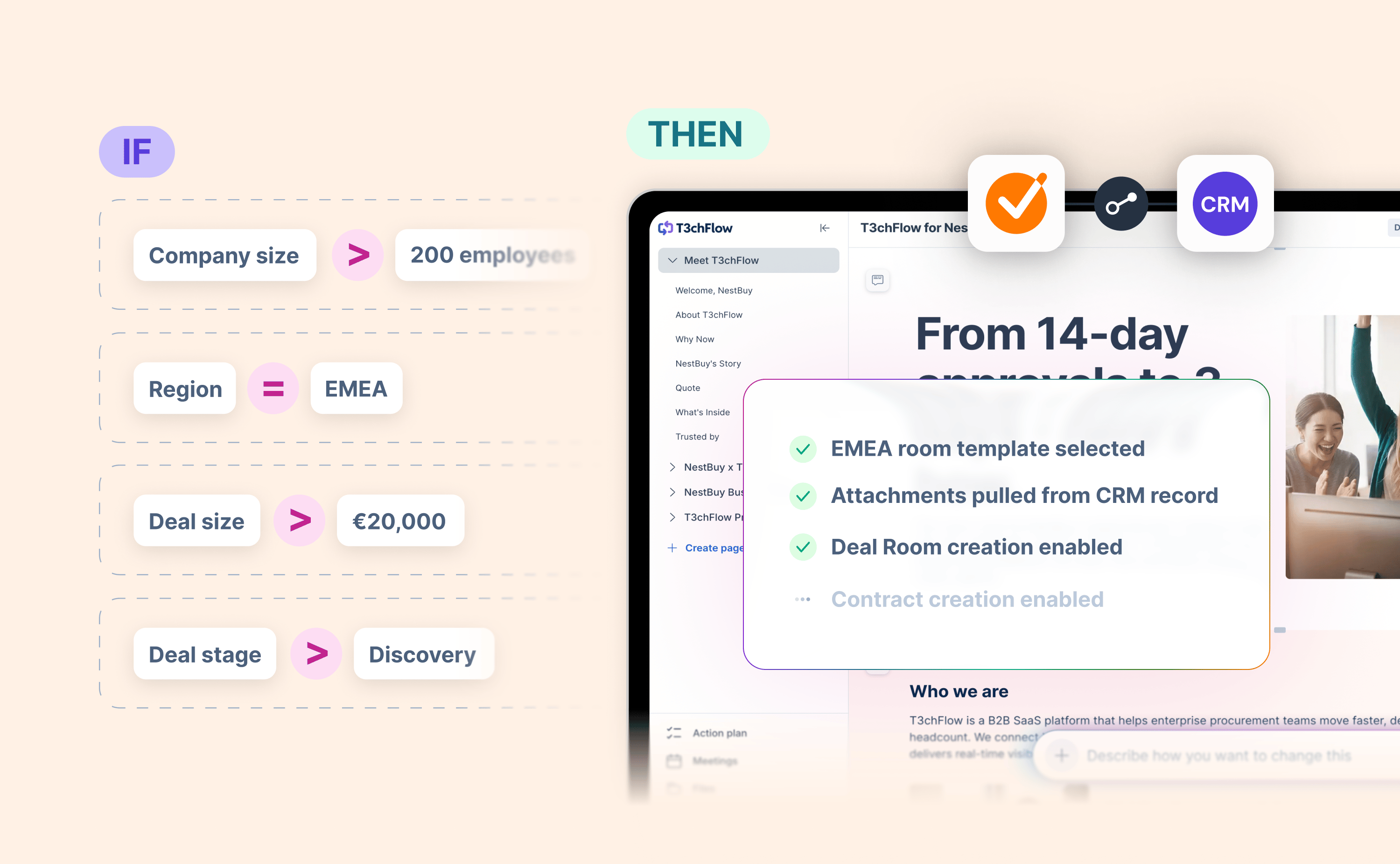
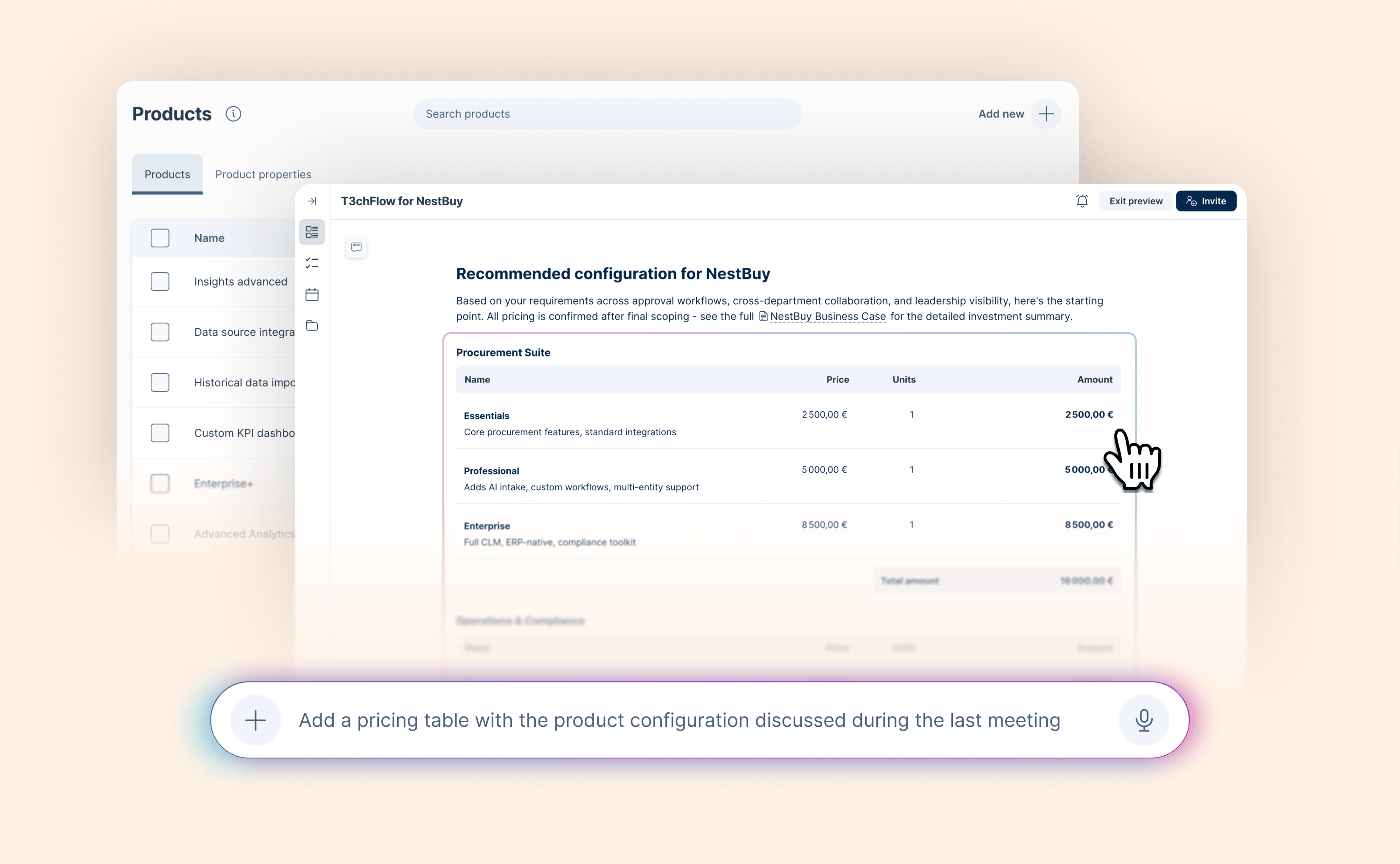
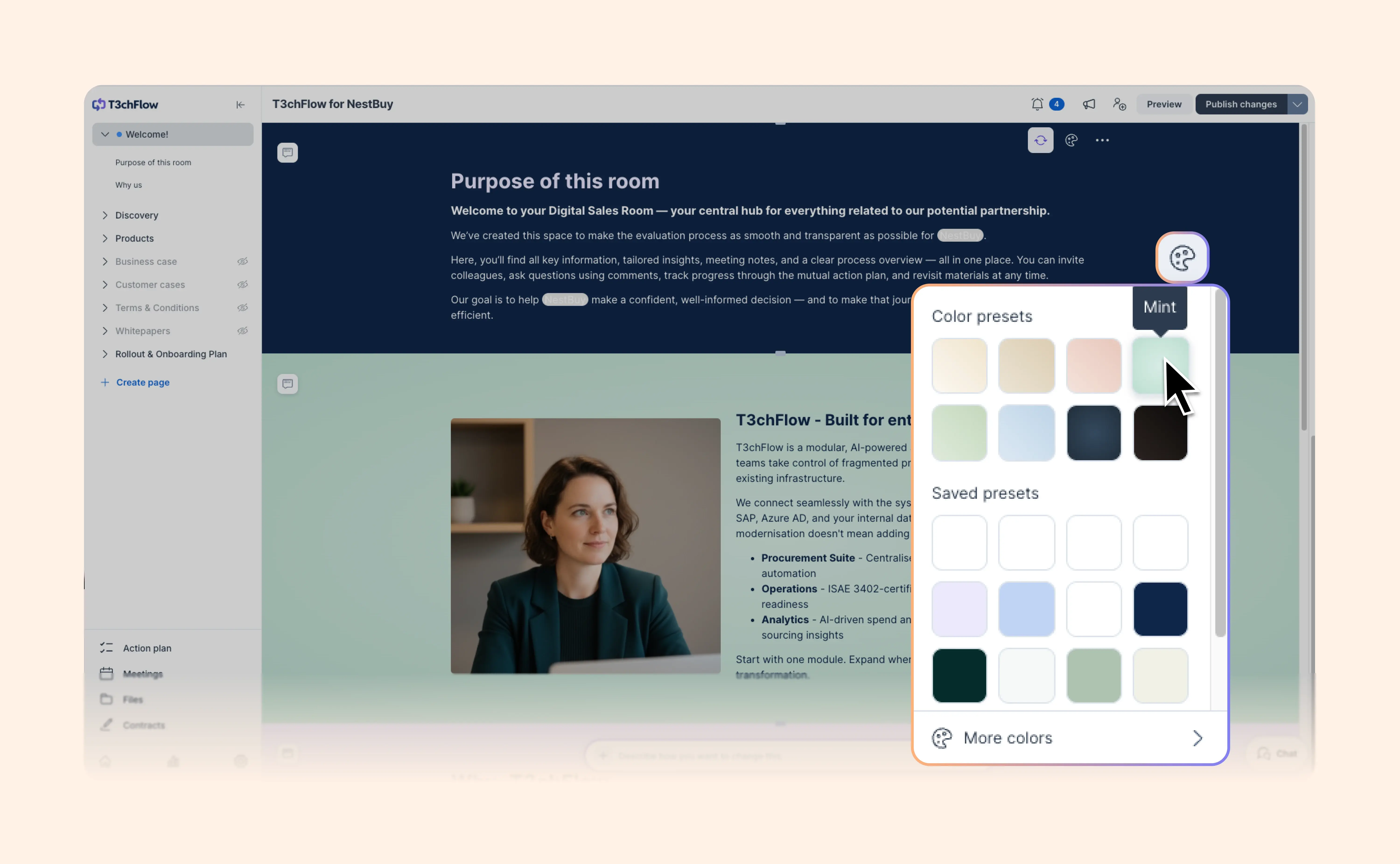
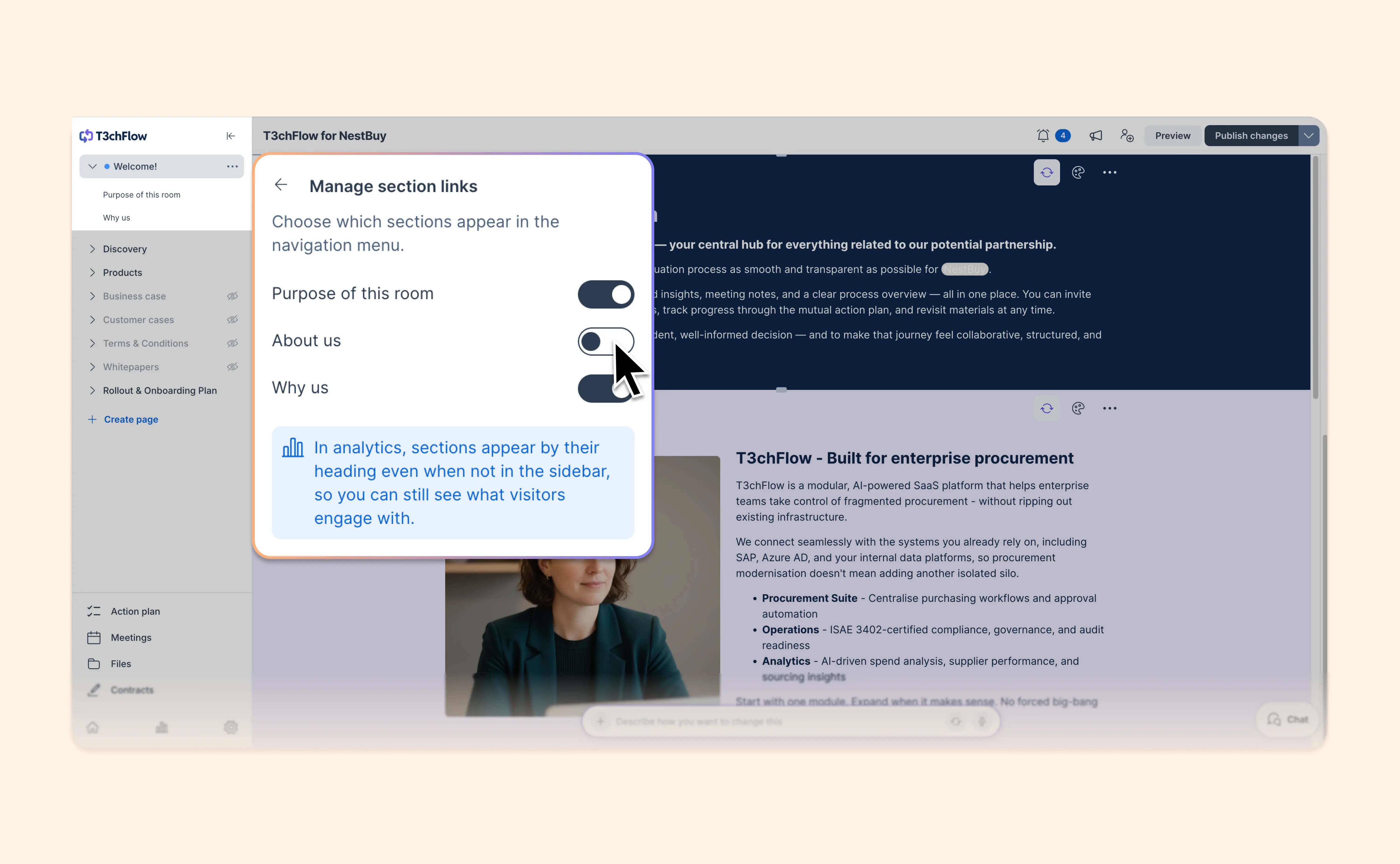
- "Set up a deal room for Acme from our Enterprise template, publish it, and invite jane@acme.com" — GetAccept builds it, and can publish and invite your customer on request. Take a look before it goes out if you want to.
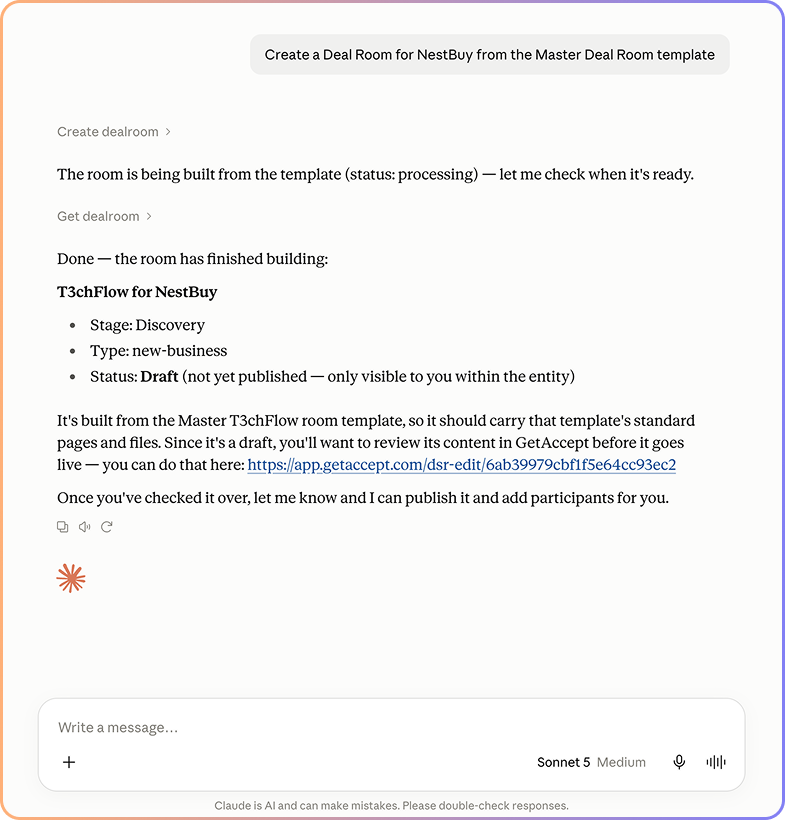
Not sure where to start? Just ask:
"What can you do with GetAccept MCP?"
It's in beta right now, so we’ll be adding even more capabilities over time. Read the help article to find out how to connect.