Send every recipient a message that fits their role
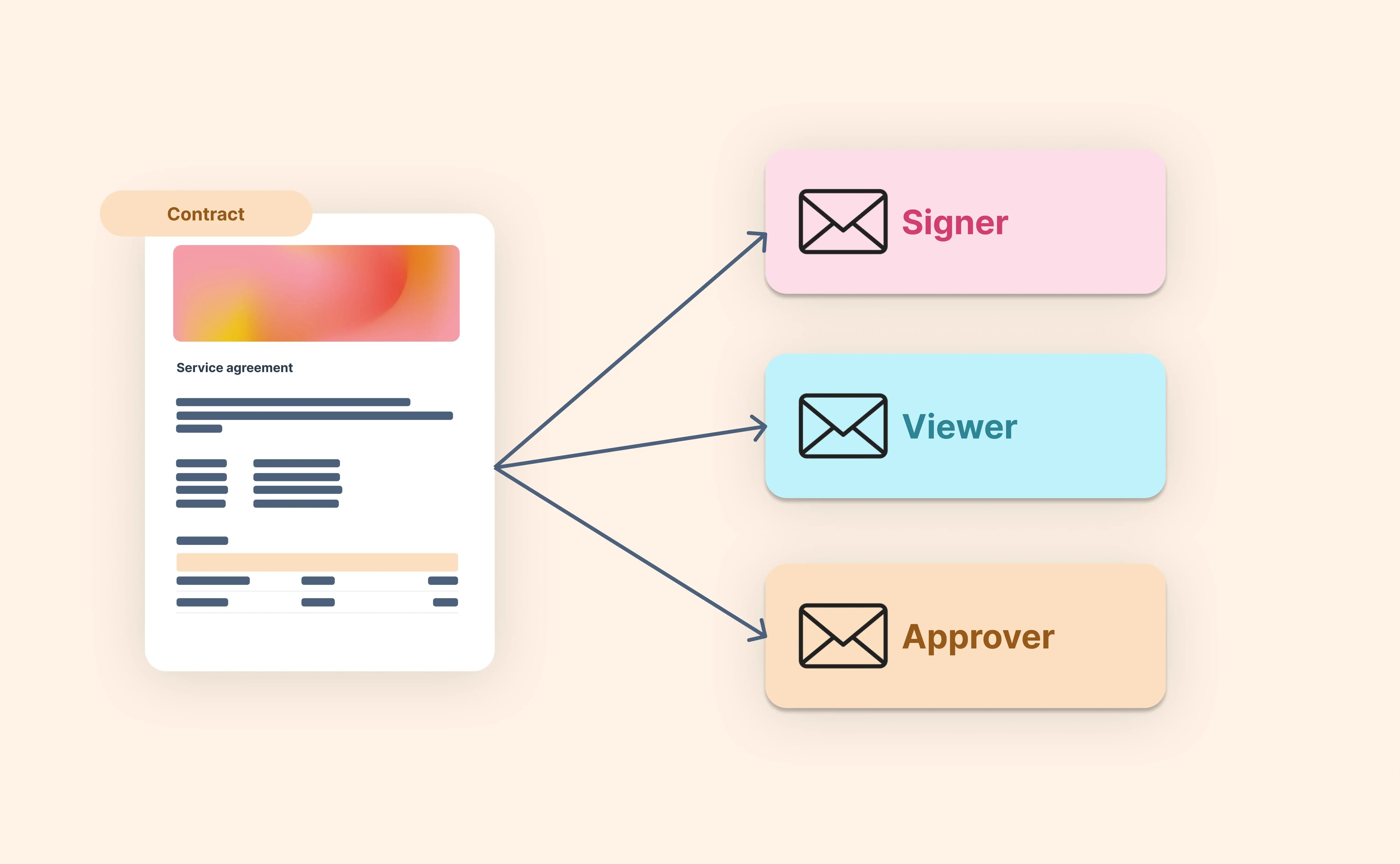
Not everyone on a contract has the same job to do. Your signer needs to sign, your approver needs to review and approve, and your viewers just need to stay in the loop. Now your emails can say exactly that.
Admins can add a separate message for signers, approvers and viewers in your communication templates, and each recipient automatically gets the message for their role.
Here's what's new:
- Add the roles you need: Open a communication template and choose Signer, Approver or Viewer from Add roles.
- Start from what you have: Each role starts from your default message, so you only change what's different.
- Cover the whole journey: Role messages apply to the first email, reminders and the signed document email.
- All approvers included: The Approver message goes to both internal and external approvers.
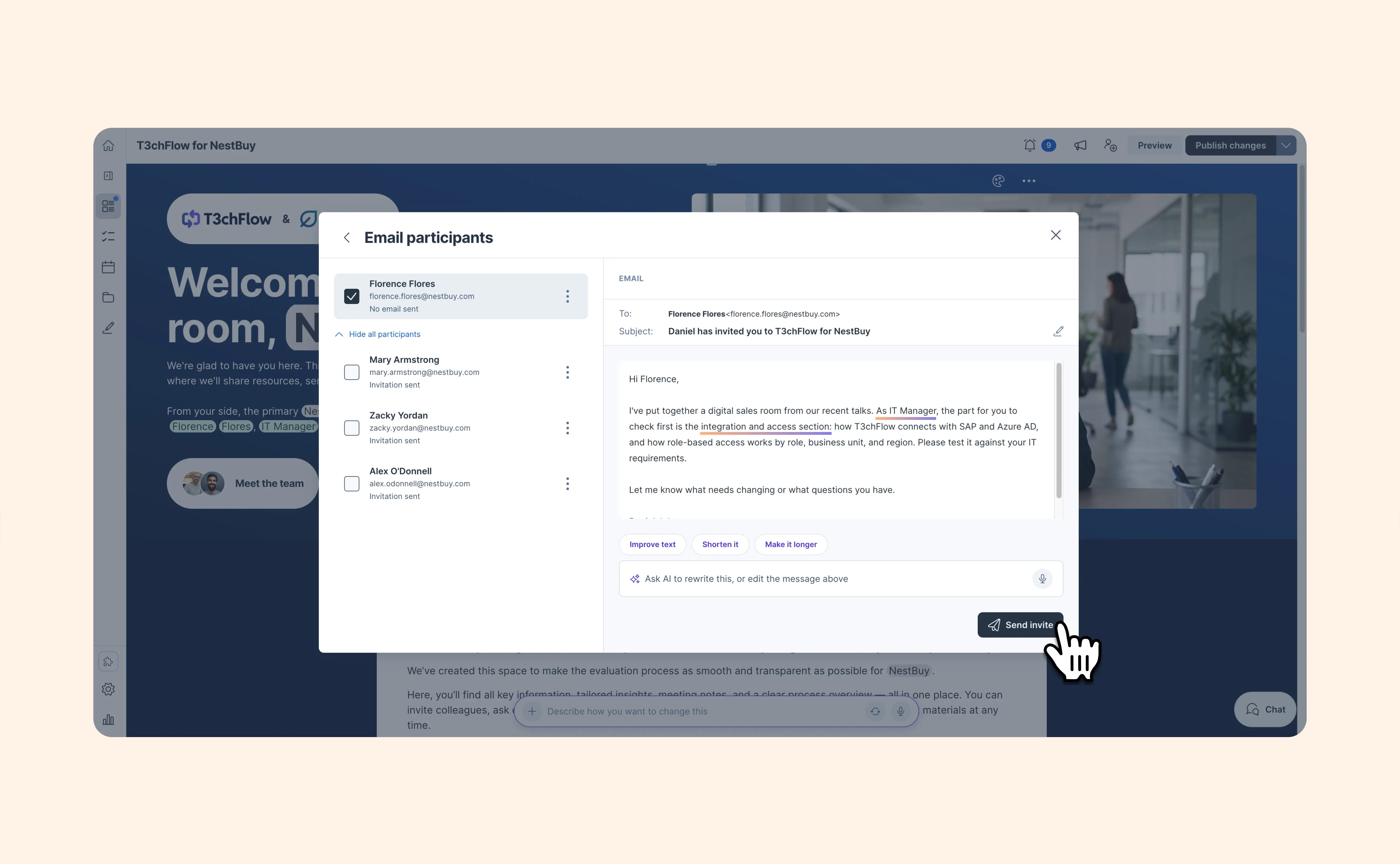
- Preview before you send: See exactly what each role will receive.
Role messages apply to documents you send from GetAccept. Documents created from a CRM integration currently use the same message for every recipient.
Every recipient knows what's expected of them from the moment they open your email.