Edit a contract after someone has signed, without starting over
Contracts don’t always stay still until the last signature. A start date moves, a price gets adjusted, or the second signer spots a clause that needs one more change after the first has already signed.
Now you can edit a contract after you’ve sent it, even when some recipients have already signed or approved it, as long as it isn’t fully signed yet. There’s no new version to send and no new link for your buyer.
Here’s how it works:
-
Edit until the final signature: make changes at any point before the contract is fully signed
-
See the impact before you continue: a warning shows who has already signed or approved, and lets you know they’ll need to do it again
-
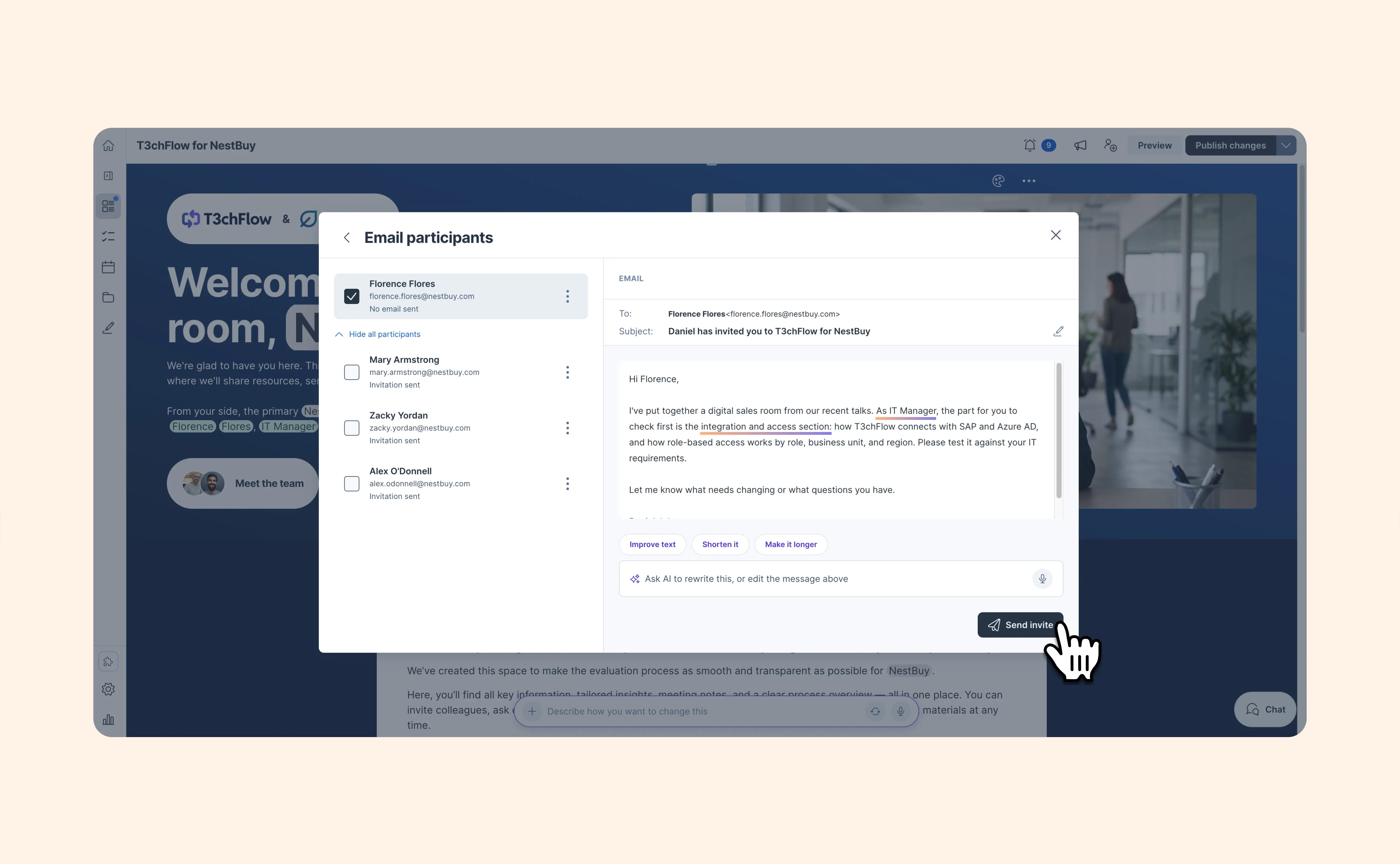
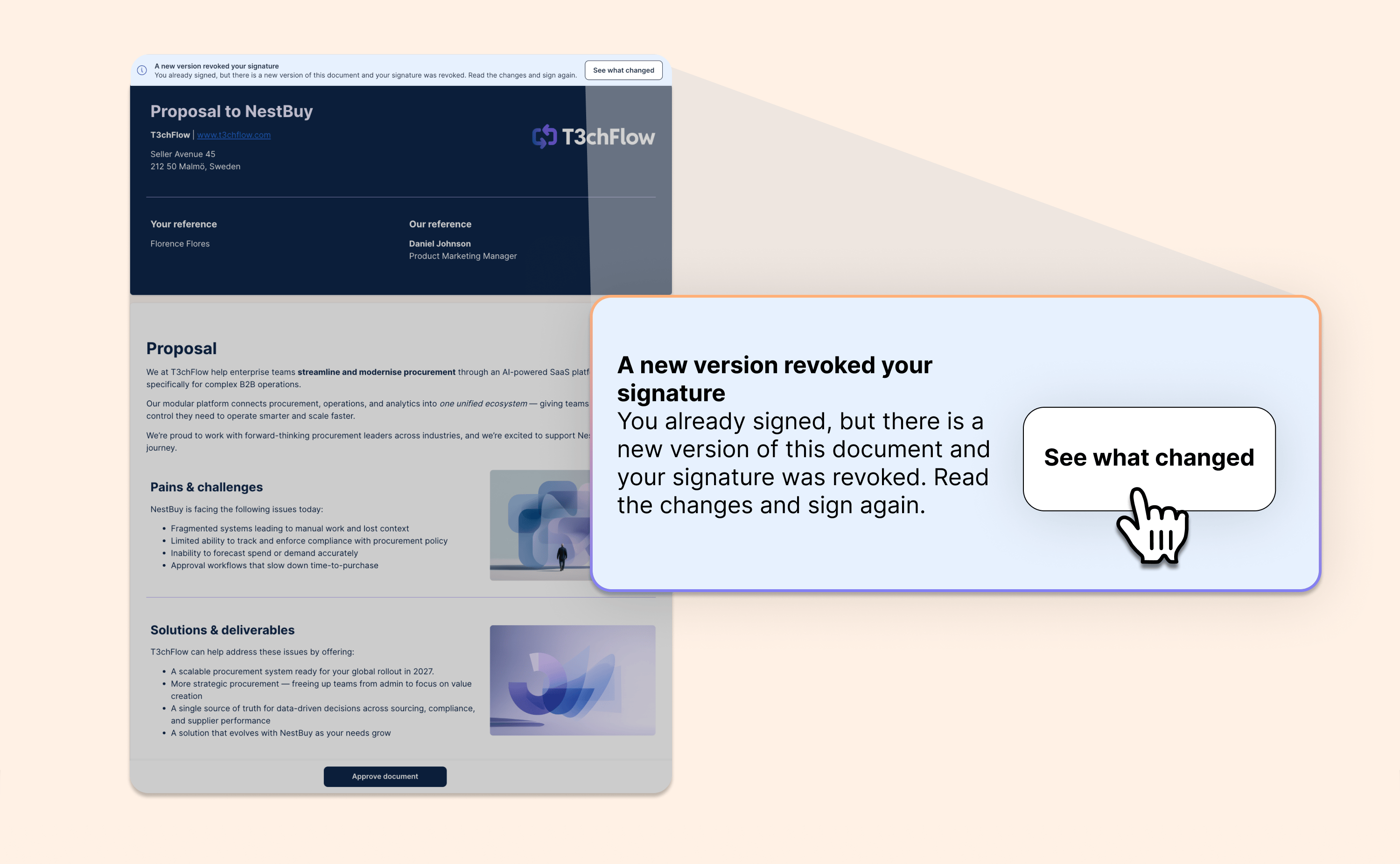
Keep everyone in the loop: anyone affected gets an email asking them to review the updated contract and sign or approve again, and their reminders restart automatically
-
Easy to review: signers can open a comparison of the new and previous versions, with changes highlighted, before they sign again
-
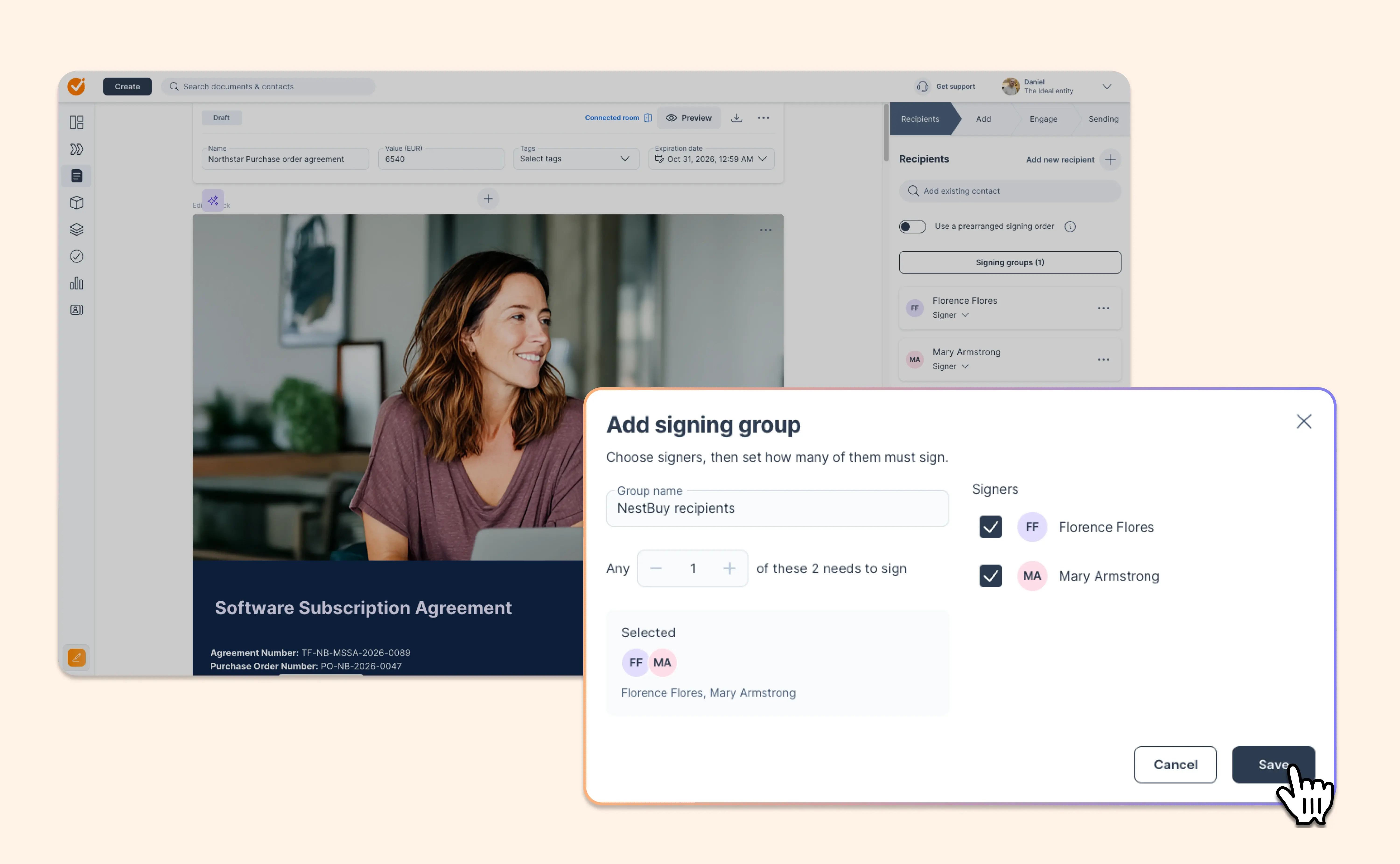
Signing order stays on track: everyone keeps their place, and later signers are only contacted when it’s their turn
-
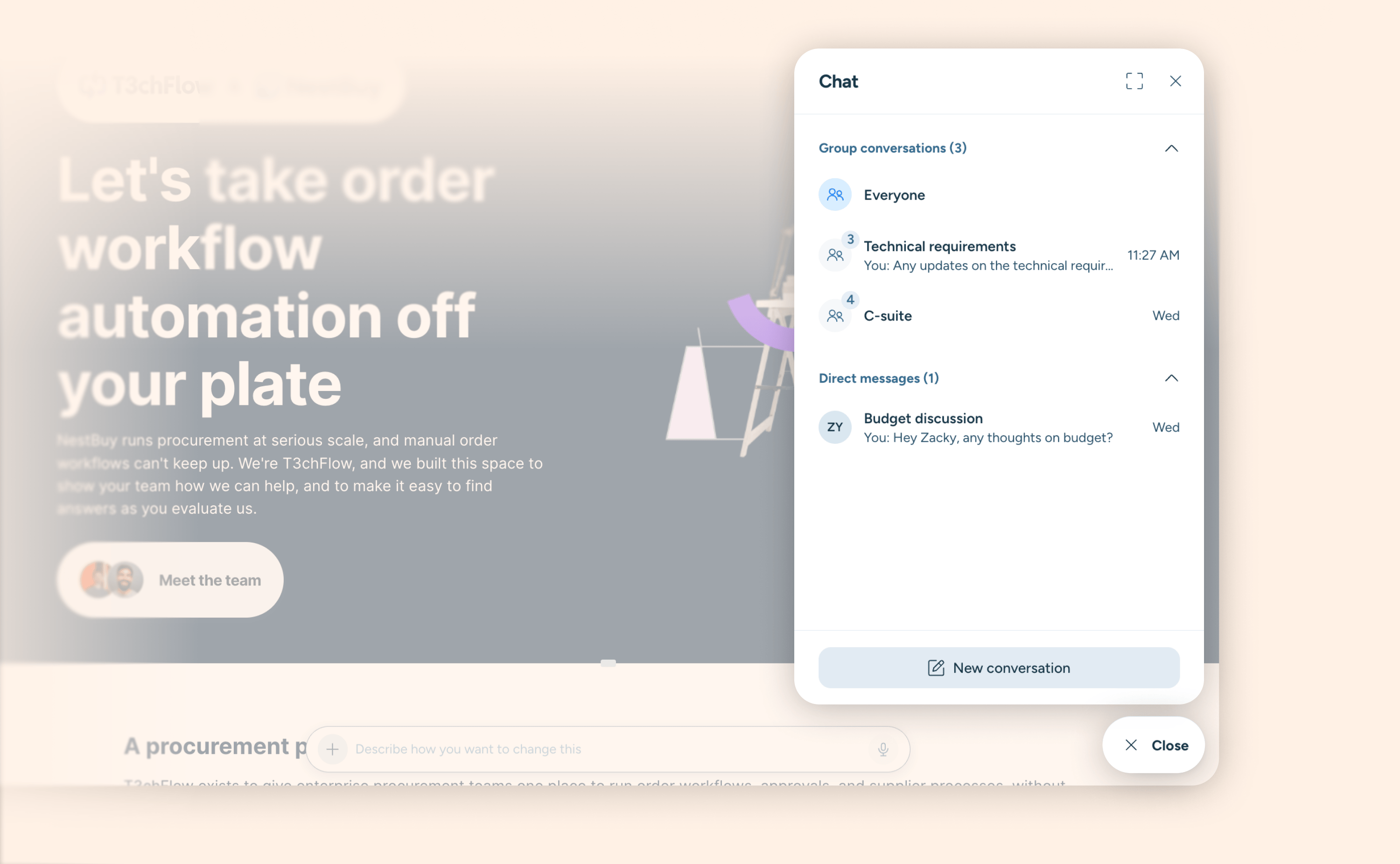
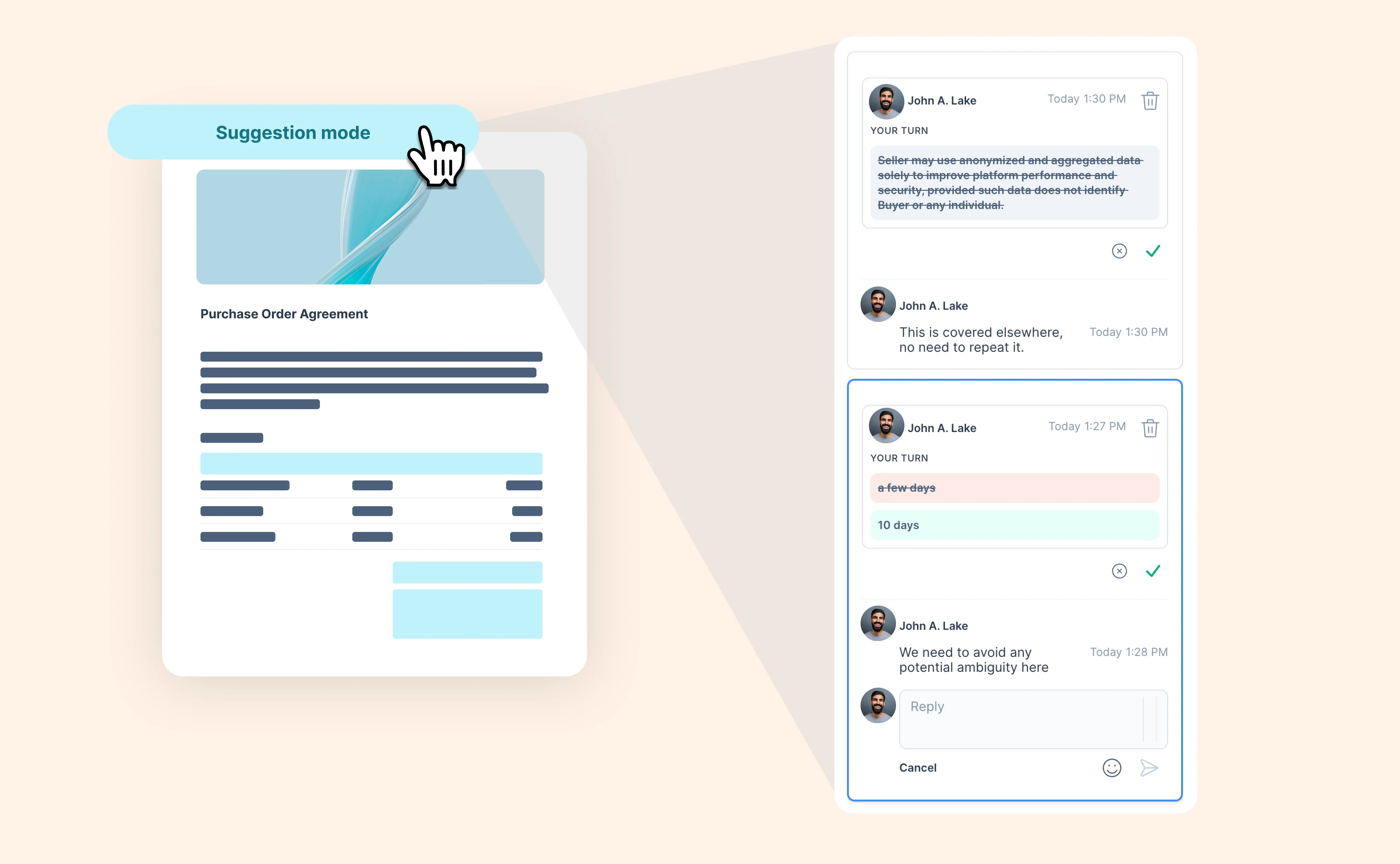
One link, one conversation: your buyer keeps the same link, with chat, comments and suggestions all still in place, and recipients can keep commenting and suggesting changes until the final signature
-
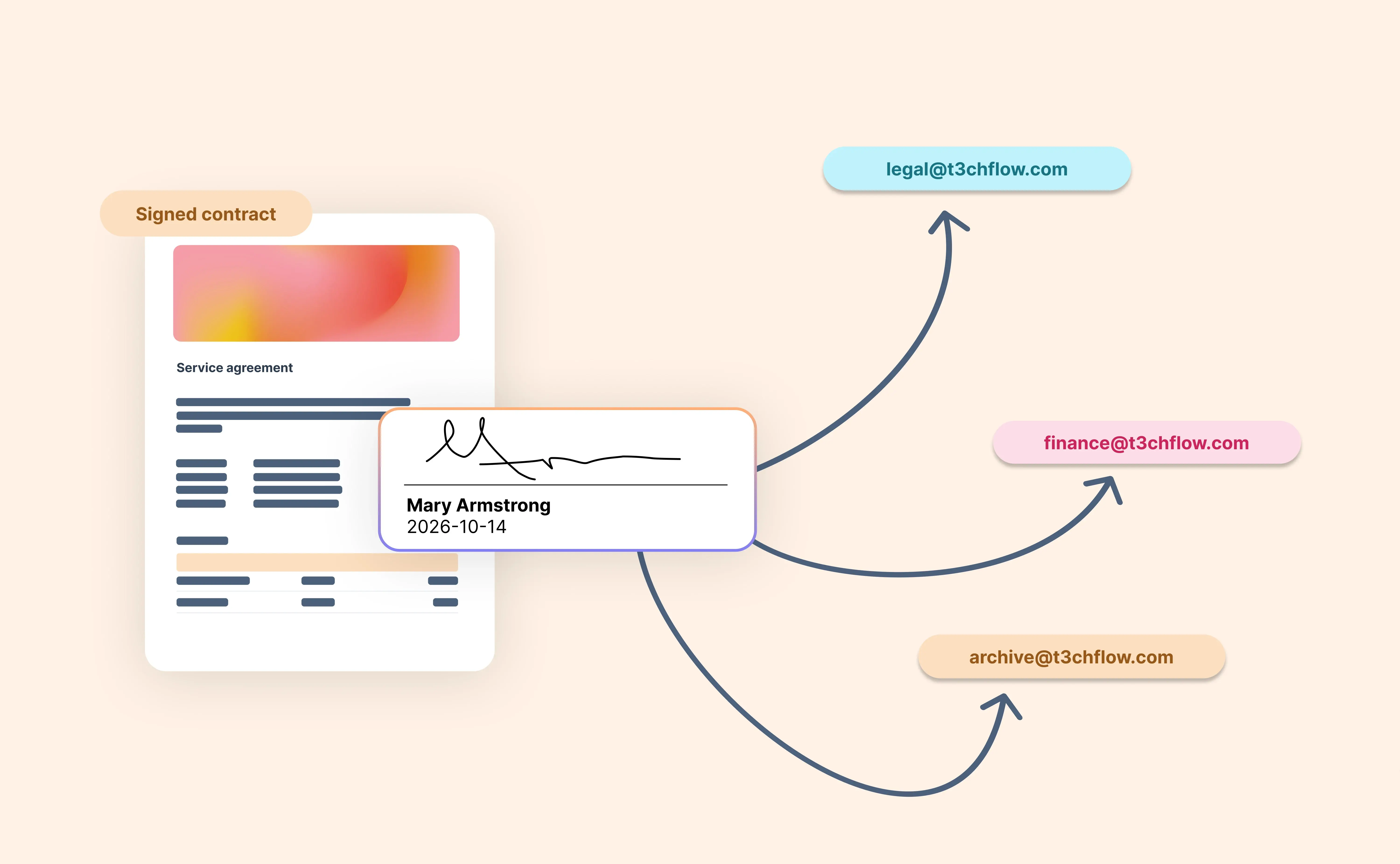
A complete record: every change and revoked signature is logged in the document timeline and in the audit log of the signed PDF
Good to know: edit after send isn’t available for documents that use qualified electronic signatures (QES) or external eID (NBIES), so these documents can’t be edited once they’ve been sent. You can still create a new version if nobody has signed.
Make late changes without losing momentum, and keep the whole deal in one place.