


GetAccept + Slack
Get Deal Room and contract updates in Slack, then ask Slackbot about your deals and act on them, right where your team works.
Connecting GetAccept to Slack
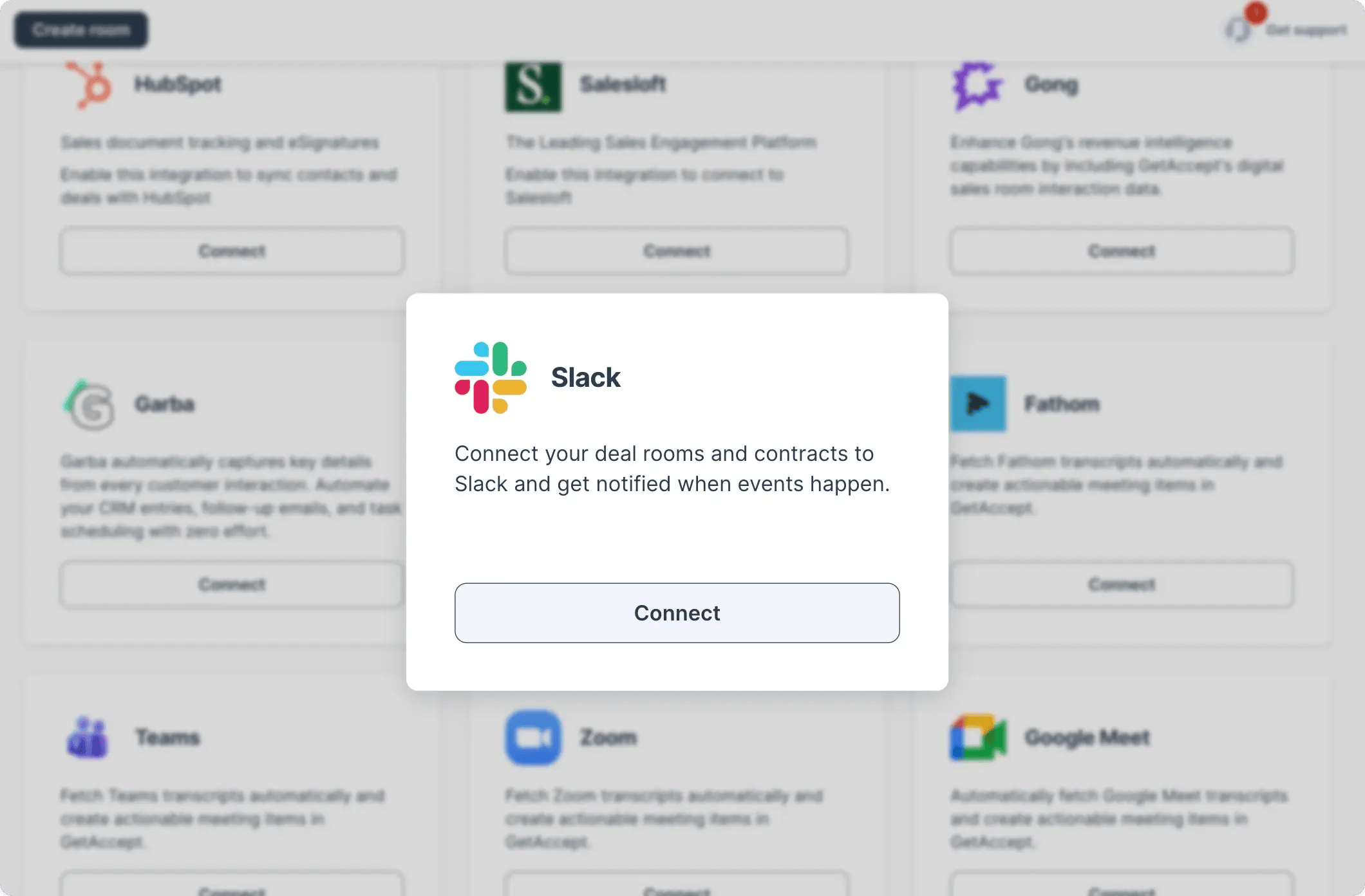
To get started, you will need to authorize the connection via your GetAccept settings under Integrations.
-
Visit GetAccept integrations settings
-
Click connect under Slack
Keep conversations and deal activity together
Email is still part of the sales process, but it’s rarely where teams collaborate. Questions, internal approvals, and deal updates usually happen in Slack.
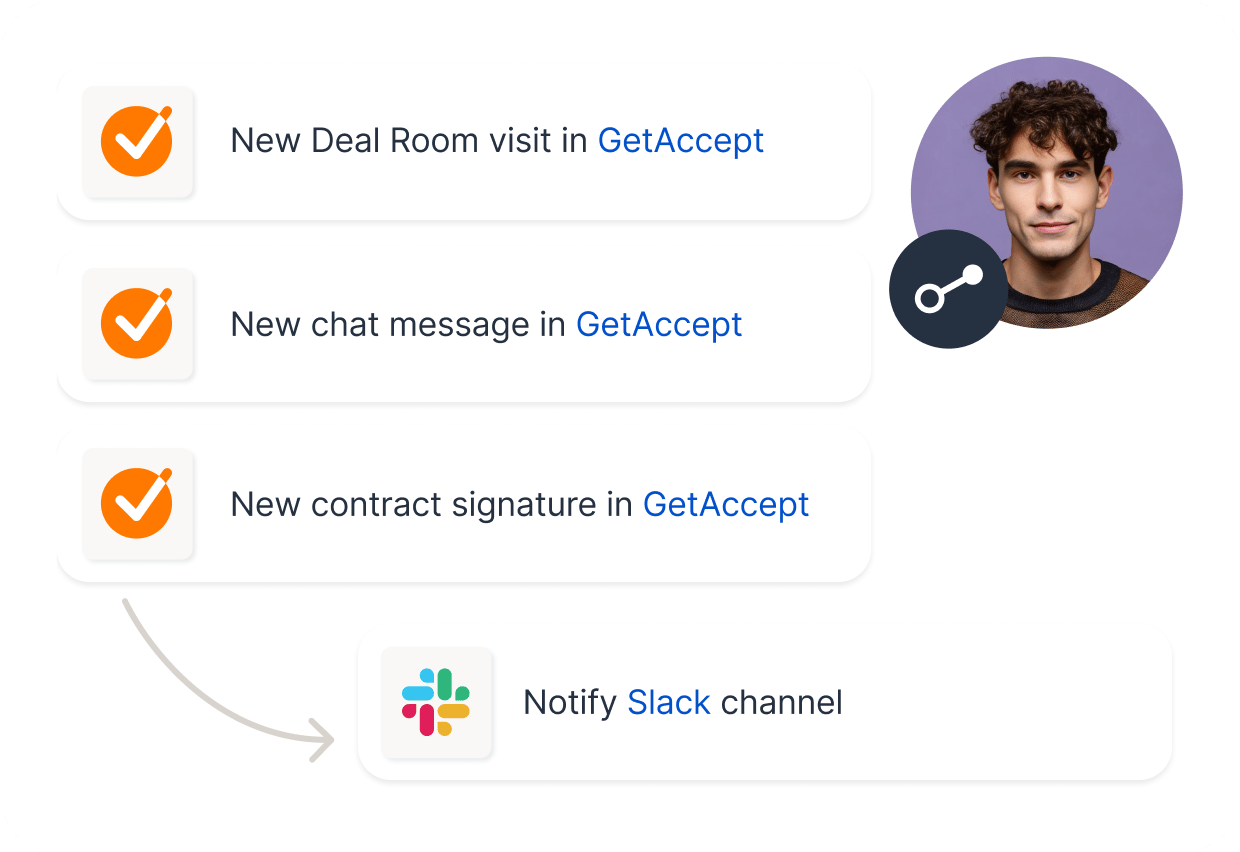
With GetAccept + Slack, the signals that matter show up in the channels your team already follows. That means fewer check-ins, less tab switching, and faster reactions when a buyer engages.

Real-time visibility that keeps deals moving
When deal activity is scattered across tools, it’s easy to miss the moments that create momentum.
With GetAccept updates in Slack, teams get a clearer picture of what’s happening, right when it happens. Reps can follow up at the right time, managers can spot deals that need attention, and internal alignment happens naturally because everyone sees the same updates.
Ask Slackbot about your deals, then act on them
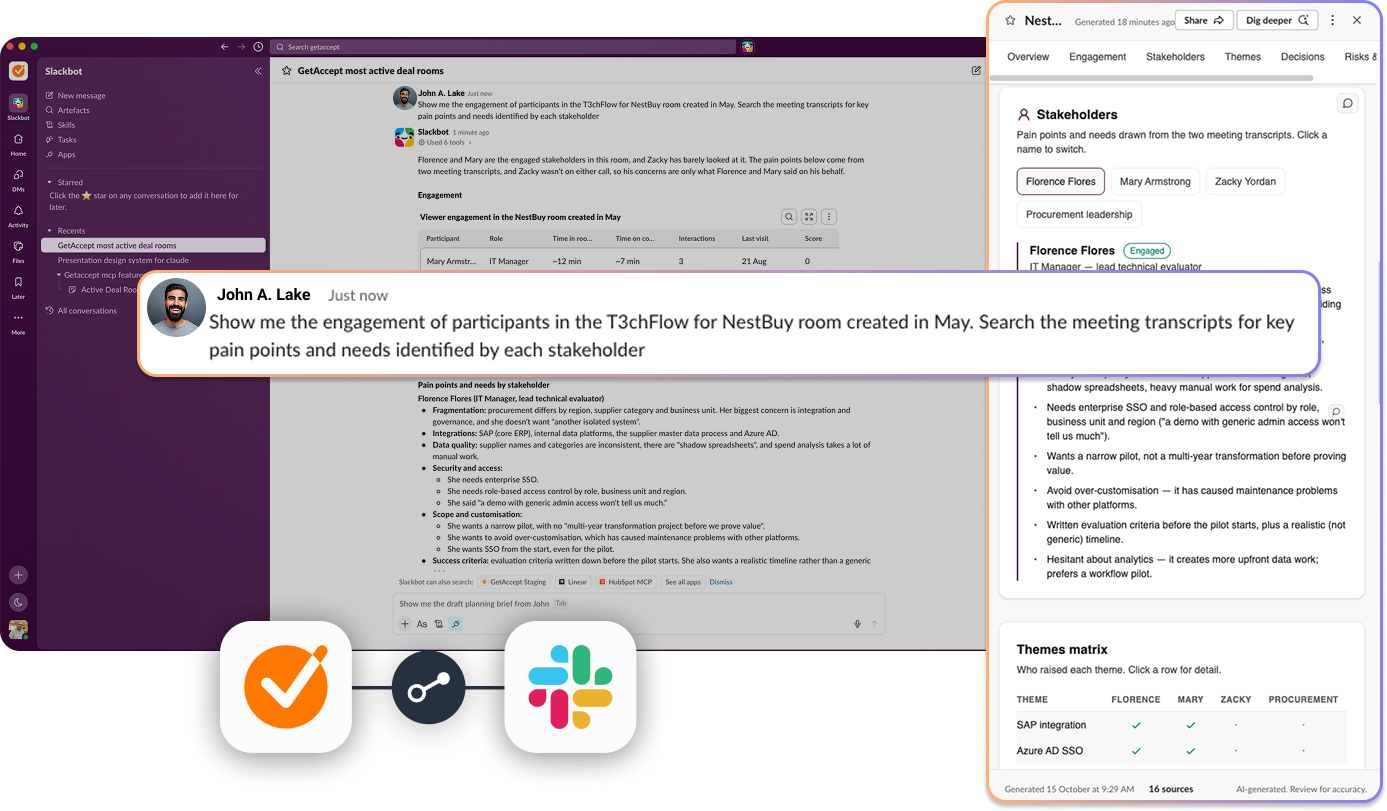
Notifications tell your team what just happened. Slackbot helps you work out what to do next. Ask about any deal in plain language and Slackbot pulls the answer from GetAccept, including what your buyers have viewed, who’s engaged and where your Mutual Action Plan stands. Then have it take action in the same conversation.
- “Which of my Deal Rooms have had buyer activity this week?”
- “Add jane@acme.com to the Acme deal room”
- “Create a canvas with my active Deal Rooms as a table”
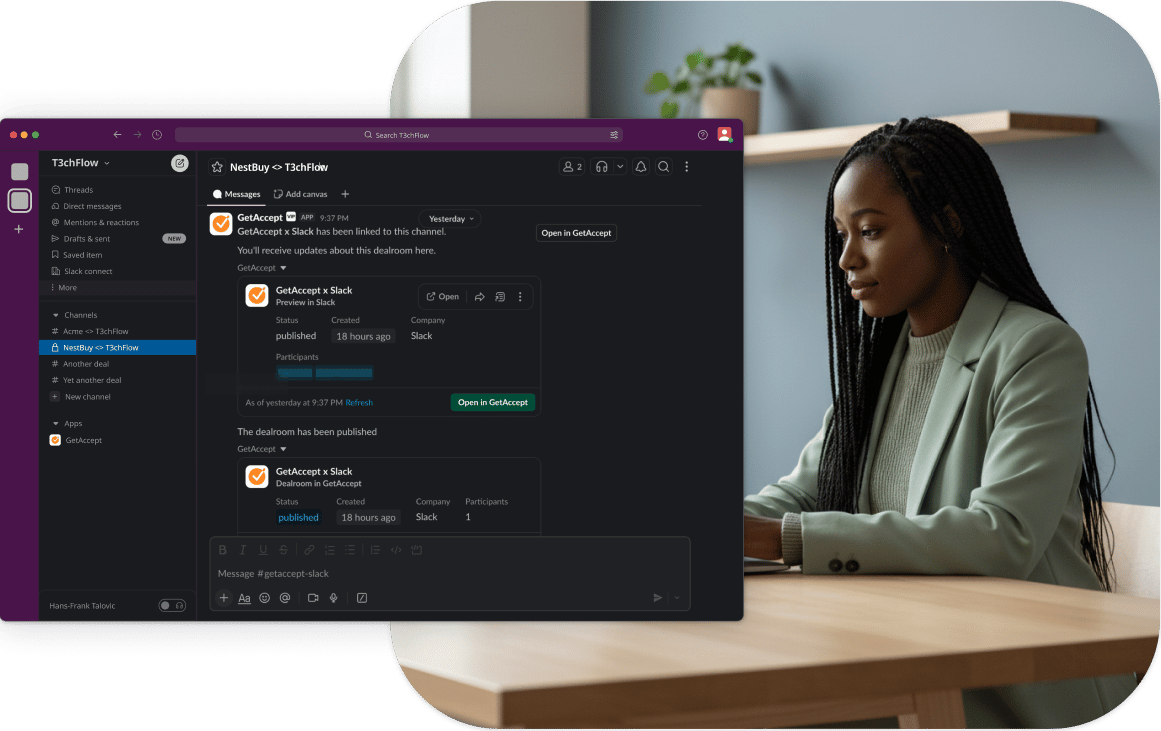
Use GetAccept + Slack for better deal management
- Faster follow-up: respond while interest is high, instead of discovering activity later.
- Buyer collaboration: push updates into shared channels to keep context in one place.
- Account team channels: keep everyone aligned on key deals without manual updates.
- Leadership visibility: share deal activity in a private channel for faster decisions.
Bring deal activity into the place where your team works
Find more integrations
Check out all our integrations and automations: GetAccept connects with hundreds of awesome tools to make your life easier.