Signing groups: sign off from whoever’s available
Many contracts don’t need one specific person’s signature. They need enough of the right people: any two directors, or an authorized signatory from finance.
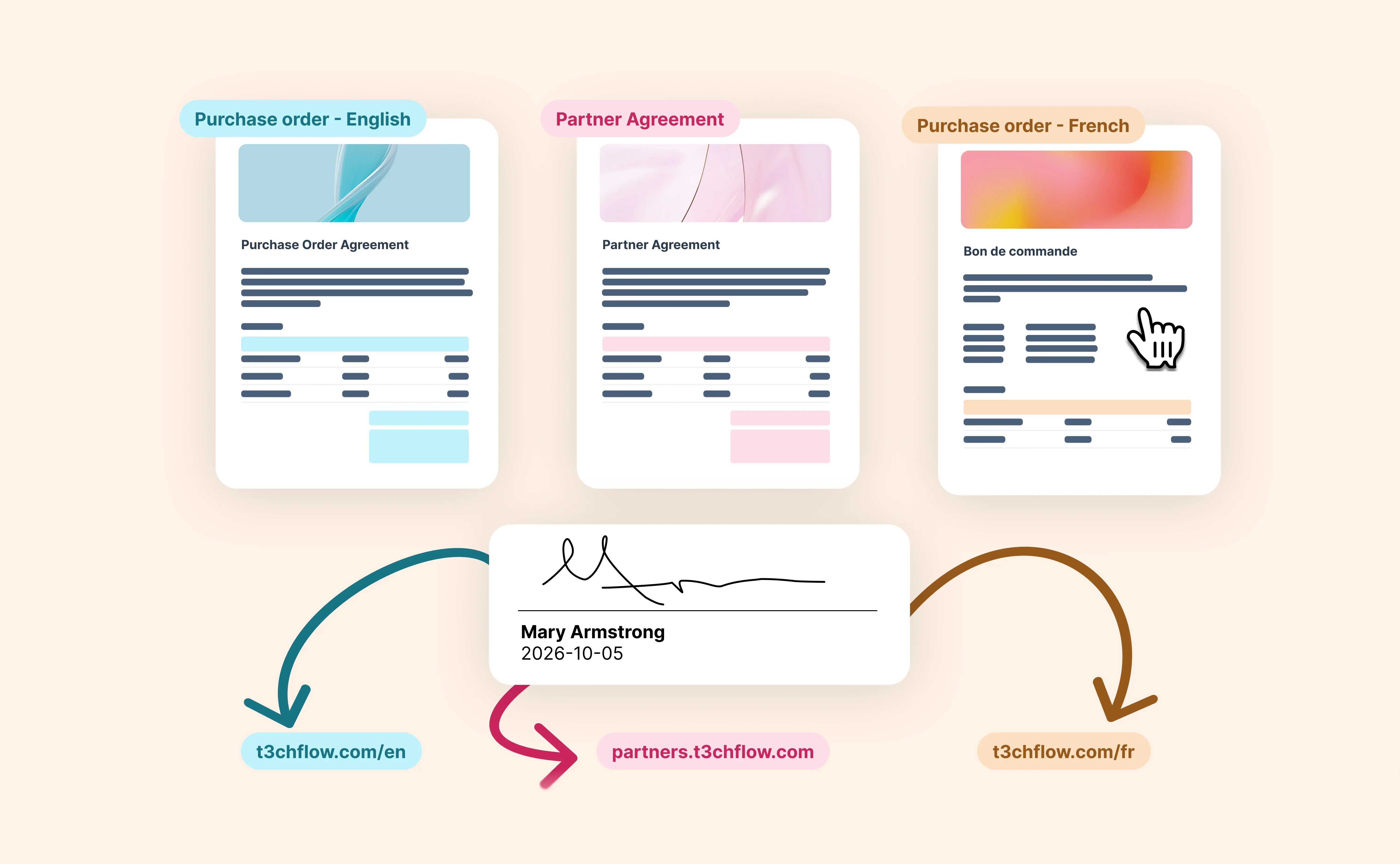
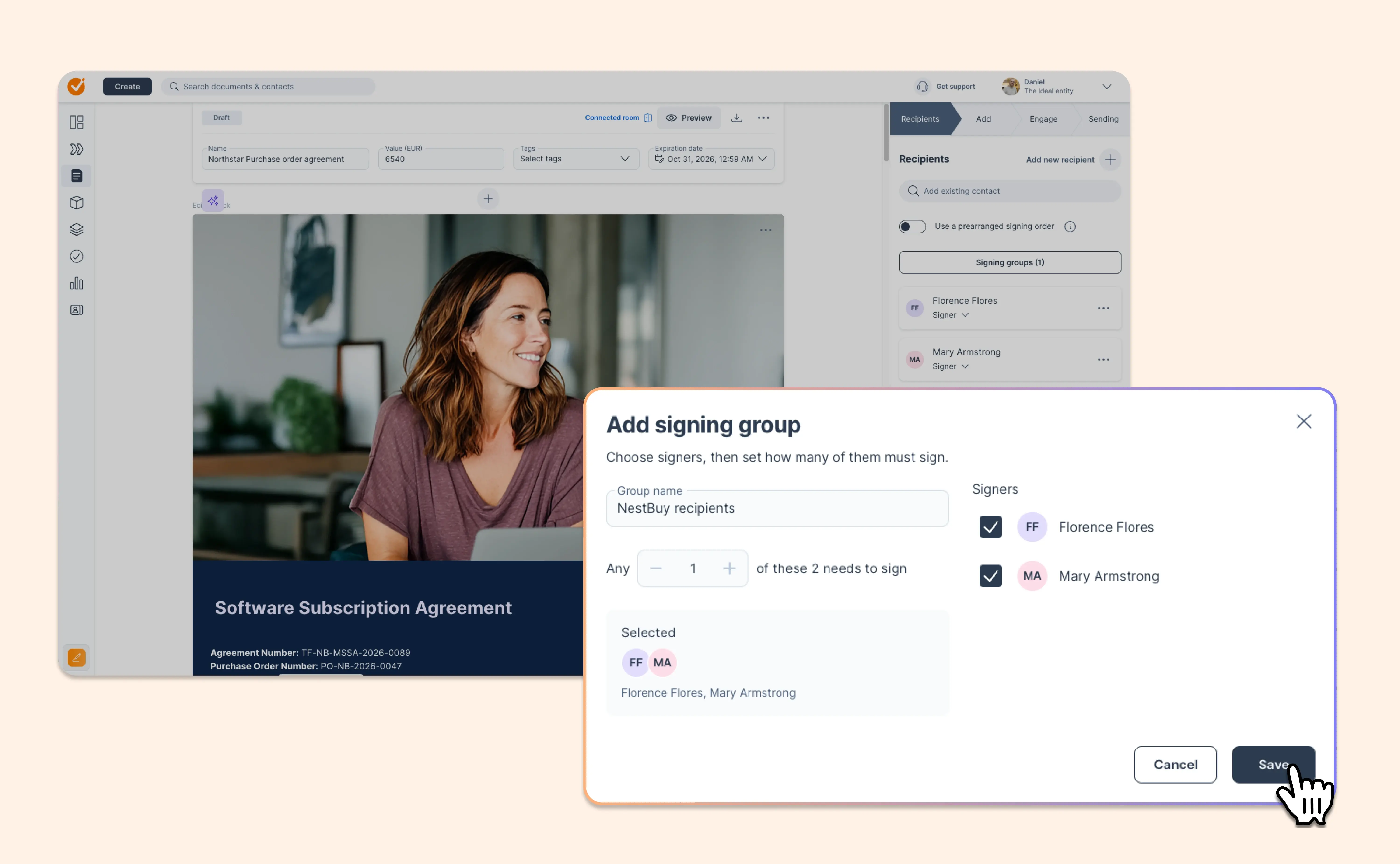
Signing groups let you build that rule straight into the document. Add the people who can sign, choose how many signatures you need, and send.
- Your signing rules, built into the contract. Set the rule once, like “any 2 of these 3,” and the document follows it.
- Momentum when calendars get busy. The first people available sign, and the document moves forward as soon as the requirement is met.
- Clarity for everyone. The remaining signers can see they’re no longer needed, their reminders stop, and they still receive the signed copy.
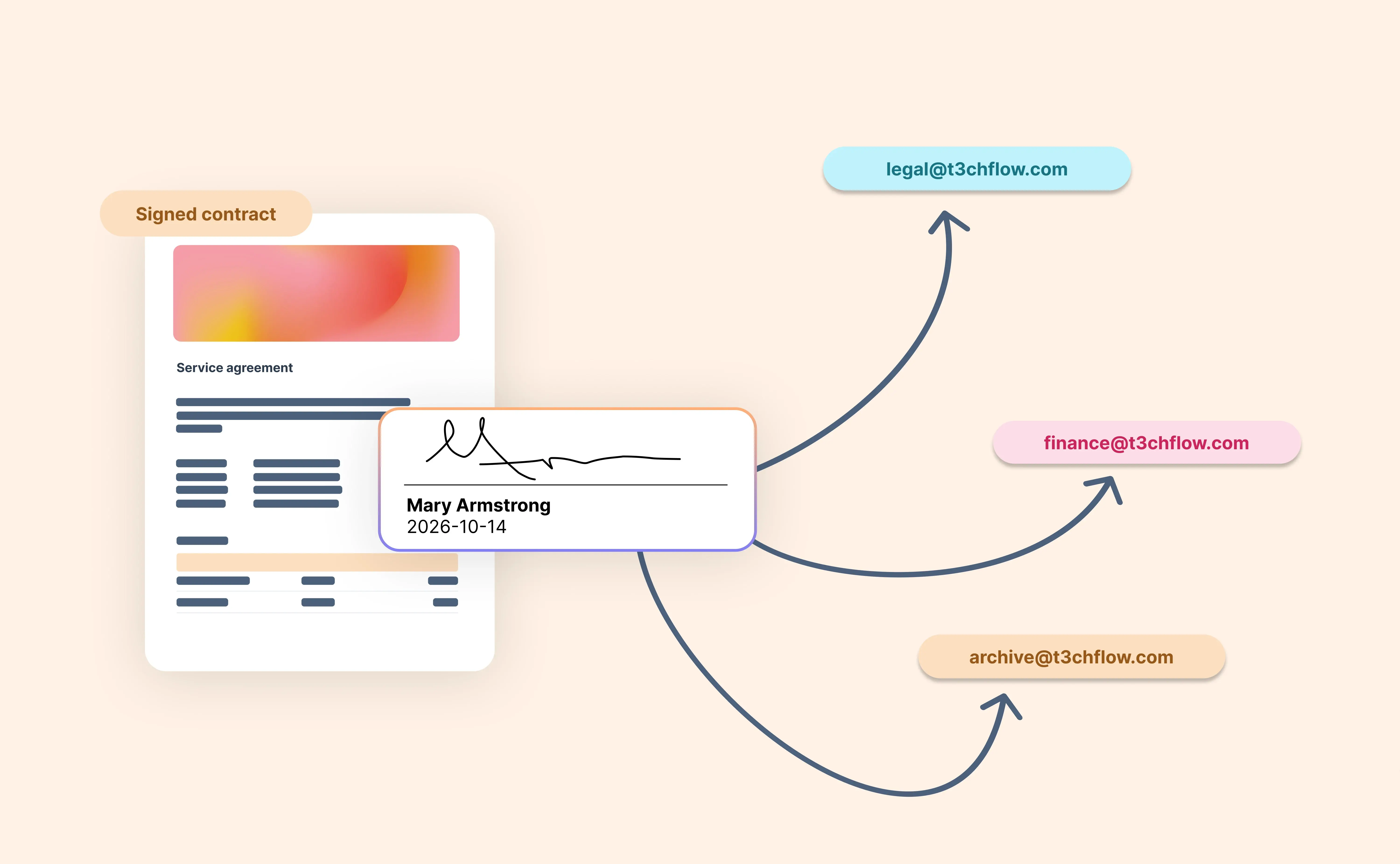
- A clear record. The signature certificate shows the rule, who signed, and who wasn’t required to.
Set up a group when you add recipients in the document or template editor, then let the contract take it from there.
Available on the Enterprise plan.