Review contracts with your team, separate from your buyer
The wording in a contract rarely comes from one person. Legal checks the liability clause, finance looks at payment terms, and your manager wants a say on the discount.
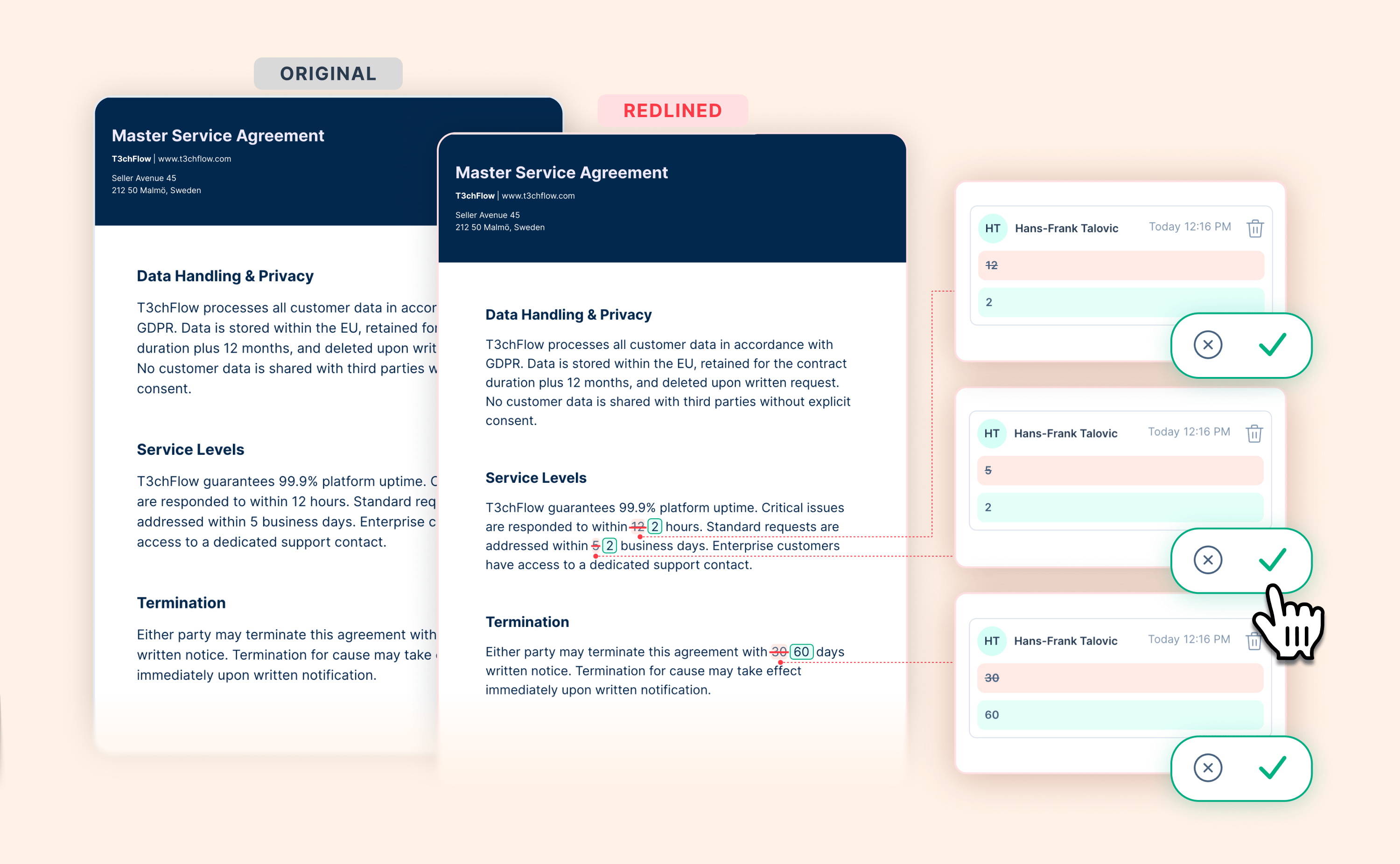
Now that conversation happens right inside the contract. Now your colleagues can comment on a contract and suggest changes to it, while it’s still a draft and even after it’s been sent. Your buyer never sees any of it, and the contract that goes out is clean.
Here's what's new:
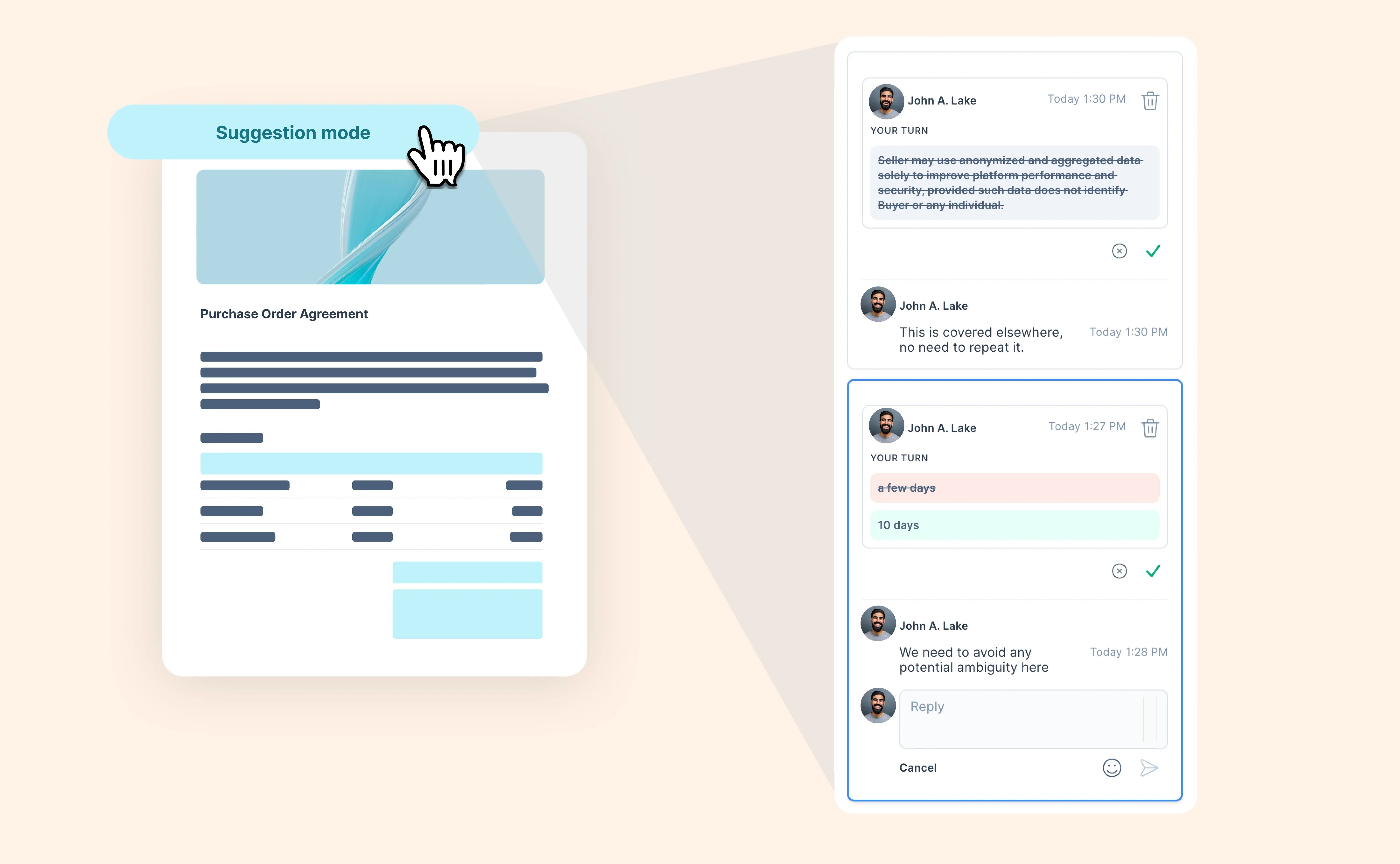
- Suggest changes as a team: switch to Suggesting to propose new wording or deletions, shown as tracked changes.
- Internal comments: start private threads with your team and @mention colleagues to bring them in. Comments from the draft carry on after you send.
- Always clear who sees what: on a sent contract, every comment is labeled Internal or Visible to recipients.
- You decide: accept a suggestion, decline it with a reason, or ask for changes. On a sent contract, accepted changes wait until you publish a new version.
- Always up to date: suggestions and decisions appear live for everyone with the contract open.
Agree on the wording with your team first, then negotiate with your buyer on the signing page.
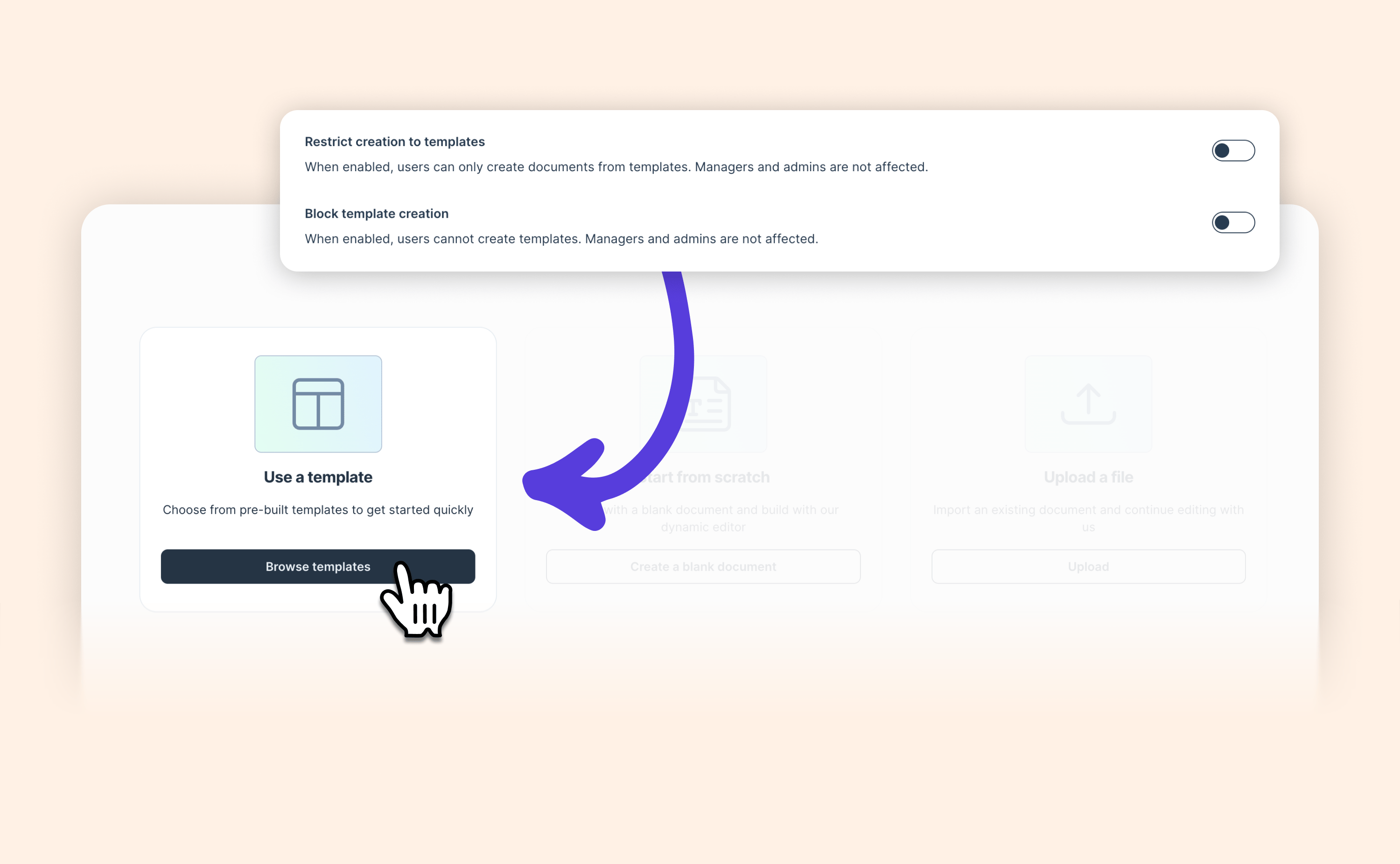
Internal suggestions are off by default. Admins can switch them on in Document settings, and you can also turn them on for a contract template or a single contract.