Design standout Deal Rooms, faster
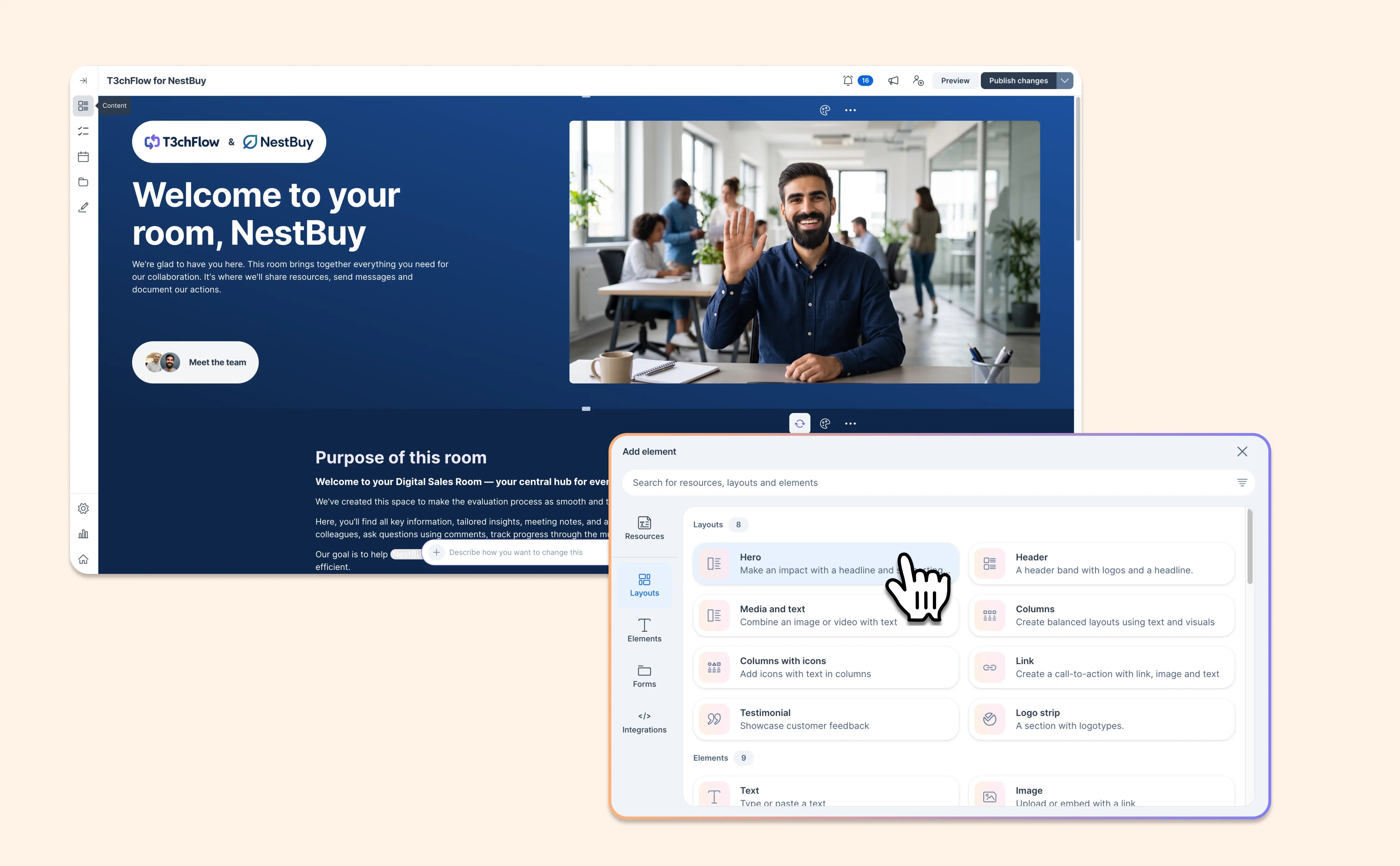
First impressions count, and your Deal Room should look as considered as the deal behind it. This update brings new design elements and a smoother building experience to the Deal Room editor. It's now quicker to create rooms that look polished and are easy for buyers to follow.
Here's what's new:
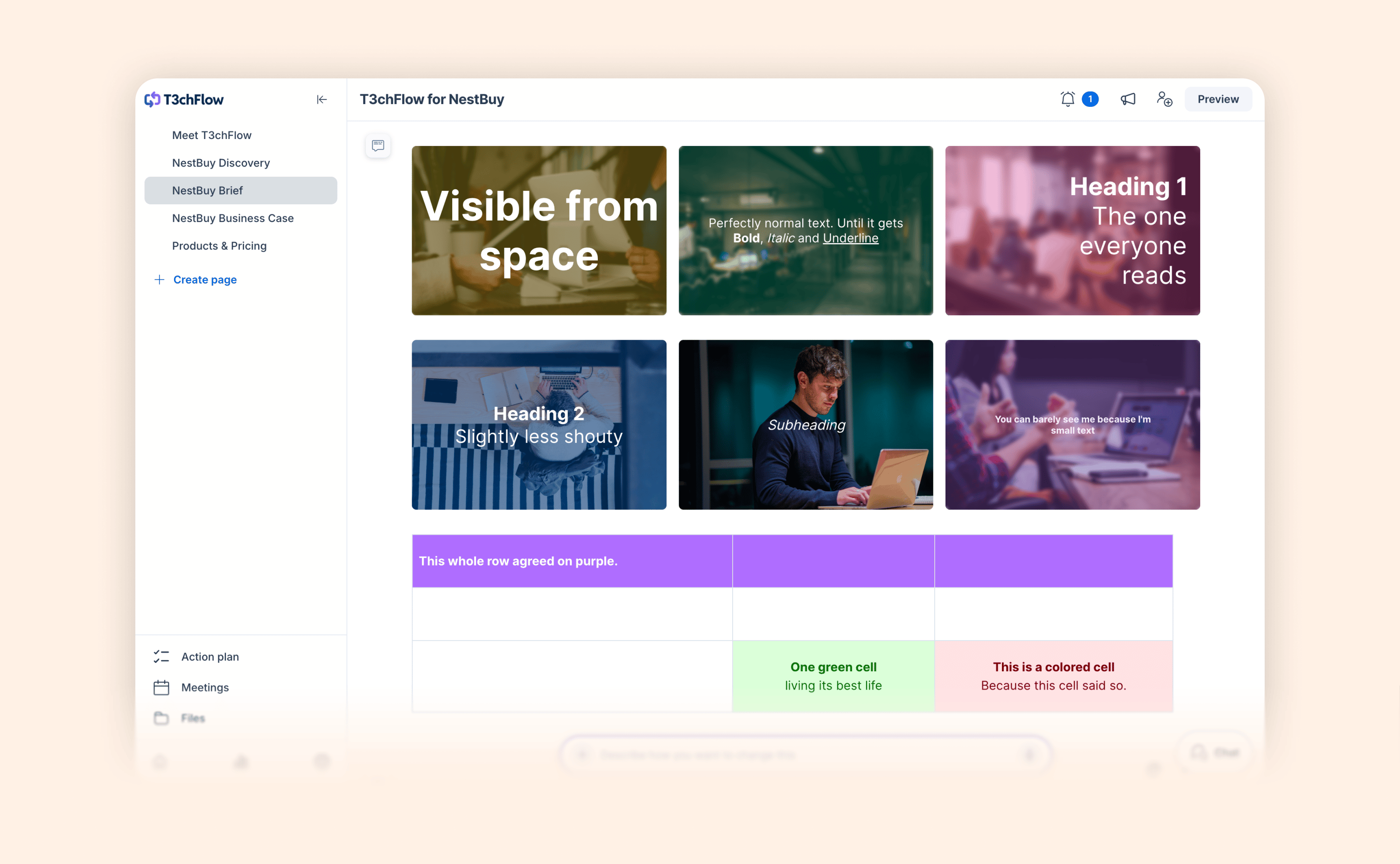
- Hero element: Open any page with a designed welcome. Choose from multiple layouts and design options, personalize it with merge tags, and use it on as many pages as you like. Hero elements are tracked in content analytics, just like every other element. Learn more about the Hero element.
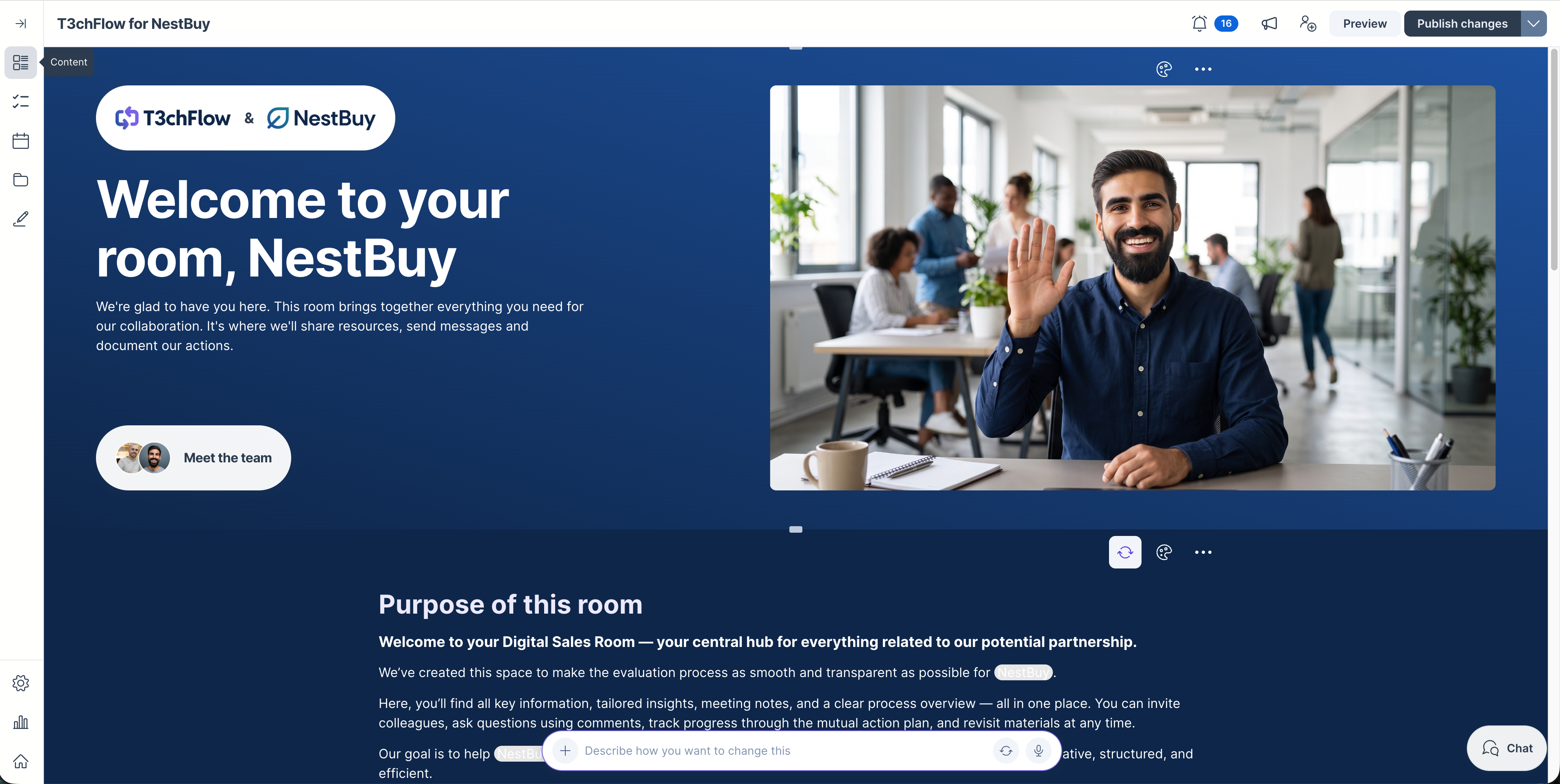
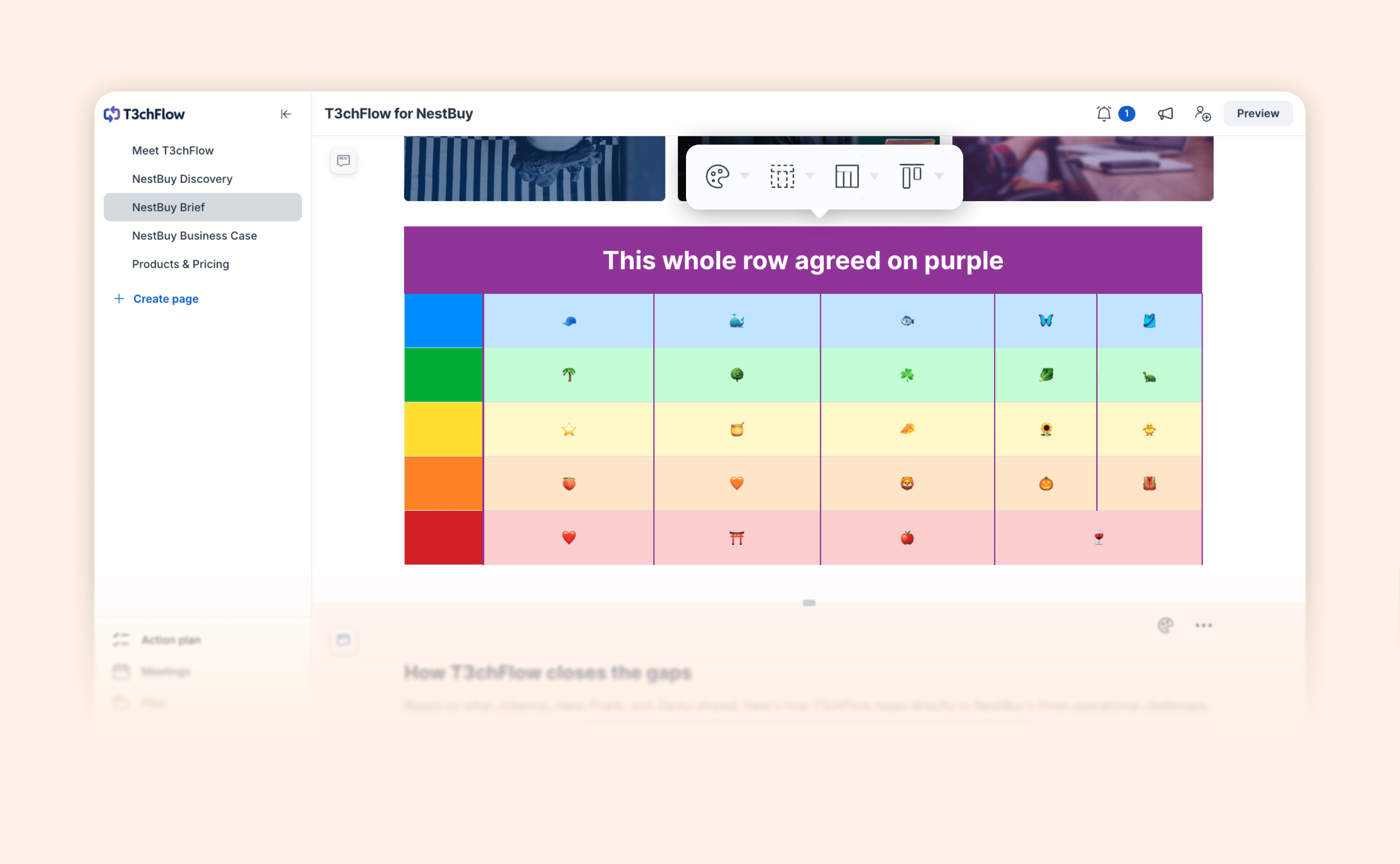
- Header element: Give pages and sections eye-catching titles with your logo and your buyer's logo. Add an image, gradient, or color background, and the layout adapts to any screen size.
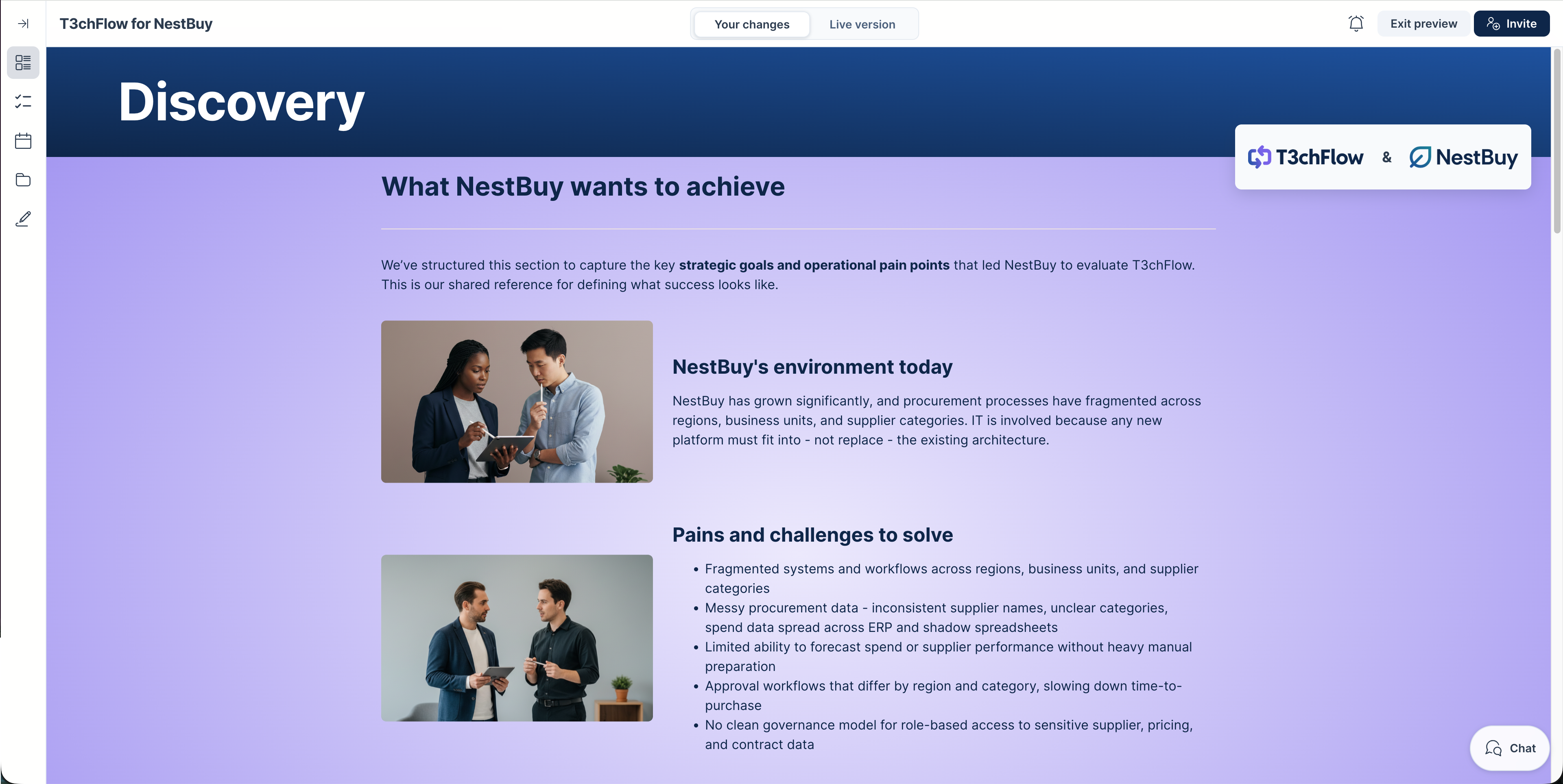
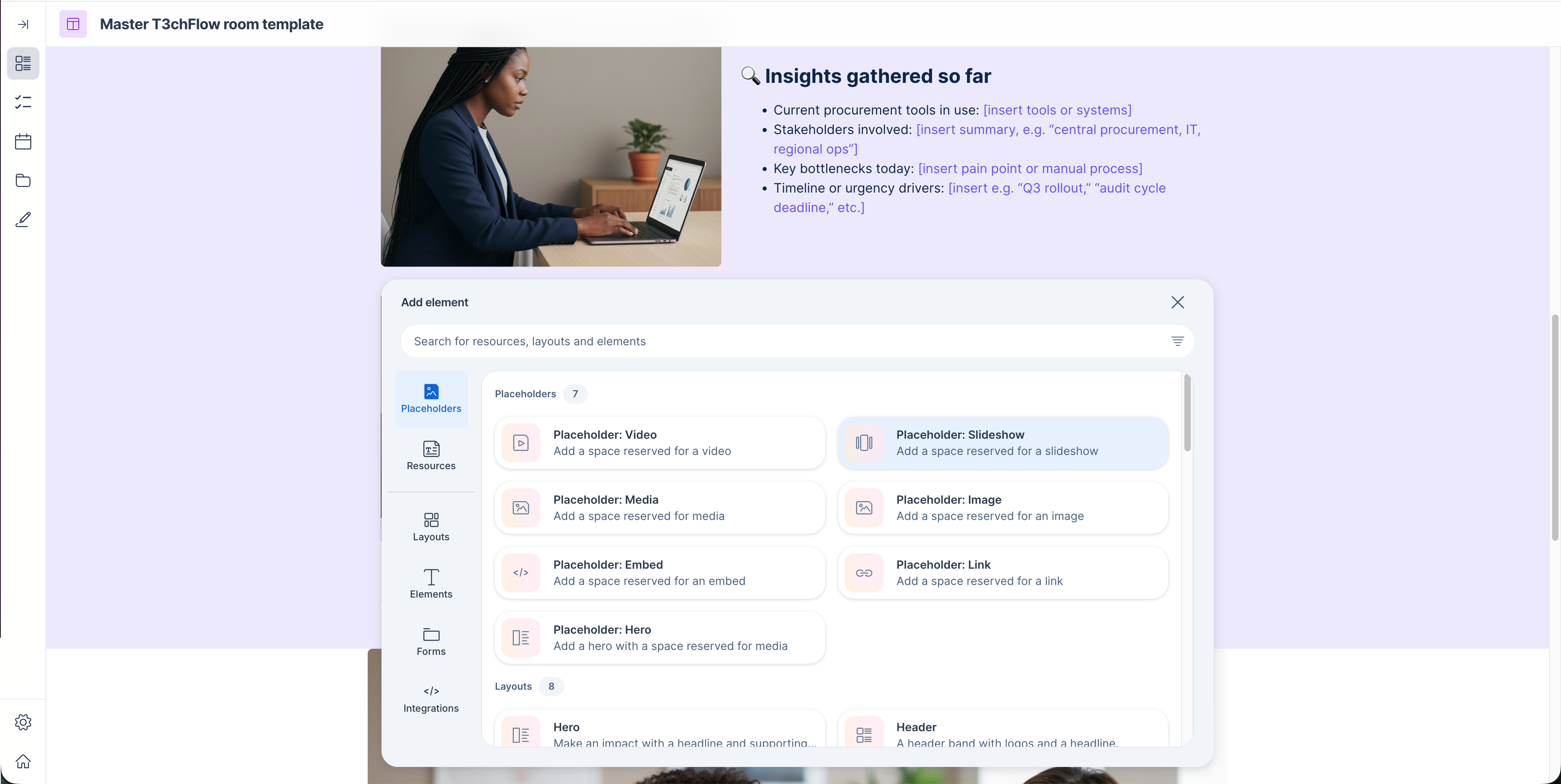
- Refreshed content picker: Search across everything you can add, get quick access to supported embeds and integrations, and filter for your own resources and recently used items.
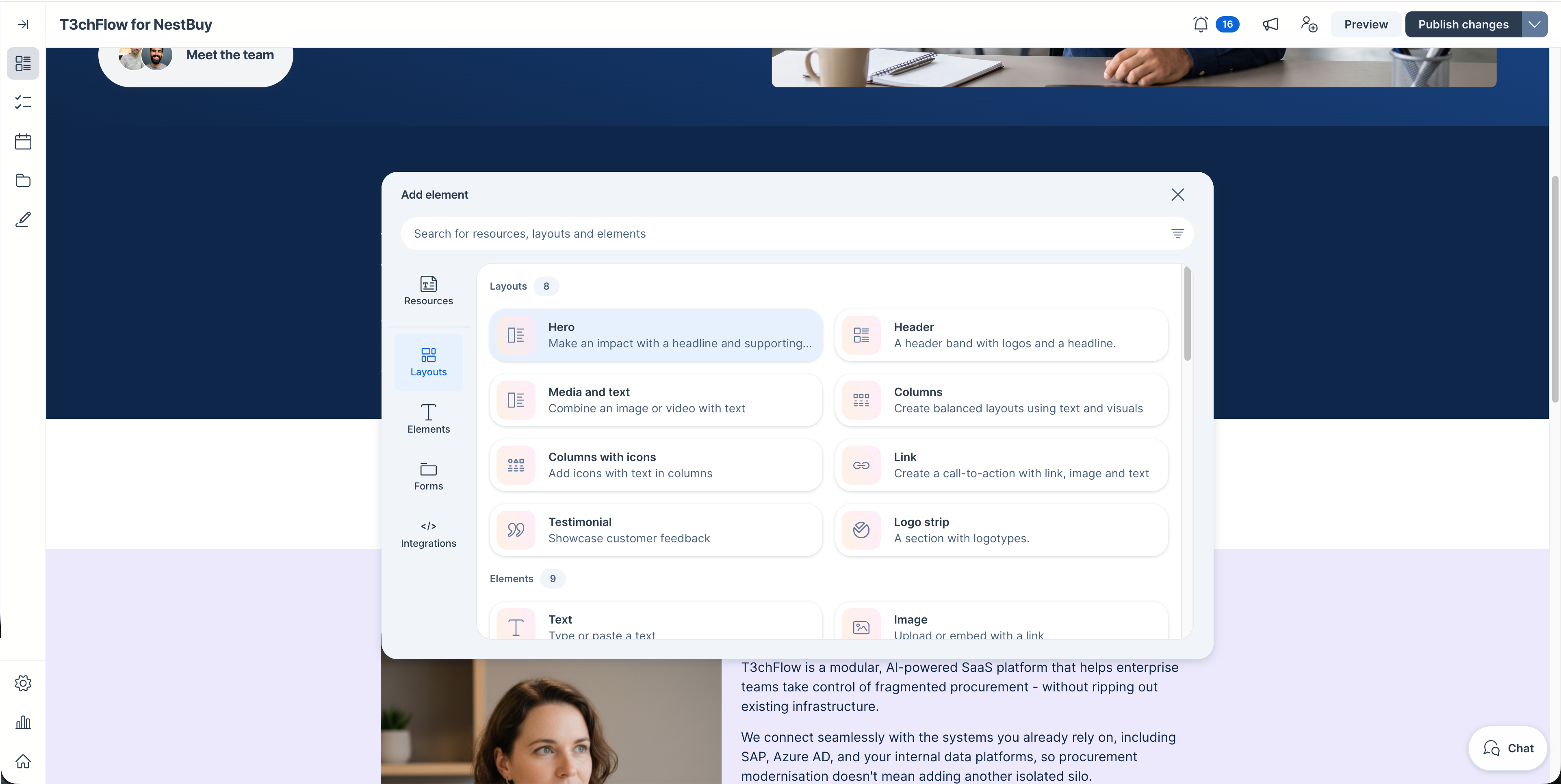
- Placeholders for every input element: Reserve space for videos, images, slideshows, embeds, links, resources, and more in your templates and content resources. Then add custom instructions so reps know exactly what to add and where.
The Hero element is now the recommended way to welcome buyers.
- Existing rooms and templates that use the Introduction section keep working as they are.
- New templates and rooms created from scratch use the Hero element, as do AI-generated introduction pages.
- If your templates still use the Introduction section, we recommend switching them to the Hero element, so every new room starts with the most flexible option.
How to replace your Introduction section with the new Hero element.