Pricing tables are now easier to use and easier to read
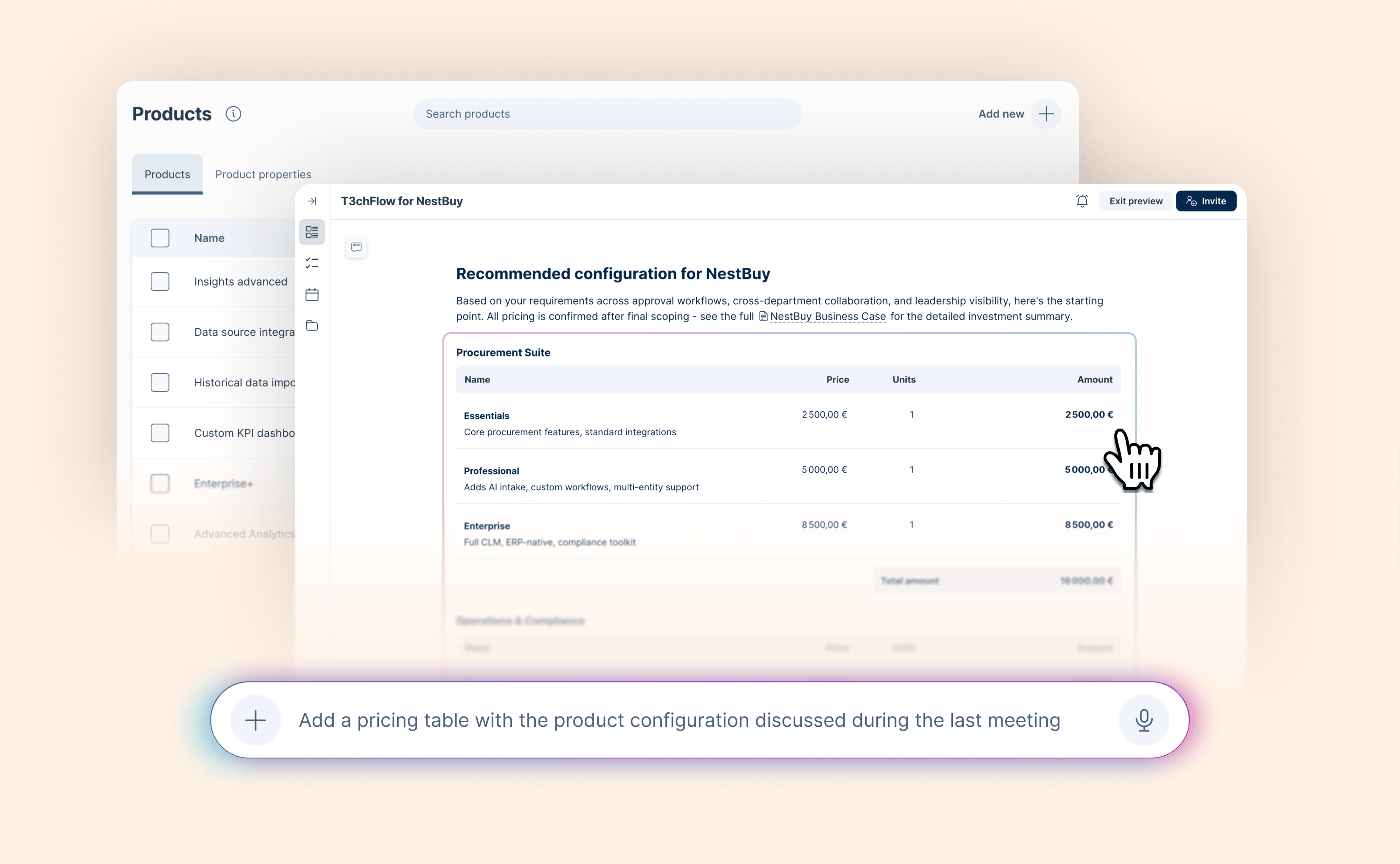
Pricing tables are where deals get real. When pricing is easy to understand, deals move forward. When it’s confusing, things slow down.
We’ve introduced a set of improvements designed to make pricing tables clearer for buyers and easier for sellers to work with.
Here’s what’s new:
-
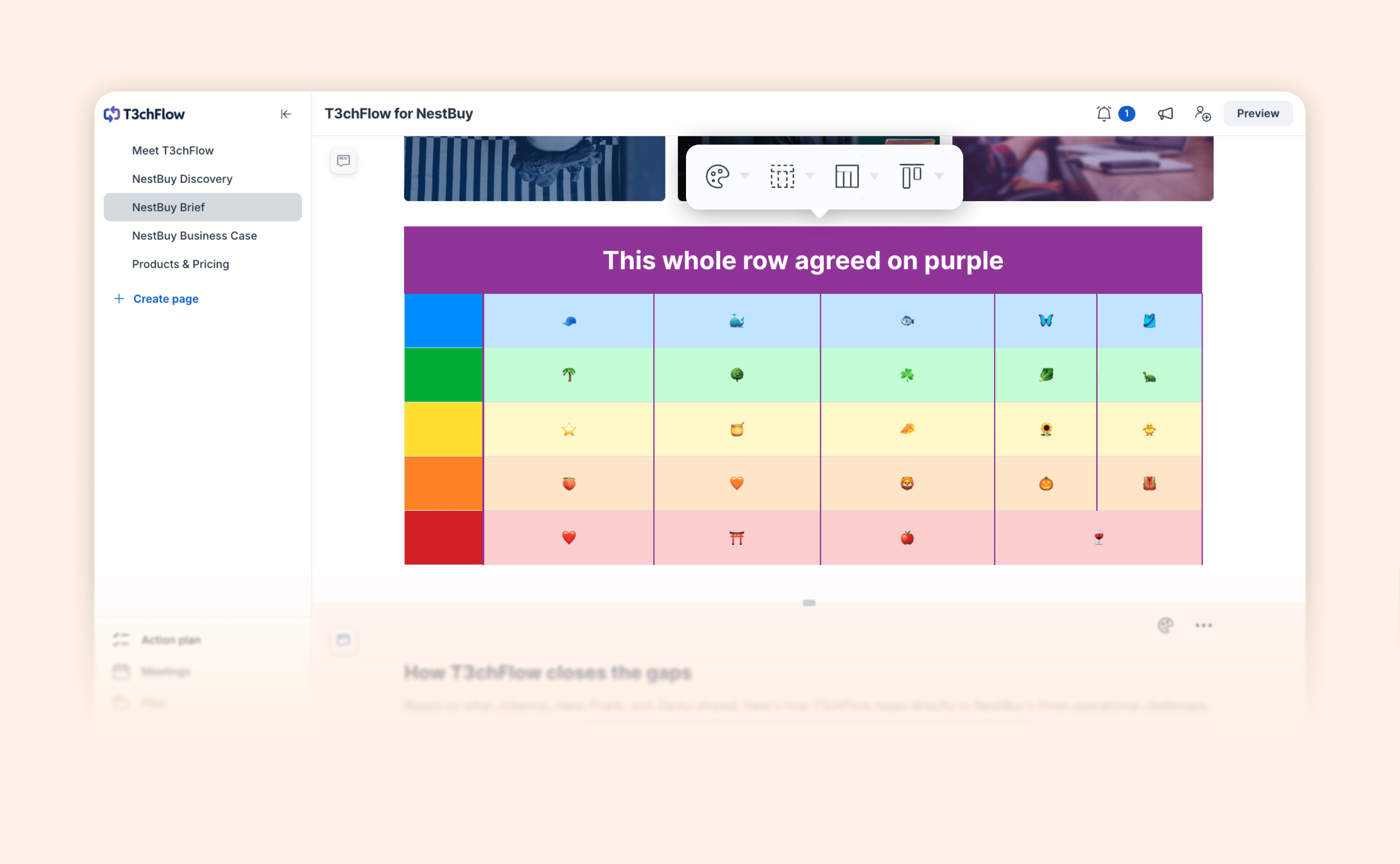
Improved pricing table navigation
The editor menus for pricing tables have been redesigned with usability in mind, and now include context labels that clearly show what element you’re editing, whether it’s the pricing table or a specific pricing group. -
Custom discount colors
Discounts no longer have to appear in red. You can now set the color of discount values to match your branding. -
Flexible decimal precision
Price/unit columns can now display up to 10 decimal places, making it easier to represent detailed pricing models such as cost per email, API usage, or energy consumption. -
Clearer optional product display
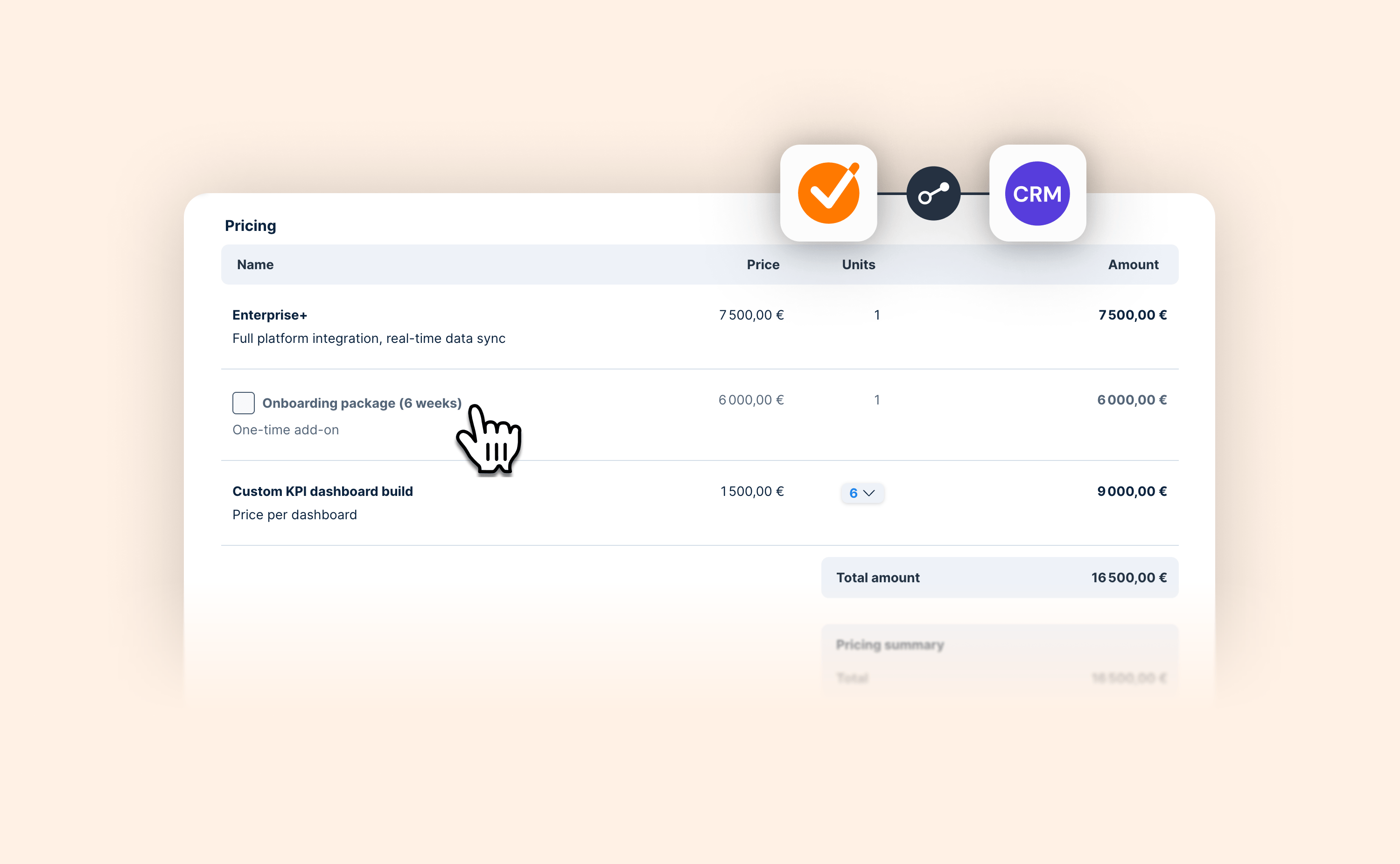
Optional products are now shown in a faded style instead of strikethrough, making it clearer to buyers that the product is optional rather than removed. -
Faster product selection from your product library
You can now start typing directly in a product row to search and select items from your product library. This makes it quicker to add products, especially for teams working with larger product catalogs.
Together, these improvements make pricing tables easier to configure, to navigate, and to understand, ensuring your proposals feel clear, intuitive, and aligned with how modern sales teams price their products.