What we've been building

The latest features, improvements, and fixes shipped by the GetAccept team.

March 2026

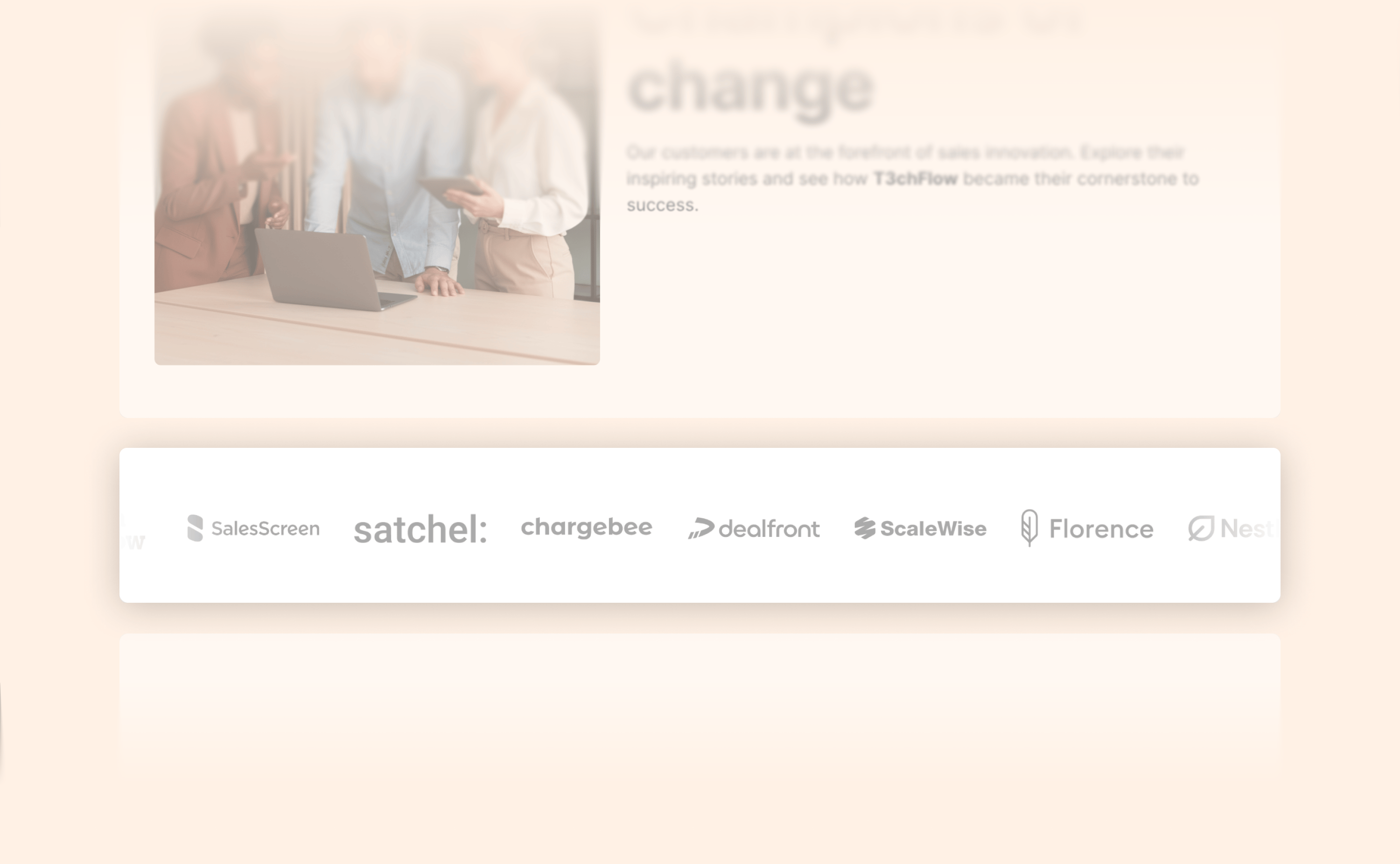
Showcase your customers with the new Logo Strip layout

Showcase your customers with the new Logo Strip layout

When buyers evaluate a vendor, one of the first questions they ask is simple: “Who else is using this?”

Customer logos are one of the fastest ways to answer that question and build trust early in the buying process. With the new Logo Strip, you can easily add a row of customer or partner logos directly into your rooms.

What’s new:

  • Add a horizontal strip of logos to your content

  • Upload logos manually or fetch them via Brandfetch

  • Automatically display logos as a static row or scrolling strip

  • Pause scrolling on hover so viewers can explore logos

  • Attach links to each logo (for case studies, testimonials, and more)

The result is a simple way to showcase social proof and guide buyers to the stories behind your customers.

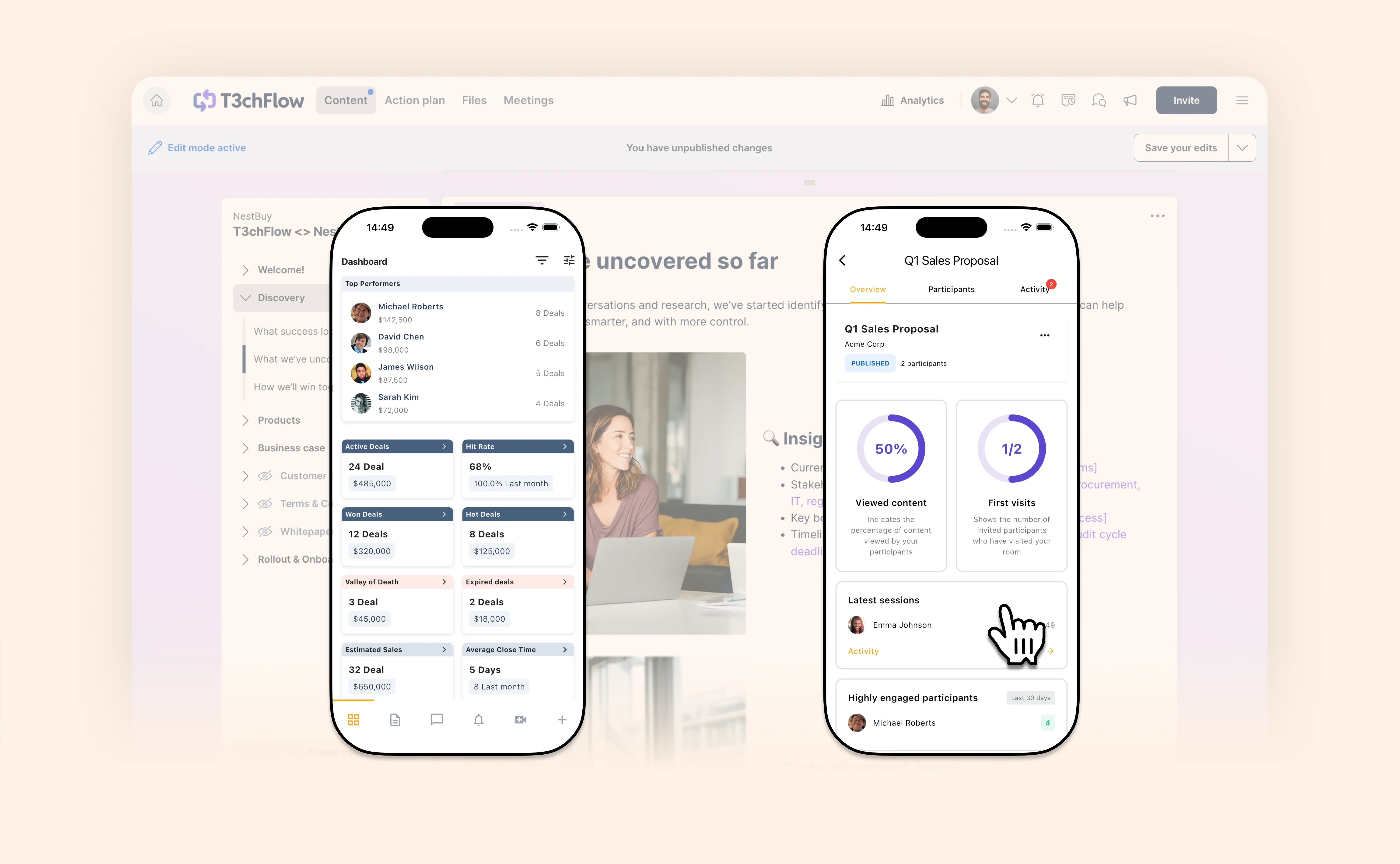
Deal Rooms now available in the GetAccept mobile app

Deal Rooms now available in the GetAccept mobile app

What’s New: Deal Room in the GetAccept mobile app

Deal Room is now available in the GetAccept mobile app for iOS and Android.

This first version is designed to help sales reps react to buyer engagement wherever they are. When a buyer visits your Deal Room or sends a message, you can get notified instantly and respond right away from your phone—without needing to open your laptop.

Why this matters

In sales, timing is everything. When buyers are actively reviewing your Deal Room, they’re engaged and evaluating your solution. Being able to respond in that moment—answering questions, clarifying details or guiding them to the next step—helps keep deals moving forward.

At the same time, engagement insights help you understand buyer intent. Seeing which participants have visited, how much content they’ve viewed and which pages attract the most attention makes it easier to prioritise follow-up and tailor your conversations to what buyers actually care about.

With the mobile app, you can quickly check these signals and respond in real time—whether you’re between meetings, traveling or away from your desk.

What you can do in the mobile app

With Deal Room in the GetAccept mobile app, you can:

  • Publish or unpublish Deal Rooms
    Control when a room is live and accessible to participants.
  • View key engagement analytics
    Quickly understand how buyers are interacting with your room, including:
    • percentage of content viewed
    • which participants have visited
    • latest sessions
    • highly and low engaged participants
    • most and least viewed pages
  • Track activity in the activity feed
    See important engagement events such as room visits and chat activity.
  • Chat with participants in real time
    Send messages to individual participants or groups with instant delivery, typing indicators, text formatting and image support.
  • Receive push notifications for Deal Room activity
    Get alerted when buyers visit your room, send messages or engage with content so you can follow up quickly.
  • Manage participants
    View participant information and remove participants from a room if needed.

Designed for responsiveness

The GetAccept mobile app is built mobile-first, making it easier to stay responsive compared to using a mobile browser. Combined with push notifications, engagement insights and real-time chat, it gives sales teams a simple way to stay connected to their deals and respond quickly when buyers engage.

This is the first step in bringing Deal Room functionality to mobile, and we’ll continue expanding the experience over time.

Install the app now for for iOS and Android.

View help article

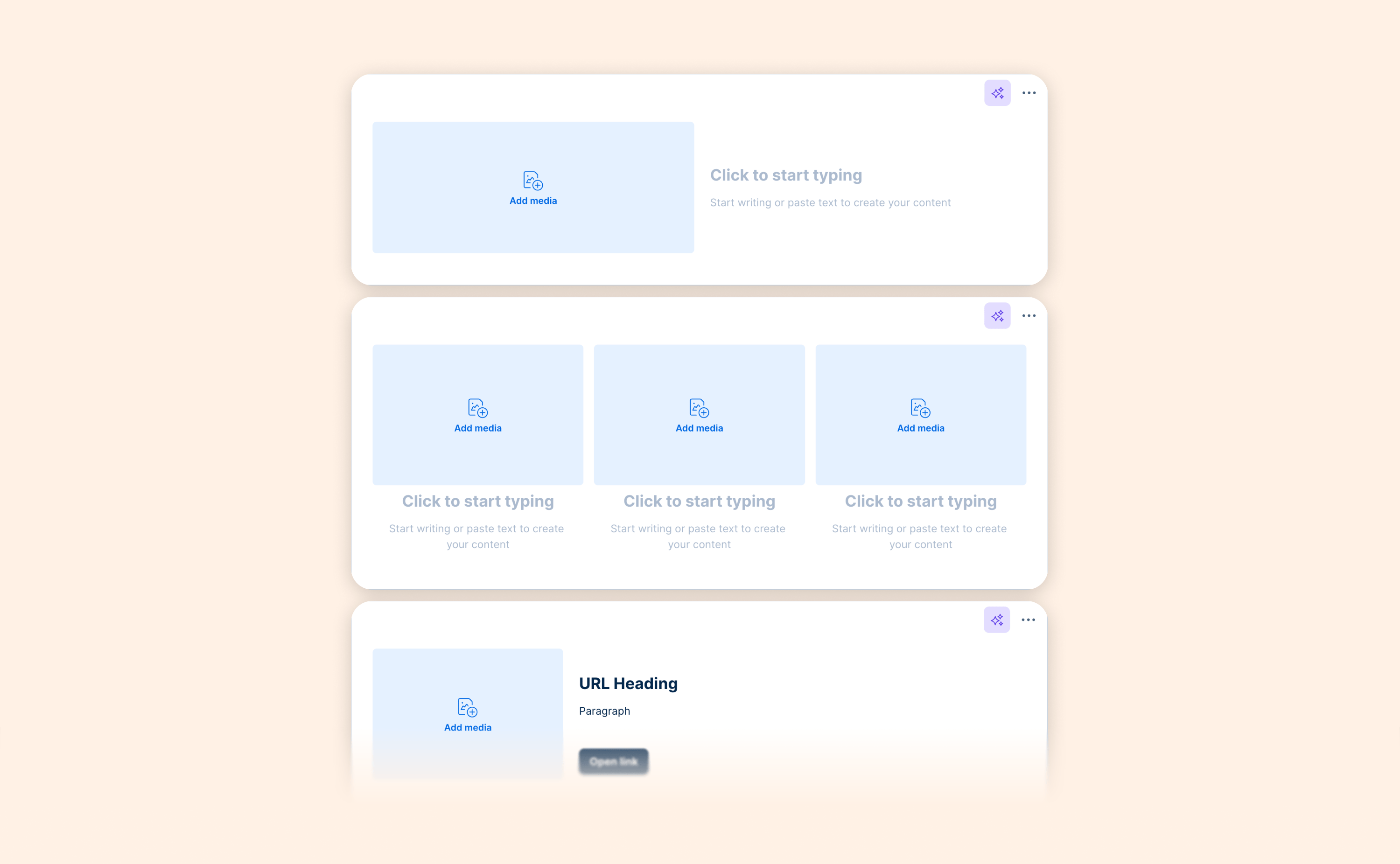
Videos are now supported in more Deal Room layouts

Videos are now supported in more Deal Room layouts

You can now add videos (in addition to images) inside Media & Text, Column, and Link layouts in your Deal Rooms.

What’s new

  • The Image & Text layout is now called Media & Text

  • Videos are now supported inside Media & Text and Column layouts

  • Link layouts can now display video in addition to a preview image

This makes it easier to combine clear messaging with short demos, walkthroughs, or personalized videos directly in your Deal Room.

February 2026

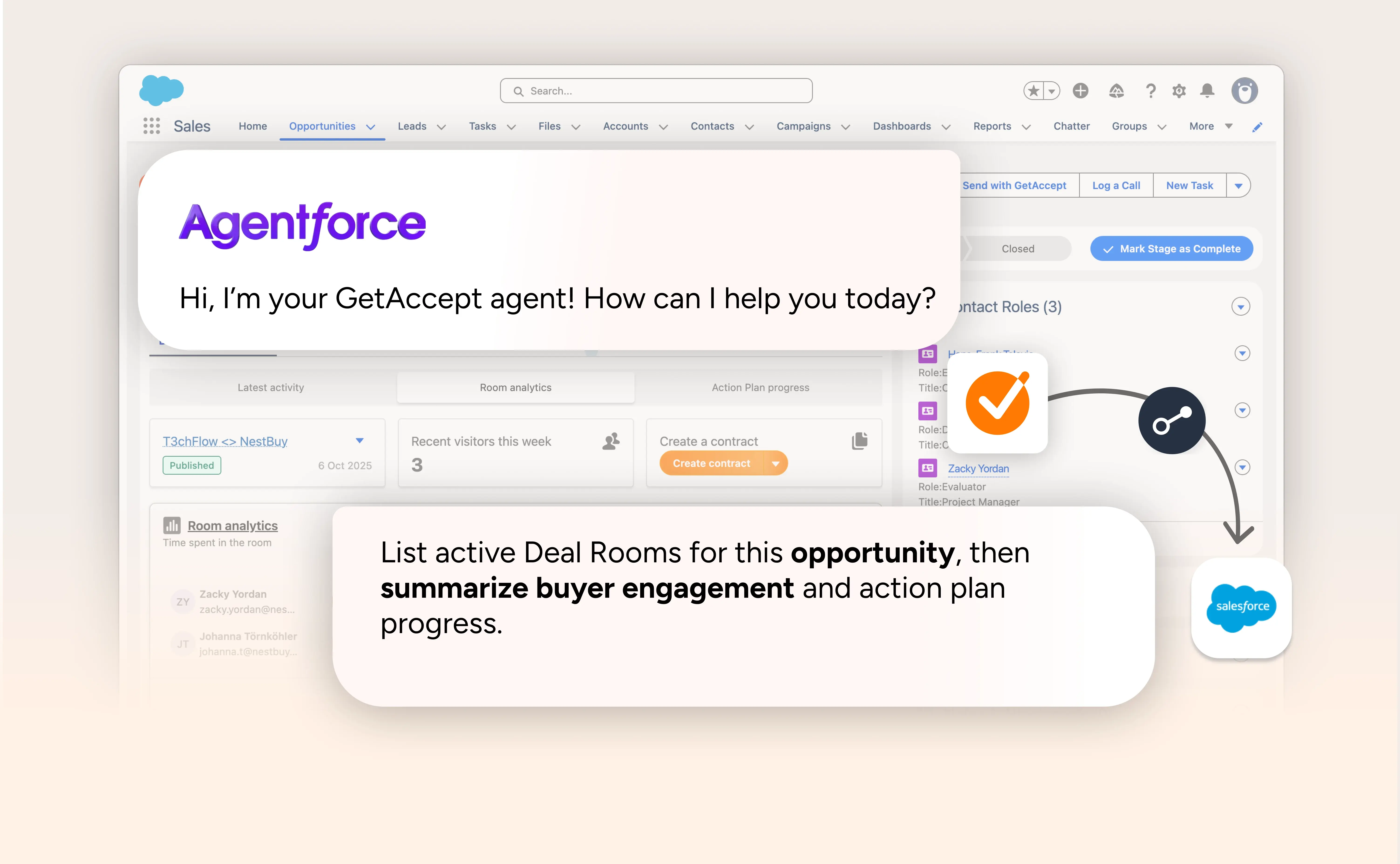
GetAccept + Agentforce: AI that understands your deals

GetAccept + Agentforce: AI that understands your deals

Salesforce’s Agentforce is redefining how teams work inside their CRM. Instead of clicking through fields and tabs, you ask. It responds. You take action.

With GetAccept for Agentforce, that conversation becomes deal-aware.

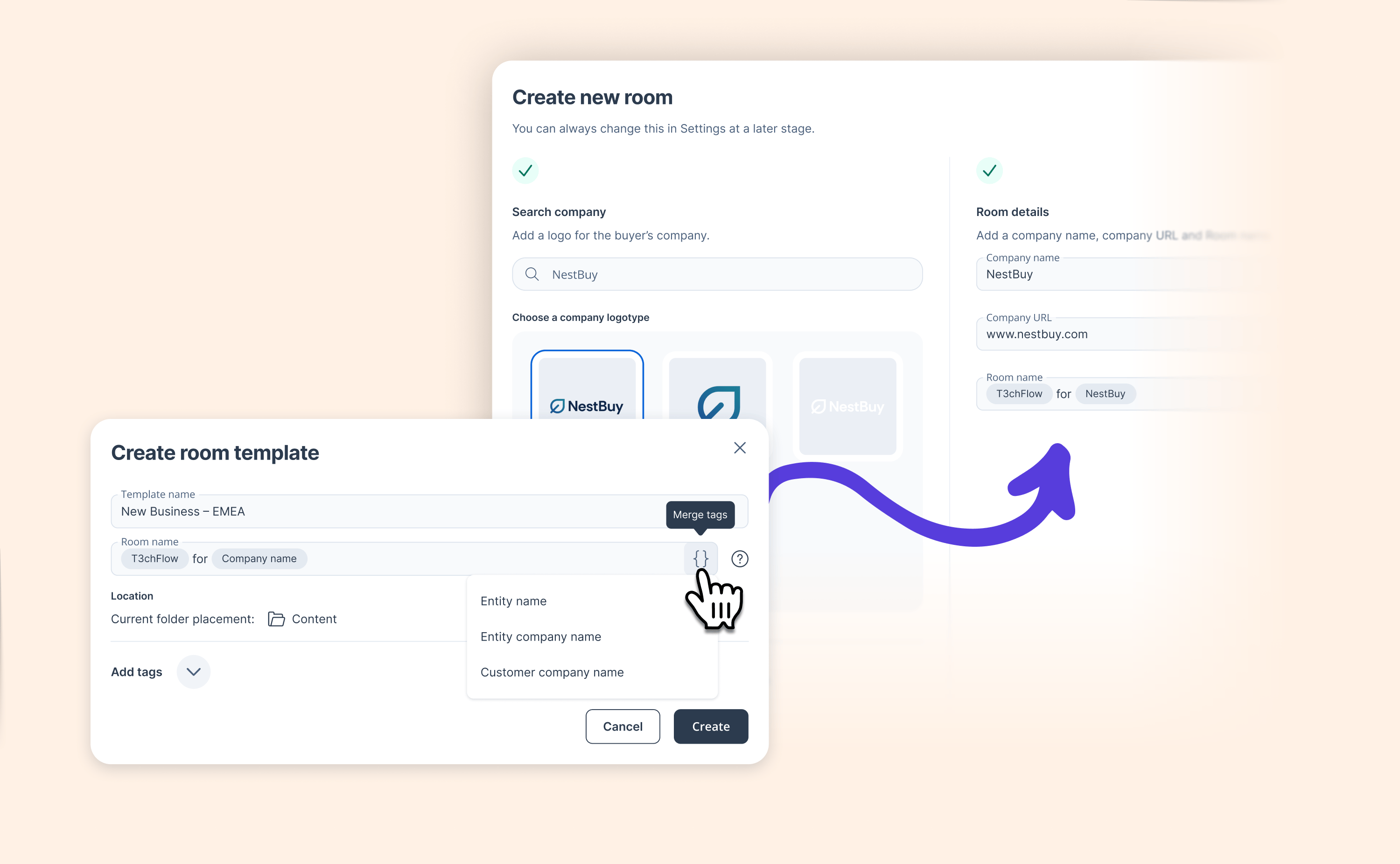
You can already create contracts and Deal Rooms using natural language grounded in your real templates, permissions, and admin rules. No hallucinated clauses. No rogue templates. Just structured, trustworthy output based on your actual sales process.

Now, we’ve expanded what the agent can do.

From creation to inspection

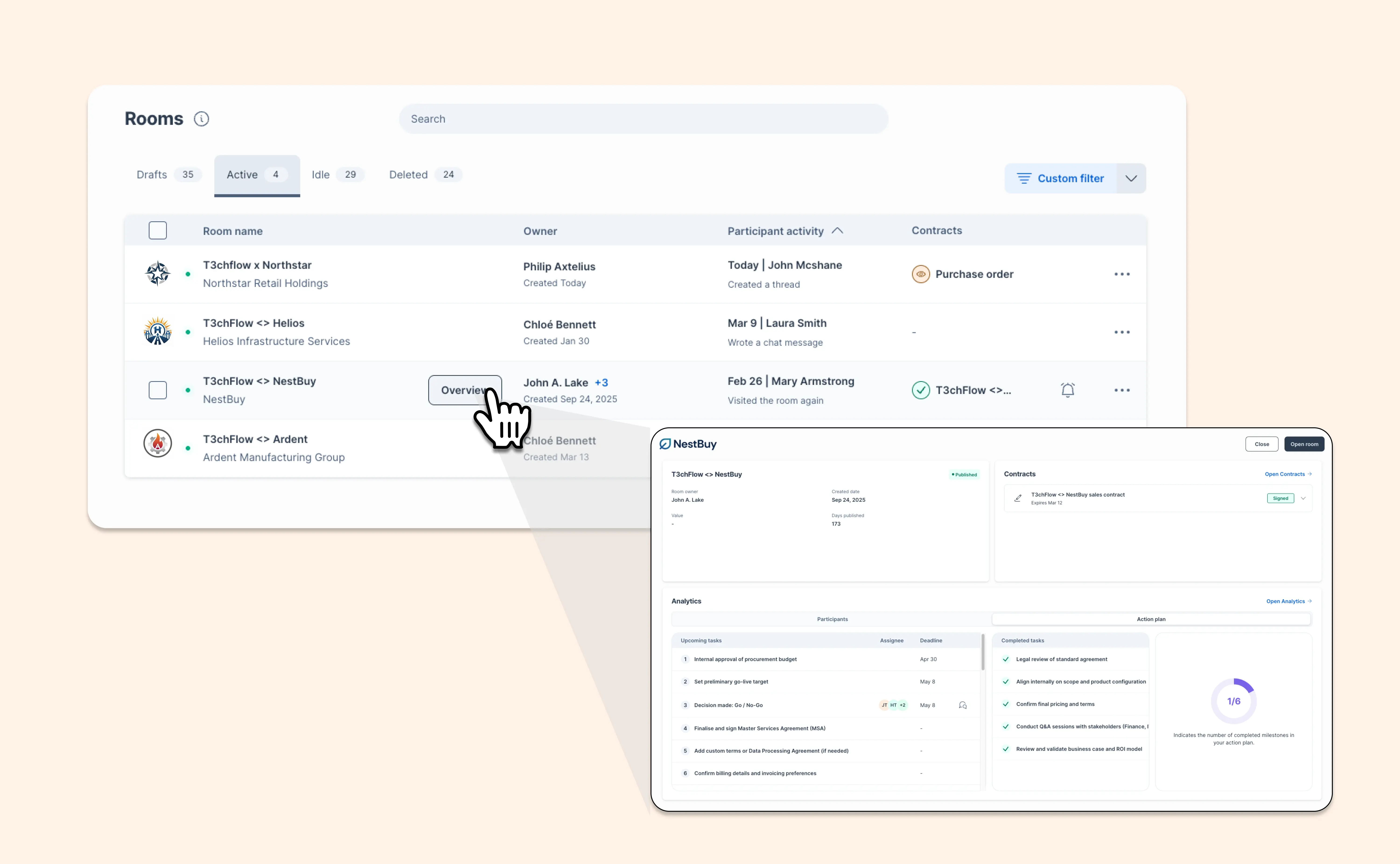
You can use natural language not only to create a Deal Room, but to understand what’s happening inside it.

You can now ask Agentforce things like:

“Show my published Deal Rooms from this quarter.”
“List Deal Rooms for Acme Corporation.”
“Summarize this Deal Room’s engagement and MAP progress.”

Instead of switching tabs and digging through pages, you get structured deal intelligence directly in Salesforce, including total value breakdowns, participant engagement, recent meetings, analytics, and task progression.

Why this matters

AI in sales shouldn’t just generate text. It should help you move real deals forward.

Now, inside Salesforce, you can quickly understand:

  • Who’s engaged (and who isn’t)

  • How much time buyers are spending

  • Whether activity is rising or fading

  • What happened in the last meeting

  • If milestones and tasks are progressing

All based on real GetAccept and Salesforce data. That’s what agentic workflows are supposed to look like.

If you’re using Salesforce with Agentforce enabled, install the GetAccept agent and see it in action.

👉 Install the Agent from Salesforce AgentExchange

Learn more

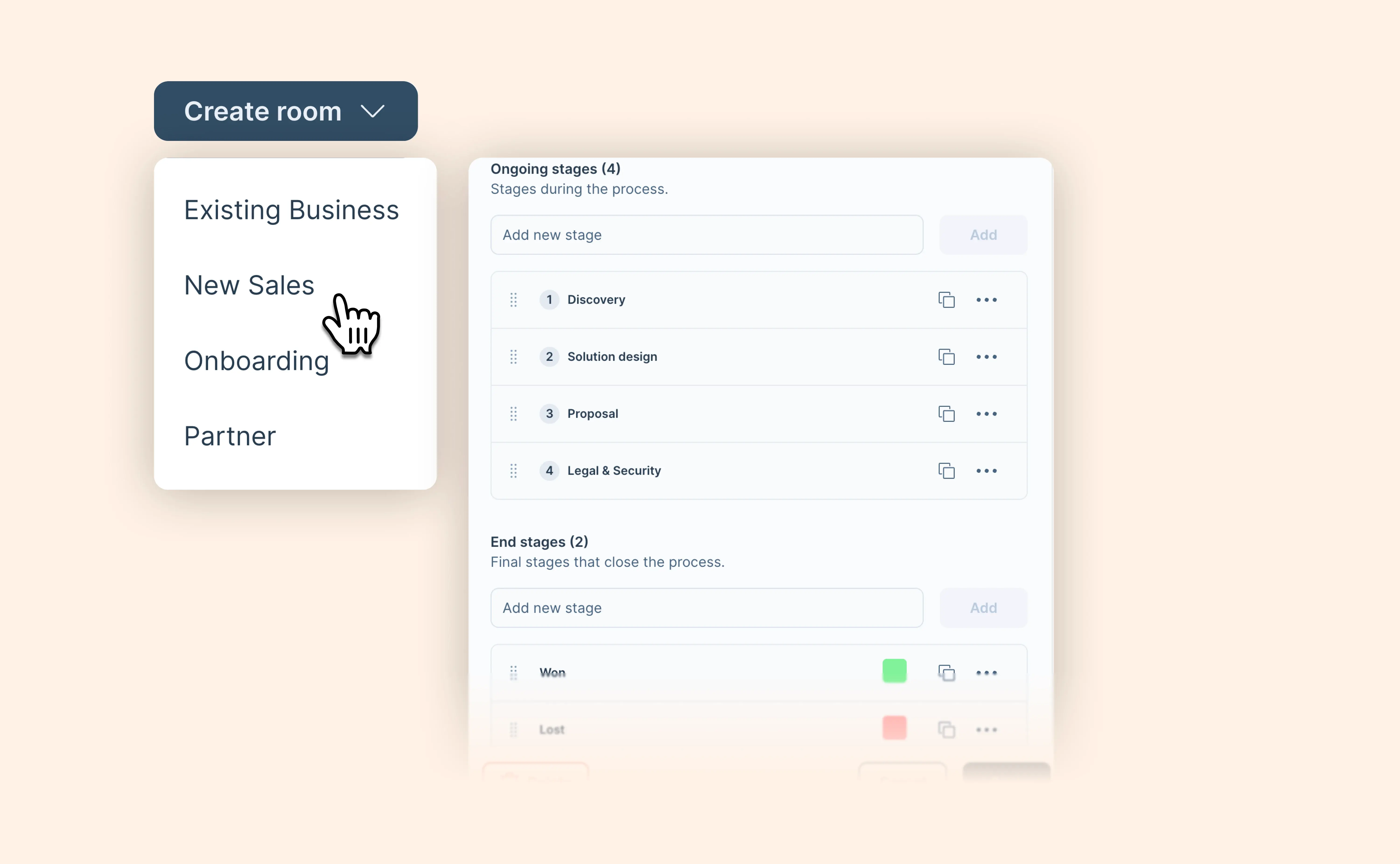
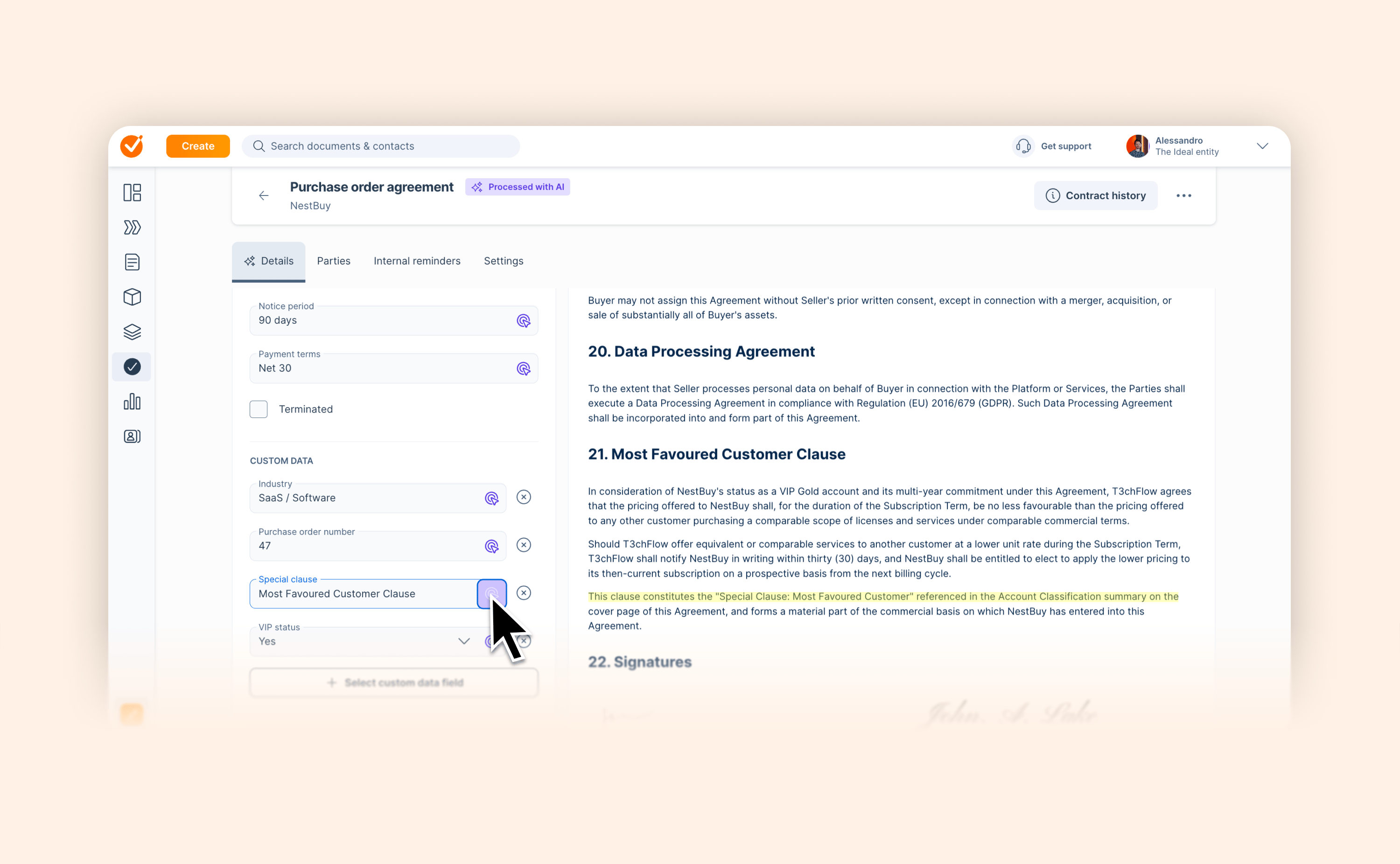
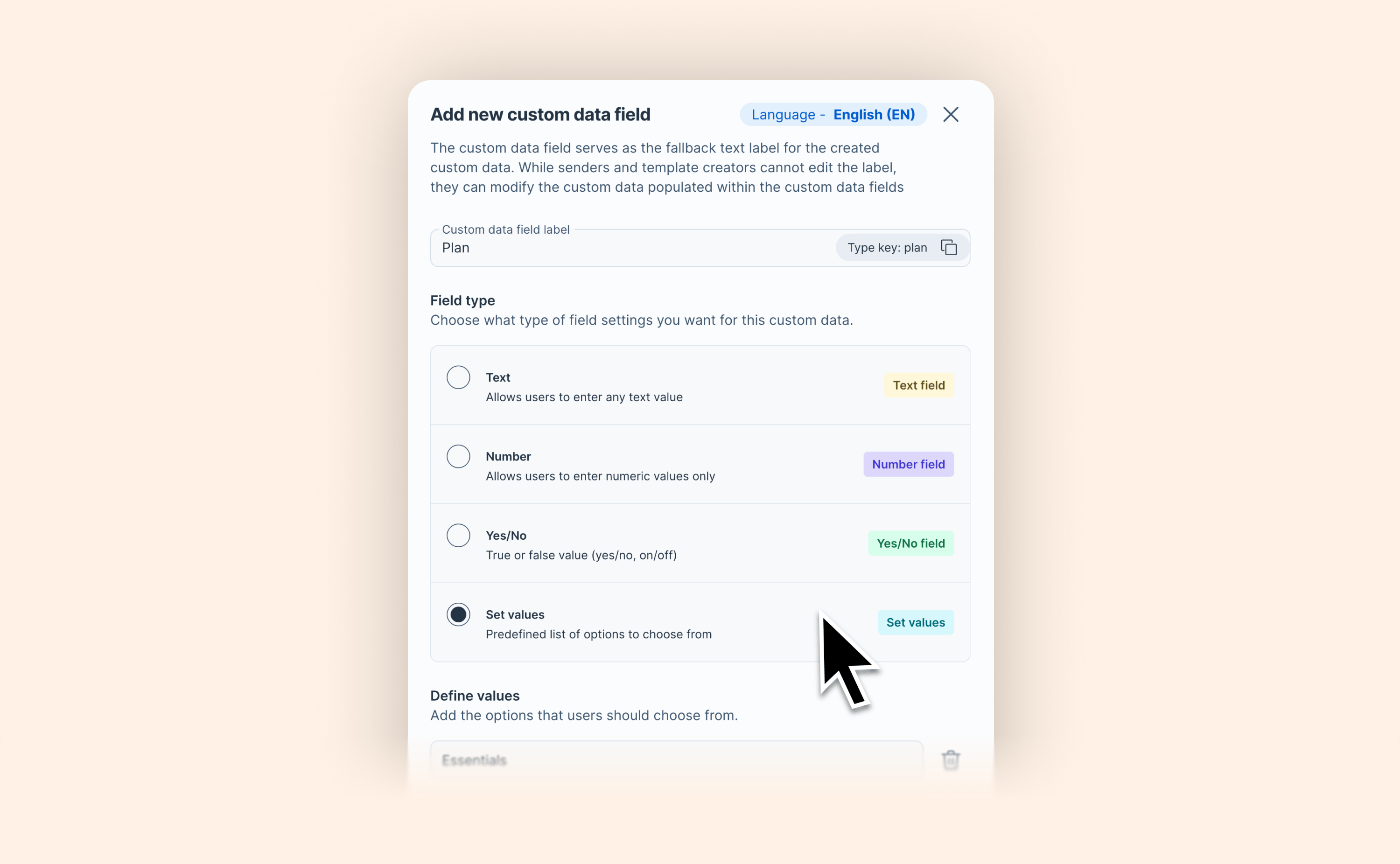
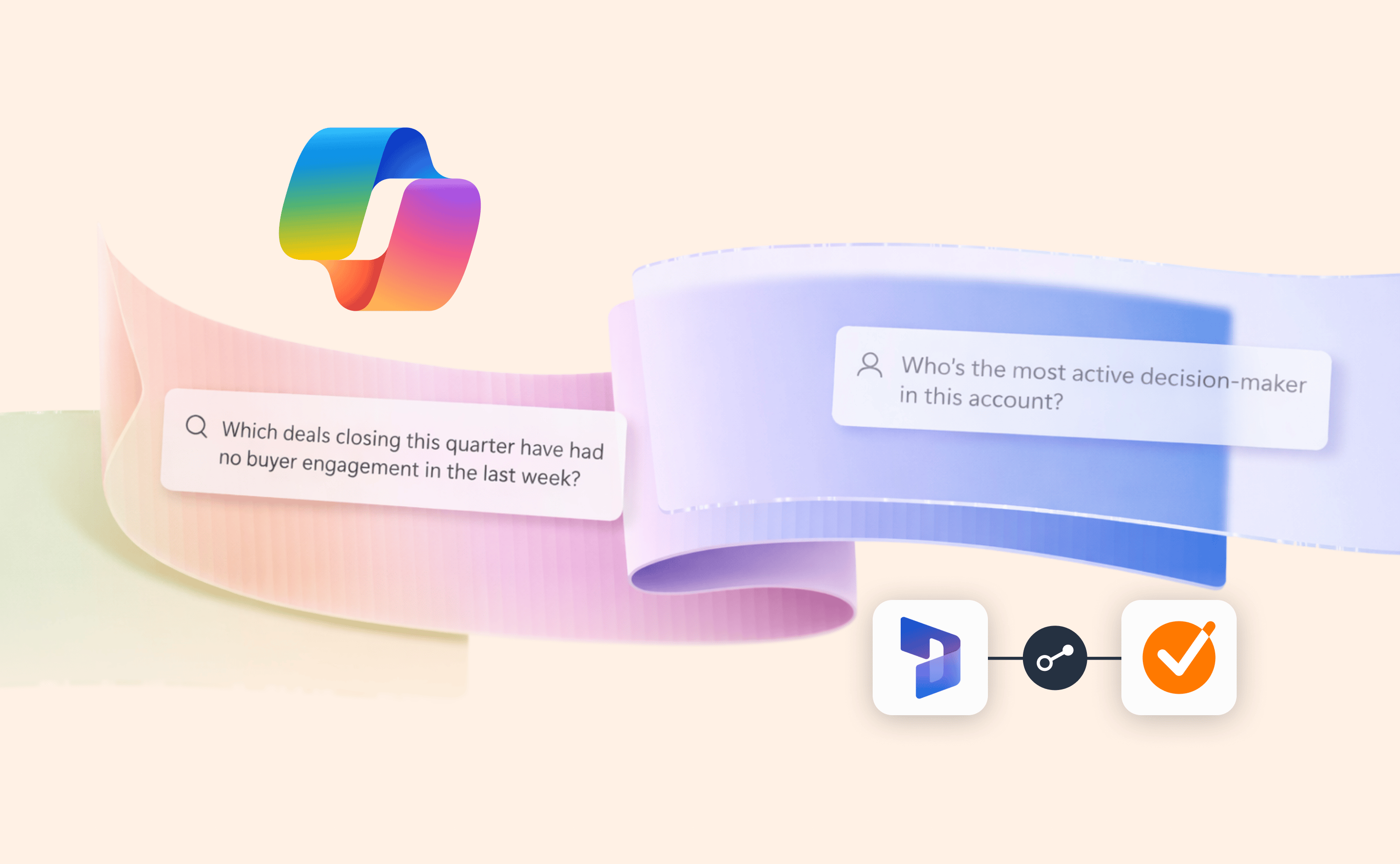
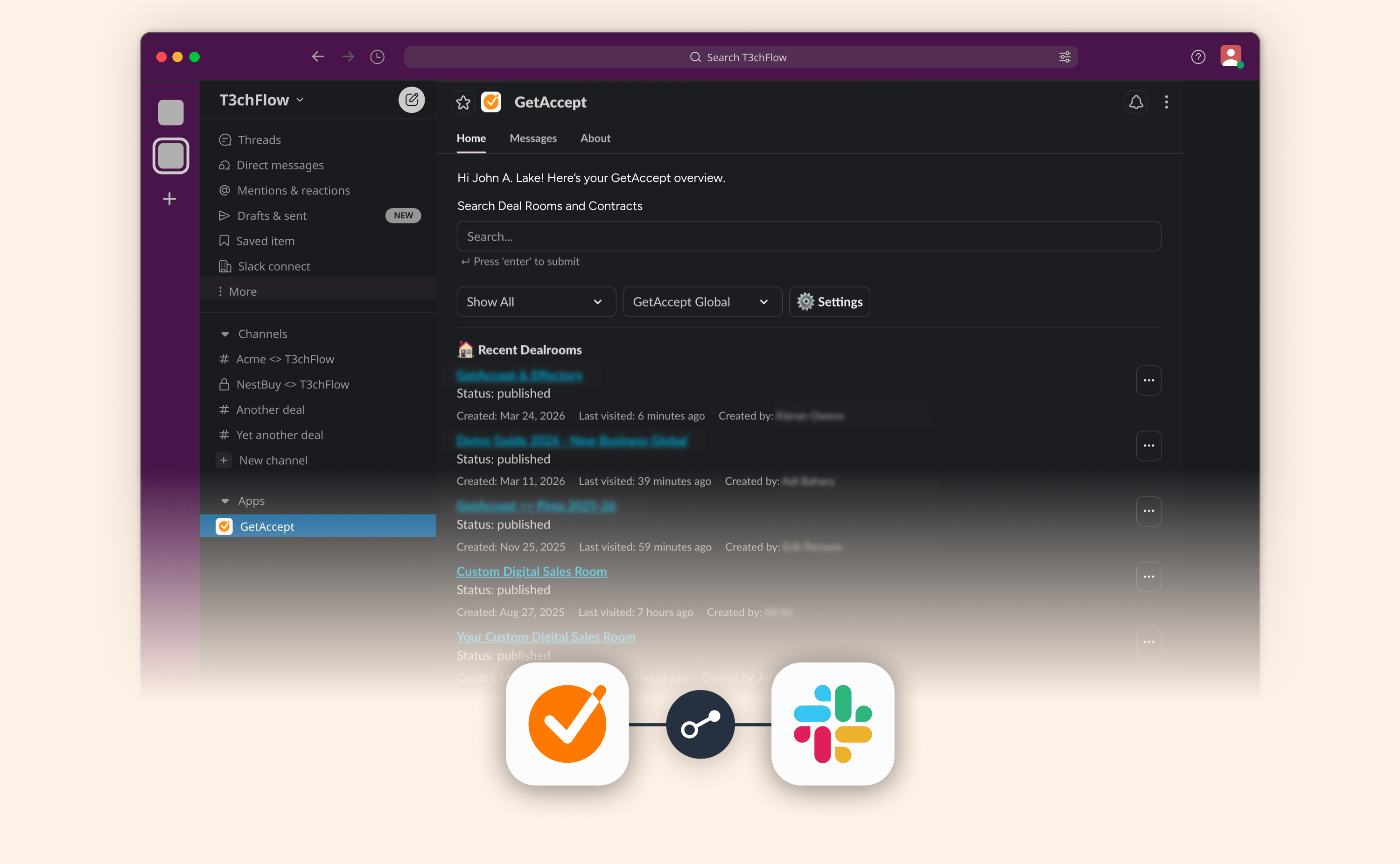
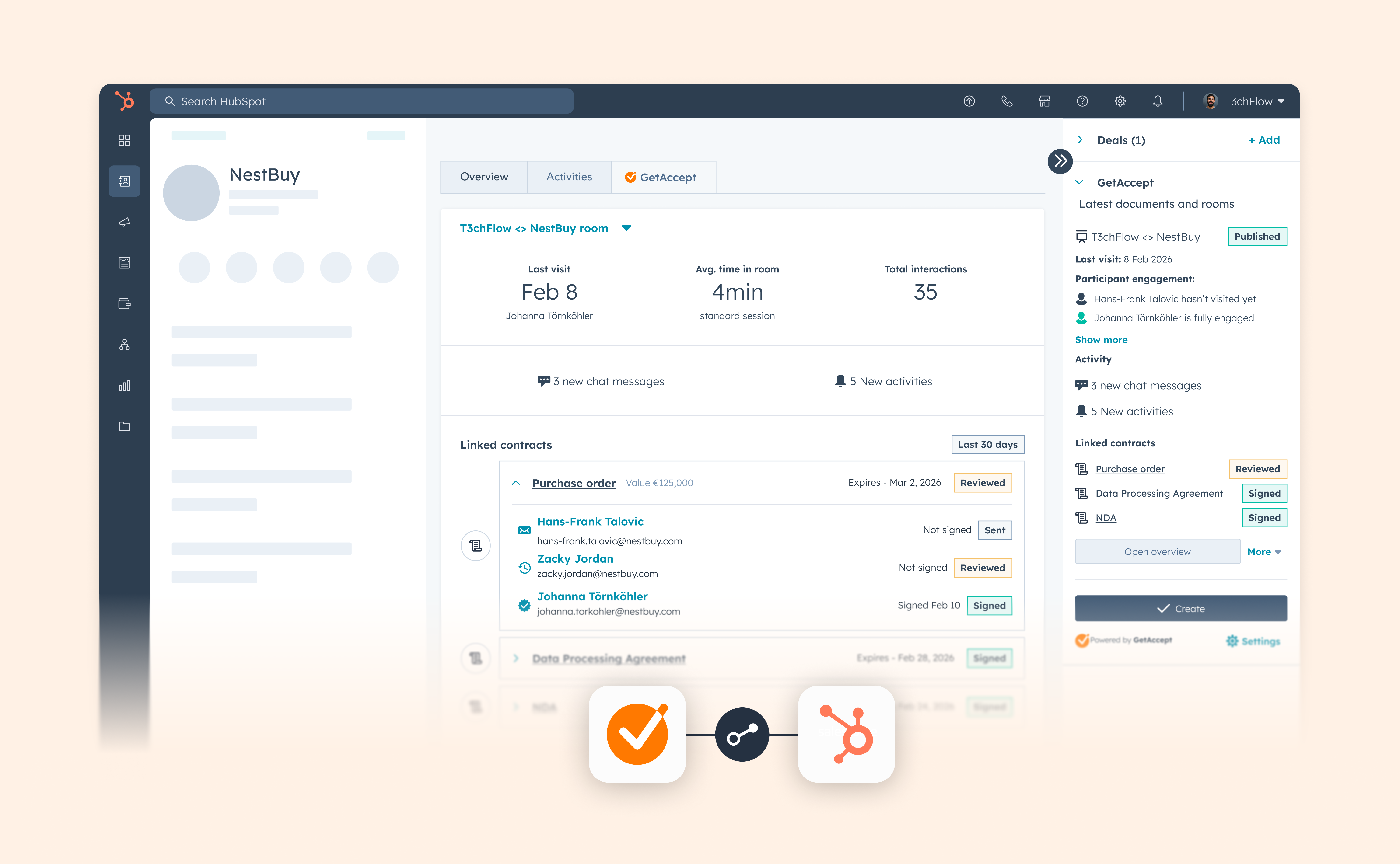
Connect Contracts to Deal Rooms in HubSpot, Microsoft Dynamics 365, Pipedrive and Upsales

Connect Contracts to Deal Rooms in HubSpot, Microsoft Dynamics 365, Pipedrive and Upsales

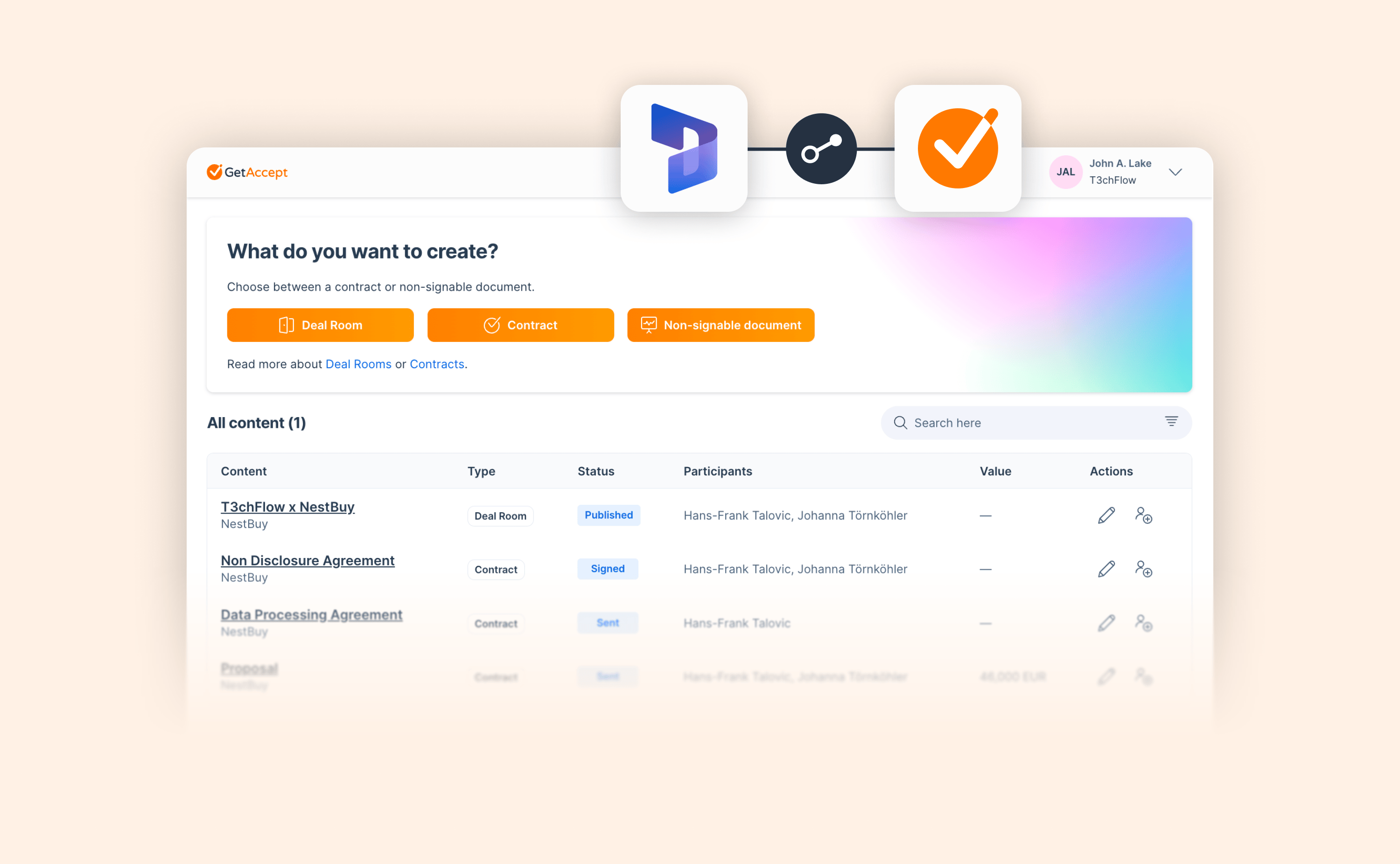
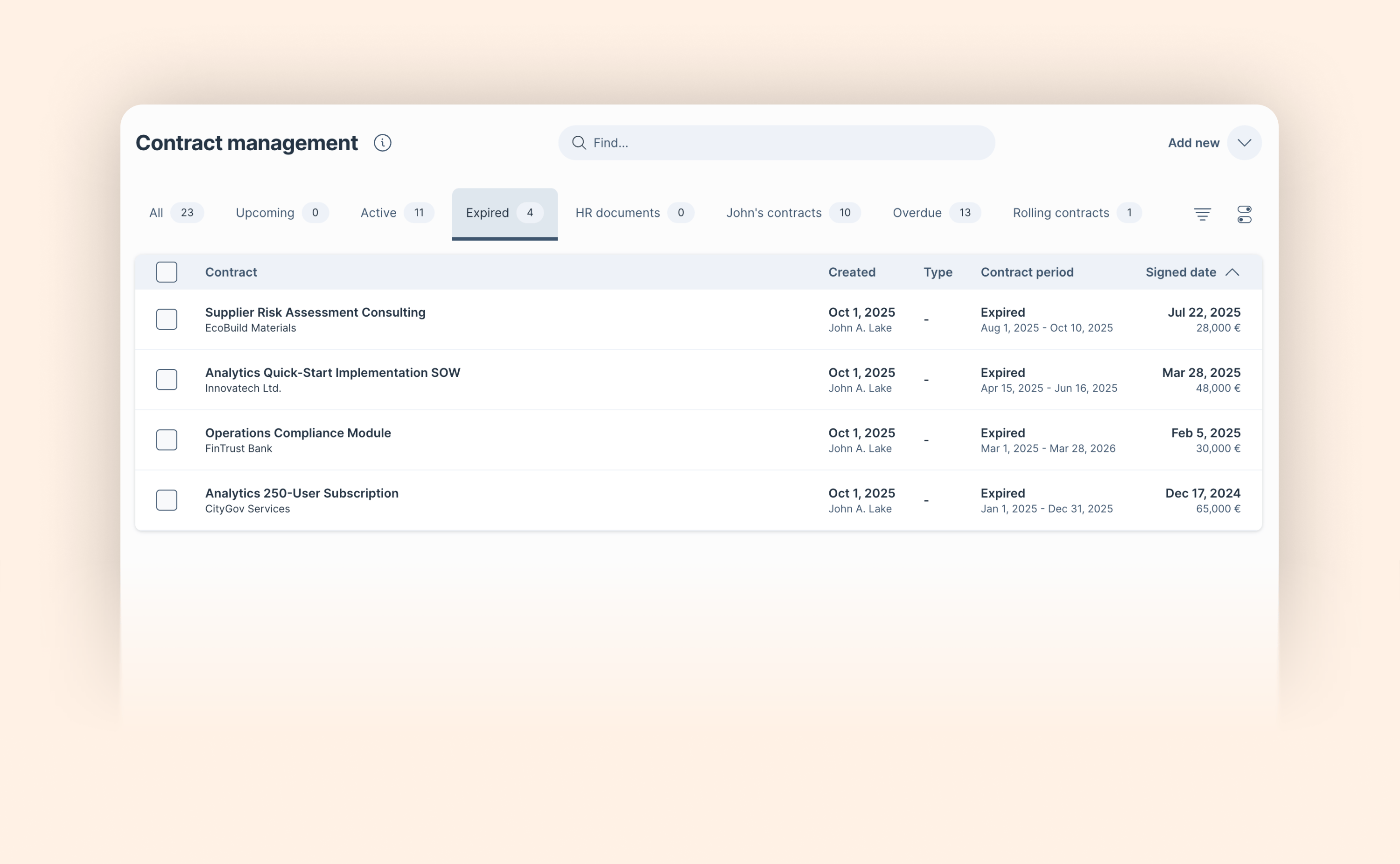
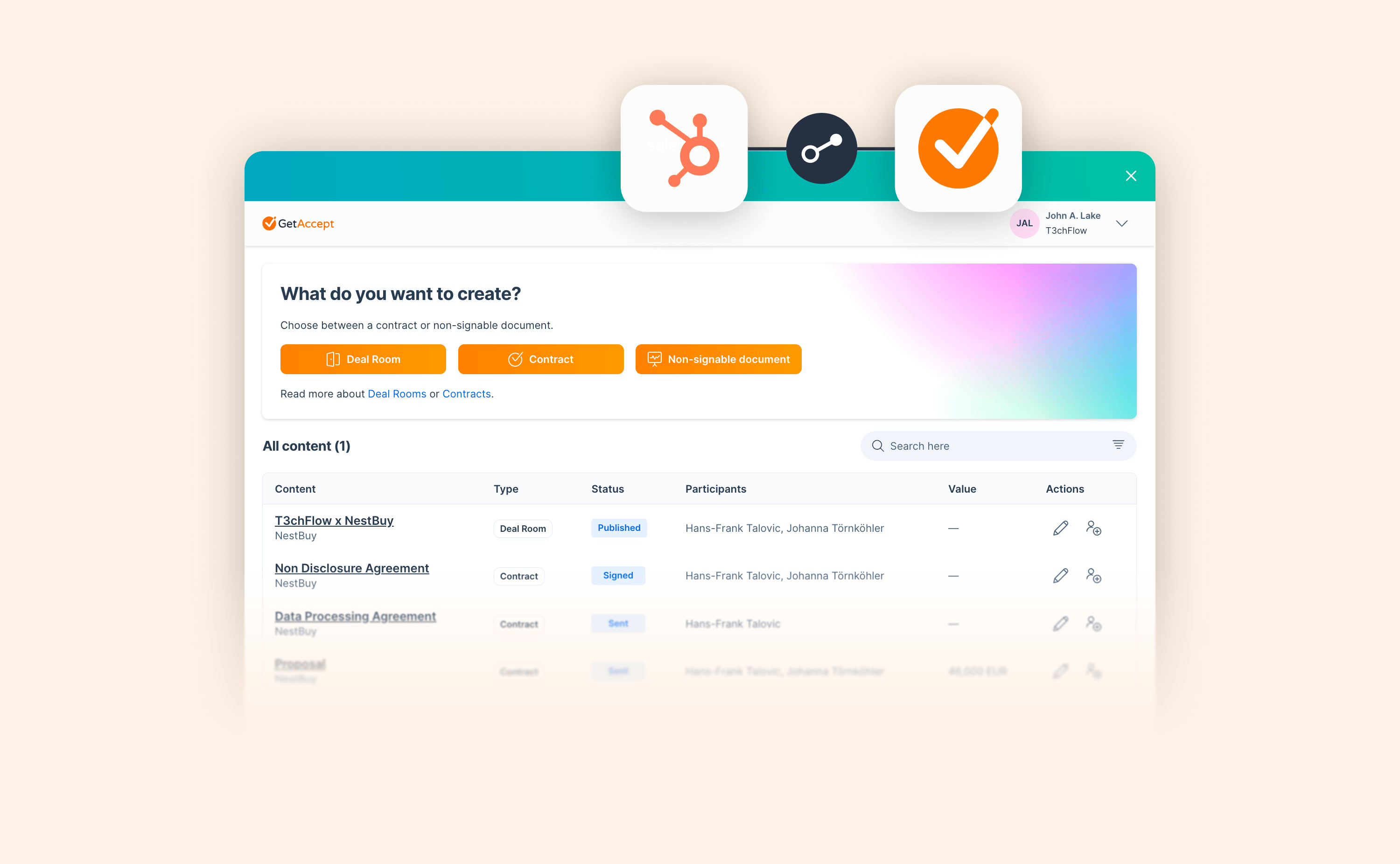
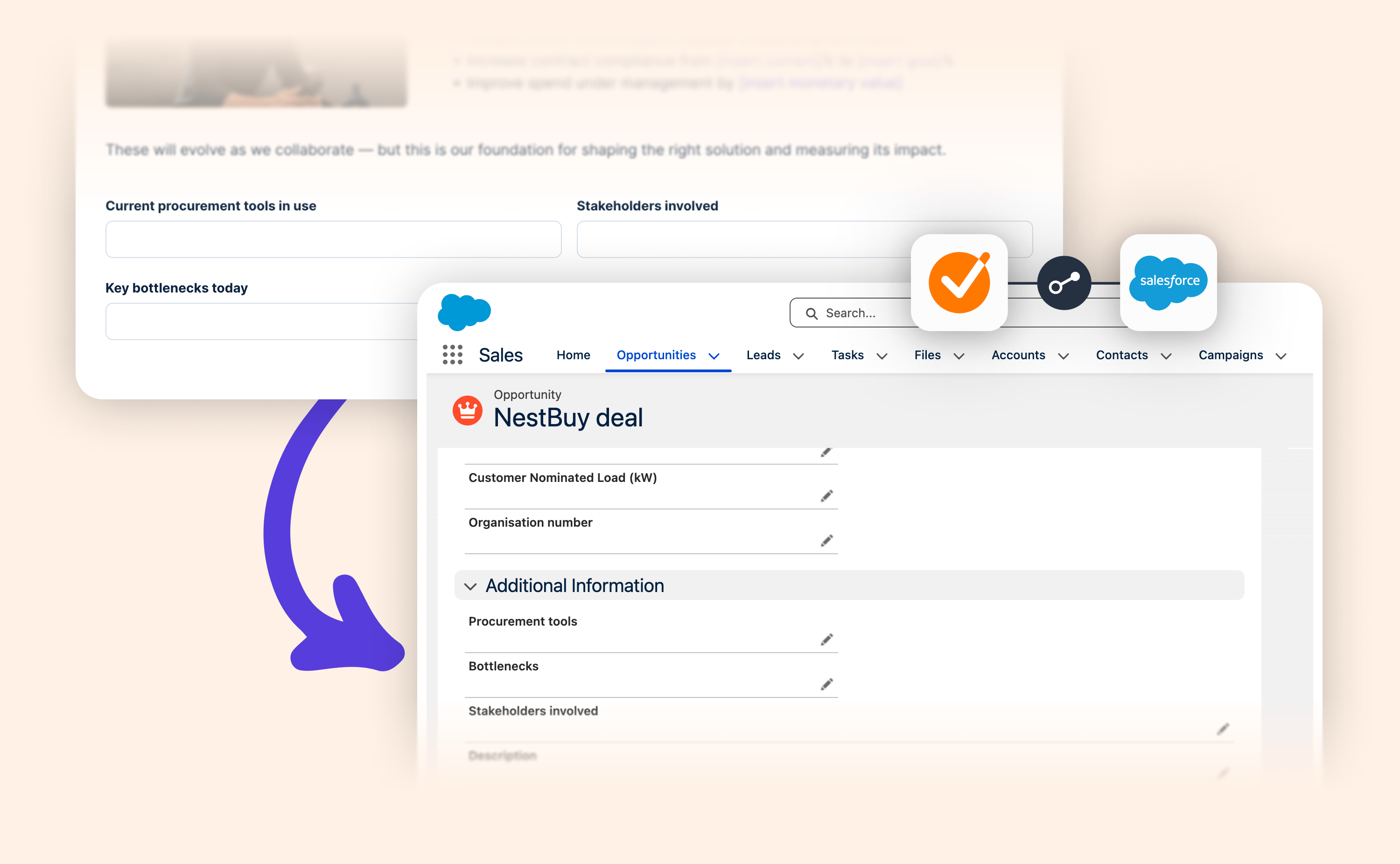
We’ve recently brought Deal Rooms and Contracts closer together to support creating a more unified experience from opportunity to signature in GetAccept.

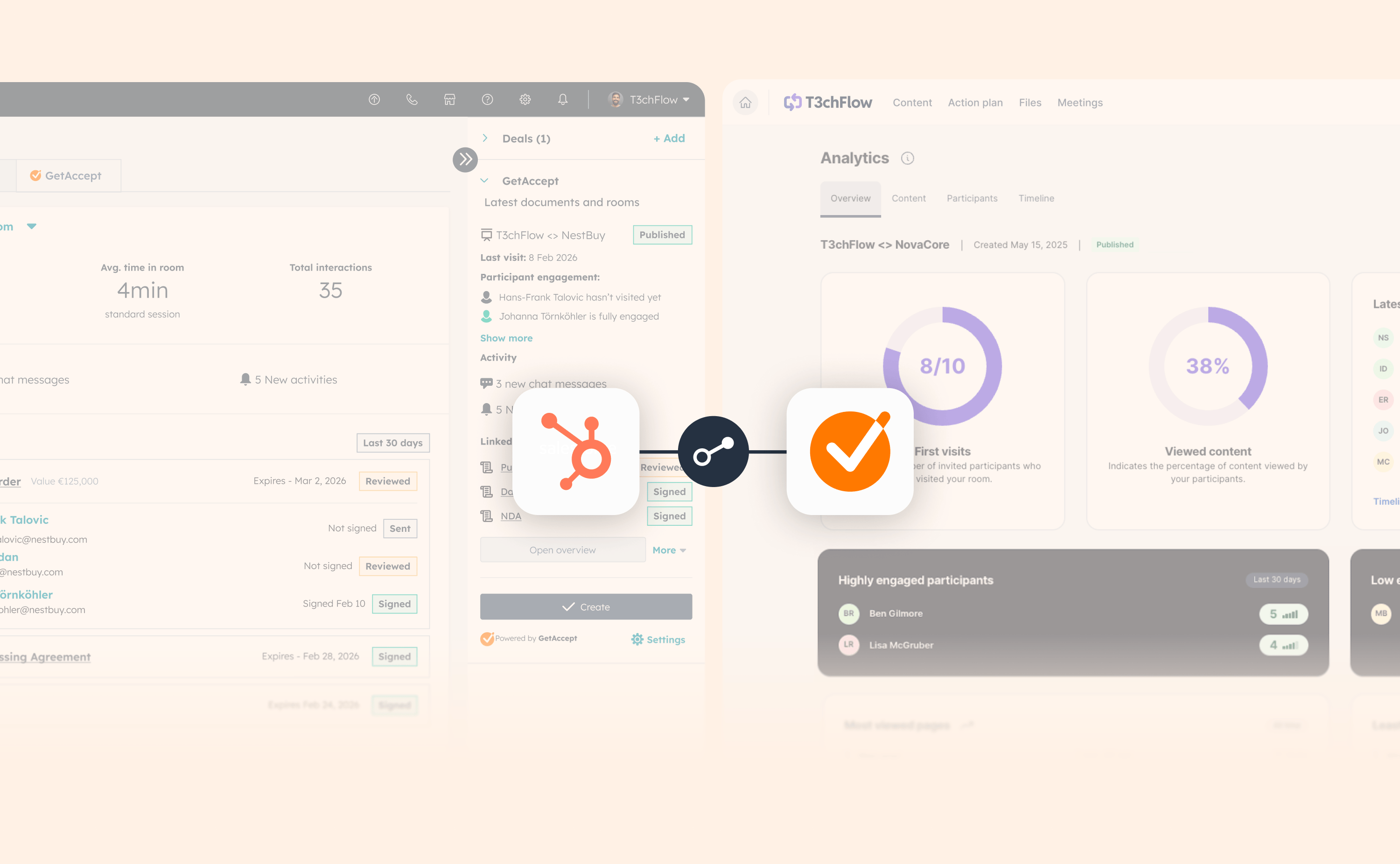
And now, you can link one or multiple documents to a Deal Room directly from HubSpot, Microsoft Dynamics, Pipedrive, and Upsales. Once connected in the CRM, documents automatically appear in the Contracts tab inside the GetAccept room, visible to you and to any buyers reviewing or signing.

Inside your CRM, it’s now clear which documents belong to which room, bringing real continuity to your CRM workflow and reinforcing what the Deal Room is meant to be: the single shared space that carries the deal from qualified lead all the way to signature.
Read blog post

Bring Zoom meeting transcripts into GetAccept

Bring Zoom meeting transcripts into GetAccept

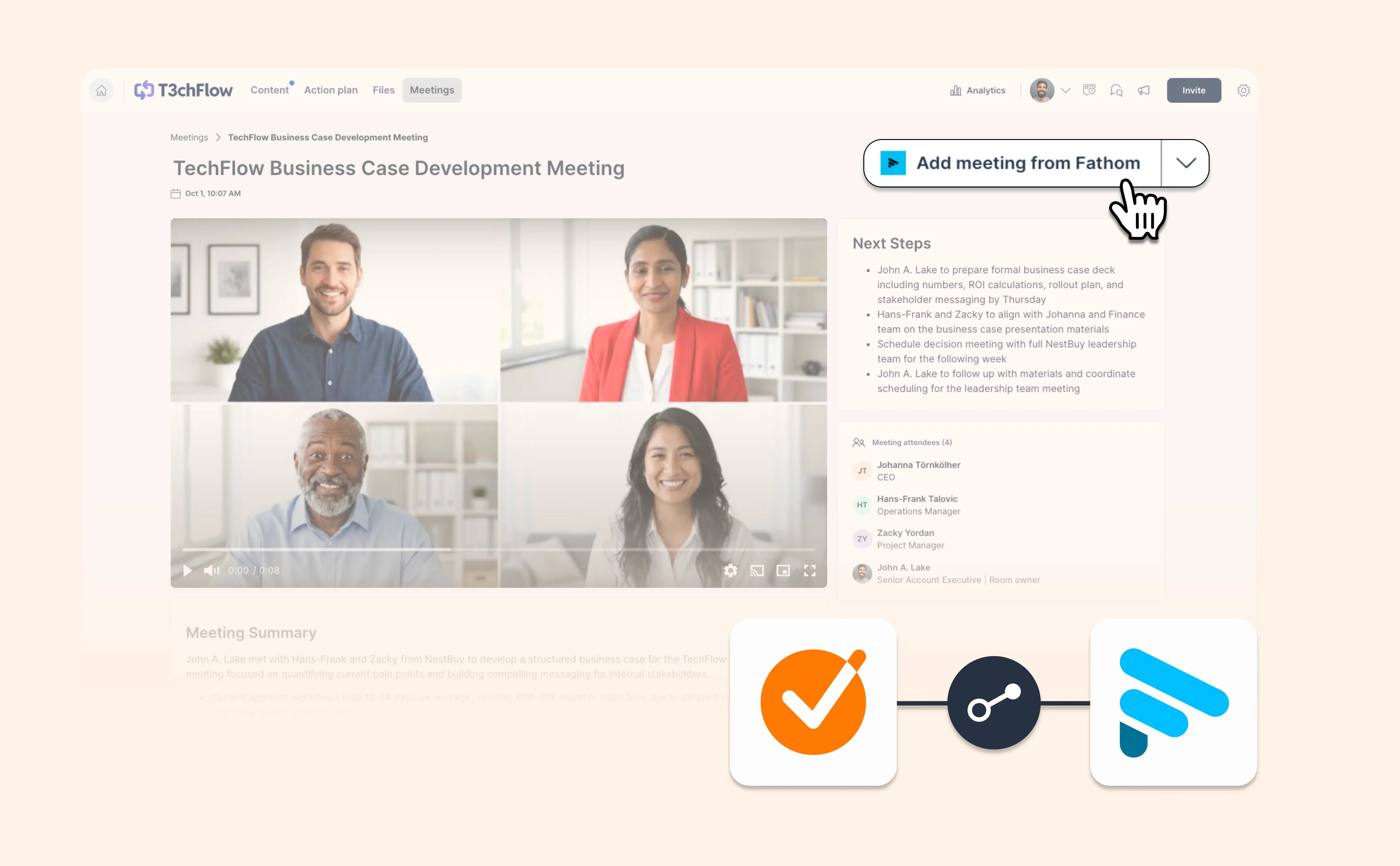
If your sales calls happen in Zoom, you can now bring those conversations straight into GetAccept. No exporting, copy-pasting, or tab hopping.

Here’s what’s new:

  • Import from Zoom
    Connect Zoom once, then pull meeting transcripts into any Deal Room with a single click.

  • AI summaries and next steps
    As soon as the transcript is added, GetAccept uses AI to create a clear summary and concrete action items. You can fine-tune the result with prompts or edit it manually.

  • All meeting insights, neatly organized
    Transcripts, summaries, and action points live together in the Meetings tab, right alongside the rest of your deal content.

It’s another step toward removing busywork from sales, so reps can spend less time managing transcripts and more time moving deals forward.

View help article

Make your quotes stand out

Make your quotes stand out

You’ve seen it a hundred times. A strong testimonial buried in plain text.

Quotes and testimonials are one of the fastest ways to build trust with buyers, but only if they’re easy to read and visually clear.

The new Quote layout in the Deal Room editor makes it simple to highlight customer voices, executive statements, or key messages.

View Deal Room meetings directly in Salesforce

View Deal Room meetings directly in Salesforce

You can now view Deal Room meetings without leaving Salesforce.

When a meeting is added to a Deal Room in GetAccept, its details are available inside the Salesforce Opportunity (or whichever object you’ve created a room from). Open the GetAccept integration, head to Activities, and you’ll find a dedicated Meetings view with the full context — meeting summary, next steps, attendees, and the original transcript.

Need to make a change? One click takes you straight to the Deal Room in GetAccept, where you can edit the meeting and have updates reflected back in Salesforce.

Meetings can also appear in the Salesforce activity timeline if enabled by an admin. Find out how to do that here.

The result is a clearer, more complete view of your deals — with Salesforce as your review layer and GetAccept as your system of action.

View help article

January 2026

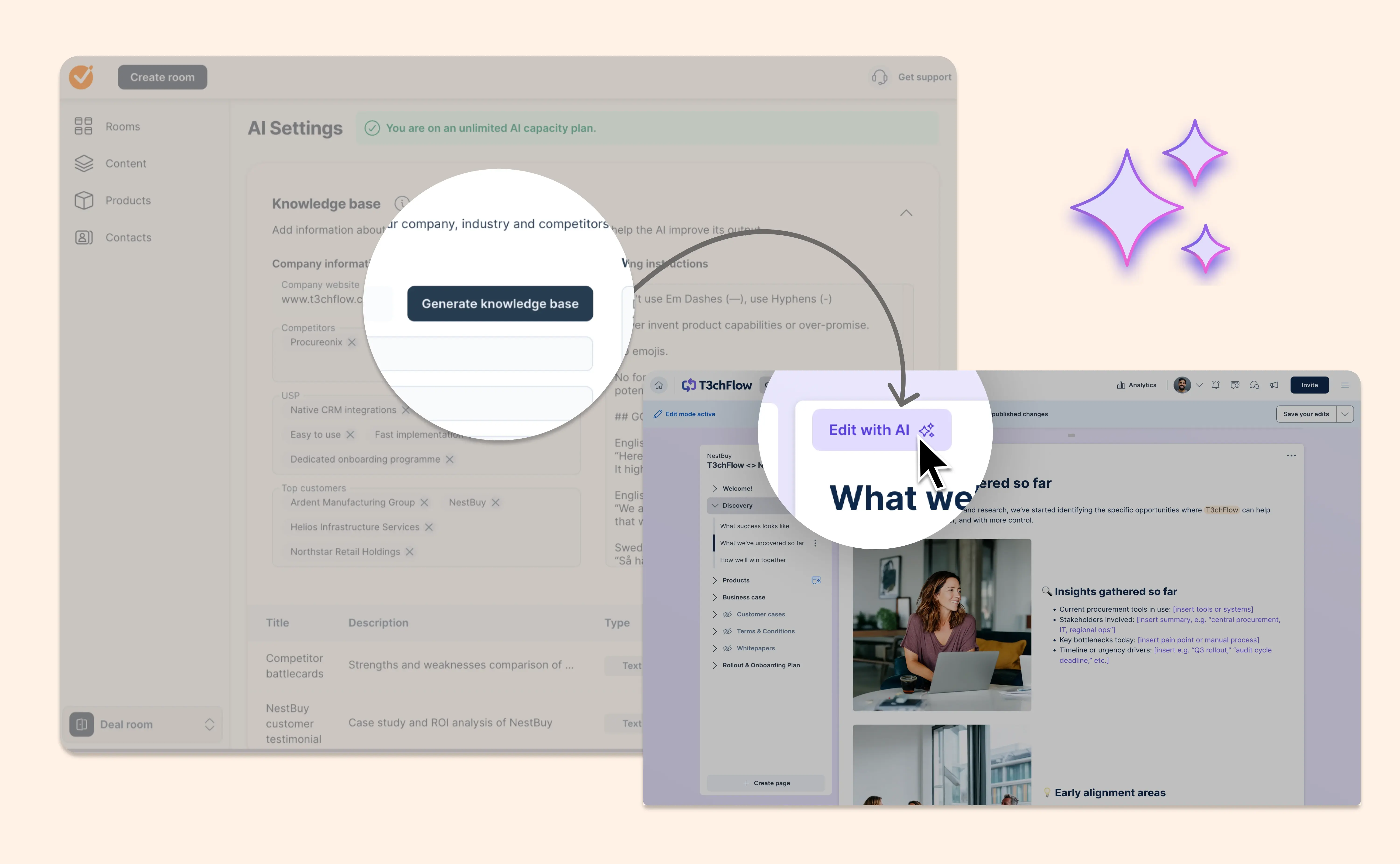
Teach AI how your company works

Teach AI how your company works

AI works best when it understands your business. That’s why we’ve redesigned the AI Settings page and introduced a new AI knowledge base.

Instead of one long instruction field, you can now add structured company information that gives our AI clear, reusable context.

What’s included

  • Company settings
    Add competitors, USPs and top customers so AI understands your market and positioning.

  • Writing instructions
    Define tone of voice, spelling preferences, terminology to use or avoid, formatting rules and more.

  • AI knowledge base
    Create detailed knowledge base items for things like competitor battlecards, customer personas, product descriptions or policy documents. Each item has a title, description and rich Markdown content.

This knowledge becomes long-term memory for your AI. It’s used across Smart Content and Section Prompts to produce more accurate, consistent and on-brand output.

Set it up once. Let AI do better work everywhere.

View help article

Deal Rooms and Contracts, now working in tandem across your deal cycle

Deal Rooms and Contracts, now working in tandem across your deal cycle

We’ve taken a big step toward creating a more unified experience between Deal Rooms and Contracts.

Sales cycles rarely happen in neat, isolated stages. Collaboration and contracting are part of one continuous conversation. Now, the product reflects that.

Reps can now create contract drafts directly from the Deal Room, keeping everything in the same place where buyers already engage with content, questions, meeting summaries, and next steps. And when recipients open a document, they’ll now see a Connected Room link that brings them straight back into the room. No more switching, losing context, or wondering where the rest of the information lives.

This update brings the two modules closer together so they support each other naturally, working in tandem to give buyers (and sellers) a simpler, clearer journey from opportunity to signature.

Read blog post

Deal Rooms and Contracts, now clearly connected in Salesforce

Deal Rooms and Contracts, now clearly connected in Salesforce

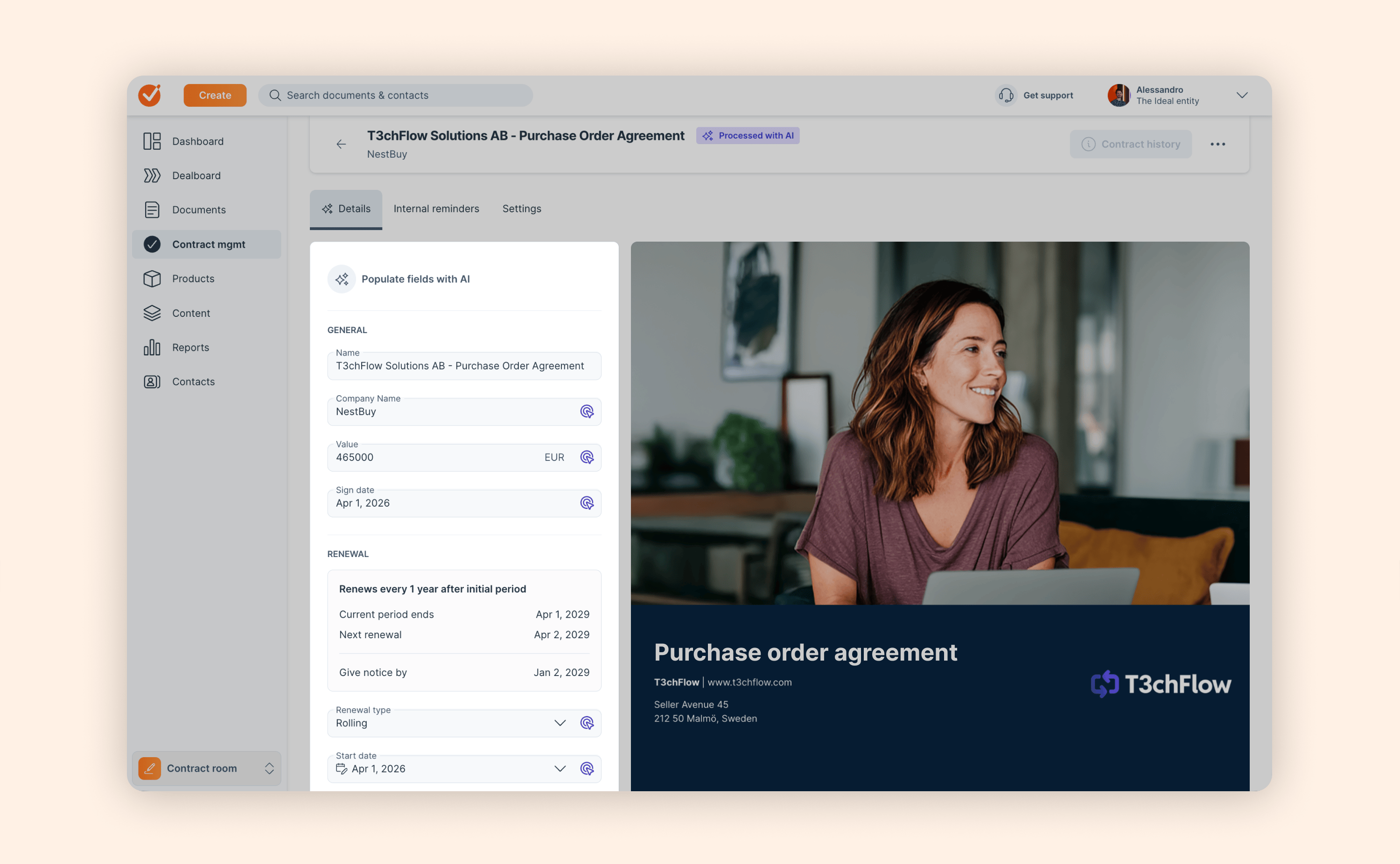
We’ve just brought Deal Rooms and Contracts closer together to support creating a more unified experience from opportunity to signature in GetAccept.

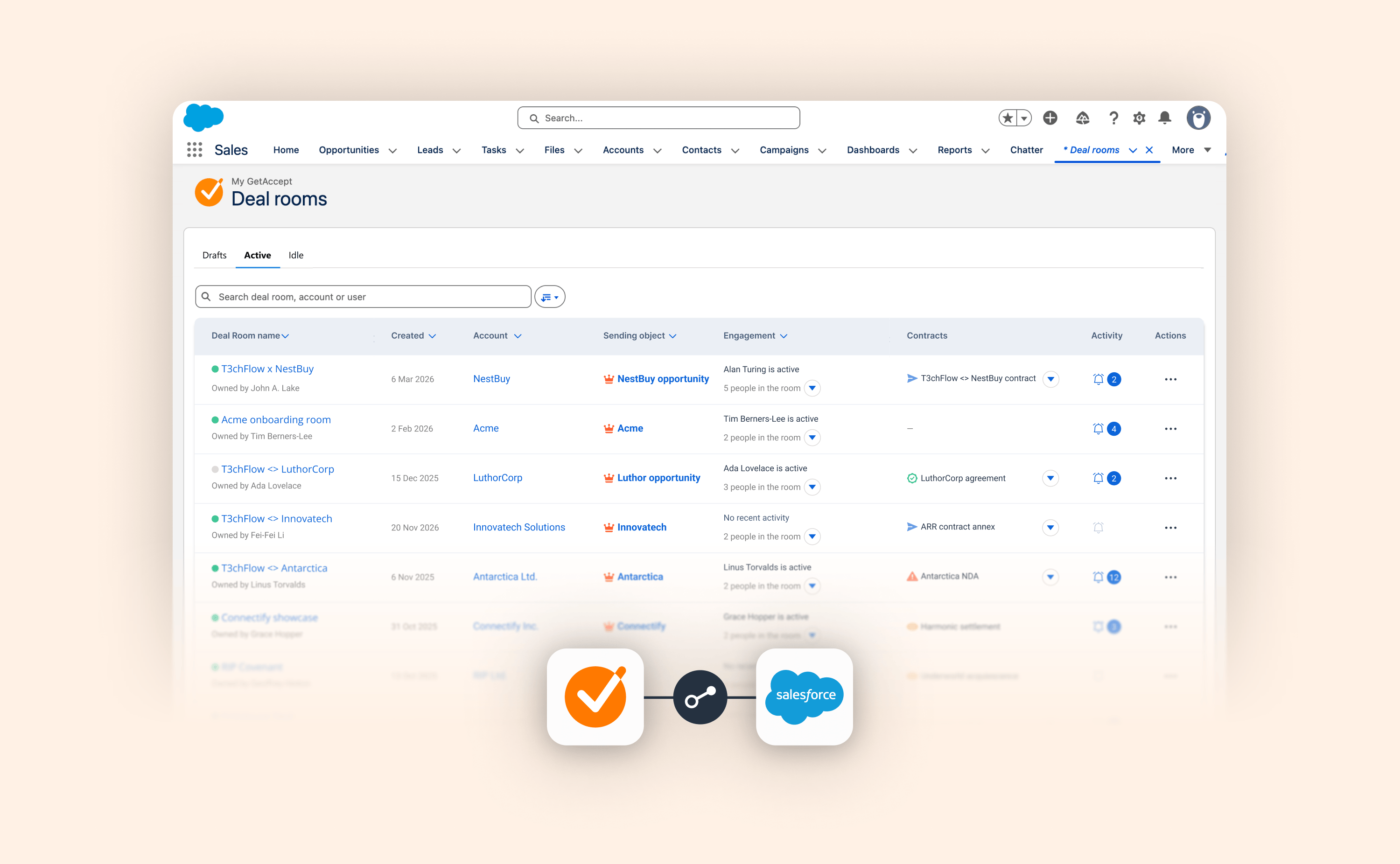
We’re now extending this unified workflow into Salesforce, so it’s always clear which contracts belong to which Deal Rooms. You can now link a contract to a Deal Room directly from Salesforce. That contract will automatically appear in the Contracts tab of the connected Deal Room, and be visible to you and any buyers involved in signing or reviewing the contract.

This brings clarity and continuity to the CRM workflow, reinforcing Deal Rooms as the single shared space that carries the deal from qualified lead through to signature.

Read blog post

Qualified Electronic Signatures for BankID in Norway

Qualified Electronic Signatures for BankID in Norway

If you sign with BankID in Norway, the rules — and the technology behind them — are changing.

New regulations require Norwegian energy retailers to collect verified customer consent using Qualified Electronic Signatures, starting from 1st April, 2026. At the same time, BankID Norway is discontinuing its legacy signing technology.

To support both scenarios, GetAccept now supports Qualified Electronic Signatures (QES) for BankID signing in Norway.

This update ensures you can:

  • Continue signing with BankID using supported technology

  • Stay compliant with consent requirements if you operate in the energy sector

  • Avoid disruption when legacy BankID signing is shut down

The updated QES flow is available in GetAccept now. If you’d like to plan your migration, reach out to your GetAccept contact.

Work smarter with GetAccept for Agentforce

Work smarter with GetAccept for Agentforce

Salesforce’s Agentforce is changing how teams interact with their CRM — and now, GetAccept joins the conversation.

The new GetAccept Agent for Agentforce lets you perform key GetAccept actions directly through Salesforce’s AI interface. Ask it to show, create, or manage contracts and Deal Rooms — and get instant results with interactive UI components that make every step clear and reliable. You can create your own GetAccept agent or incorporate GetAccept features into your existing agents.

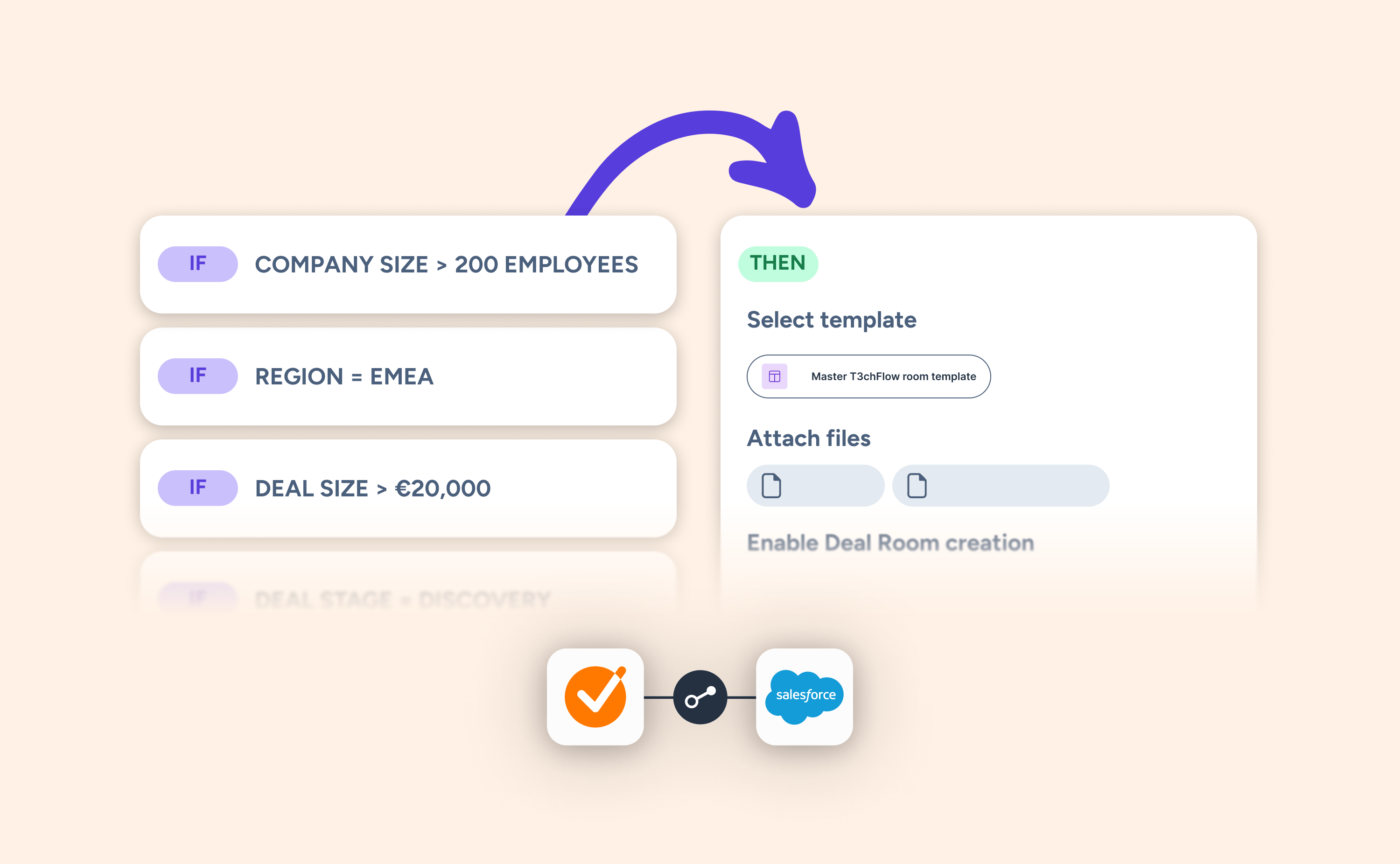
Even better, all this is underpinned by our existing conditional logic capabilities in Salesforce. That means you can use data from Salesforce to filter and recommend only the most suitable contracts and deal rooms, and populate those documents with information that is personalised and relevant to the deal.

Here’s what you can do:

  • Search and view contracts by status, owner, or timeframe.

  • Create new contracts and Deal Rooms with your existing admin logic for template selection built in.

  • Interact confidently through in-line previews, dropdowns, and entry fields — so you always know what you’re sending.

The GetAccept Agent makes it easier to work smarter inside Salesforce — no tab-switching, no guesswork, and no extra effort.

Interested in trying it out? Install the Agent from Salesforce AgentExchange.
Learn more

Collaborators can now publish Deal Rooms

Collaborators can now publish Deal Rooms

Working together just got easier.

You can now enable publishing rights for collaborators at the room level. That means more flexibility for your team and fewer handoffs when it’s time to move a deal forward.

You’re in control from two places:

  • When creating a room: turn on publishing rights as you add collaborators

  • In room settings: switch publishing rights on or off anytime

When publishing rights are enabled, all internal collaborators on that room can publish. Simple. Clear. Built for teams that move fast.

A quick note on notifications

We only send emails when you add a new collaborator:

  • If publishing rights are on, they’ll receive a new email that reflects those rights

  • If publishing rights are off, they’ll receive the standard collaborator email

This update helps teams collaborate more smoothly, keep momentum high, and make sure work doesn’t pause just because one person isn’t around.

View help article

Make your room easier to scan with new icon layouts

Make your room easier to scan with new icon layouts

Buyers don’t read Deal Rooms the way sellers write them. They scan. They skim. When everything looks the same, important points get lost. Long text blocks can slow buyers down and make key points easy to miss.

With the new Icon Layout Element, you can quickly add clean, visual sections to your Deal Rooms. Choose between 1–4 columns, add icons, and present your message in a way that’s easy to scan and understand.

Perfect for highlighting benefits, outlining steps, or breaking down features, without spending time on formatting.

Add deadlines and progress states to your Mutual Action Plan Milestones

Add deadlines and progress states to your Mutual Action Plan Milestones

You asked for more flexibility in how you track progress — and it’s here.

You can now set Milestones as Not started, In progress, or Completed, no matter how many tasks are finished. That means you can mark a milestone as achieved even if a few final tasks are still underway.

You can also add deadlines to Milestones, whether they’re in the future or already completed. This helps teams reflect real deal timelines and keep their action plans accurate over time.

Here’s what’s new:

  • New Milestone progress states: Not started, In progress, and Completed.

  • Milestone deadlines: Add or edit past and future dates for better tracking.

  • Smart automation: Milestone statuses automatically update as tasks move forward — but manual changes remain fully in your control.

  • Wherever you work: These updates are available for Deal Rooms managed directly within GetAccept as well as in your integrated CRM.

This update makes your Mutual Action Plans more flexible, more accurate, and easier to manage — helping you work smarter and close faster.
View help article

A simpler way to create contracts

A simpler way to create contracts

If you’ve ever clicked “Create” and paused, unsure what to do next, you’re not alone. Document creation is a critical moment, and confusion slows everything down.

We’ve redesigned the contract creation flow in GetAccept to make it clearer and easier to get right from the start.

Here’s what’s new:

  • Choose how to start: from a template, from scratch, or from a PDF

  • Follow a guided, step-by-step flow

  • Set up document details and add recipients before editing

The new create flow removes guesswork and helps you move from idea to sent contract with confidence. This way, you spend less time figuring out what to do and more time closing deals.

Learn more

Section Prompts: Build and update sales content in one click, zero prompting required

Section Prompts: Build and update sales content in one click, zero prompting required

Creating personalized deal content with AI is now simpler and more reliable.

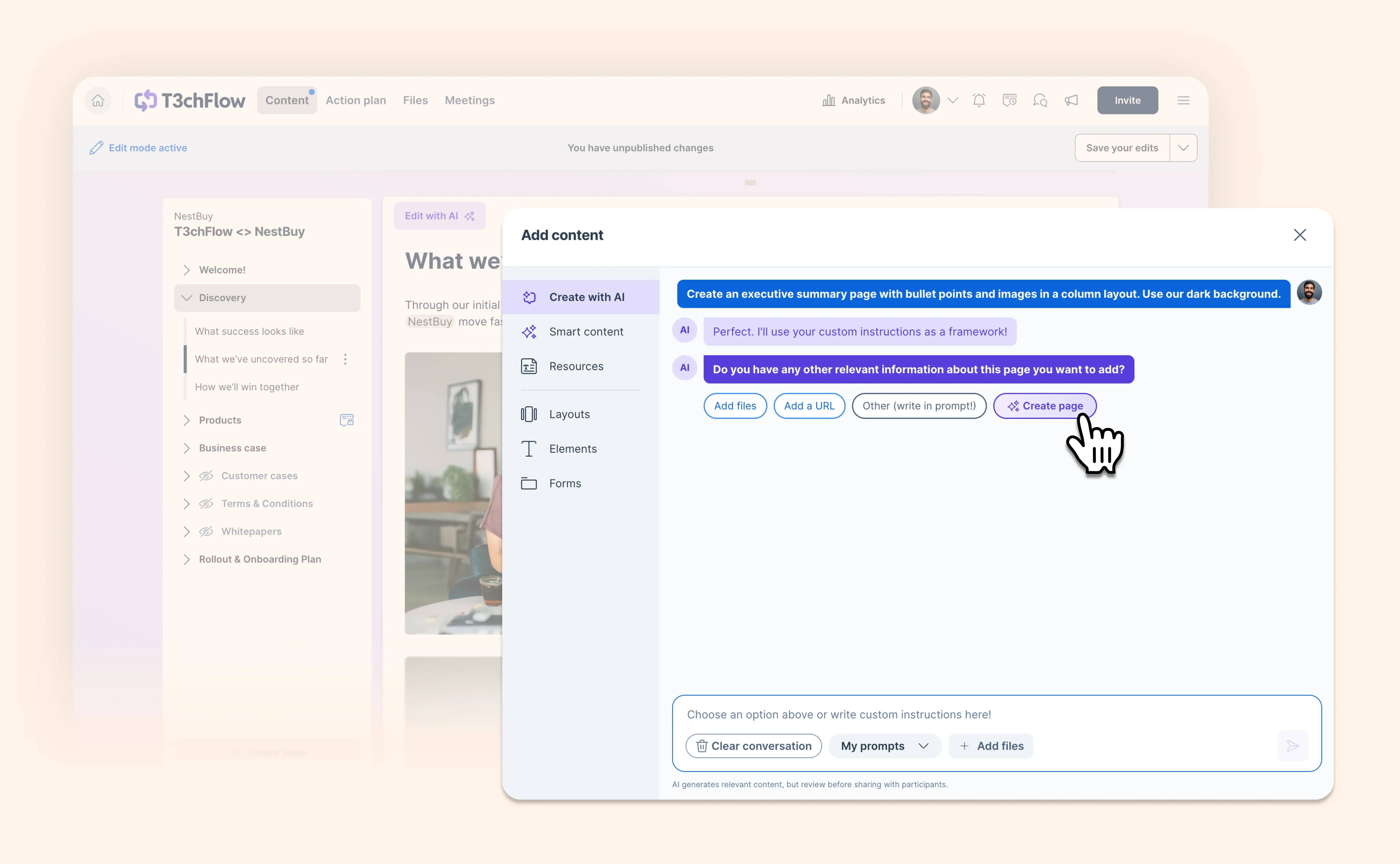
Instead of writing your own prompts while juggling follow-ups and end-of-quarter pressure, you can now build and update sales content in – literally – one click.

Section Prompts let content managers attach specific AI instructions to individual sections inside Deal Room resources, templates, or rooms. You can even choose which data sources AI should use (including meeting transcripts, buyer data, existing content, and more). Every output stays on-brand, accurate, and aligned to your organization’s best practices.

More control for content managers. More speed and confidence for reps.

Section Prompts keep content consistent and up-to-date, so you reps stay focused on selling — not writing prompts.

Read blog post

Introducing a clearer, easier way to work with conditional content

Introducing a clearer, easier way to work with conditional content

Building contracts with conditional logic can get messy fast. Templates grow long, and it becomes hard to keep track of what will appear for the buyer. So we’ve refreshed the editing experience to give you instant clarity on what your buyers will actually see.

Here’s what’s new:

  • See what’s visible at a glance: Content that won’t appear in the sent contract now collapses and fades out automatically. No more scrolling through long templates or relying on preview just to double-check your work.

  • Edit confidently, even with complex logic: You can still open and edit collapsed blocks whenever you need. It’s the same power and flexibility as before, but with a much clearer view of what’s going on.

  • Access the logic builder from anywhere: A new floating button keeps the conditional logic builder just one click away, so you can focus on your work instead of scrolling.

You get a cleaner, more predictable editing experience — so you can spend less time figuring out how your contract will behave and more time actually selling.

A clearer signing flow for contracts with multiple signature fields

A clearer signing flow for contracts with multiple signature fields

When contracts include multiple signature fields, signers sometimes miss required steps, which can prevent the document from being fully signed and completed.

We’ve improved the signing flow to guide signers more clearly through the process:

  • The final signature field stays disabled until all required fields are completed

  • Signers receive clear feedback if something is missing

  • Once the last required field is signed, the final signing step opens automatically, making it clear how to finish signing and seal the document

This update helps ensure all required signatures are completed, reducing failed or blocked signing attempts and making it easier to get contracts fully signed the first time.

December 2025

Automatically populate template images using Microsoft Dynamics

Automatically populate template images using Microsoft Dynamics

You can now use image placeholders in GetAccept templates and have them filled automatically when generating a document through the Microsoft Dynamics integration.

This means you can create proposals, quotes, or contracts in Dynamics that include the correct visuals—without opening the GetAccept editor.

What’s new:

  • Image placeholders in templates
    Define where images should appear in your templates—such as logos, product visuals, or customer-specific images.

  • Mapped directly to Dynamics fields
    Images stored on Dynamics records (like product images or attachments) can now be mapped to GetAccept image placeholders and automatically populated during document creation.

  • Images inside pricing tables
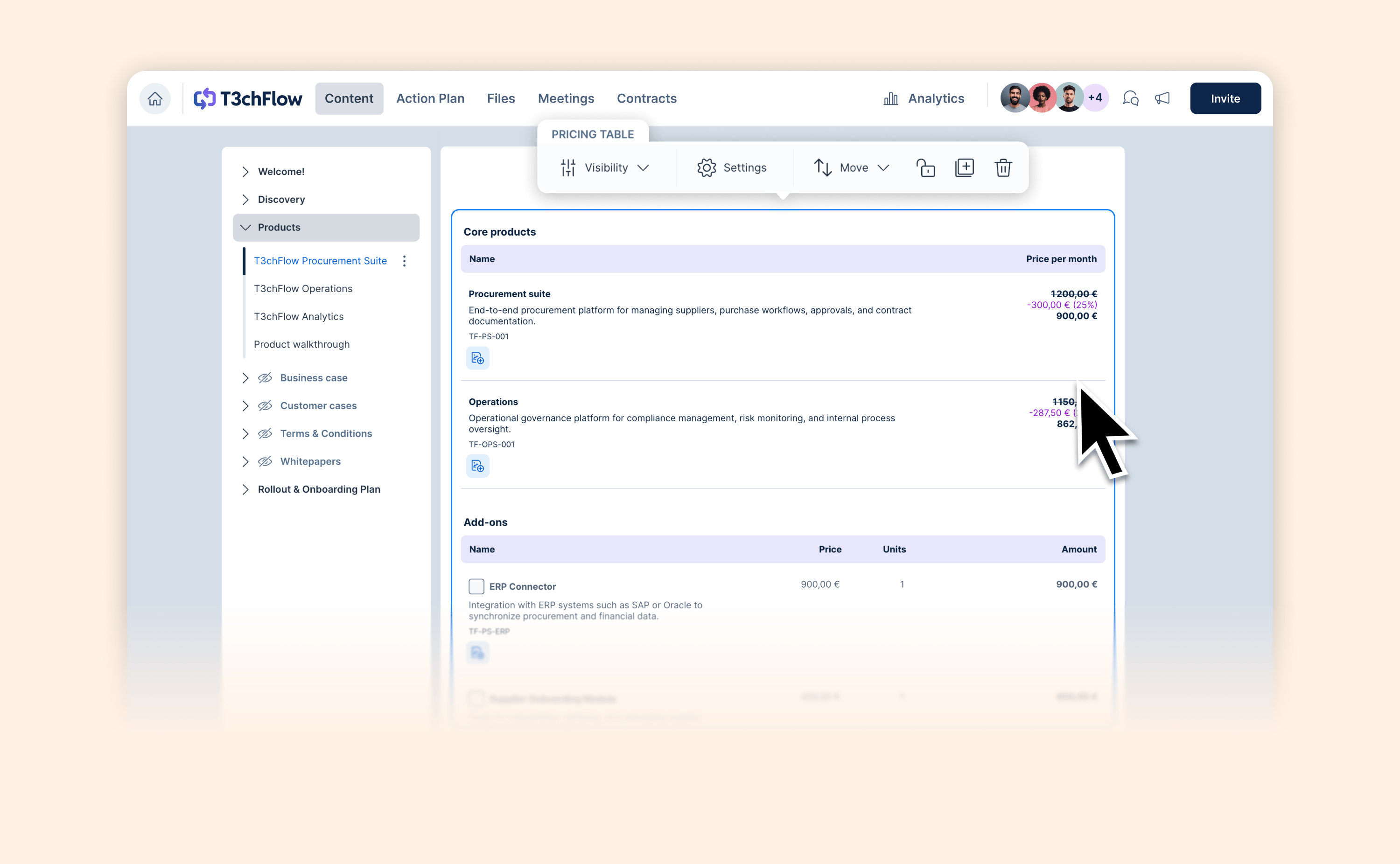
    Add product images or thumbnails to pricing table items for more visual, buyer-friendly quotes.

This update streamlines the Dynamics → GetAccept flow, helping teams send polished, fully branded documents faster—without any manual editing.

View help article

New integration settings experience

New integration settings experience

Managing GetAccept settings from your CRM just got easier.

We’ve redesigned the integration settings experience to give you a clearer overview, better navigation, and a setup flow that’s built to scale as integrations grow more powerful.

What’s new:

  • A cleaner, more structured settings layout

  • Easier orientation. Know where you are in one click

  • A future-proof foundation for upcoming integration capabilities

This update is live for HubSpot, Microsoft Dynamics, Pipedrive, and Upsales, making it easier than ever to manage advanced integrations with confidence.

You can now import Microsoft Teams meeting transcripts into GetAccept

You can now import Microsoft Teams meeting transcripts into GetAccept

If your team runs sales calls in Microsoft Teams, you can now pull those meeting transcripts straight into your Deal Rooms. No more copy/paste or switching tabs.

Here’s what’s new:

  • Add from Microsoft Teams
    Connect Microsoft Teams once, then import meeting transcripts directly into any Deal Room with a single click.

  • AI summaries + next steps
    Each transcript is instantly transformed into a clear, structured summary and actionable next steps using AI. You can refine the output with prompts or edit manually.

  • Everything in one place
    Transcripts, summaries and action items live together in the Meeting tab, right alongside your shared sales content.

This is another step toward helping sellers stay focused on what they do best – building relationships and closing deals – instead of copy-pasting transcripts and jumping between tools.

Learn more

November 2025

October 2025

September 2025

August 2025

July 2025

June 2025

May 2025

April 2025

March 2025

February 2025

January 2025

December 2024

November 2024

October 2024

September 2024

August 2024

July 2024

June 2024

May 2024

April 2024

March 2024

February 2024

January 2024

No updates match your filters.

Explore changelog

Try a feature, category, or keyword. Type at least 3 characters to start searching.

Categories

Recent updates