-1.jpg?width=48&height=48&name=55f40cc2763590699ea313bb5c9f08b5%20(chosen)-1.jpg)

Enrich Power BI reports and feed Microsoft Copilot with live buyer data from GetAccept
If you're managing deals in Microsoft Dynamics 365, you already count on it as your sales headquarters. It's where you track pipelines, build reports, and increasingly where Microsoft Copilot gives you AI-assisted guidance on what to do next. But even with all that capability, there has always been one piece missing: what your buyer is actually doing.
You can see when a stage changes or a contact is added. But can you see if your proposal was opened? Whether your champion has gone quiet? Or which stakeholders are actively reviewing your Deal Room? Until now, not from inside Dynamics. Now you can.
Real-time buyer activity from your GetAccept Deal Rooms and Contracts now flows directly into custom objects in Microsoft Dynamics 365. Every view, comment, chat message, and signature is captured, not just in GetAccept, but in your CRM, right where your team already works.
Why AI needs real buyer data
Microsoft Copilot for Sales is a genuinely useful tool. It can summarize deal context, suggest next steps, and surface patterns across your pipeline. But like any AI, it is only as good as the data it has access to. Most CRM data captures what your reps did: stage updates, logged calls, sent emails. What it rarely captures is what your buyers did.
That is a significant gap. According to Gartner, 80% of B2B sales interactions happen in digital channels. A Digital Sales Room captures that entire journey, from the first document view to the signed contract. Now that journey flows into Microsoft Dynamics.
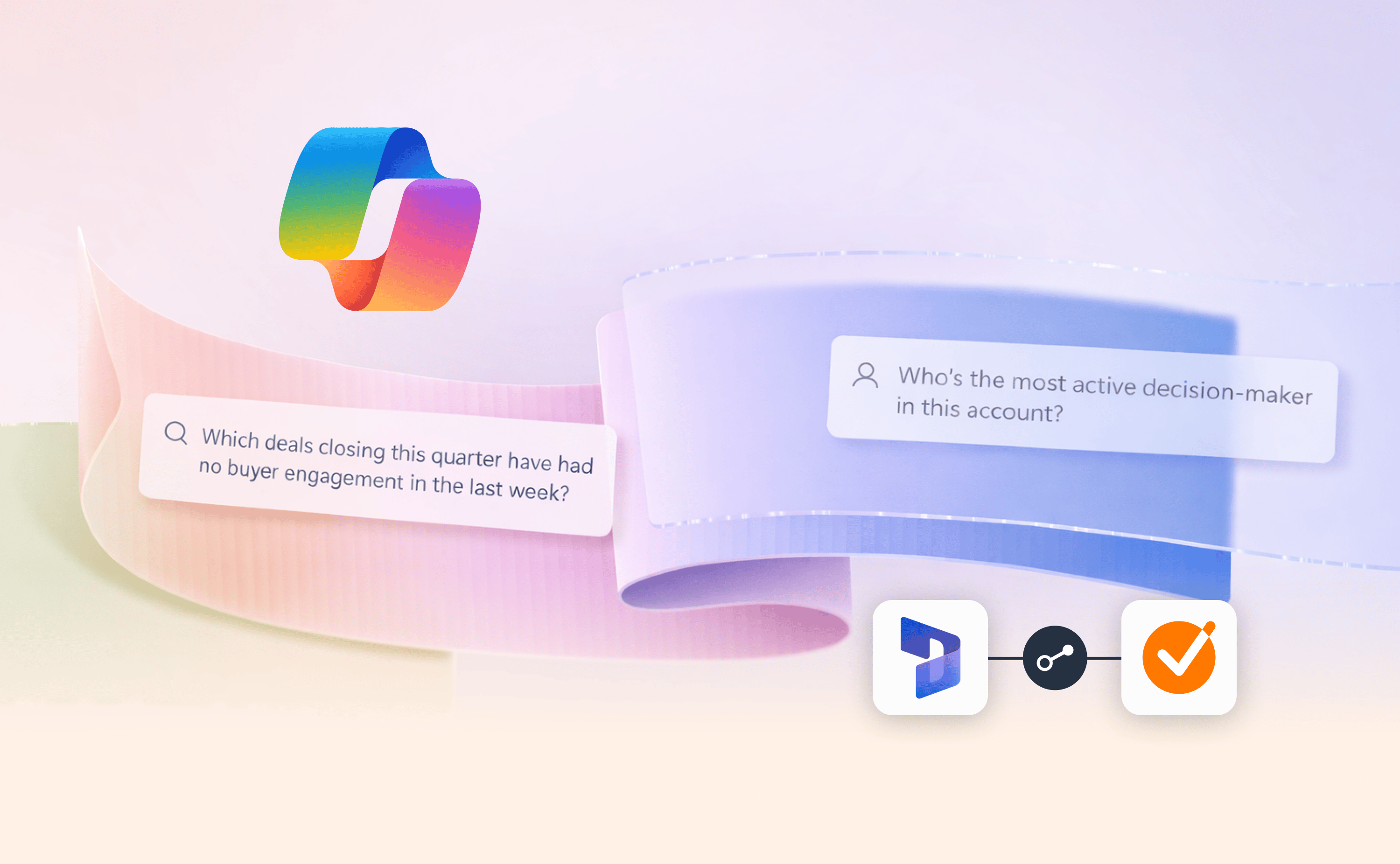
With GetAccept data in custom objects, Copilot can answer questions like:
- "Which deals have had no buyer engagement in a GetAccept Deal Room in the last seven days?"
- "Which GetAccept Contracts or Deal Rooms had activity this week and are set to close this month?"
- "Who is the most active decision-maker in this account?"
Complete the picture in Power BI
The same engagement data that feeds Copilot also flows into your Power BI dashboards. Your reports can finally reflect what is actually happening on the buyer side, not just what your reps have logged.
What does that unlock? Deal stage reports enriched with real buyer activity. Dashboards that show which deals have active momentum and which have gone cold. Lead scoring and pipeline health metrics based on actual engagement, not assumptions.
Built for complex Dynamics environments
Many mid-market and enterprise teams have built Dynamics well beyond its default structure – custom entities for deal milestones, specific reporting hierarchies, or integration pipelines that feed other Microsoft tools. Standard object sync was never going to fit that.
GetAccept data maps to whatever custom structure your team has built. If your RevOps team has a custom object for buyer touchpoints, GetAccept populates it. If your reporting pipeline expects engagement data in a specific entity, it goes there. No workarounds, no manual exports.
Getting started
You will find the custom object sync options in your Dynamics 365 integration settings in GetAccept. Existing customers can reconnect and configure the mapping; new customers will see it during onboarding. Setup is handled by a Dynamics admin and adapts to whatever object structure you have already built.
From deal creation to signed contract, your buyers leave signals at every step. Now Dynamics can see them too.
Read this help article to learn how to feed GetAccept data into Microsoft Dynamics via custom objects.
-1.jpg)