-1.jpg?width=48&height=48&name=55f40cc2763590699ea313bb5c9f08b5%20(chosen)-1.jpg)

Most revenue operations teams have at least one automation that technically works but produces the wrong result half the time. Not because it was set up badly, but because it treats every deal the same, regardless of size, stage, or context.
That's the fundamental limitation of unconditional automation. And it’s a real constraint.
How event-based CRM sync works
Event-based CRM sync lets teams automatically update CRM fields based on what happens in GetAccept. When a contract is signed, a room is opened, or a task in the Mutual Action Plan is completed, GetAccept fires a sync and updates the corresponding CRM field.
It's useful. But it also means that $3K SMB deal and a $300K enterprise deal would trigger exactly the same update, regardless of what made sense for each.
However, admins can add conditions based on CRM data itself, not just the GetAccept event. Deal stage, deal value, account industry, or any CRM field can be part of the condition that determines whether and how a sync executes.
In practice, it looks like this:
When a GetAccept contract is signed:
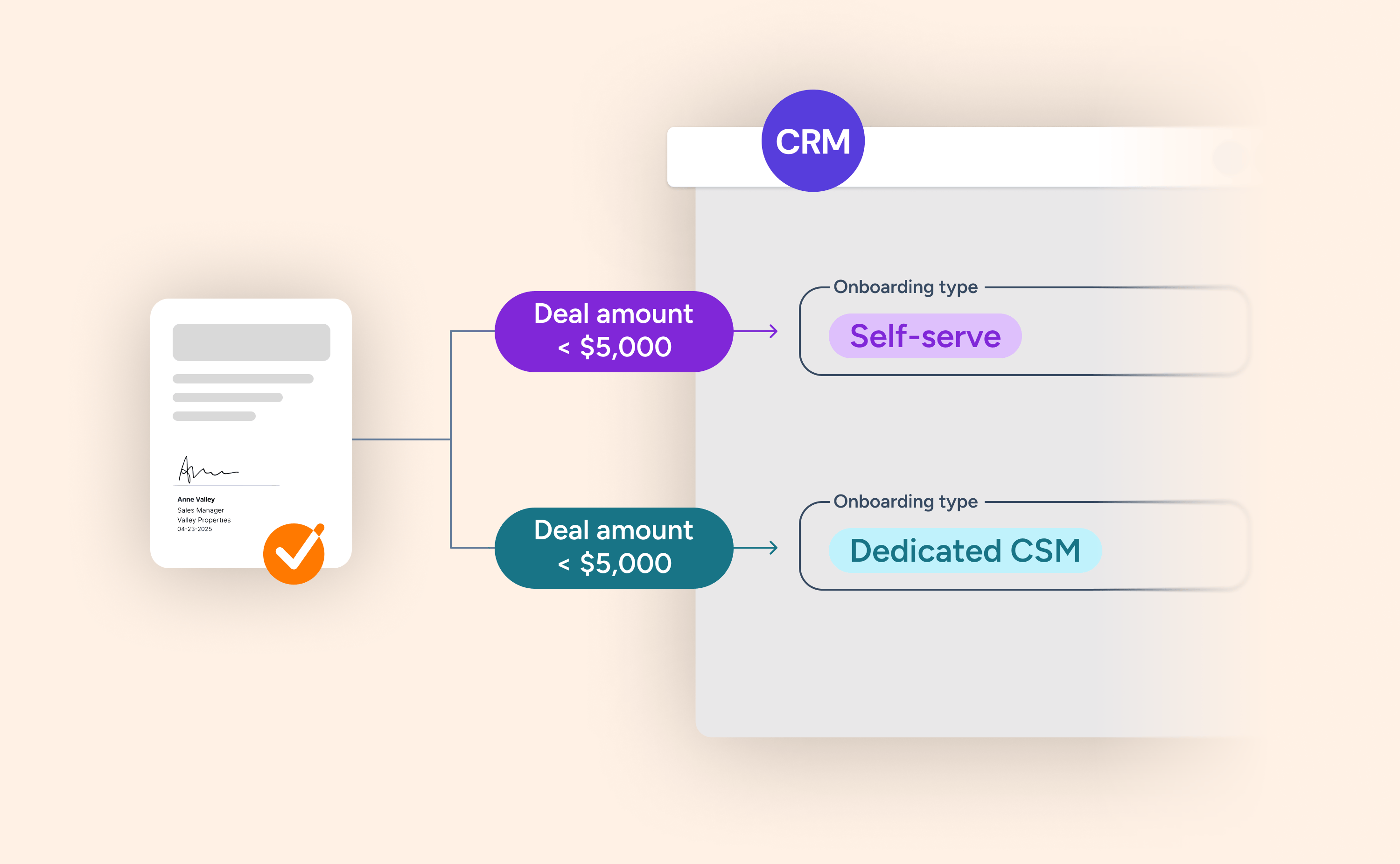
- IF CRM Stage = "Negotiation" AND Amount < $20,000 → set "Onboarding Type" = "Self-serve"
- IF CRM Stage = "Negotiation" AND Amount ≥ $20,000 → set "Onboarding Type" = "Dedicated CSM"
When a GetAccept proposal is opened by the buyer:
- IF Stage = "Proposal" AND Amount < $15,000 → set "Forecast Category" = "Pipeline"
- IF Stage = "Proposal" AND Amount ≥ $15,000 → set "Forecast Category" = "Best Case"
The sync only executes when both the GetAccept event and the CRM conditions are met. GetAccept reads the live CRM record at the moment the event fires.
Why this matters beyond the obvious
The most immediate benefit is accuracy: CRM fields that update automatically, with the right value, based on the actual deal context. Ops teams spend less time cleaning up what automation got wrong.
But there's a second-order effect worth naming. When your CRM data reflects reality, everything downstream gets better. Sales forecasting becomes more reliable because the underlying fields – forecast category, deal stage, priority – are populated accurately and consistently. Managers make better calls. CRM-native AI features have better data to work with.
There's also the question of stack complexity. Teams that were routing conditional logic through Zapier or Make can now consolidate that back into a single platform. Fewer tools, less maintenance, cleaner automations.
Who needs to know about this
This is primarily a change for Revenue Operations and CRM admins. If you manage data sync profiles or automation rules in GetAccept, this is worth reviewing. The new conditions step is built into the data sync profile wizard, so it fits naturally into the existing setup flow.
Sales reps don't need to change anything. The improvement is invisible to them, felt through more accurate CRM records and more reliable downstream processes.
If you're an admin on one of the supported CRMs, now is a good time to review your existing sync profiles and identify where CRM data conditions could sharpen the logic you already have in place.
-1.jpg)