-1.jpg?width=48&height=48&name=55f40cc2763590699ea313bb5c9f08b5%20(chosen)-1.jpg)

There’s a version of sales operations that most RevOps teams aim for: a world where deal setup happens correctly by default, without reps needing to remember which files to attach, which approver to involve, or even which template applies.
For a long time, part of that vision was already in place.
Over the past year and a half, GetAccept’s Salesforce integration introduced conditional logic that allowed admins to use CRM data to automatically suggest or select the right template. It removed one of the most common points of friction for reps: figuring out what to send.
But template selection was only one piece of the puzzle.
Most of the decisions that shape a deal – attachments, approvals, expiry rules, even whether a Deal Room should be created – were still left to reps to handle manually, often under time pressure.
Now, that same conditional logic has been expanded into a broader automation layer.
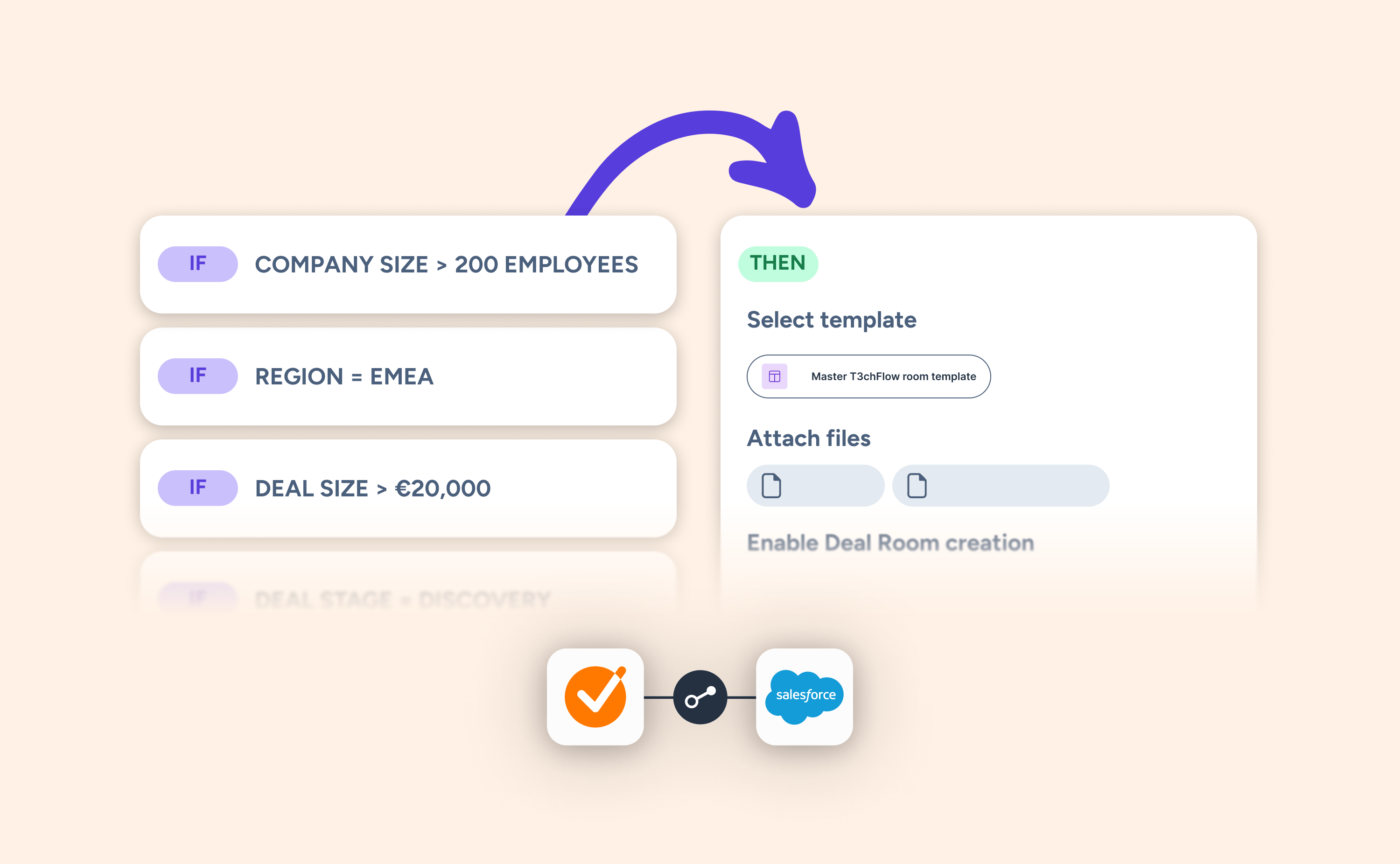 From guiding template selection to automating the entire setup
Conditional setup still does what it always did: ensure the right template is used based on Salesforce data.
What’s changed is everything around it.
The same conditions can now drive a much wider set of outcomes. Based on fields like deal type, account tier, contract value, discount level, or product category, admins can define rules that automatically:
- Link the right contacts
- Attach or exclude specific files
- Route deals to the correct approvers
- Apply the right expiry settings
- Control whether reps can create a Deal Room or contract at all
Instead of solving a single decision (which template to use), conditional setup now handles the full set of decisions that happen when a deal is created.
Admins configure it once. Reps don’t have to think about it again.
Making life easier for reps without relying on memory
Manual deal setup isn’t just inefficient, it’s unreliable.
Reps are often making a series of small decisions in a hurry:
- Does this deal need approval?
- Which case study fits this segment?
- What expiry should I set here?
Even experienced reps get this wrong sometimes. New hires get it wrong more often.
The issue isn’t knowledge. It’s cognitive load.
By expanding conditional setup beyond templates, those micro-decisions are removed entirely. The right actions simply happen based on the deal context.
For reps, the experience becomes straightforward: the workflow feels right without needing to understand all the rules behind it.
Giving admins control where it actually matters
From an admin or RevOps perspective, this shift is just as important.
Previously, Salesforce data could influence template selection, but everything else depended on rep behavior. That made it difficult to enforce consistency, especially across larger teams.
Now, that same data becomes a control layer for the entire deal setup.
- Approval flows are enforced automatically
- The right content is always included
- Risky actions can be restricted based on deal conditions
- Processes scale without constant oversight
Instead of relying on training and follow-up, admins can encode decisions directly into the workflow.
Solving consistency at the source
Most organisations already have the answers to these decisions in Salesforce.
They’ve defined deal types, approval thresholds, regions, segments, and product configurations. The structure is there.
This expanded conditional setup closes that gap. It turns CRM data from something reps reference into something that actively shapes what happens.
AI that stays on the rails
This also becomes increasingly important as teams adopt AI-assisted selling.
As Salesforce Agentforce and the GetAccept agent take on more actions, the question isn’t just what they can do. It’s what they should do.
Conditional setup provides that boundary.
By defining rules based on CRM data, admins ensure that both human reps and AI agents operate within the same framework:
- High-discount deals always trigger approval
- Certain deal types always include specific content
- Some actions are simply unavailable in the wrong context
That makes automation more predictable, and more trustworthy.
A note on setup
All of this is configured in the conditional setup area of the GetAccept integration settings in Salesforce.
If you’ve previously set up conditional template selection, you’re already part of the way there. The same logic now extends further, covering more of the decisions that shape each deal. You can learn more in this help article.
-1.jpg)