
Most teams that end up evaluating GetAccept alternatives are choosing between a handful of the same tools.
We put this article together because these are the tools that come up most often when we talk to prospects evaluating GetAccept.
Rather than pretend we're neutral analysts, we'll be upfront: this is written by GetAccept. GetAccept is the best fit for revenue teams whose deals involve multiple stakeholders.
Each tool below is described on its own terms, including what it is built for and where it stops.
Why GetAccept is built differently
🏆 Good fit for: RevOps and sales teams that manage complex, multi-stakeholder deals and need contracts, proposals, quotes, e-signatures and buyer collaboration in one CRM-connected workflow.
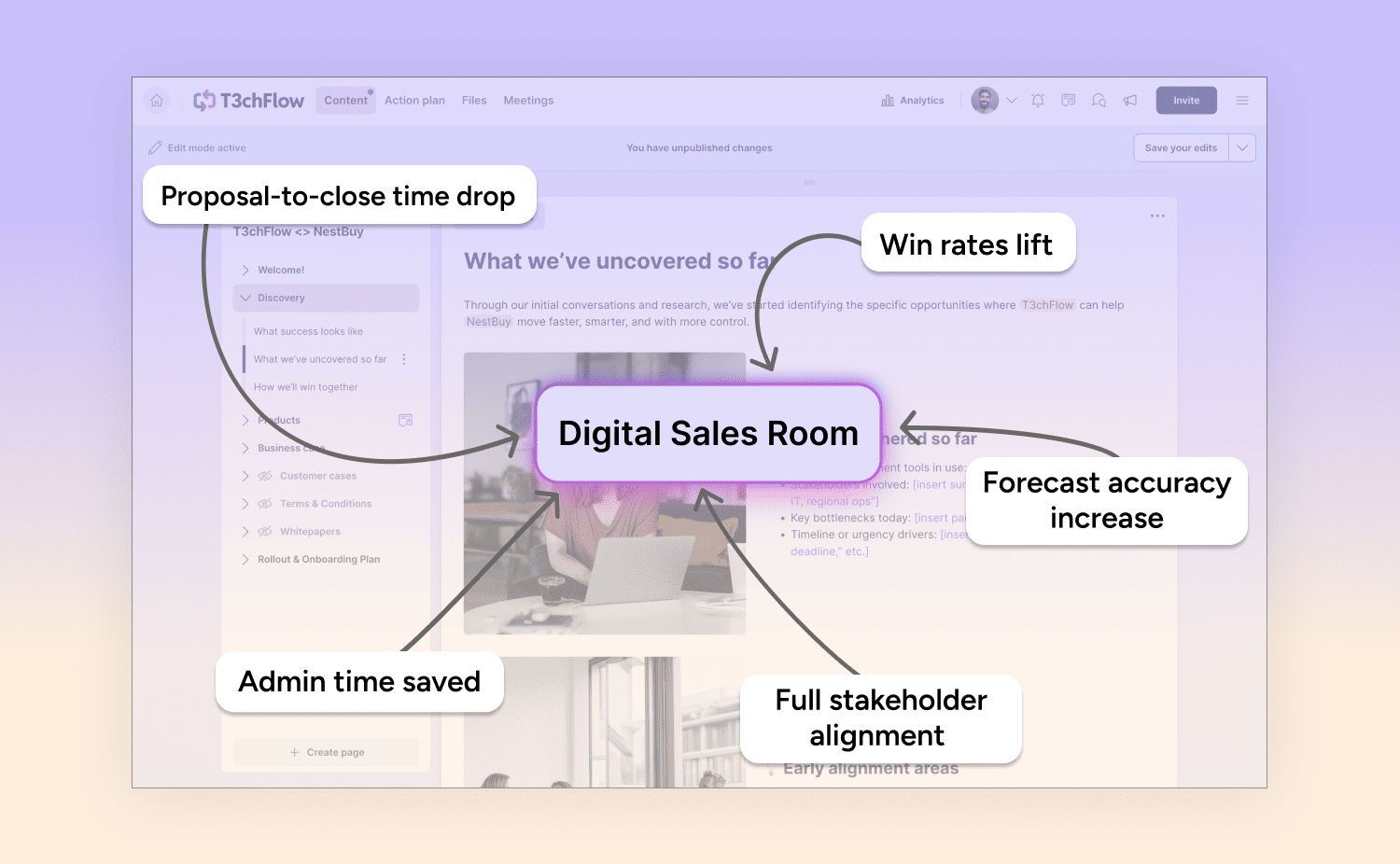
GetAccept is different because it runs the whole sales process, from first meeting to signed contract, in one Digital Sales Room platform.
Most GetAccept alternatives handle only one step of the sales process: the proposal, the document or the signature.
The problem is, the job doesn't end there. A deal involves a proposal, then stakeholder questions, then a compliance review, then a signature, then someone forwarding it to a colleague you've never spoken to. Each handoff is a place where deals slow down or go quiet.
GetAccept is built on the assumption that these steps belong together. In most stacks, proposals go to one place, signatures to another, stakeholder communication to somewhere else, and no one can see the full picture. That's the gap a Digital Sales Room closes.
Here’s what GetAccept’s Digital Sales Room includes:
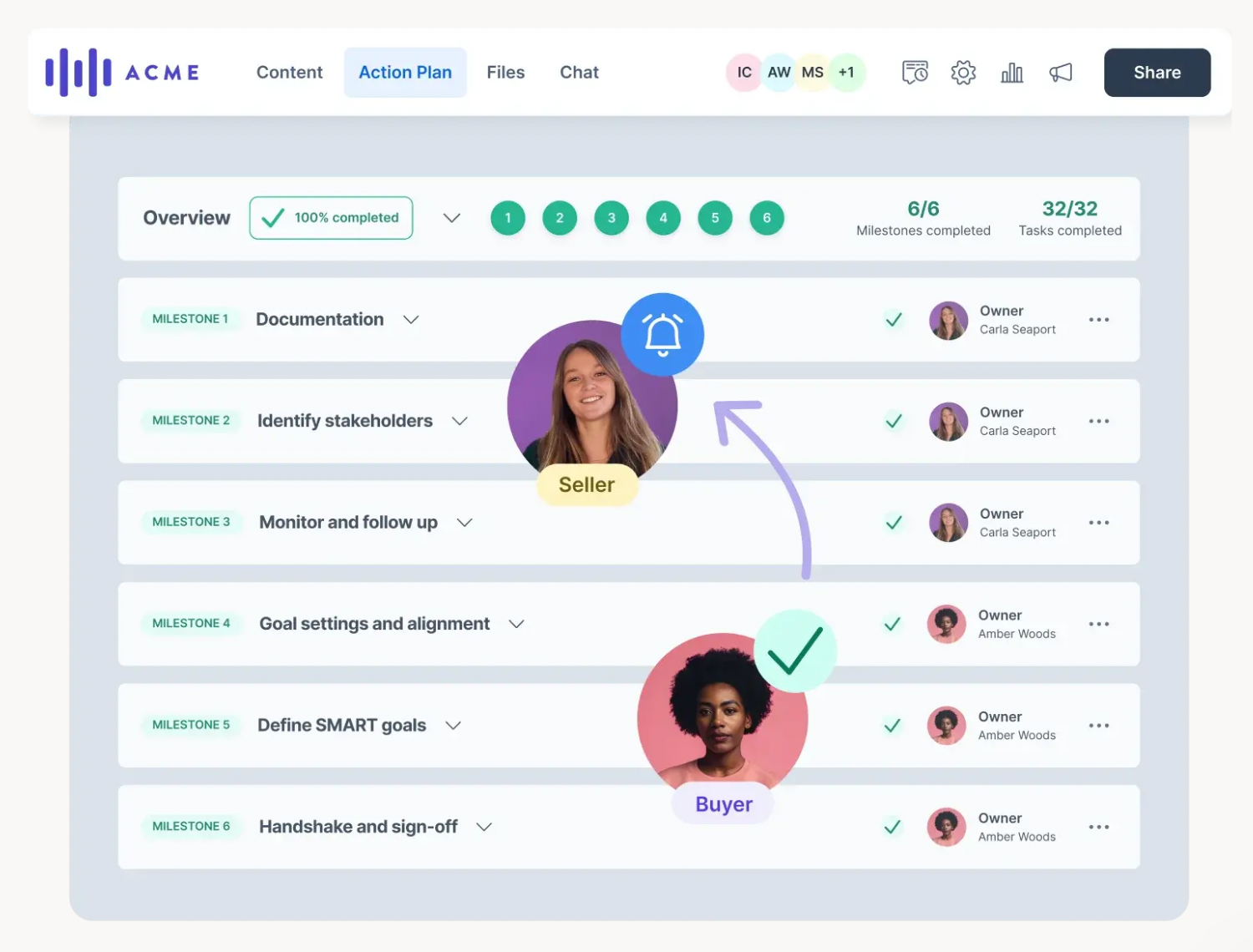
- One shared deal space brings proposals, contracts, security docs, and mutual action plans together in a single, buyer-facing link.
- Multi-stakeholder collaboration lets finance, legal, IT, and internal champions review and contribute with clear roles and permissions.
- Engagement insights show exactly who views each document, what they focus on, and where deals may be getting stuck.
- Built in compliance supports GDPR and WCAG accessibility, with full audit trails ready for procurement and legal review
- CRM native workflows sync deeply with Salesforce, HubSpot and other CRMs, so reps sell in the tools they already use while leadership gets clean, reliable data.
You can use parts of it in isolation – proposals, e-sign, contract management – or run the whole deal through one room. Most teams start with one piece and expand as their deals get more complex.
GetAccept is best suited to deals with a buying group, where proposals, compliance reviews and signatures all need one shared space.
5 popular alternatives (where they are great and where they fall short)
The five most popular GetAccept alternatives are Proposify, Qwilr, PandaDoc, DocuSign and Aligned, and each is built for one step of the deal. Proposify and Qwilr focus on proposals, PandaDoc on documents, DocuSign on signatures and Aligned on Digital Sales Rooms.
1. Proposify
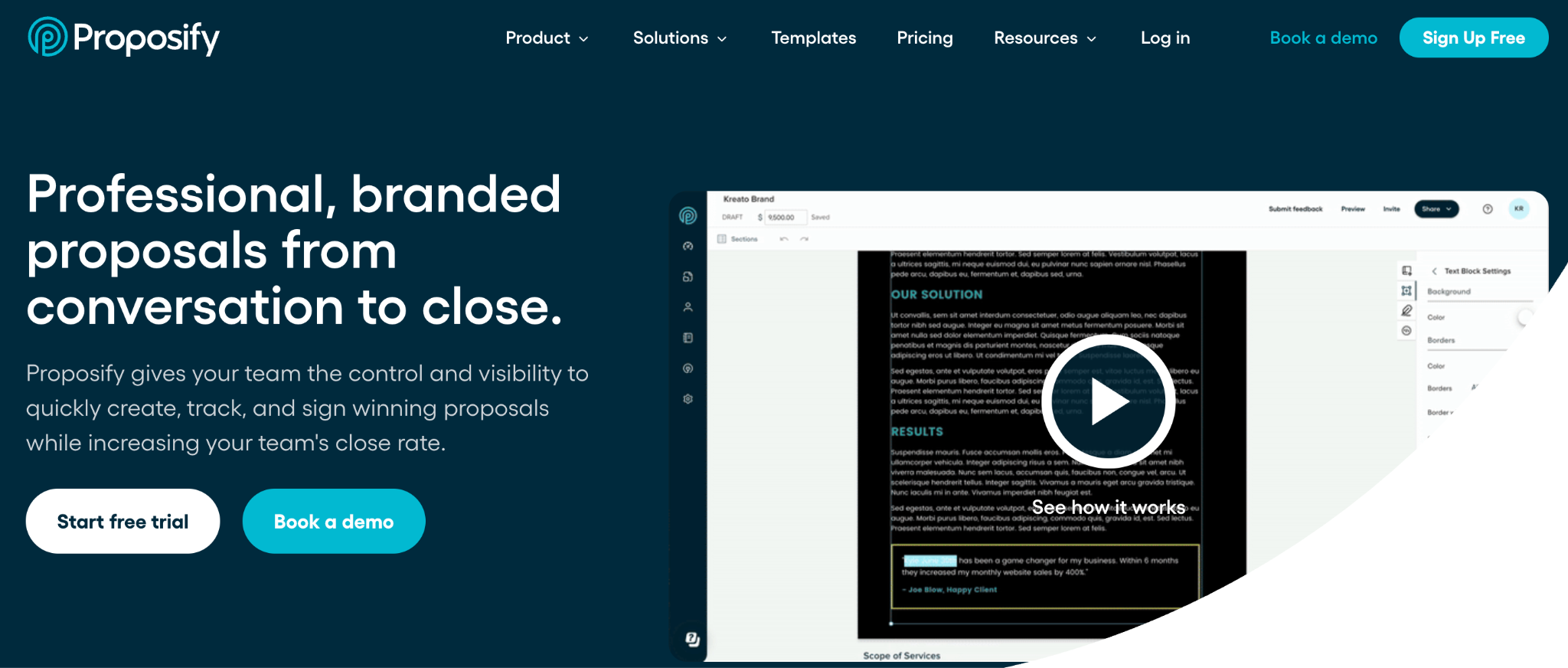
Good fit for: Growing B2B sales teams that need consistent, on-brand proposals at scale without reps building from scratch each time.
Proposify is built for teams that prioritize brand consistency in their proposals. Marketing controls templates and approved assets, so sales reps can create polished, on-brand proposals quickly - without needing design skills.
Highlights:
- Consistent branding across teams and regions
- Centralized, marketing-controlled proposal templates
- Simple editor that enables reps to build proposals quickly
Where it falls short:
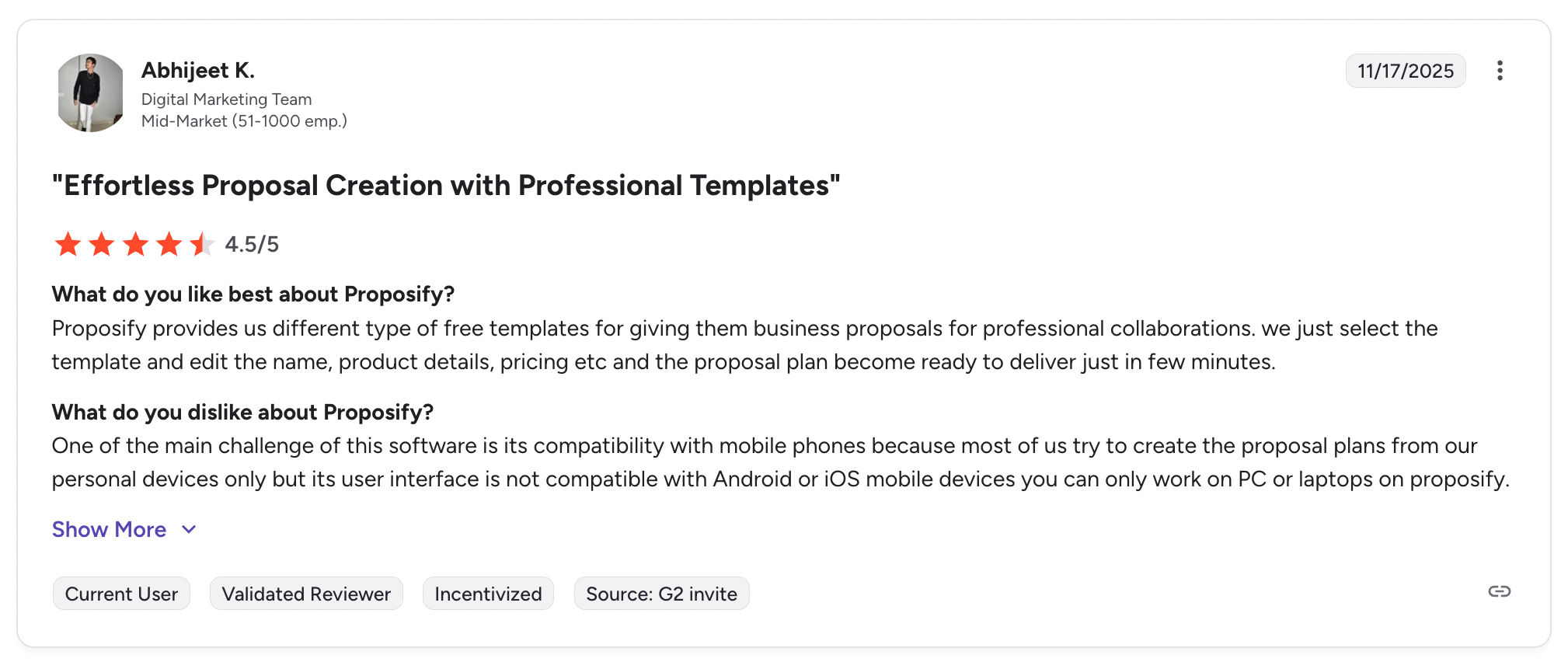
- Proposify is focused on creating polished proposals, which means that collaboration and deal visibility happen outside the platform once a proposal is sent.
- There’s no shared Digital Sales Room for buyers and internal teams, limited engagement insights, and no central space to keep deals moving after the proposal stage.
Proposify keeps branding clean. GetAccept keeps deals alive with collaboration, compliance, and engagement tracking.
Compare GetAccept vs Proposify→
2. Qwilr
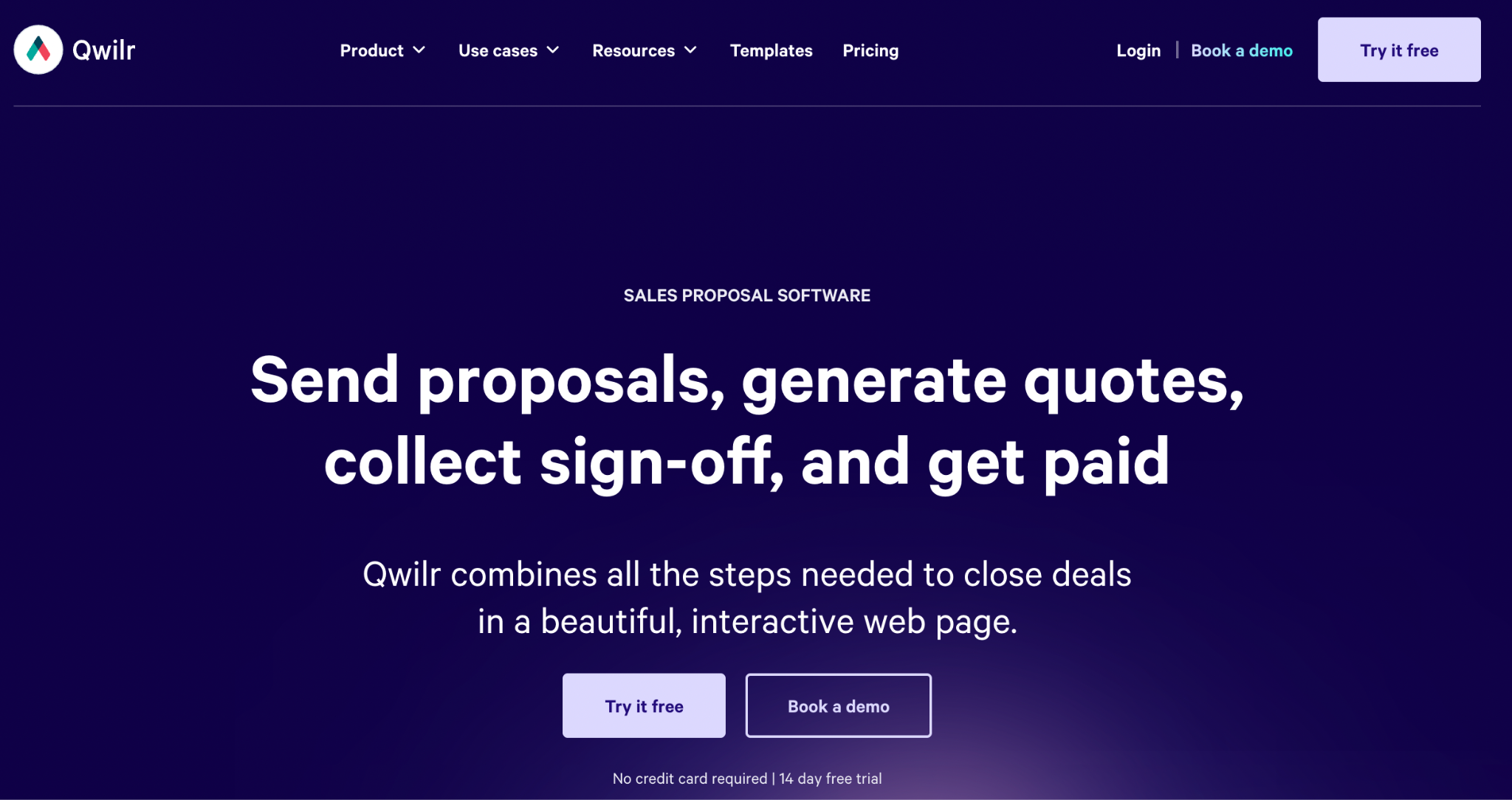
Good fit for: Teams where first impressions matter and a PDF proposal feels like a missed opportunity to stand out.
Qwilr takes a design-first approach to proposals, turning them into sleek, web-based pages instead of the typical PDF documents. For agencies or creative teams, this makes proposals feel more like branded experiences and less like static docs.
Highlights:
- Proposals designed as interactive web pages. Highly customizable layouts for brand storytelling.
- Strong “wow factor” for visually-driven sales motions
Where it falls short:
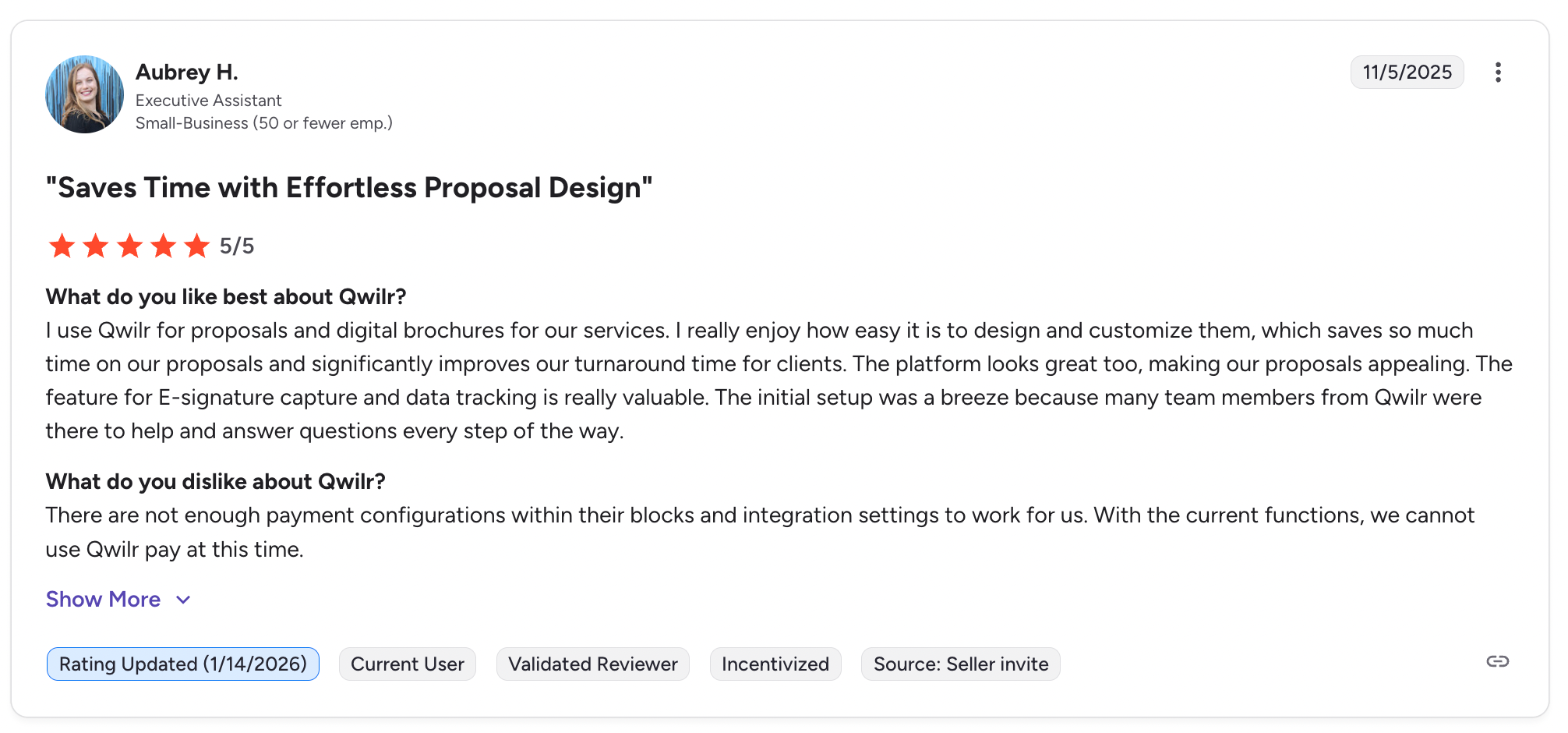
- Qwilr is great for presentations, but less so for managing complex deals.
- The proposals look impressive, but collaboration, compliance, and process are limited once more than one stakeholder gets involved.
3. PandaDoc
Good fit for: Smaller teams and transactional sales that need proposals, contracts, quotes and e-signatures in one document workflow.
PandaDoc is a document workflow platform that combines document creation and e-signatures in a single workflow. For smaller teams or transactional sales, it’s a way to move on from static PDFs and email attachments.
Highlights:
- Affordable for teams getting started
- Flexible templates for proposals, contracts, and quotes
- Fast document creation with built-in e-signature workflows
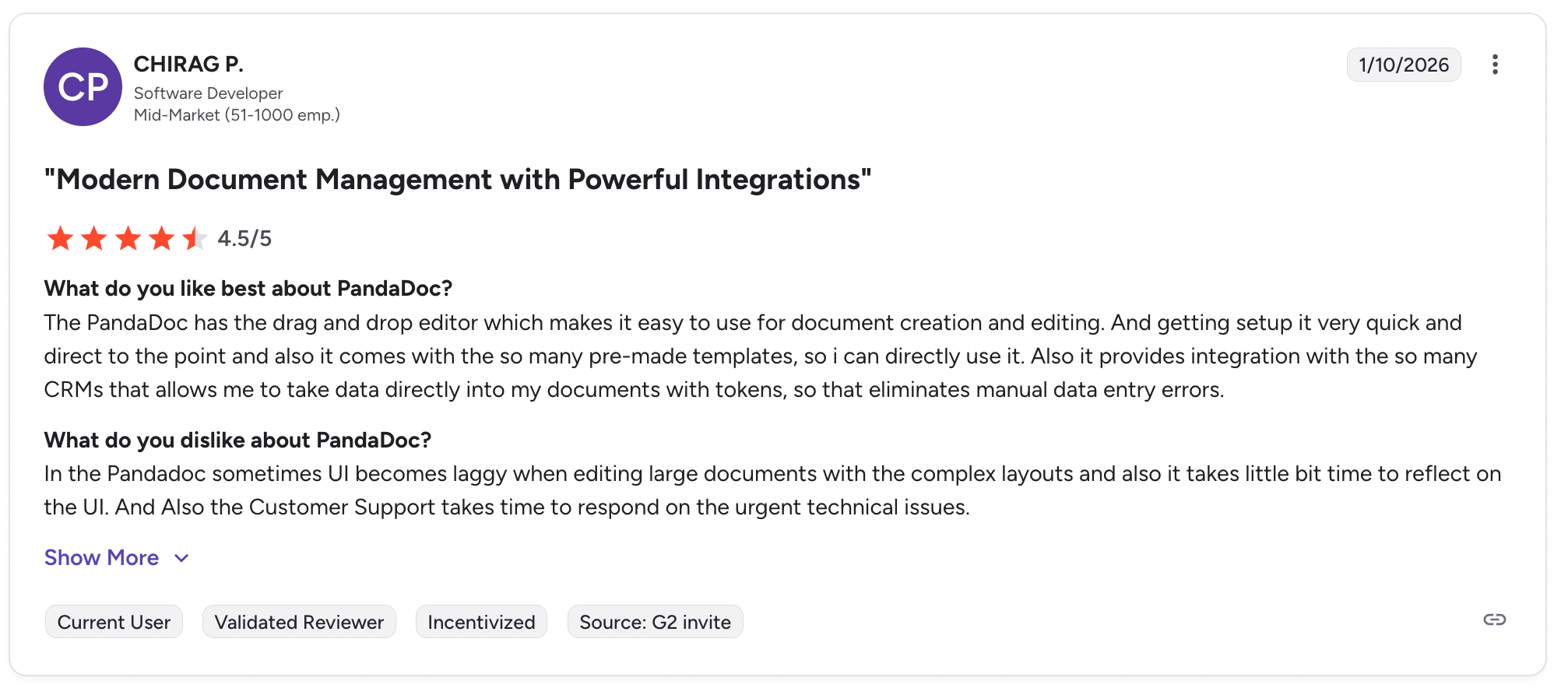
Where it falls short:
Engagement insights are relatively lightweight, collaboration is limited, and the overall experience remains document-centric rather than a shared space designed to move deals forward.
4. DocuSign
Good fit for: Organisations where legal and procurement require a recognised global signing standard.
DocuSign is an e-signature platform for legal and procurement workflows that require a globally recognized signing standard.
Highlights:
- Industry-leading e-signature capabilities
- Strong compliance, security, and audit trails
- Trusted by legal and procurement teams worldwide
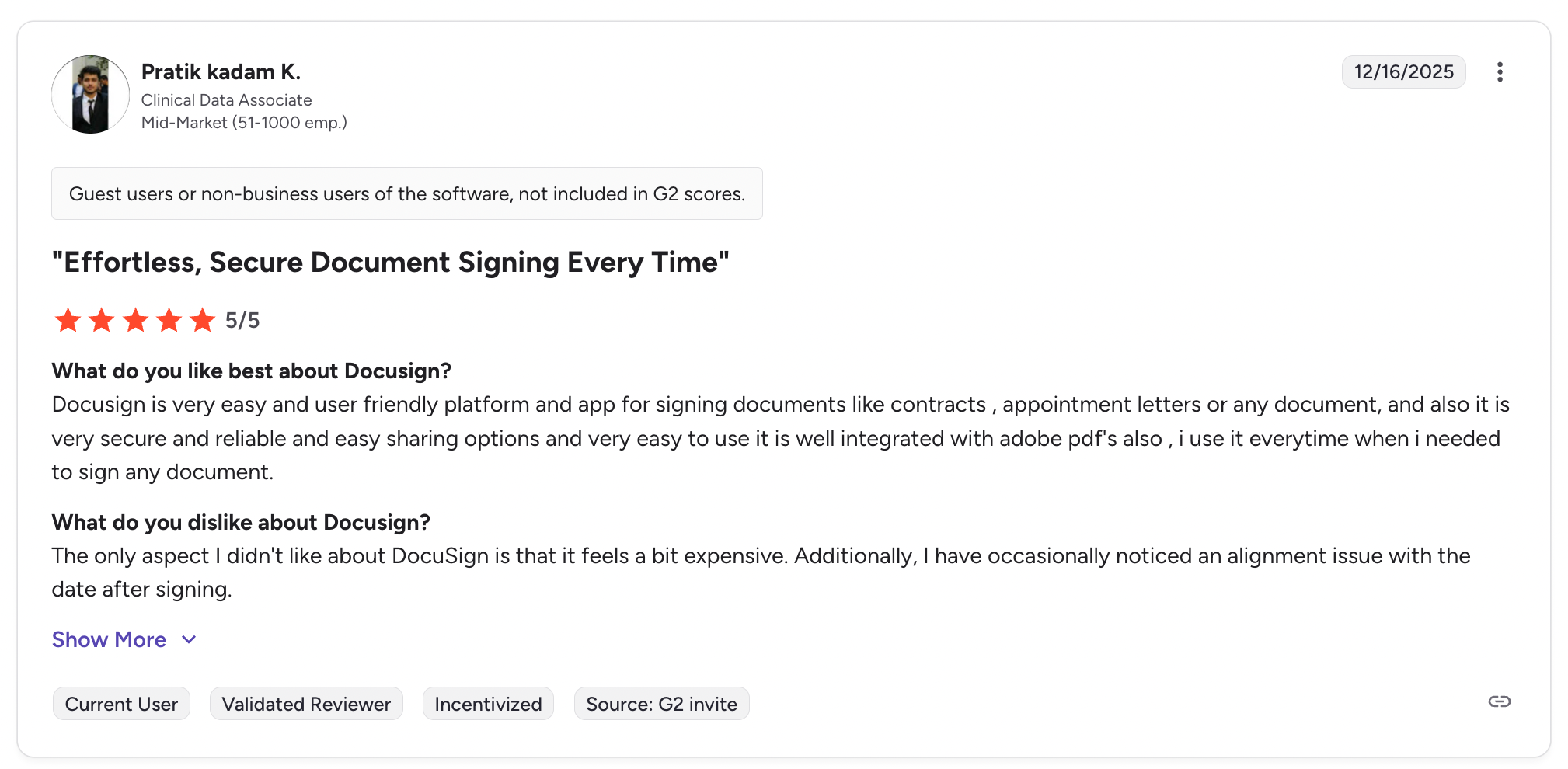
Where it falls short:
- DocuSign is built for the signature, not for managing the full sales process.
- Everything leading up to the signature, from proposal creation, stakeholder alignment, and buyer engagement, happens outside the platform.
DocuSign ends with a signed contract. GetAccept starts earlier - guiding buyers from proposal to close in one shared workspace.
Explore DocuSign alternatives→
5. Aligned
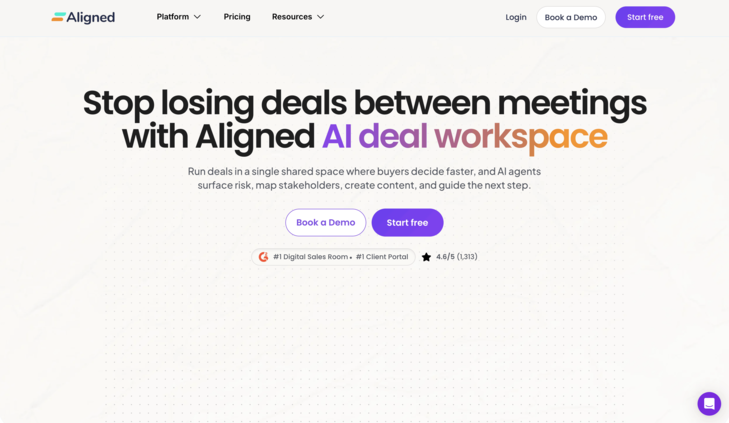
Good fit for: Mid-market B2B SaaS teams where sales and customer success share one deal workspace.
Aligned is a deal room platform that combines buyer collaboration, mutual action plans and stakeholder mapping. GetAccept adds native e-signature, proposals and contract management in the same Digital Sales Room.
Where it falls short
Aligned has no native e-signature, so signing relies on an integration with a separate tool such as PandaDoc.
GetAccept keeps the buyer conversation and the signature in one room, where Aligned hands signing to another tool.
GetAccept vs alternatives: side-by-side
Here's how the tools compare on the decisions that actually matter when you're choosing.
|
When you need... |
GetAccept |
Proposify |
Qwilr |
PandaDoc |
DocuSign |
Aligned |
|
Branded proposals fast |
✅ |
✅ |
✅ |
✅ |
❌ |
❌ |
|
See who's engaged in your deal |
✅ Stakeholder-level |
⚠️ Page-level |
⚠️ Page-level |
⚠️ Document-level |
❌ |
✅ Stakeholder-level |
|
One space for buyer + seller |
✅ Digital Sales Room |
❌ |
❌ |
❌ |
❌ |
✅ AI Deal Workspace |
|
Legally compliant e-sign |
✅ GDPR, WCAG, QES, audit trails |
✅ Basic |
✅ Basic |
✅ incl. HIPAA |
✅ Industry standard |
❌ |
|
Deep CRM workflow |
✅ |
✅ |
✅ |
✅ |
⚠️ Salesforce only |
✅ |
|
Simple setup, low overhead |
⚠️ More depth than you may need |
✅ |
✅ |
✅ |
✅ |
✅ |
|
Starting price |
$49 (Professional) / $25 (eSign only) |
From $29/user/month |
From $35/user/month |
From $19/user/month |
From $10/user/month |
From $35/user/month |
GetAccept is the best fit for complex deals involving multiple decision-makers. It brings buyer collaboration, proposals and e-signatures into one Digital Sales Room, with everything connected to Salesforce or HubSpot. GetAccept pricing starts at $25 per user per month for eSign. Professional, which adds unlimited Digital Sales Rooms, costs $49 per user per month on annual billing with a minimum of five users.
Why teams choose GetAccept as deals get more complex
GetAccept is the best fit when deals get more complex than one buyer.
If your last few deals involved a buying group, a compliance review, or a champion who went quiet halfway through, you already know the problem. The proposal tool did its job. Everything after that was email threads, chased stakeholders, and guesswork about where the deal actually stood.
That's the gap GetAccept is built for.