TLDR Buyer engagement signals show who’s reviewing the proposal, what sections matter most, and when new stakeholders get involved. With that visibility, reps time follow-ups better, managers coach with real signals, and teams turn buyer activity into deals that close.
GetAccept's DSR shows you who read the proposal, which sections they spent time on, and when new stakeholders got involved. Your next move is based on what buyers actually did, not what you hope is happening.
Every sales rep has experienced it:
You’ve sent the proposal, your champion seemed excited, and then… silence.
Did the CFO look at it? Did legal block it? Or is the deal just blocked in inbox overload.
Proposal software used only to tell you that a document was opened. Valuable, but it’s not very actionable.
GetAccept's Digital Sales Room gives sales teams that visibility. Teams like Dealfront, SalesScreen, and Cheq are already using these signals to spot hidden stakeholders, time follow-ups to the minute, and walk into forecast calls with actual data instead of rep optimism.
The teams doing this well in 2026 aren't waiting for buyers to respond. They're reading the signals and moving first.
What do we mean by "buyer engagement signals"?
Engagement signals are the digital breadcrumbs buyers leave as they interact with your proposal inside a DSR. Instead of wondering if someone opened your PDF, you can see:
- Who viewed the proposal (names, roles, and companies).
- What they looked at - pricing, scope, security appendix, or legal clauses.
- How long they spent on each section or attachment.
- When engagement happened - first view, return visits, or drop-offs.
- Who shared it internally, bringing in new stakeholders.
These signals take deals out of the “black box” and give reps a clear view of buyer intent, internal priorities, and potential blockers.
But how to use them? Let’s find out.
5 ways to use buyer engagement signals in B2B sales
1. Spot hidden stakeholders and blockers
In SaaS, the person who loves your product isn’t always the one who signs the contract.
Deals often involve finance, legal, procurement, IT, and sometimes security teams - all with their own priorities. Without visibility, reps can be blindsided late in the cycle by objections they never saw coming.
With GetAccept, you can see every stakeholder who touches a proposal. If a security officer spends 15 minutes reading the DPA appendix, you know compliance is now in play. If procurement logs in but only checks the pricing table, you know that’s important to them.
These insights let sellers bring the right people into the conversation before bottlenecks appear. 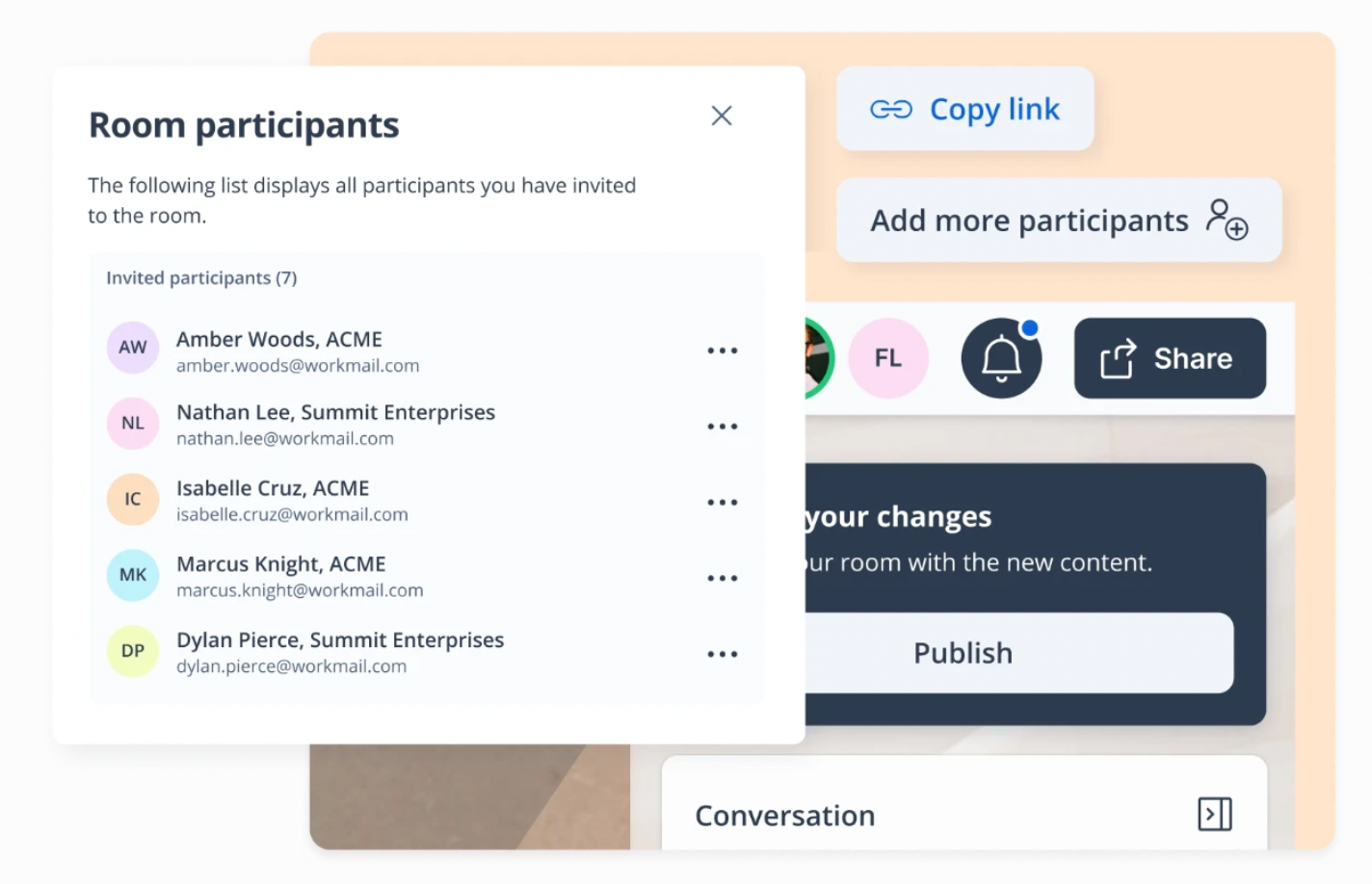
This is exactly what Dealfront found after rolling GetAccept into their Salesforce workflow. Their team started monitoring how prospects interacted with shared content – which sections they lingered on or skipped – and used that to tailor their outreach to the right people at the right moment.
The result: Sales cycles dropped from 150 days to 50 in several cases, with time spent exchanging information cut by 75%.
"The engagement tracking is just huge for me," said Carolina Bräuninger, Senior Strategic Account Executive EMEA at Dealfront.
Read the Dealfront case study →
2. Time your follow-ups with precision
Nothing kills a deal faster than a poorly timed follow-up.
Too soon feels pushy. Too late and they've already moved on.
Engagement tracking changes that.
With GetAccept, you see exactly when a buyer reviews critical sections like pricing, scope, or ROI.
- If the CFO spends 10 minutes on the pricing page at 9 a.m., that’s your cue to follow up with tailored context before lunch.
- If the IT team opens compliance documents, you can loop in your technical expert right away.
This allows reps to position themselves as partners and make their outreach impossible to ignore.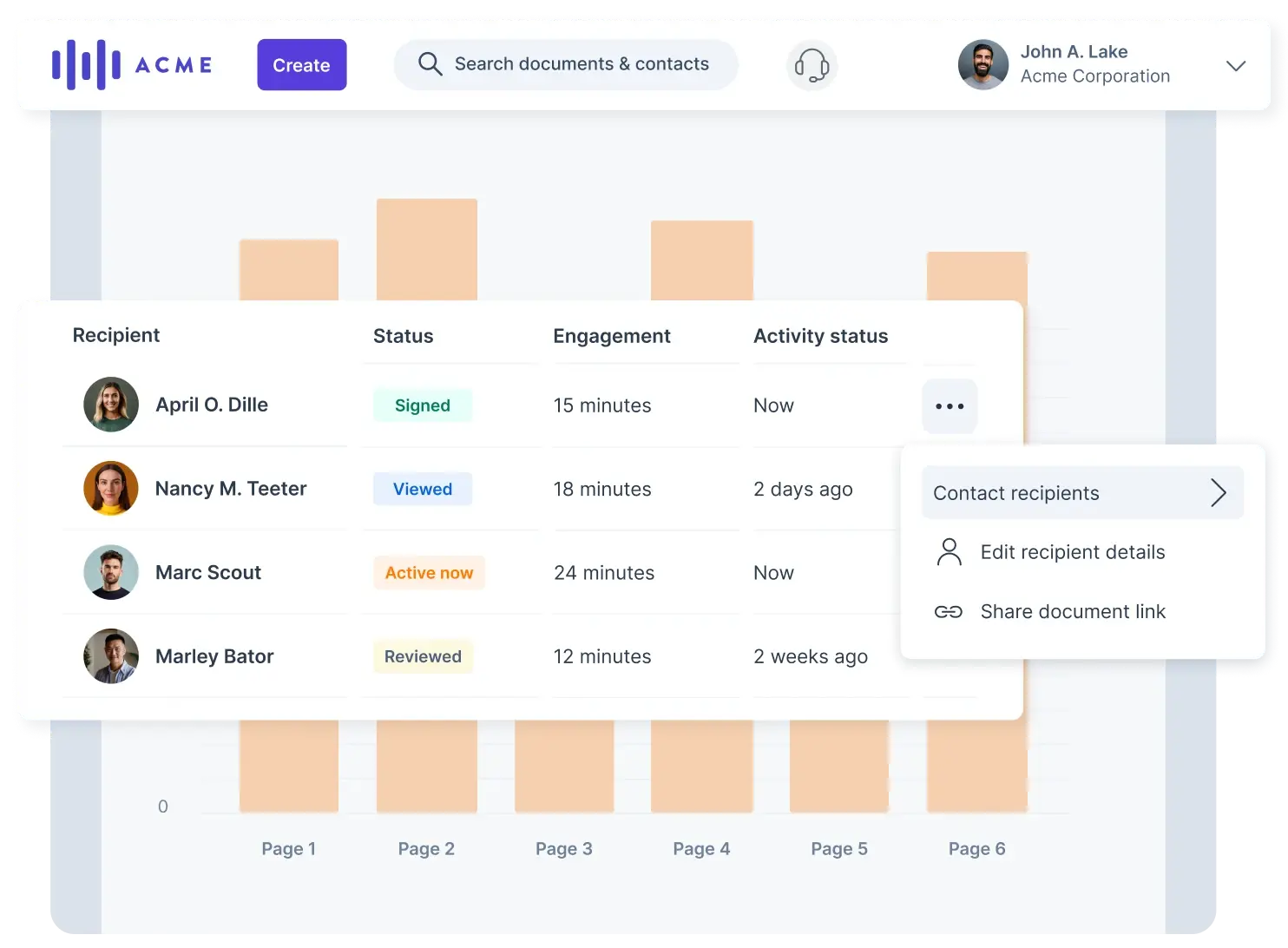
3. Coach reps on real buyer behavior
Sales coaching often relies on guesswork. Managers review call recordings or ask reps for updates, but rarely do they see how buyers actually engage after the call ends.
This is where deals often go dark, leaving leaders in the dark, too.
With buyer analytics showing how prospects interact with proposals, managers gain a window into post-call engagement. For example:
- Did prospects skim the value story but dwell on pricing?
- Did they skip the onboarding section entirely?
- Did legal spend hours on terms while the champion barely engaged?
These signals are golden as leaders can guide reps to reposition value, tailor follow-ups, and avoid mistakes like sending proposals too early.
Instead of guessing at deal health, teams learn to act on what buyers actually do - building a culture of selling that mirrors buying behavior. 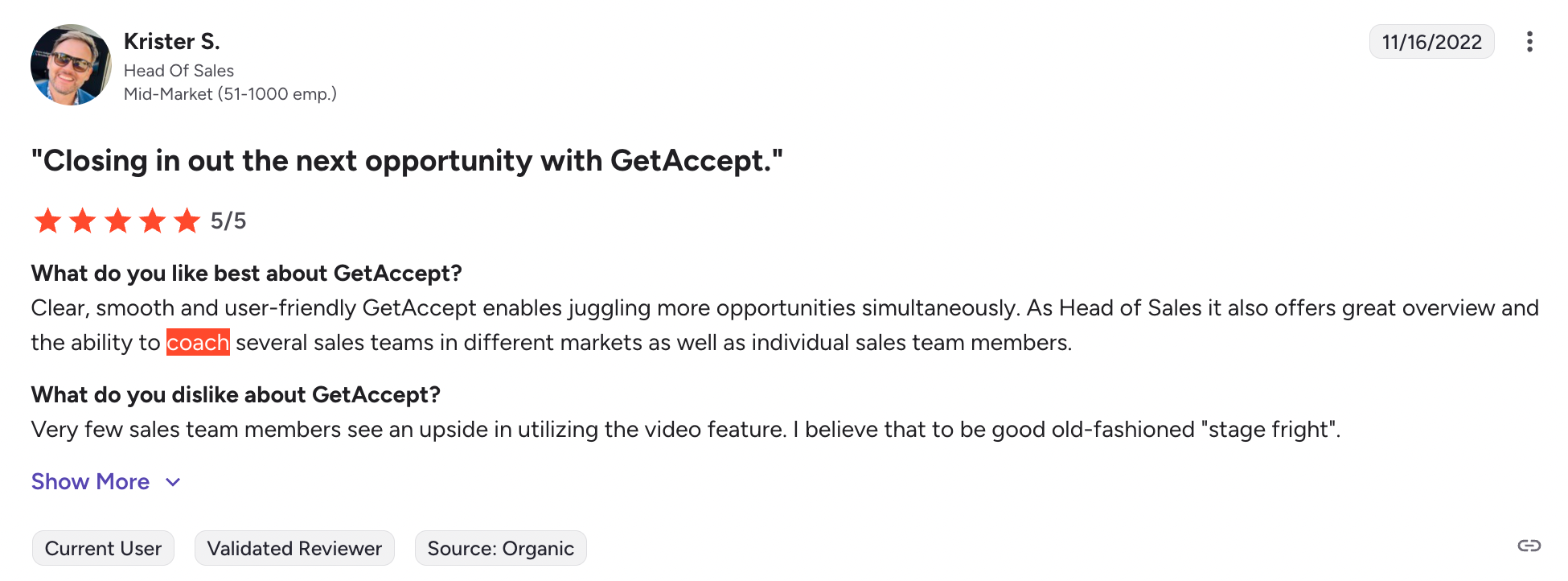
SalesScreen saw exactly this play out. Heading into 2023, they needed to hit a 92% increase in enterprise win rate. What got them there was accountability, built on visibility into how buyers engaged with their proposals and deal rooms.
The result: Their win rate went from 13% to 26% in nine months.
"It's difficult as a sales leader to see that your reps are doing things with quality. When you sell enterprise, you can't just sell generic – you have to sell custom, and that's where GetAccept has been brilliant for us," said Remi Morken, SVP Sales at SalesScreen.
Read the SalesScreen case study →
4. Forecast deal health with confidence
Pipeline forecasting is notoriously unreliable.
Sales reps are naturally optimistic, managers are cautious, and leaders… Well, they don’t know which number to trust. Plus, CRM stages only reflect what the rep reports, not what the buyer is actually doing.
Engagement tracking provides a reality check on what is actually happening. I hate to break it to you, but if a proposal hasn’t been viewed in weeks, momentum is gone - no matter what the CRM says.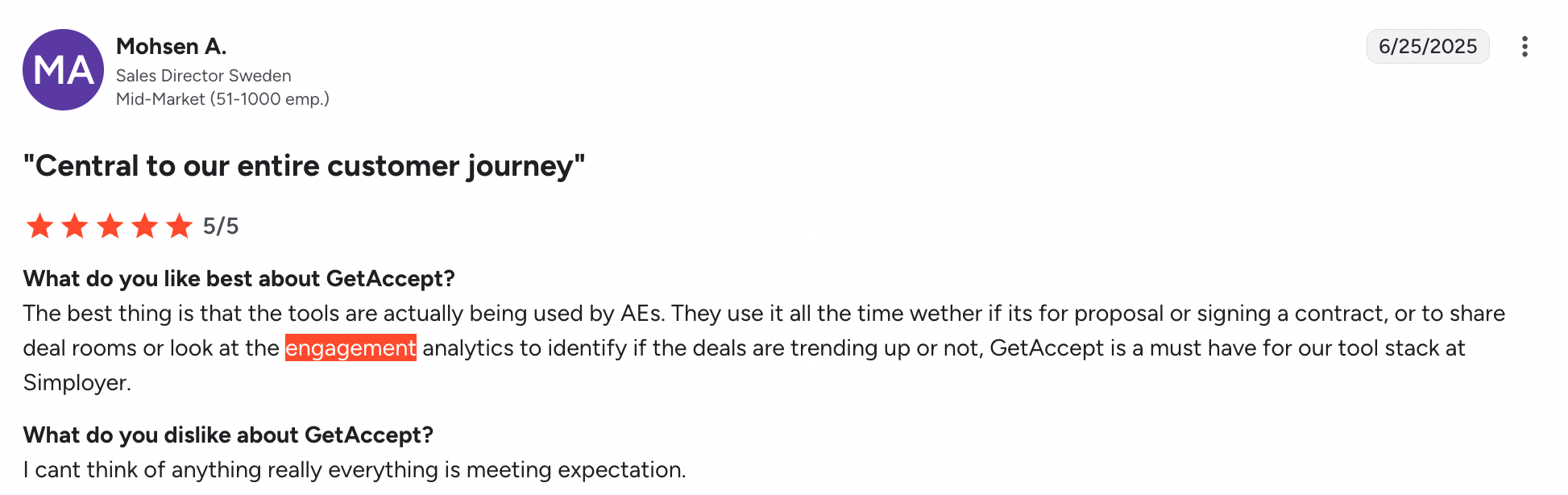
On the flip side, if multiple stakeholders are actively reviewing sections, the deal is warm even if the rep hasn’t logged activity.
With GetAccept, sales leaders see deal health through objective buyer signals, not rep optimism. This makes forecasting more accurate, coaching more targeted, and strategy more data-driven.
Instead of guessing which deals will close, leaders can forecast with confidence and hit targets without last-minute surprises.
Want to see what your buyer actually does after you hit send? Book a walkthrough and we'll show you engagement analytics on a live deal room.
Book a demo →
5. See exactly where the deal stands before you close
The last mile of a deal is often the most painful. Documents multiply, stakeholders get out of sync, and sellers lose control of the process. That’s typically when buyers hesitate and momentum slips.
Engagement tracking keeps every stakeholder aligned in one Digital Sales Room, with dynamic updates ensuring everyone sees the same version in real time. And more importantly, no chasing signatures across outdated links.
By knowing exactly who has engaged, where concerns lie, and how activity trends over time, sellers walk into closing conversations fully prepared. Buyers get a smoother, more transparent process that builds confidence instead of confusion.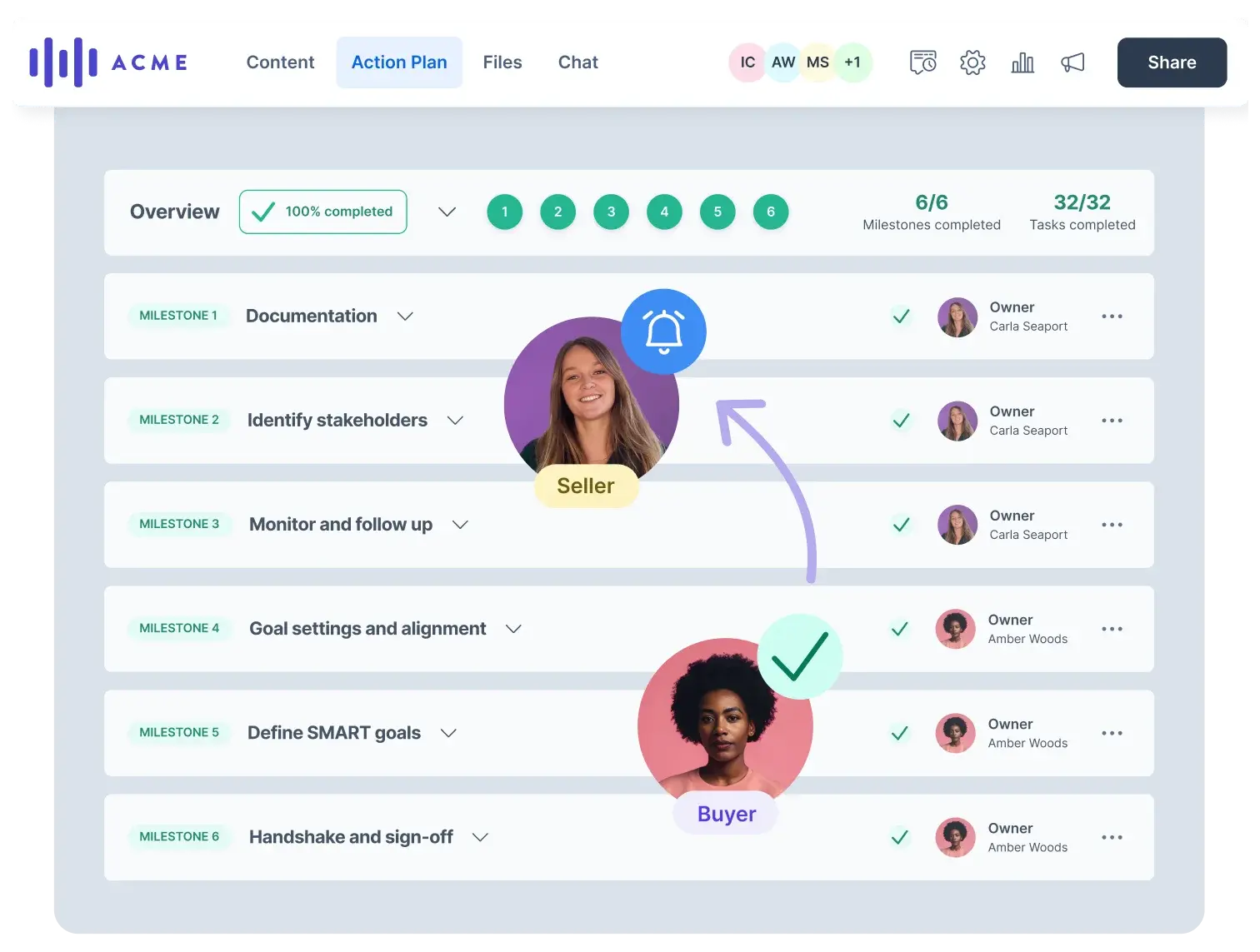
Cheq's team leaders use GetAccept's buyer analytics specifically to understand how prospects are engaging with sales content. Not just whether they opened something, but how they're responding and where the conversation needs to go next.
Video analytics became particularly useful as the team added personalized video to their process. Real-time engagement data meant reps could adjust messaging before a deal went cold, not after.
How to track engagement with sales materials
Not all engagement signals are created equal. Here're the signals that, combined with proposal analytics, show your reps the right next move.
| Signal | What It Tells You | How to Act |
|---|---|---|
| Time spent on sections | Buyers zoom in on what matters most - pricing, scope, or legal terms. | Lead with these priorities in your next touch. Anticipate objections before they’re raised. |
| Repeat visits | They’re circling back, which means interest is high - but alignment may be shaky. | Use the momentum: reach out with a clarifying question or fresh value add. |
| New stakeholders joining | Your champion has pulled others in - finance, legal, or IT. | Tailor outreach to new roles and reframe the pitch for decision-makers. |
| Engagement drop-off | Views are tapering off. Momentum is slipping. | Reignite interest with a timely nudge - a case study, ROI calc, or
mutual action plan update. |
| Comments or in-doc chat | Buyers are actively collaborating inside the proposal. | Lean in. Co-create with them, respond fast, and turn collaboration into commitment. |
When you act on engagement data fast, it becomes the difference between stalled deals and signed contracts.
Engagement is only useful if you act on it
Most sales teams send the proposal and then wait. They follow up on Thursday because that's when they follow up, not because anything happened.
The reps who use engagement signals differently don't wait. They watch the DSR, see the CFO open the pricing section at 9am, and have a tailored message in her inbox before lunch. They notice when a new stakeholder joins the room and loop in the right person on their side before the buying committee meeting. They look at a deal with zero views in 12 days and move it out of the forecast – even if the rep is still calling it 80%.
That's the difference between buyer engagement analytics as a concept and buyer engagement analytics as a part of the workflow.
If you want to see how it works in practice, book a walkthrough or try it on your next proposal and see the signals for yourself.