

Introduction & lesson description
Pricing is one of the most visible parts of any deal – and one of the easiest places for friction to appear. When pricing lives in too many systems, mistakes creep in and deals slow down.
Why pricing accuracy matters
Pricing is often the final checkpoint before a deal moves forward. It’s also where manual work creates the most friction.
When prices are copied from a CRM into a proposal by hand, errors become almost inevitable. Numbers drift between versions. Discounts need rechecking. Buyers lose confidence and deals stall.
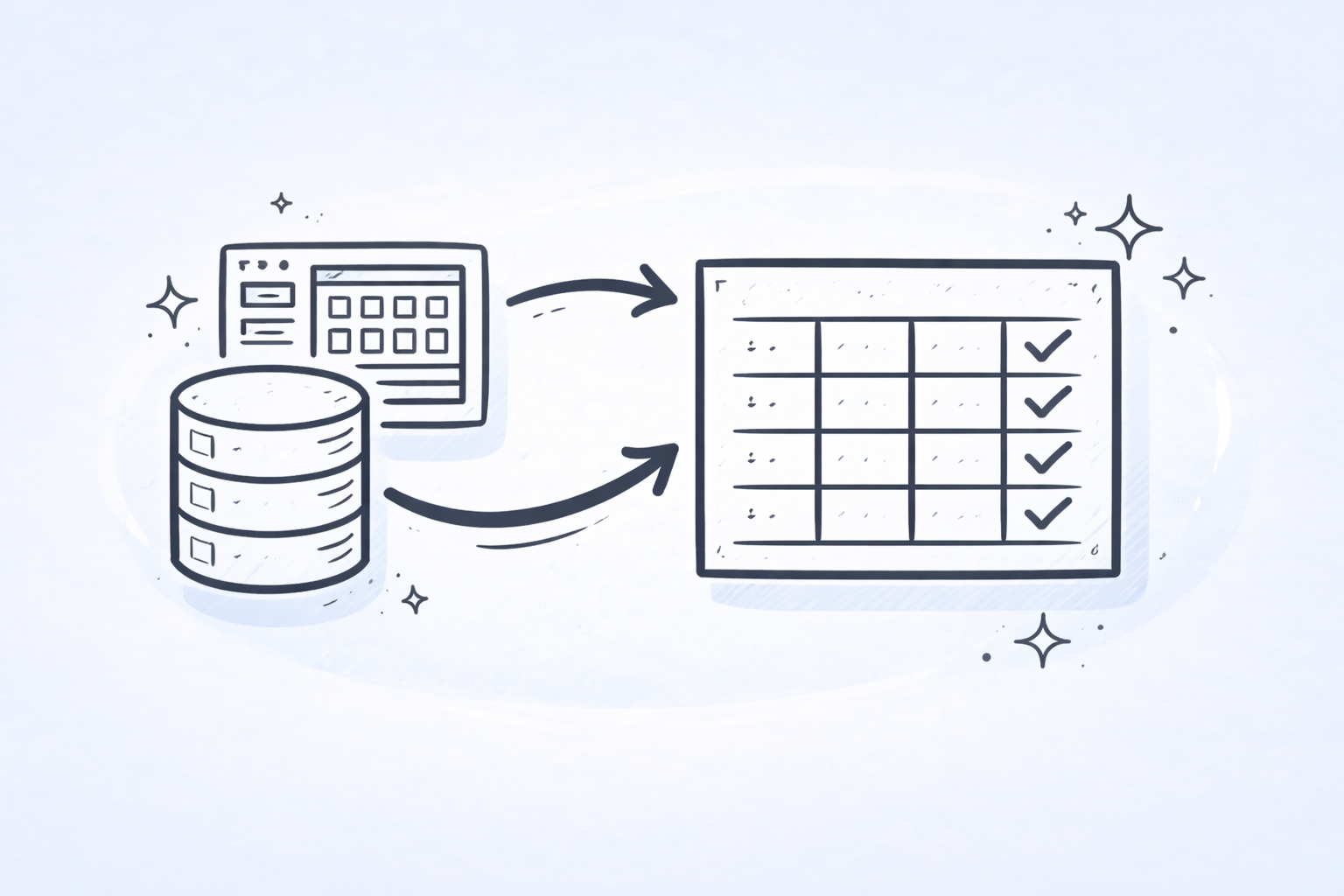
CRM-driven pricing tables reduce this risk by keeping pricing anchored to a single source of truth. Pricing is defined once, stays consistent, and updates automatically as the deal evolves.
What pricing tables do
Pricing tables are where your commercial offer comes together inside GetAccept.
They present products, quantities, unit prices, totals, and taxes in a clear, buyer-friendly way. When connected to a CRM, pricing tables don’t just display numbers – they reflect how your products are structured and sold upstream.
In GetAccept, this connection is managed through pricing profiles. A pricing profile defines how product data coming from your CRM should be interpreted, such as which fields represent price, quantity, discounts, or totals. This allows the same pricing logic to be reused across deals instead of being rebuilt every time.

How pricing groups keep quotes clear
Pricing groups help organize pricing so buyers can quickly understand what they’re reviewing.
They allow you to separate recurring subscriptions from one-time fees, group packages or tiers, and clearly show which items are optional versus required. This is especially important in B2B deals where multiple stakeholders are involved.
Pricing groups also map naturally to how many CRMs organize products, which helps keep pricing consistent between systems and easier to scale across teams.
Bringing CRM data into GetAccept
When your CRM integration is set up, GetAccept can pull product data directly from the deal or opportunity.
Typical CRM objects include:
- HubSpot: Line items associated with your deal
- Salesforce: Opportunity Products
- Microsoft Dynamics: Opportunity Line Items
- Other CRMs: Any mapped product or pricing entity
Once connected, GetAccept uses this data to populate pricing tables automatically. Product name, quantity, unit price, discounts, and totals flow into the proposal based on how the pricing profile is configured.
Because this mapping is defined once and reused, sellers don’t need to think about how data moves between systems.
Want more info? Read how to set up your GetAccept pricing tables to work with CRM integrations.
Working with optional and variable products
Not every deal includes the same products. Some items are optional. Others vary based on usage, volume, or configuration.
GetAccept supports optional and variable products inside pricing tables. Optional items can be clearly grouped, and variable products can adjust values without breaking the overall pricing structure.

This flexibility works across CRM integrations and allows sellers to tailor quotes while staying within approved pricing logic.
Want more info? Learn how to set up optional and variable products for your CRM pricing tables.
How CRM-driven pricing works in practice
In practice, sellers don’t build pricing structures manually. The process is governed by templates and CRM data.
A typical workflow looks like this:
- CRM data defines the deal
Products, quantities, pricing, and deal attributes (such as deal size or industry) live in the CRM. - Conditional logic controls template availability
Based on CRM data, only relevant proposal or contract templates are shown to the seller. For example, certain templates may appear only for high-value deals or specific industries. - The selected template defines structure
The template determines the layout of the proposal or contract, including which pricing table structure is used and how pricing groups are organized. - Pricing tables populate automatically
CRM product data flows into the pricing table according to the pricing profile. Sellers don’t need to adjust structure or calculations. - Updates stay in sync
If pricing changes in the CRM, the pricing table updates automatically, keeping everything aligned.
This approach ensures sellers always use the right structure, buyers see clear and consistent pricing, and pricing governance scales across teams.
Recap
By now, you should be able to:
- Describe how pricing tables and pricing groups work in GetAccept
- Explain how CRM product data populates pricing automatically
- Understand how templates and CRM logic govern pricing at scale