


Integrations
Learn how GetAccept and your CRM work together to reduce manual work, improve data quality, and keep deals aligned from first interaction to signature. This course shows how CRM integrations turn Deal Rooms, proposals, contracts, and buyer insights into a connected, end-to-end sales experience.
- Explain how GetAccept and your CRM work together across the sales process
- Use CRM data to automatically populate pricing, proposals, and contracts
- Understand how Deal Rooms connect CRM activity with buyer engagement
- Build workflows and automations that turn buyer actions into next steps
- Personalize sales documents dynamically using CRM data
- Identify when APIs and advanced automation are useful for your organization
- Understand how GetAccept data can be accessed and used within CRM AI tools
Lessons in this course
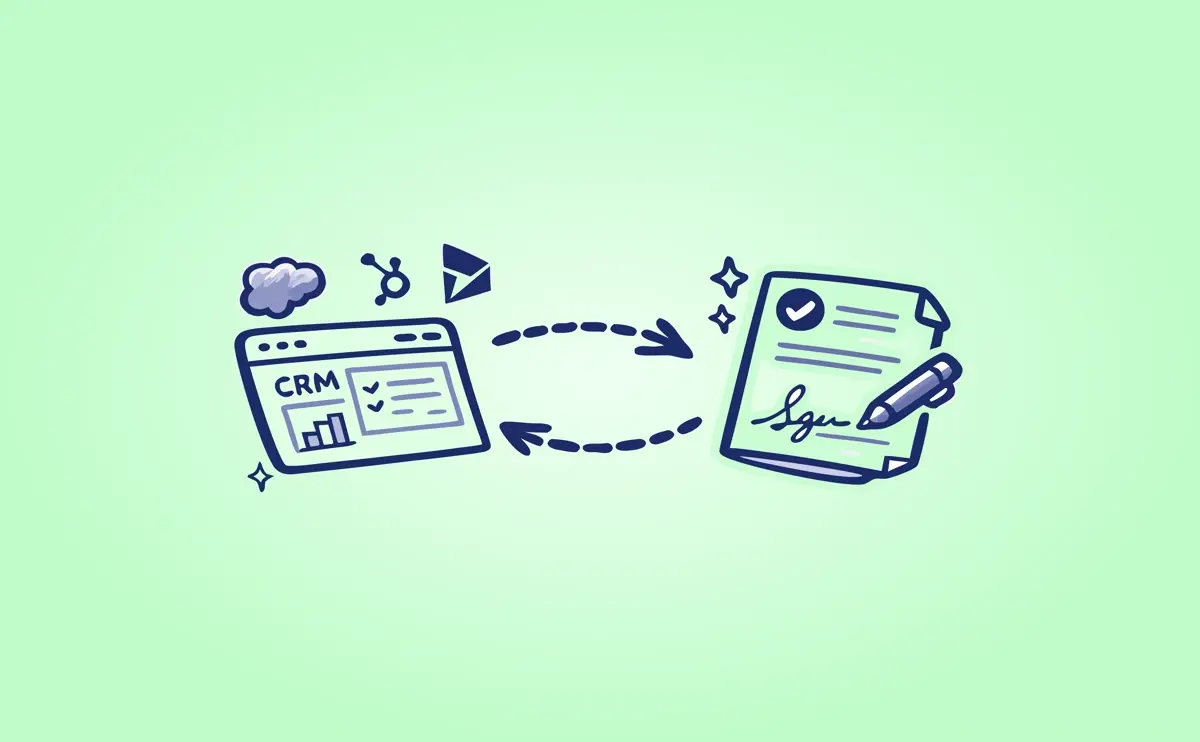
Keep your CRM in sync with GetAccept
In this lesson, you’ll discover how GetAccept and your CRM work in tandem to give sellers a clearer ...
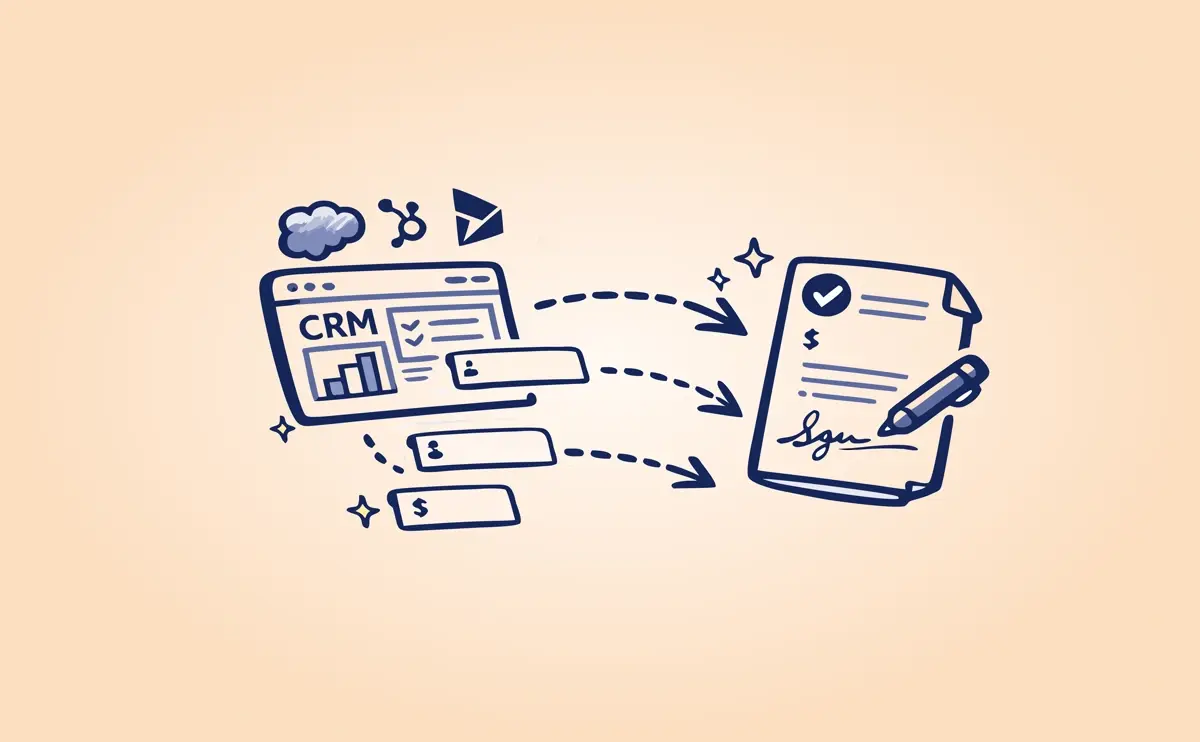
Customize sales documents with your CRM data
Learn how CRM data can dynamically personalize proposals and contracts, reduce template sprawl, and ...
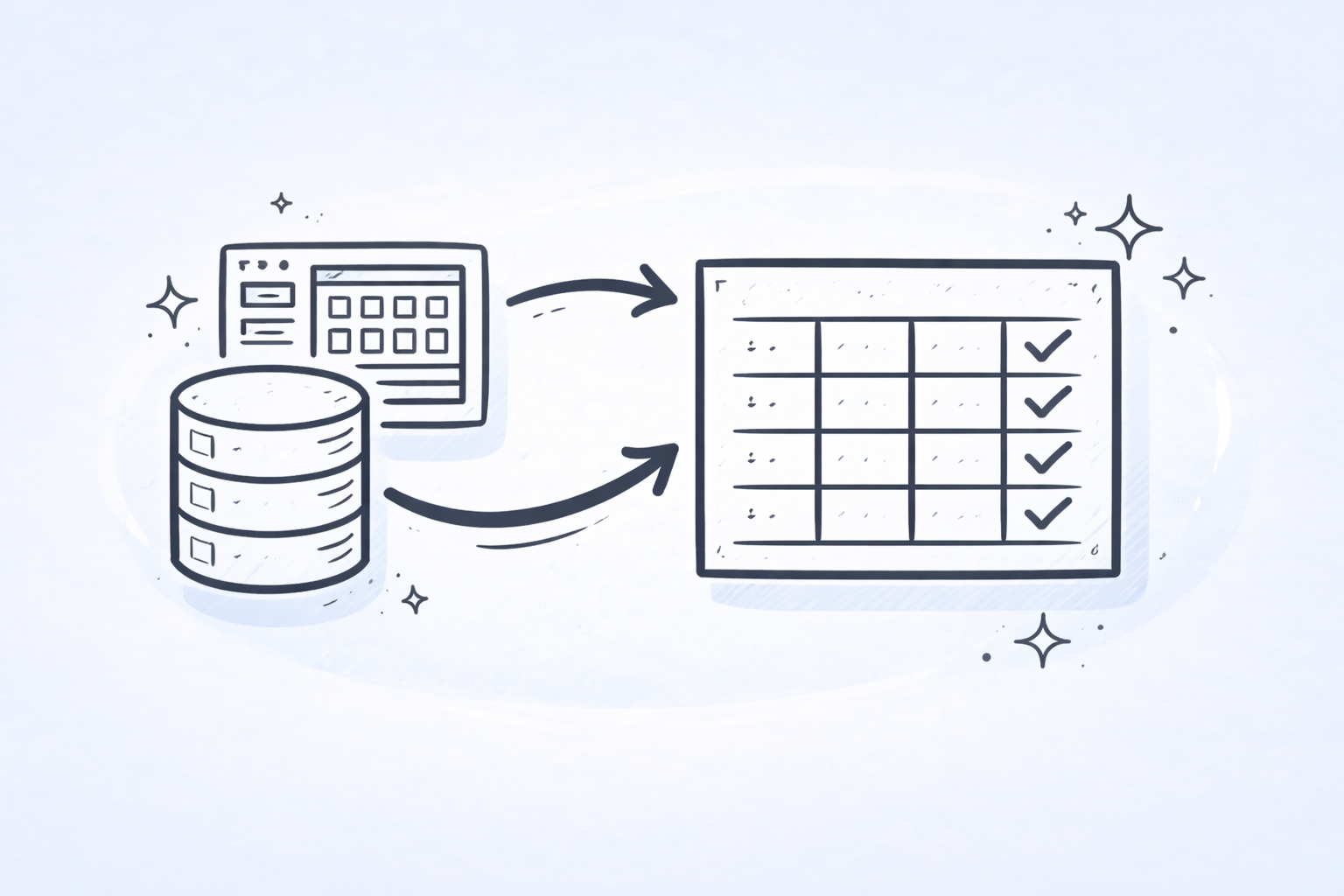
Using pricing tables with your CRM integration
This lesson explains how pricing tables and pricing groups work in GetAccept when connected to your ...
From Deal Room to signed Contract
Learn how a well-built Deal Room creates a clear path from early collaboration to a signed ...

Building smart automations and workflows in your CRM
This lesson explains how CRM-based workflows – such as HubSpot workflows or Salesforce flows – can ...
APIs and advanced automation
This lesson explores how GetAccept’s API and automations help organizations go further – connecting ...

Working with AI in your CRM
In this lesson, you will learn how to use CRM AI tools like Salesforce Agentforce, HubSpot Breeze, ...