


Why chat matters in Deal Rooms
Deals slow down when conversations are scattered across a myriad of different places.
Questions come in over email.
Feedback shows up in a meeting.
Links and screenshots get lost in Slack or Teams.
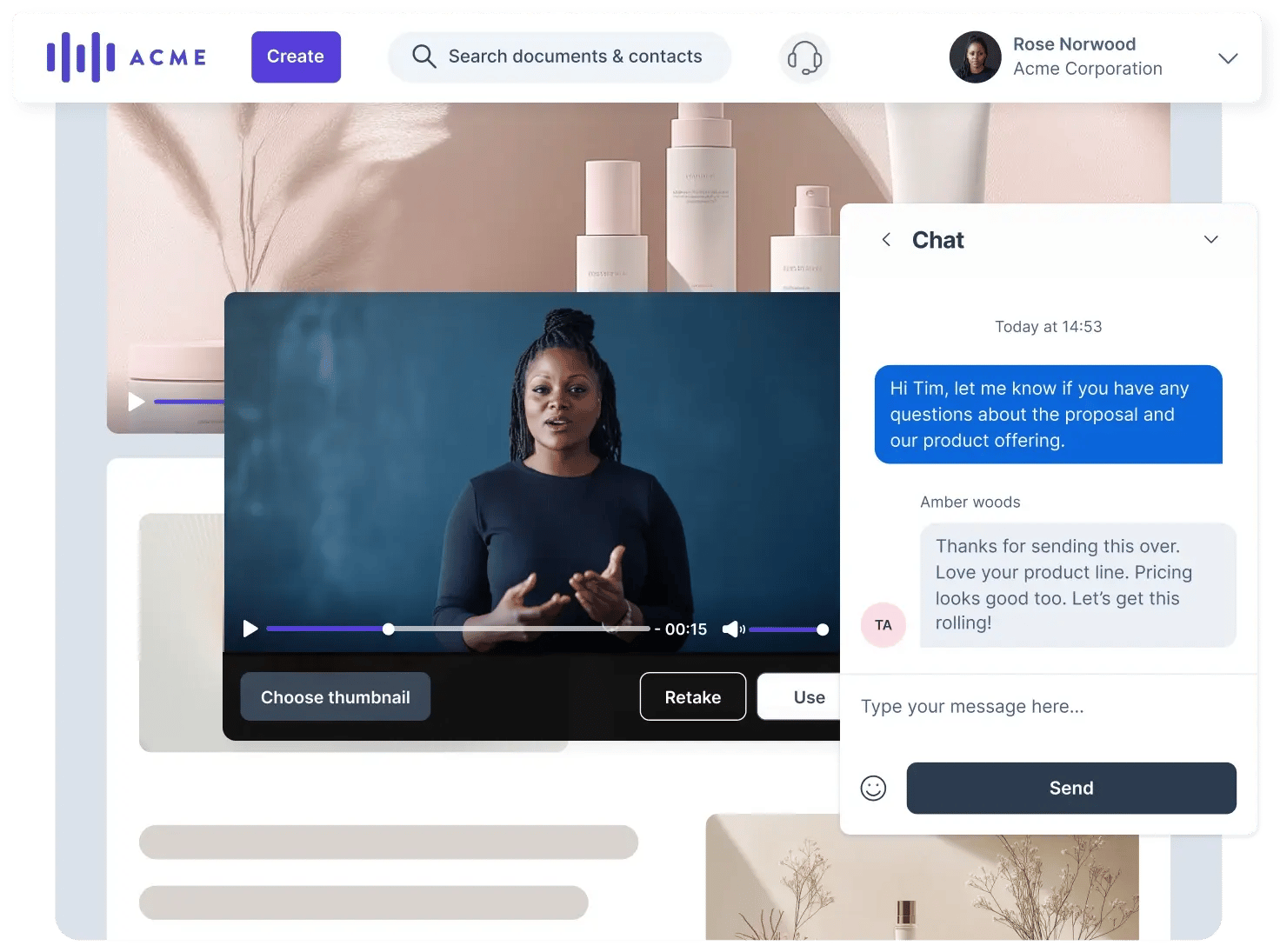
Deal Room chat brings those conversations back into one shared space. Buyers and sellers talk where the deal actually lives, with full context around content, meetings, action plans, and next steps.
That clarity builds trust. And trust moves deals forward.
What Deal Room chat is (and isn’t)
Deal Room chat is designed for deal-related communication. It’s not meant to replace your internal messaging tools. Instead, it keeps buyer-facing conversations connected to the deal itself.
With chat, you can:
- Ask and answer questions in real time
- Clarify feedback on content or pricing
- Share links and images with context
- Coordinate next steps without leaving the room
Everything stays visible to the right people, at the right time.
How chat works inside a Deal Room
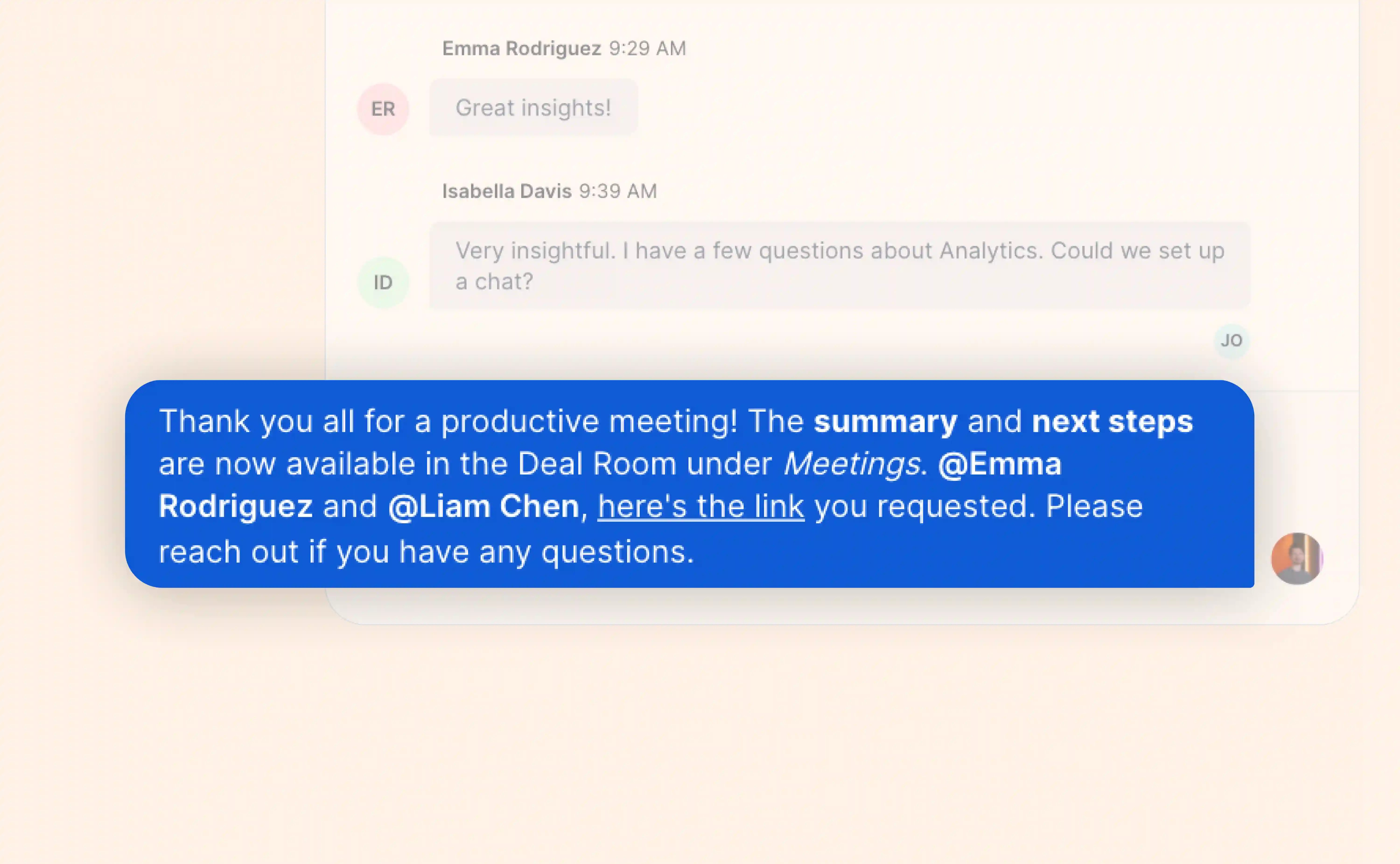
Chat lives directly inside the Deal Room and is available to everyone invited to the room.
You can access it by:
- Opening the Deal Room
- Selecting the Chat icon from the top navigation bar
Messages appear instantly and stay tied to the deal.
Room-wide chat vs. direct messages
Room-wide chat
This is the shared conversation visible to all room participants.
Use it for:
- General updates
- Buyer questions and answers
- Sharing when new content or pricing is available
- Aligning on next steps
Room-wide chat keeps everyone on the same page and avoids repeated explanations.
Direct messages
Direct messages are private 1:1 conversations between you and another participant.
Use them for:
- Sensitive or individual questions
- Internal collaboration with teammates
- Personal follow-ups that don’t need full visibility
Direct messages are not visible to other participants in the room.
Making messages clear and easy to act on
Deal Room chat supports features buyers expect from modern collaboration tools:
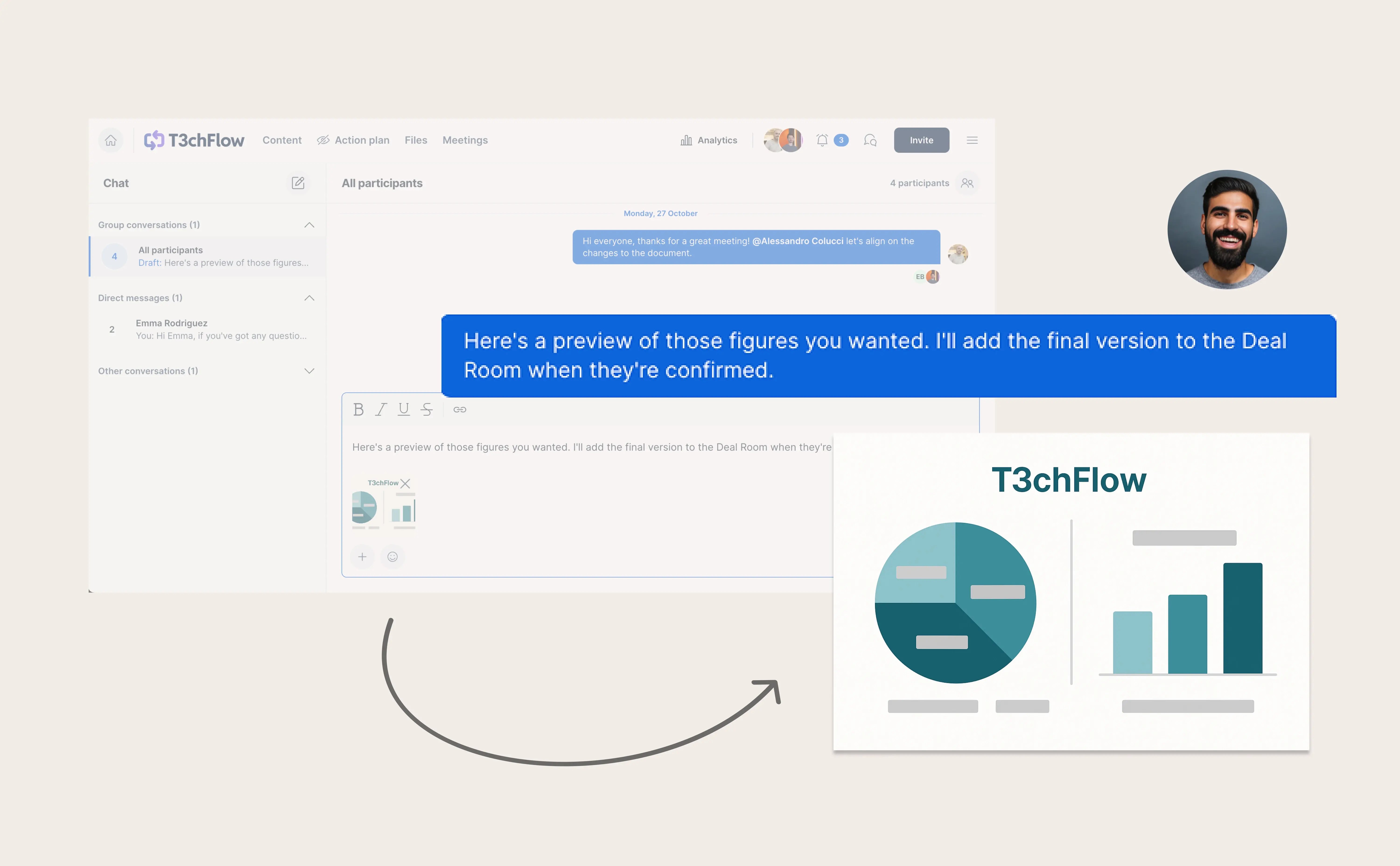
- Clickable links
Share URLs directly. Buyers can open them without copy-pasting. - Basic text formatting
Use bold, italic, underline, or strikethrough to highlight key points. - @mentions
Tag a specific person to make sure they see your message.
Mentioned participants receive a direct notification, so important updates don’t get missed. - Images and files
Share screenshots, mockups, or visuals directly in the chat.
Images can be previewed inline or expanded, keeping feedback fast and clear.
These small details reduce friction and make the Deal Room feel intuitive and professional.

Best practices for using chat with buyers
- Keep conversations in the room
If it’s about the deal, keep it in the Deal Room. This creates a complete, shared record. - Use @mentions intentionally
Tag people when action is needed, not for every message. - Share visuals when words aren’t enough
Screenshots or images often clarify faster than long explanations. - Avoid parallel conversations elsewhere
When updates live in one place, buyers feel more confident and informed.

Stay responsive with mobile chat
Deal Room chat is also available in the GetAccept mobile app.
This means you can:
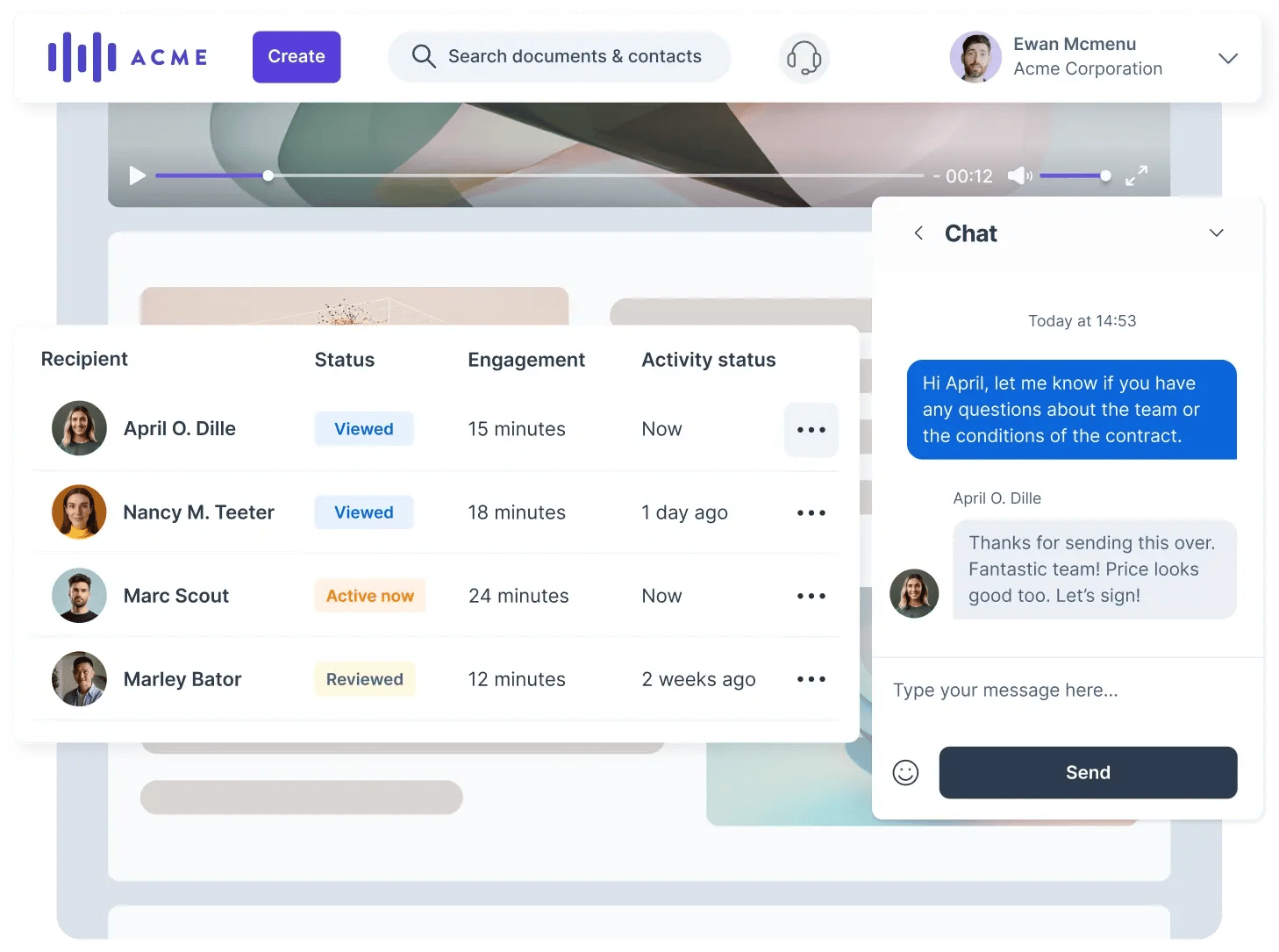
- Get notified when buyers engage
- Reply quickly while on the move
- Keep momentum even outside working hours
Fast responses signal attentiveness and reliability, especially in active deal stages.
Example in practice: T3chFlow
A buyer in a T3chFlow deal had questions about pricing assumptions and a specific feature shown in the proposal.
Instead of replying by email, the rep answered directly in the Deal Room chat, shared a screenshot, and tagged the buyer’s finance stakeholder using an @mention.
The stakeholder saw the message immediately, reviewed the image, and confirmed next steps in the same thread. No follow-up emails. No lost context.
The conversation stayed visible, clear, and tied to the deal.
Recap
By completing this lesson, you should now understand that:
- Deal Room chat keeps conversations connected to the deal
- Room-wide chat supports transparency and alignment
- Direct messages allow focused, private communication
- Links, mentions, and images reduce friction and confusion
- Centralized communication builds trust and speeds decisions
When buyers and sellers talk in the same place where the deal lives, collaboration feels simpler and progress feels natural.