


The power of a great first impression
Your first send sets the tone for your buyer relationship. Especially early in the deal cycle, it’s your chance to show professionalism, personality, and attention to detail.
A strong first impression tells your buyer: “You can trust us. We care about this deal.”
From the email they receive to the moment they open your Deal Room lobby, every detail should reflect your brand. And because buyers today compare every digital interaction to the best experiences they’ve had elsewhere, a polished, personal touch helps you stand out instantly.
The process starts even before you send – it starts on your very first sales call.
Position the Deal Room as the central hub for your collaboration. Introduce it live during your meeting so it becomes the natural go-to space for next steps.
Pro tip: When screen-sharing, present directly from your Deal Room. Open your deck there, show where future content will be added, and drop the universal link in the chat so everyone is instantly introduced to the room.

Crafting a standout send
1. Brand the experience
Before hitting Publish or Send, make sure your visuals speak for you.
- Set up your company’s brand theme – logo, colors, and fonts – so your materials look consistent and recognizable.
- Review your email templates and lobby design. Even small touches, like matching header colors or using your company’s accent tone, create a seamless flow from inbox to Deal Room.
- Keep it simple: clarity and consistency make your buyer’s journey feel effortless.
2. Set the stage in your Deal Room
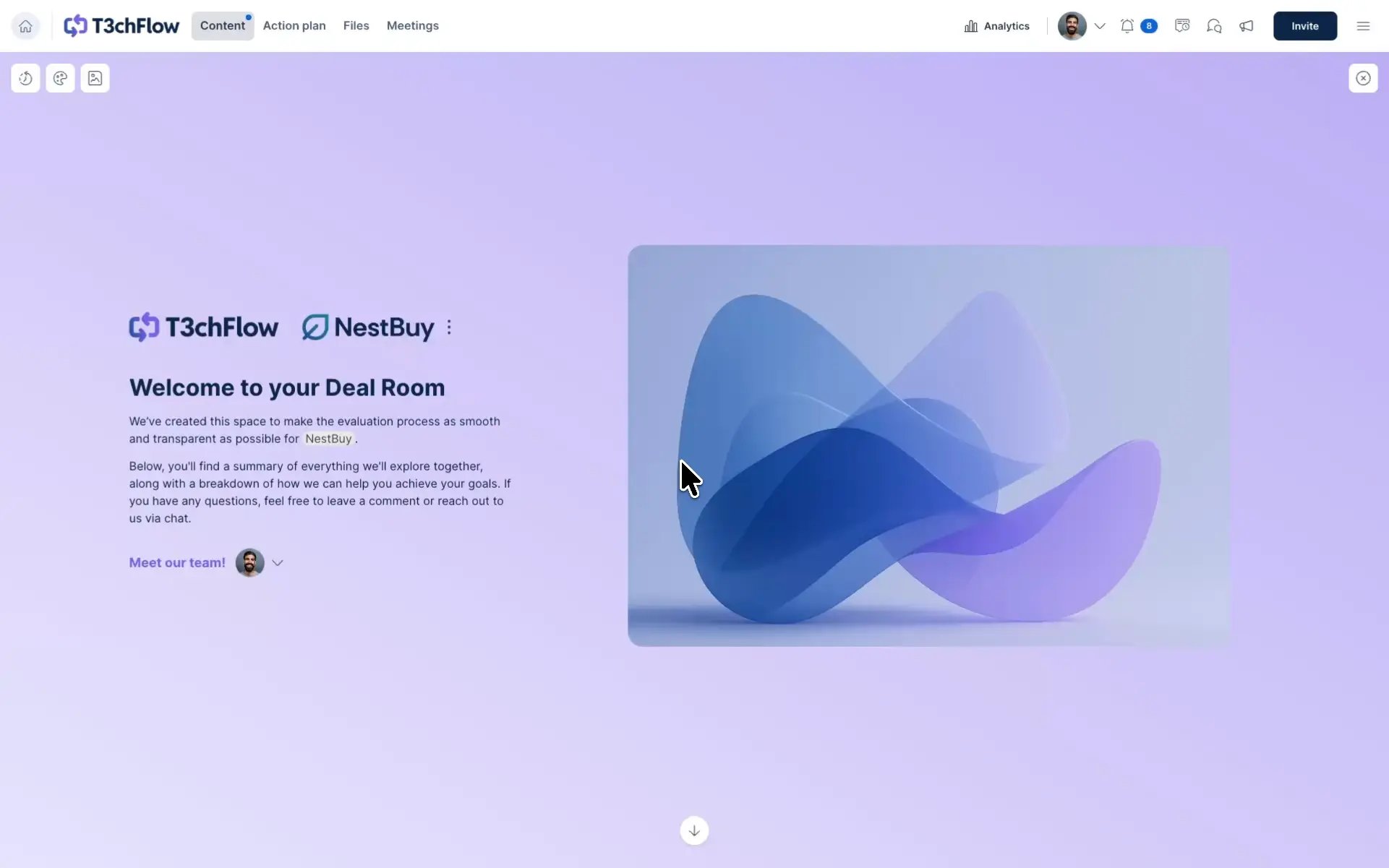
Create an Introduction section to welcome buyers. This is your virtual handshake – the first thing they’ll see after the email and the lobby.
Add a short paragraph and a video that:
- Introduce yourself, the company, and the team involved
- Highlight what the buyer will find inside the room
- Reinforce next steps or timelines
It turns a transactional moment into a collaborative one.
3. Add a personal touch
This is where GetAccept shines.
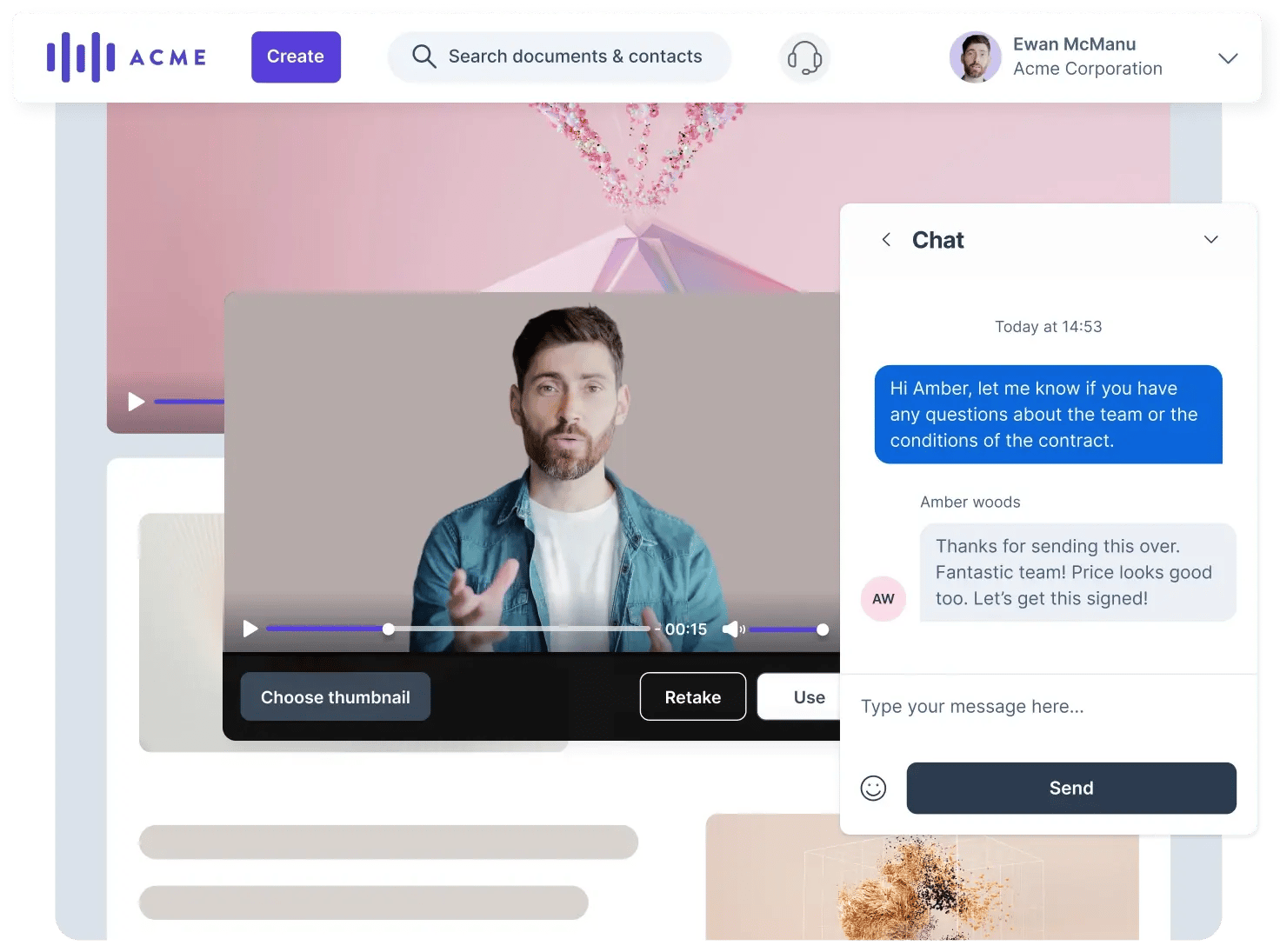
- Record or upload a short personalized video introducing yourself or summarizing the deal. A 30-second clip can do more to build rapport than any paragraph.
- Use merge or personalization tags (like company name, etc.) to tailor messages automatically.
- Let GetAccept AI help you fine-tune your message – adjust tone, summarize your first call, or personalize your company presentation in seconds.
4. Keep it clean and concise
Whether you’re inviting participants to a Deal Room or sending a Contract, less is often more.
- Avoid clutter: too many files or long text blocks can overwhelm buyers.
- Reveal content gradually: if you’re using a full-cycle template, hide pages that aren’t yet relevant. Start focused, with only what matters right now. Add materials as the deal progresses to guide your buyer step by step.
- Name sections clearly (“Proposal overview,” “Next steps,” “Terms and agreement”) so navigation feels intuitive.
- Separate information logically between pages and sections.
- Double-check grammar and spelling: it shows attention to detail and professionalism.
Example in practice: T3chFlow
When T3chFlow’s reps started sending Deal Rooms, some went all-in on templates while others wrote from scratch. The result? Inconsistent messages and mixed buyer experiences.
After aligning on a few best practices – branded email templates, short personal videos, and a friendly intro section in every Deal Room – engagement spiked. Buyers stayed longer in rooms, replied faster, and left more comments directly on documents.
By combining branding, personalization, and AI-powered writing help, T3chFlow’s first sends now feel smooth, consistent, and unmistakably them.
Recap
By completing this lesson, you should now understand what a great first impression combines:
- Branding for consistency and trust
- Personalization for connection and relevance
- Clarity and tone for professionalism and approachability
GetAccept gives you everything you need to create that experience, from templates and personalization tags to AI writing and video tools. With a little care, every send becomes an opportunity to impress and accelerate your deal.
You’ve only got one first send. Make it count.