

Why this matters
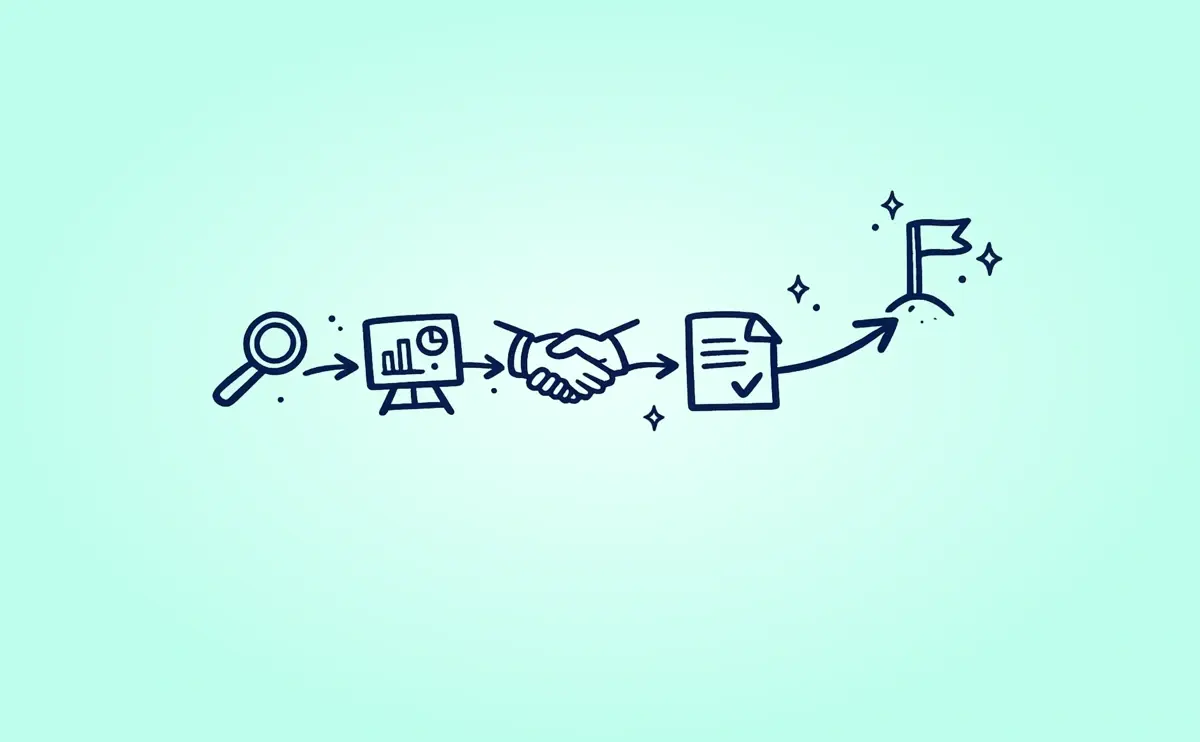
Most sales teams already have a “sales flow.”
The problem is that the tools don’t follow it.
Discovery happens in calls and notes. Content lives in shared drives. Proposals get emailed as attachments. Contracts move to a different tool. Then everyone loses track of what the buyer saw, what they agreed to, and what happens next.
GetAccept brings those pieces together so your deal doesn’t feel like a relay race between systems. It becomes one connected process you can actually run, track, and repeat.
The big idea: one place for the whole deal
GetAccept is the space where you:
- share and organize sales content
- guide collaboration with buyers
- see engagement and momentum signals
- move into contracting without breaking the flow
- keep deal context connected during and after the signing stage
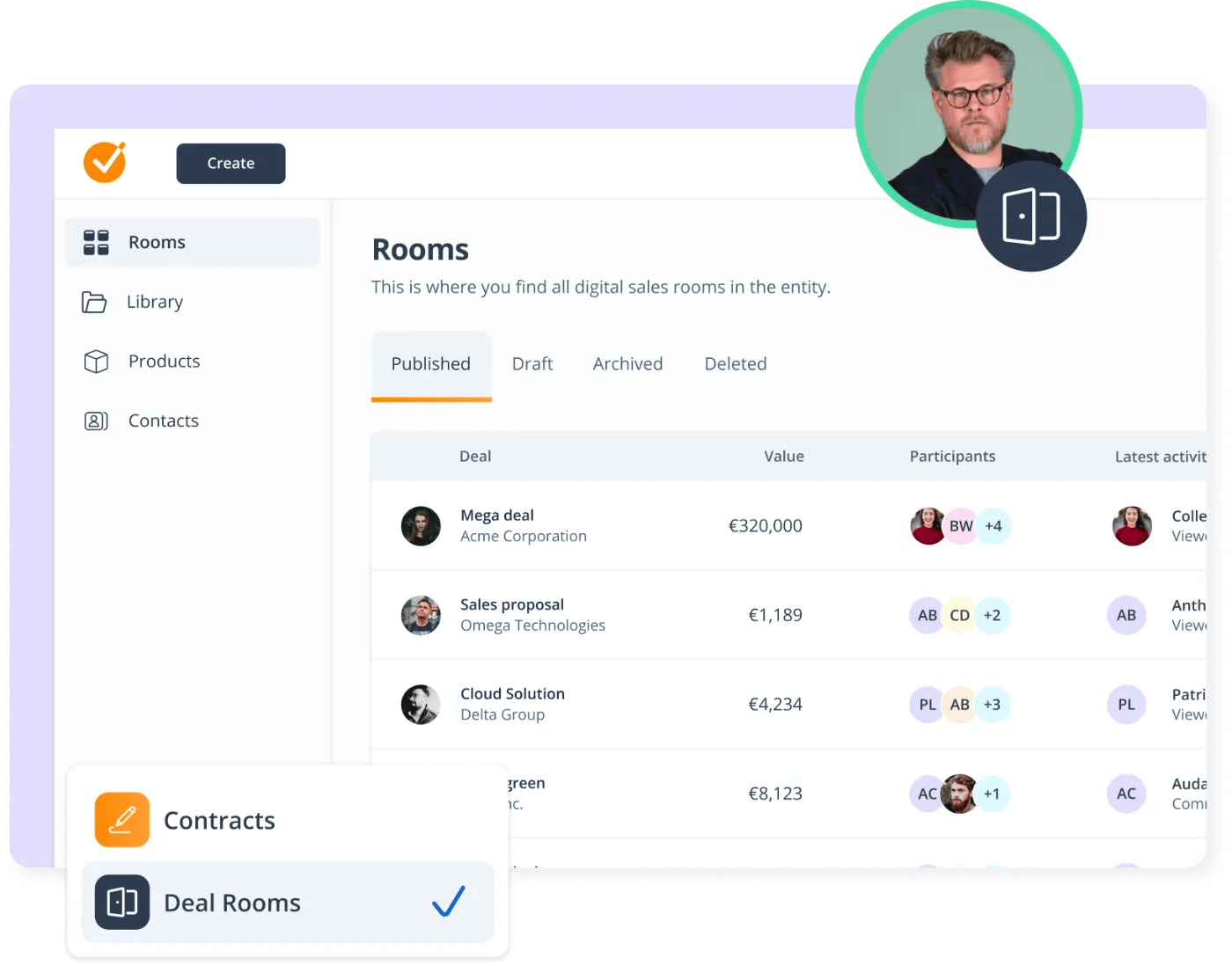
In practice, that means you can start early with a Deal Room, keep it as the “home base” as the deal evolves, and then create or connect the contract from the same place when the buyer is ready to sign.
Where GetAccept fits at each stage of the sales journey
1. Discovery and qualification
Discovery is where you learn what matters. But it’s also where deals often get messy fast: links get lost, follow-ups are inconsistent, and the buyer isn’t sure what happens next.
This is where a Deal Room earns its place early.
Use GetAccept to:
- create a single place for the buyer to access your materials
- capture and reuse meeting context for summaries, and to update sales content
- set expectations for the process and next steps
If you want to keep it simple at first, you can start with a basic room that contains only a short intro about your company or products, a discovery summary, and a clear next step.
2. Solution fit and stakeholder alignment
This is where more people join the conversation. Suddenly, you’re dealing with extra questions, internal alignment, and buyers sharing your content internally.
GetAccept helps you keep that collaboration structured.
Use GetAccept to:
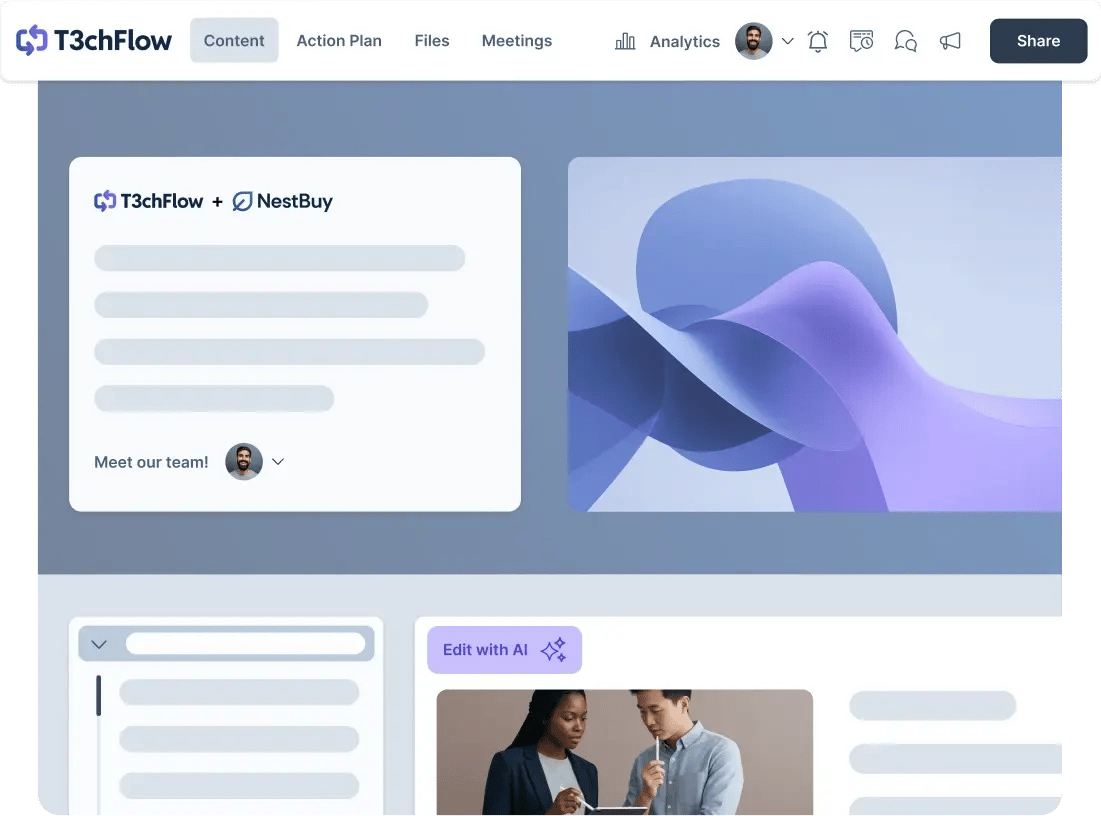
- keep the latest version of your content in one place
- let buyers comment and ask questions where the context lives
- track engagement so you know what they care about (and what they ignore)
- update content over time without sending new attachments and new links
This stage is where GetAccept prevents a lot of “Can you resend that deck?” and “Which version are you looking at?” problems.
3. Proposal and pricing
When the buyer starts asking for pricing, clarity matters. Not just for the buyer, but for your own team.
Use GetAccept to:
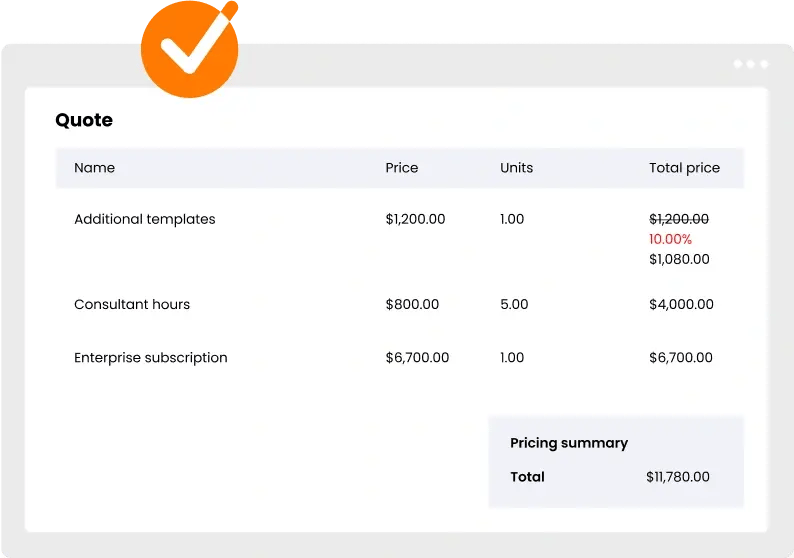
- present proposals in a clean, branded space instead of as attachments
- structure pricing and packaging so buyers can understand what they’re paying for
- keep the commercial conversation connected to the rest of the deal context
This is also where GetAccept AI can help you speed up common work, like drafting a business case, summarizing a call, or creating an executive summary that matches the tone you want.
4. Contracting and signature
This is the stage where many sales flows break. Deals move from a collaborative space into a separate contracting space, and buyers lose context.
In GetAccept, contracting is designed to stay connected to the deal.
Use GetAccept to:
- create and manage contracts as a natural next step from the Deal Room
- keep buyers in one continuous experience where they can review, ask questions, and sign
- reduce confusion for late-stage stakeholders like legal or finance by keeping deal context one click away
You can also connect contracts to the Deal Room even if they were created elsewhere inside GetAccept, which helps bring everything back into one place.
5. After signature and beyond
A signed contract isn’t the end of the buying journey. It’s a handoff point.
GetAccept helps you keep the “what was agreed” context accessible.
Depending on your process, you can use the Deal Room to:
- keep a clear record of key documents and final terms
- support a smoother handover to onboarding or customer success
- keep post-signature stakeholders aligned when questions come up later
How CRM fits into this flow
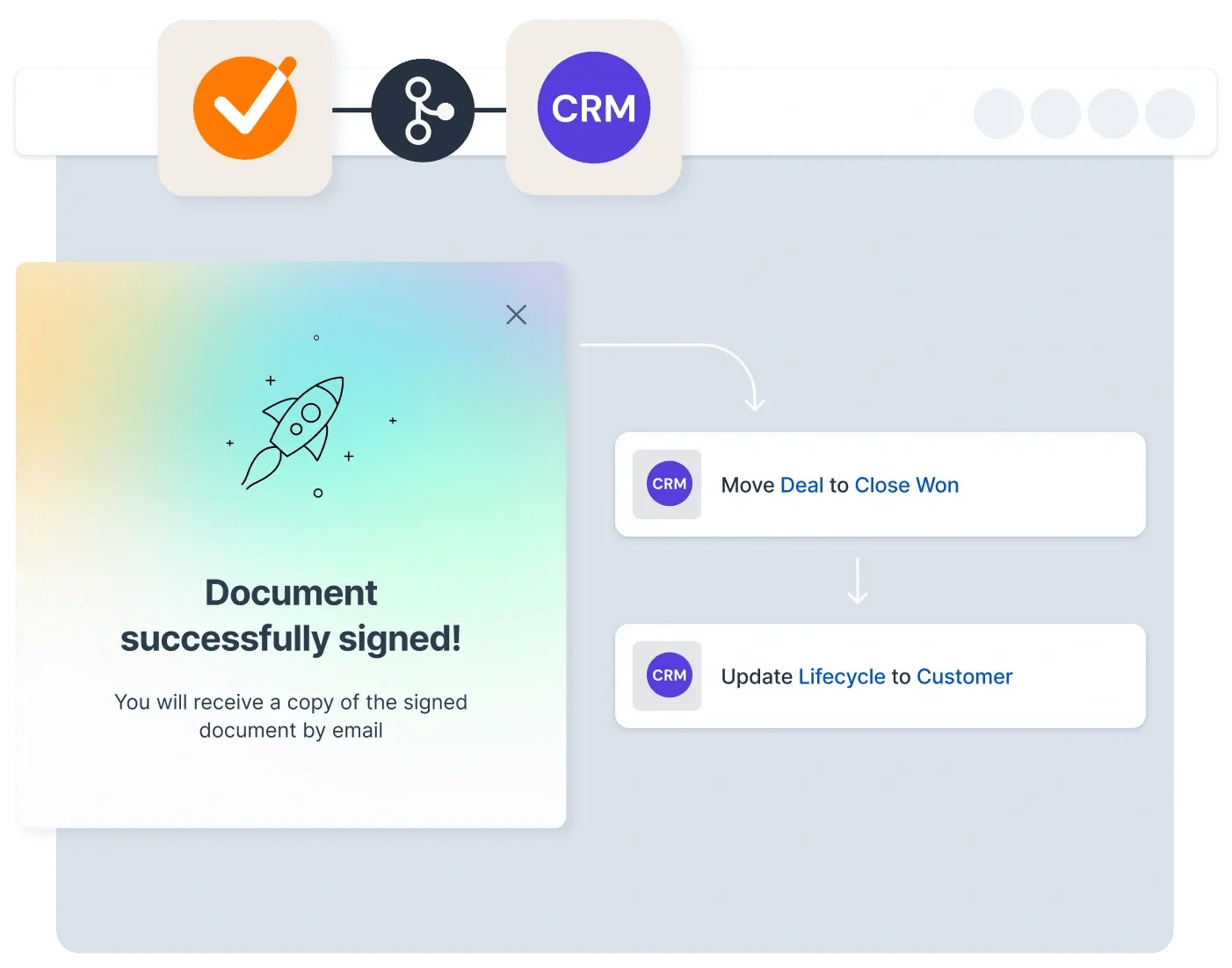
Your CRM is where you manage accounts, pipeline, and forecasting. GetAccept is where the deal happens with the buyer.
When connected, they support each other:
- CRM holds the deal record and customer data
- GetAccept holds the buyer-facing workspace, content, and contract workflow
- Key activity and documents can sync back so your CRM stays accurate without manual admin
The result is a cleaner system of record and a better buyer experience, without duplicating work.
Example in practice: T3chFlow
T3chFlow used to treat proposals and contracts as separate steps handled in separate tools.
Reps ran discovery calls, emailed follow-ups, and shared a proposal as a PDF attachment. When the buyer was ready to move forward, the deal switched to a contract tool, and buyers often asked for context again because the contract email didn’t include the “why” behind the terms.
After moving to GetAccept, they changed one habit: they introduced the Deal Room early and kept it as the home base.
- Discovery notes, key materials, and next steps lived in the room
- Stakeholders could review and comment without long email threads
- Pricing and proposal content stayed connected to the rest of the deal
- When it was time to contract, the agreement stayed tied to the same room, so buyers didn’t lose their bearings
The biggest change wasn’t just speed. It was clarity. Fewer resends, fewer “where is that?” questions, and fewer late-stage surprises.

Recap
By completing this lesson, you should now understand that GetAccept supports the full sales journey:
- Start early with a Deal Room to keep the deal organized and buyer-facing
- Use the room to share content, track engagement, and keep stakeholders aligned
- Move into contracting without breaking the flow or losing context
- Keep everything connected through signature and into handoff
GetAccept fits wherever your deal needs structure, collaboration, and momentum. Which is most of the time.