


Why workspace structure matters
Most workspace problems look small at first.
A duplicate template here. A “final-final-v3” folder there. A new rep copying an old contract because it was easier to find.
Then suddenly:
- reps use different messaging in the same segment
- buyers get inconsistent experiences
- admins spend hours maintaining templates that should be simple
A good structure prevents this. It makes it obvious what’s approved, what’s reusable, and where things belong.

Start with the foundations
1) Set up roles and access on purpose
Before you organize content, decide who gets to create and edit it.
GetAccept provides three core user roles:
- Administrator: full access, including settings, content libraries, and user management
- Manager: limited settings access, with visibility depending on team and restriction settings
- User: can send using templates and create personal content, but cannot change shared templates
Best practice:
- Keep template editing with admins (and a small set of trusted content owners)
- Give managers access only if they actively help govern process and quality
- Let reps focus on sending and personalizing, not building the system
As your team grows, consider restricting access to other users’ data so documents and content don’t become a free-for-all across teams.
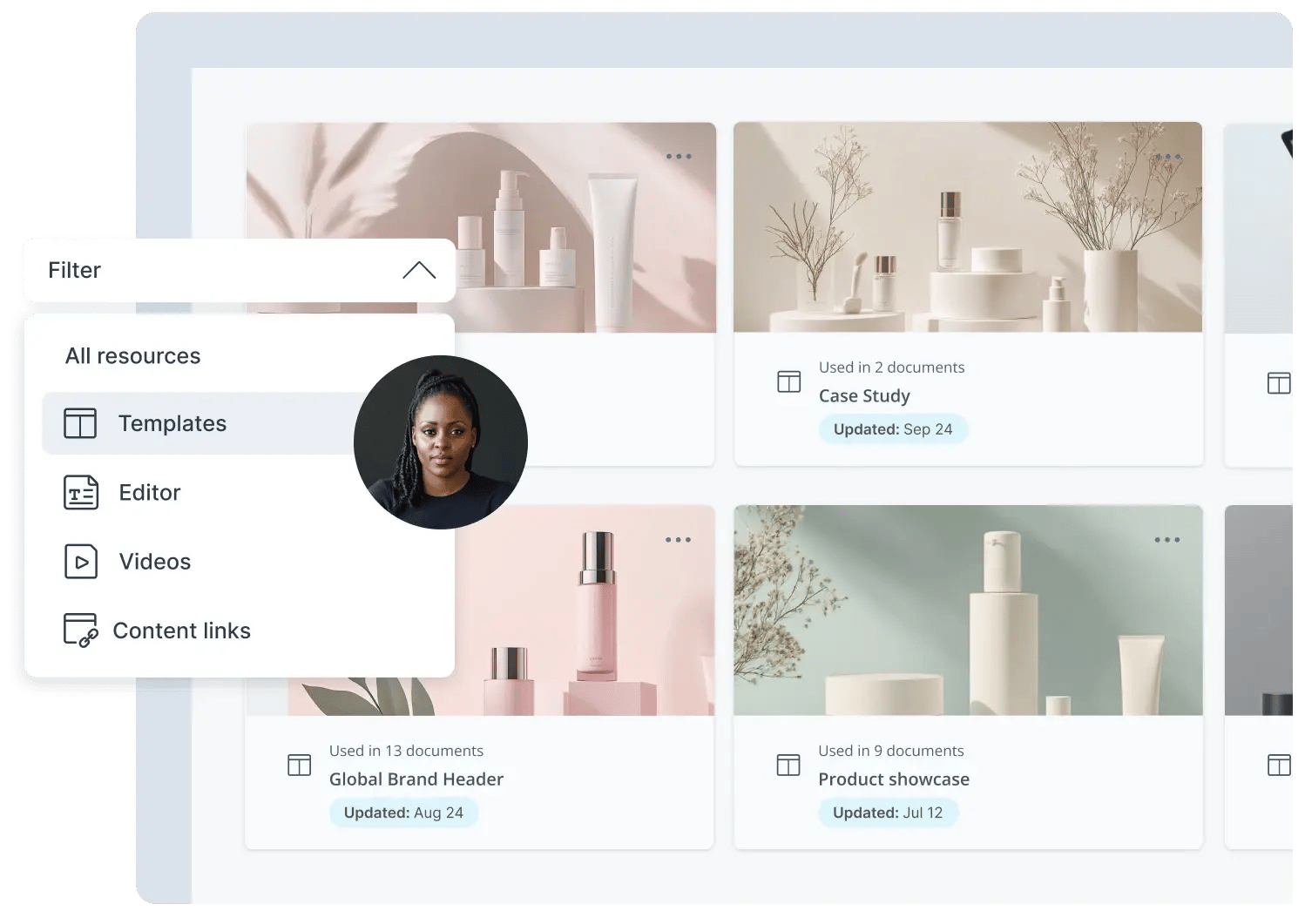
2) Treat templates as the “rules” and resources as the “building blocks”
A common mistake is trying to solve everything with templates.
Instead, aim for a layered structure:
- Templates define the workflow and structure
- Reusable resources hold content you want to maintain centrally
- Deal-specific content stays flexible and is created for that buyer only
This reduces maintenance and keeps content consistent without blocking personalization.
Practical example
Instead of creating five separate “New business deal template” variations, create one template plus a set of reusable resources for each industry or product. Reps add what’s relevant without multiplying templates.
3) Align product and pricing data early
Pricing drift is one of the fastest ways to lose trust, internally and externally.
Decide where your product and pricing data should live:
- If you build pricing tables inside GetAccept, maintain a clean Product Library and use Product Properties for structured details (tier, seats, support hours).
- If your CRM manages products and pricing, treat the CRM as the source of truth and avoid maintaining a separate catalog in GetAccept unless you have a clear reason.
Best practice:
- Keep pricing owned in one place
- Use structured fields (product properties) for things you want to show consistently
- Don’t duplicate catalogs across systems unless you’re prepared to maintain both
Pro tip 💡
If your CRM price book updates quarterly, but your GetAccept product library is updated ad hoc, reps will unknowingly send different pricing depending on where they pulled it from. Pick one source of truth and stick to it.
Build a content library that doesn’t collapse over time
The goal: make the right content easy to find
Your Content Library is where you create and store reusable content like templates, editor content, and folders.
Best practice: use folders to match how your team sells, not how your org chart looks.
A simple structure usually works best, such as:
- Templates
- New business
- Renewals
- Upsell / expansion
- Reusable sections (content resources)
- Product overviews
- Customer stories
- Security and compliance
- Pricing and packaging notes
- Media
- Brand videos
- Demo clips
- Archive (for retired content)
Avoid a folder structure that is six levels deep. People won’t use it. They’ll search, fail, and create duplicates.
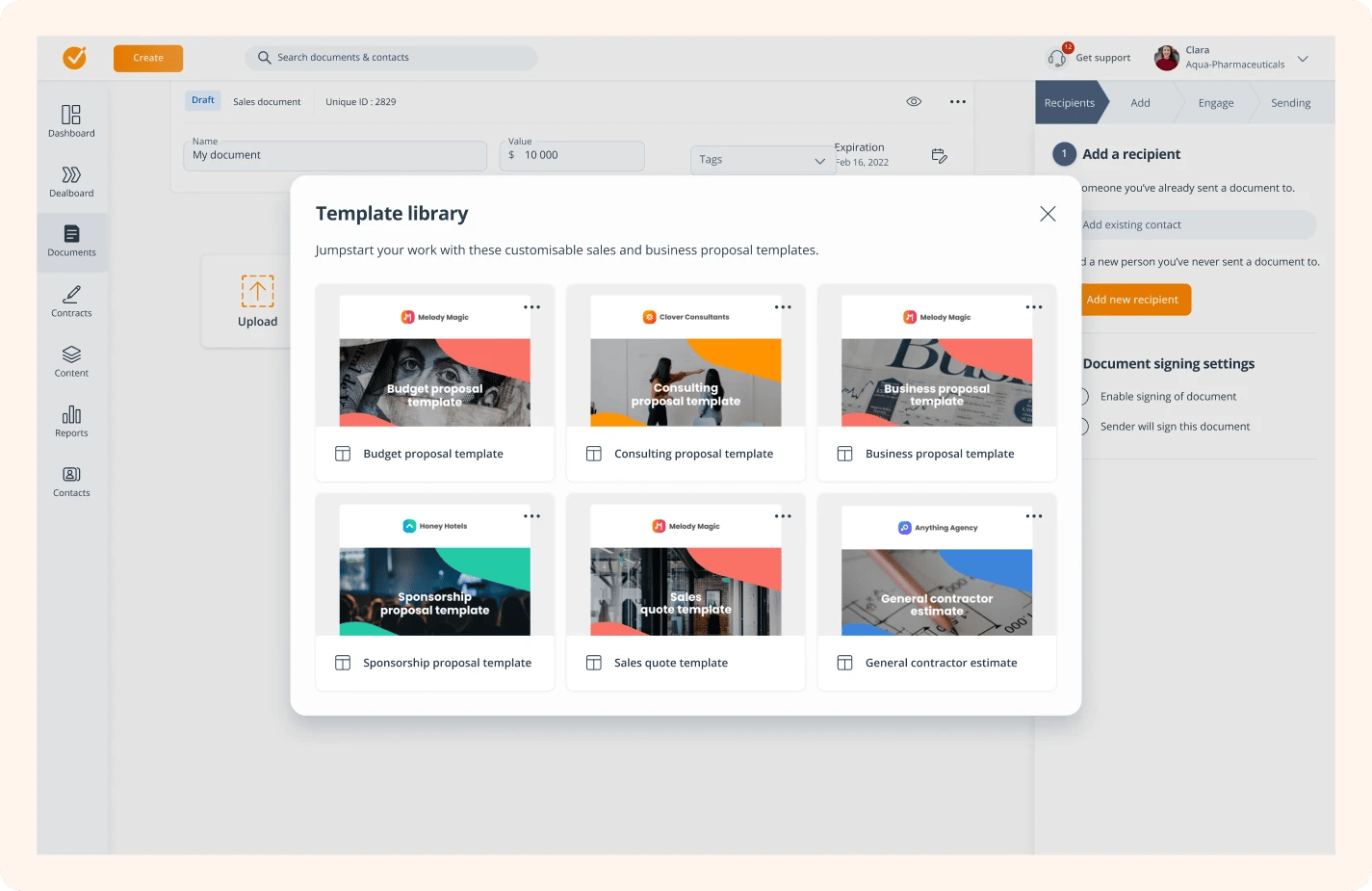
Use content resources to keep templates clean and scalable
Content Resources are modular content blocks that can be inserted into Deal Room templates and live rooms. They’re ideal for content that needs to be reused across segments but still selected based on the deal.
Examples of strong resources:
- “Manufacturing use case overview”
- “ROI framework for CFO audience”
- “Security FAQ and data handling section”
- “Customer story: enterprise rollout”
Best practice:
- Keep each resource focused on one purpose
- Name resources based on when you’d use them and who they’re for
- Review your library quarterly and retire what’s outdated
Use tags to make resources usable at scale
Tags are what keep your library searchable and usable once it grows.
Best practice:
- Create a controlled tag set aligned to how you sell (segment, region, deal type, persona)
- Apply tags consistently to templates and content resources
- Keep the tag list tight and actively managed (retire tags you no longer use)
Practical example
Tag resources like:
- Persona: CFO / IT / Operations
- Segment: Mid-market / Enterprise
- Industry: Manufacturing / SaaS / Services
Then a rep building a room can filter quickly instead of scrolling through a long list of resources that all sound similar.
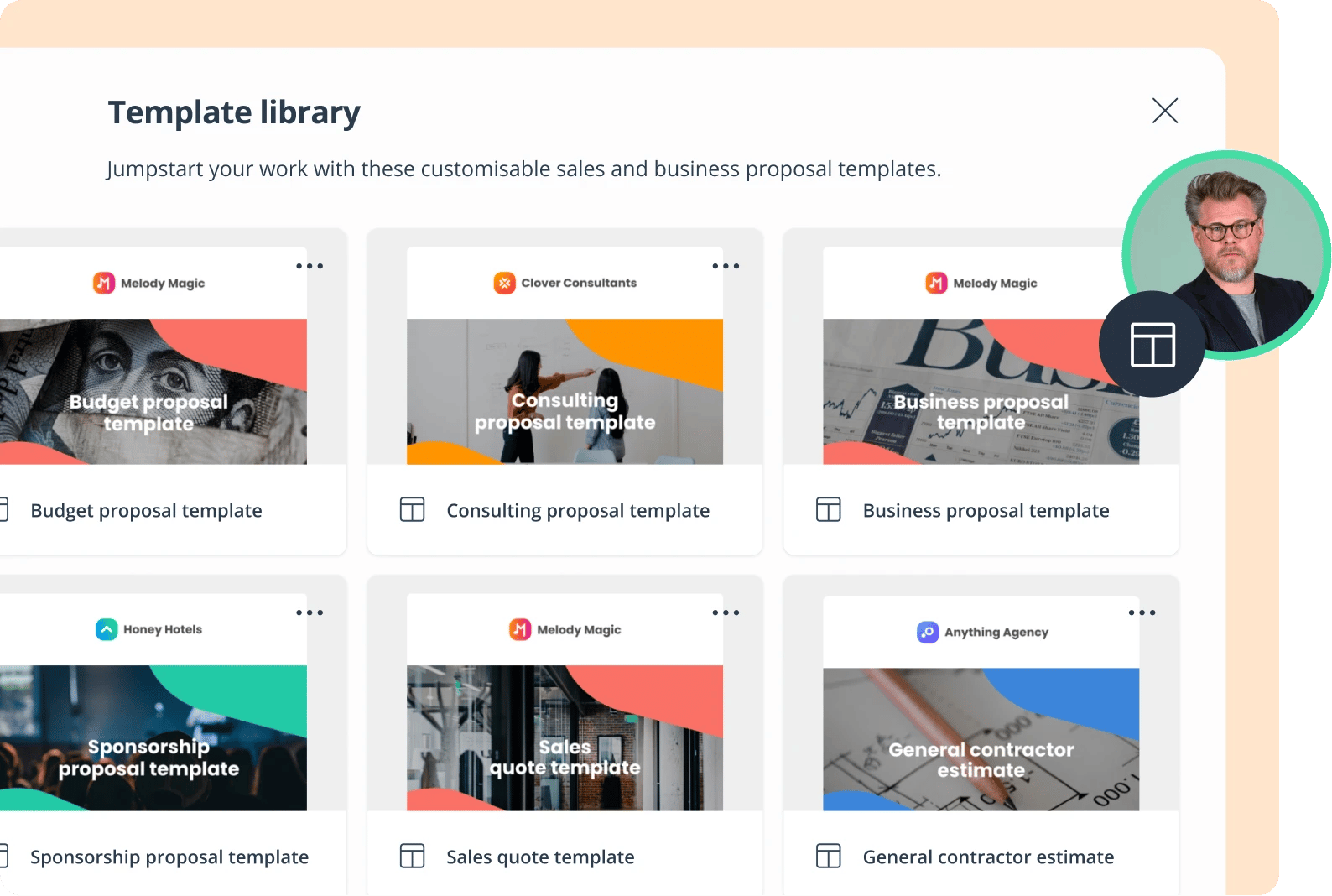
Linked resources: the easiest way to keep critical messaging consistent
Some sections should never drift. Think product positioning, compliance messaging, or standard onboarding explanations.
Linked Resources solve this by letting templates reference a single authoritative version of a section. When you update the source, templates that reference it update automatically.
Best practice:
- Use linked resources for content that must stay consistent across all Deal Rooms
- Don’t use linked resources for anything that varies a lot by deal
- Unlink only when you truly need a one-off version
Deal Rooms: design templates around your sales motion
Create a small set of Deal Room templates based on deal type
Most teams do best with a handful of templates based on how they actually sell, for example:
- New business - standard
- New business - enterprise (more stakeholders, more compliance)
- Renewal
- Upsell / expansion
- Partner-led deal (different stakeholders and materials)
Then use resources for variation by industry, use case, or persona.
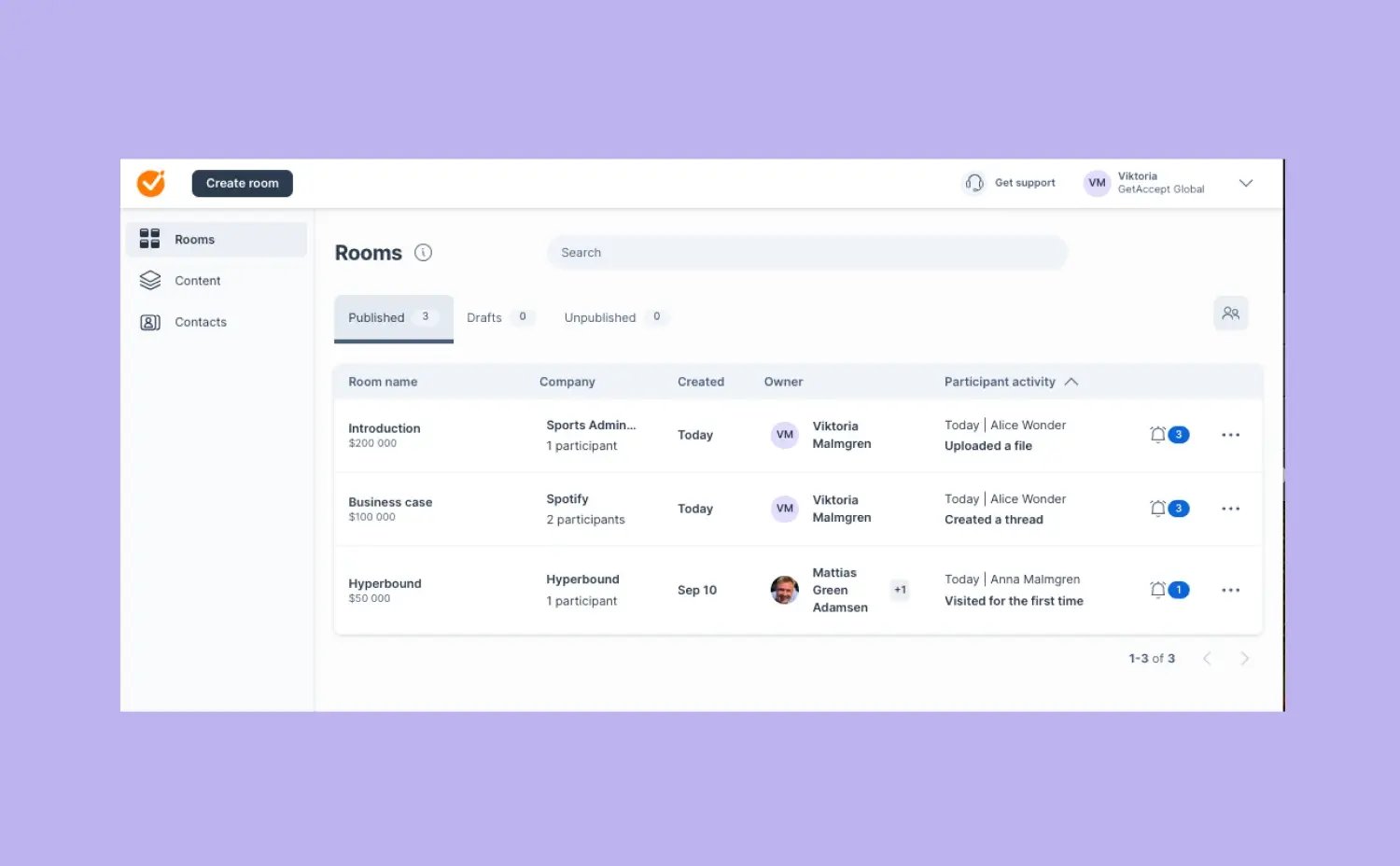
Use resource placeholders to keep templates flexible
Instead of building separate templates for every scenario, create templates that include placeholder areas where reps choose relevant resources.
Practical example
Your “New business - enterprise” template might include:
- a required section for “Security and compliance” (linked resource)
- a placeholder section called “Relevant customer proof” where reps select 1–2 customer story resources
- a placeholder section called “Use case deep dive” where reps insert an industry-specific resource
This keeps templates stable while still allowing meaningful personalization.
Standardize the “always included” sections
Decide what every Deal Room should contain. This reduces inconsistency and helps buyers navigate.
A strong baseline structure often includes:
- an Introduction section
- a welcome page outlining what the room is for and what the buyer will find inside
- a company overview page exploring what you do, who you help, what services you offer
- a discovery summary page
- a business case page
- a product and pricing page (when relevant)
- key proof points or customer stories
- an executive summary page
Then let reps personalize the rest.
Contracts: keep the workflow controlled and searchable
Deal Rooms are flexible by design. Contracts should be more controlled.
Your contract workspace needs to protect:
- legal accuracy
- signing workflow consistency
- searchability in Contract Management
Use template permissions and locked elements to control risk
Contract templates define roles, signing order, and the rules of the workflow. Only admins should edit them.
Best practice:
- Lock legal clauses and standard terms in templates
- Leave only the sections reps truly need to edit as unlocked
- Use template roles consistently so the signing process is predictable across deals
This keeps your contract process stable while still allowing deal-level customization where it’s safe.
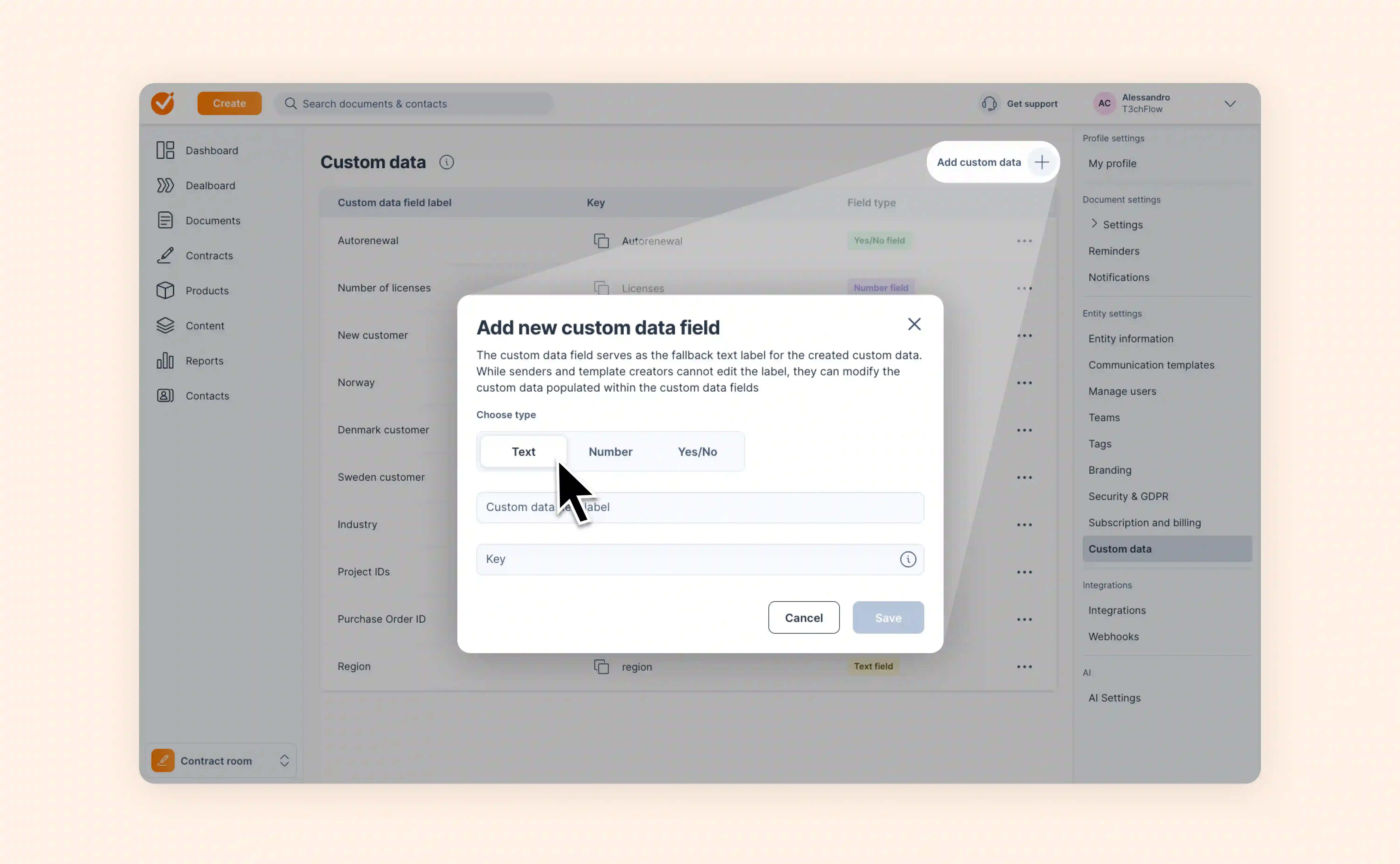
Use custom data properties to organize contracts and reduce template sprawl
Custom data properties make contracts easier to find, filter, and manage later. They also unlock smarter behavior.
You can use custom data to:
- filter and search contracts (for example by region or project ID), and
- enable conditional logic, so content is shown or hidden based on the deal
Conditional logic is one of the best ways to reduce the number of contract templates you need.
Examples of useful custom data:
- Region
- Project ID
- Auto-renewal (yes/no)
- Number of licenses (number)
Best practice:
- Define a small set of custom data fields that match your CRM fields
- Use them consistently across templates
- Keep naming and keys stable so integrations don’t break

Example in practice: T3chFlow
T3chFlow started with good intentions and ended up with 40+ templates.
Reps didn’t know which one to use, so they copied old rooms and edited from there. Content drifted quickly. Messaging varied by rep. Admins spent time fixing symptoms instead of the system.
They reset the workspace with three changes:
- They reduced Deal Room templates to five core templates mapped to deal types
- They turned repeated sections (product overviews, customer testimonials, security) into content resources, and linked the sections that had to stay consistent
- They locked contract templates down to admin-only editing and added a few custom data fields so signed contracts were easy to search and filter later
They also introduced a simple governance rhythm:
- quarterly review of the resource library
- retiring outdated templates instead of keeping them “just in case”
- tagging new resources as part of the publishing process
The result was a workspace that felt lighter to maintain and easier for reps to use. More importantly, buyers got a more consistent experience from the first room to the signed agreement.

Recap
By completing this lesson, you should now understand how to structure your workspace so it scales:
- Start with clear roles and permissions so content stays governed
- Align pricing and product data early so Deal Rooms and Contracts stay consistent
- Use folders, templates, and resources together instead of relying on templates for everything
- Build a small set of Deal Room templates based on deal type and use resource placeholders for variation
- Keep Contracts controlled through permissions, locked elements, and consistent template roles
- Use tags and custom data (plus conditional logic) to keep content and contracts organized over time
Set the structure once, and your team stops reinventing it on every deal.