


GetAccept + Fathom
Fathom captures every sales conversation automatically — recording, transcribing, and summarizing meetings in real time. GetAccept turns those insights into engaging buyer experiences that move deals forward.
Together, they eliminate the gap between what was said in a meeting and what happens next.
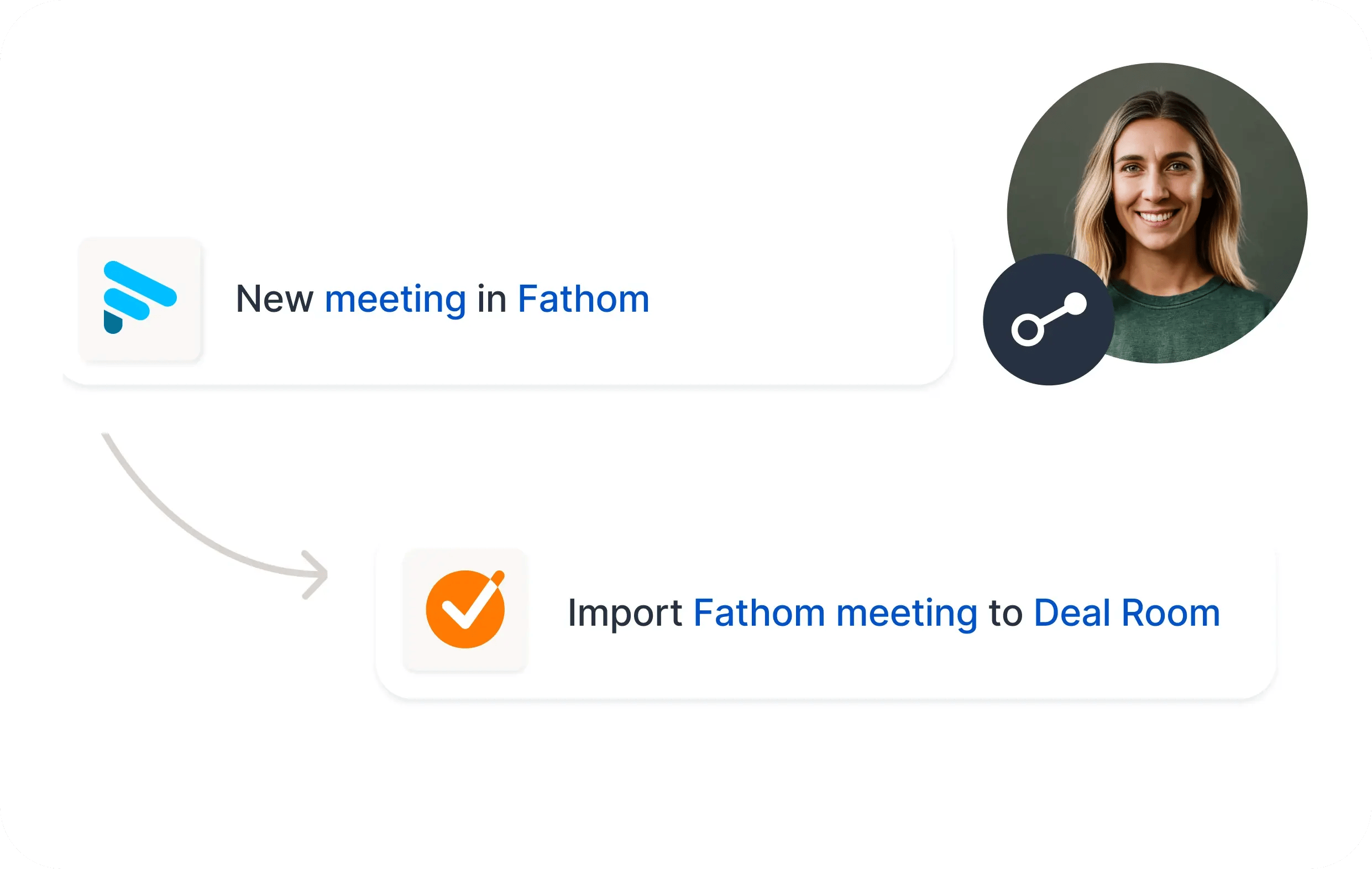
From meeting insights to deal execution
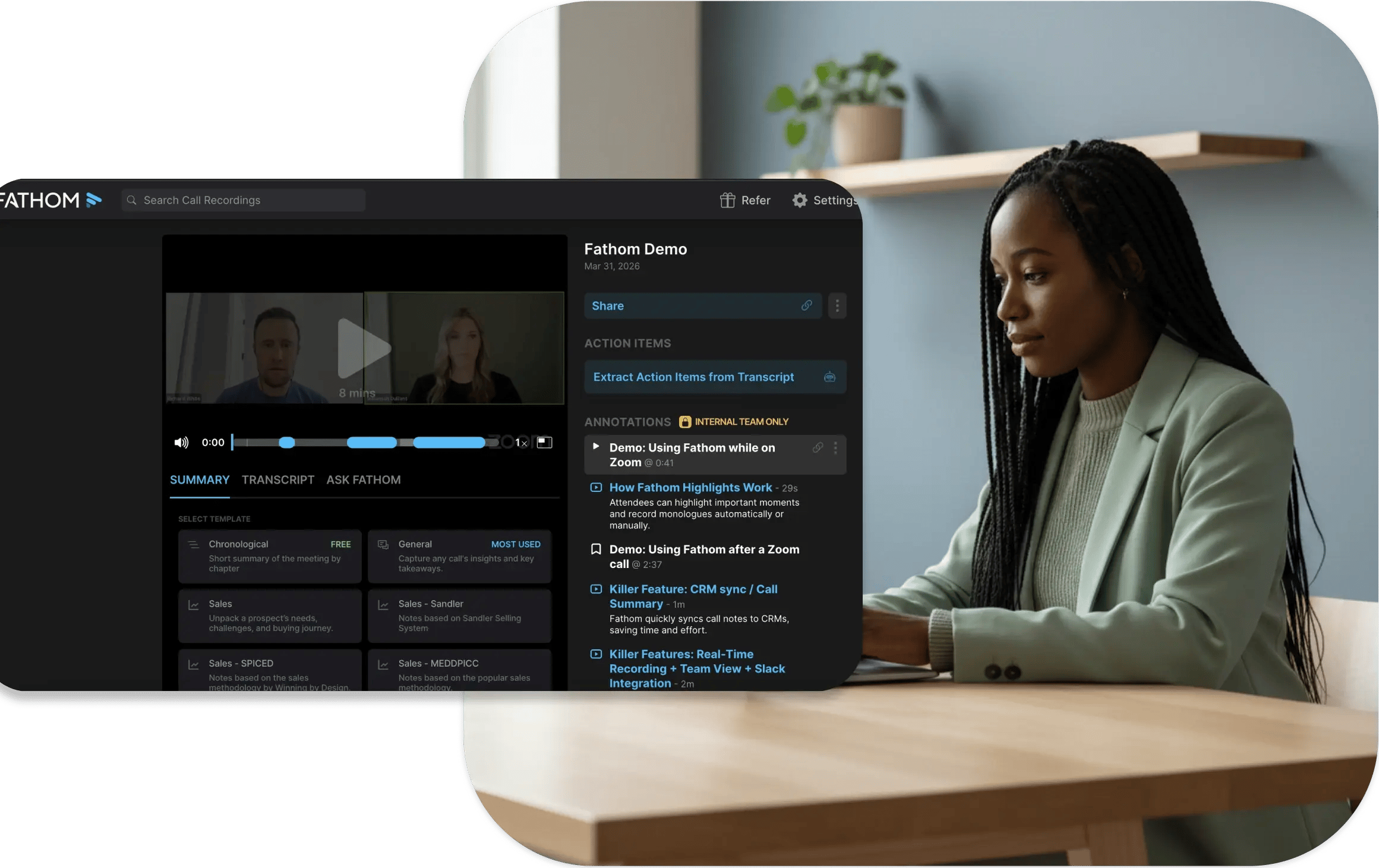
Fathom ensures nothing from your sales conversations gets lost. Key moments, action items, and insights are captured instantly and synced to your CRM.
With GetAccept, those insights become actionable — powering Digital Sales Rooms, proposals, and follow-ups that keep buyers engaged.
Fathom captures the conversation.
GetAccept turns it into progress.
Why teams use Fathom with GetAccept
- Eliminate manual note-taking and post-call admin
- Ensure consistent, high-quality CRM data
- Never lose important deal context between meetings
- Speed up follow-ups and proposal creation
- Turn insights into structured, trackable buyer journeys
How does the integration work?
Capture every meeting automatically
Fathom records, transcribes, and summarizes your sales calls — no manual note-taking required.
Instantly generate insights
AI highlights key moments, pain points, and next steps, and syncs them into tools like HubSpot.
Turn insights into action
Use those insights in GetAccept to quickly create Digital Sales Rooms, proposals, and business cases tailored to each deal.
Engage buyers and move deals forward
Track buyer engagement, follow up with precision, and keep momentum throughout the sales process.
Close the gap between conversation and conversion
Find more integrations
Check out all our integrations and automations: GetAccept connects with hundreds of awesome tools to make your life easier.