How we rethought who sees what in a Deal Room
A Deal Room has always worked on a simple promise: everything about the deal, in one place, for everyone involved. For a long time that was exactly the point. One link, one room, no attachments lost in inboxes.
But "everyone involved" has grown. A typical deal has a champion, someone from finance, someone from IT or security, a few people who'll use the product every day, and often an executive who signs off at the end. When we looked at how sellers were actually using their rooms, the same request kept coming back, until it became one of the most requested things on our list: can I show different buyers different things?
This is the story of how we answered it, and the choices we made along the way.
The problem with one room for everyone
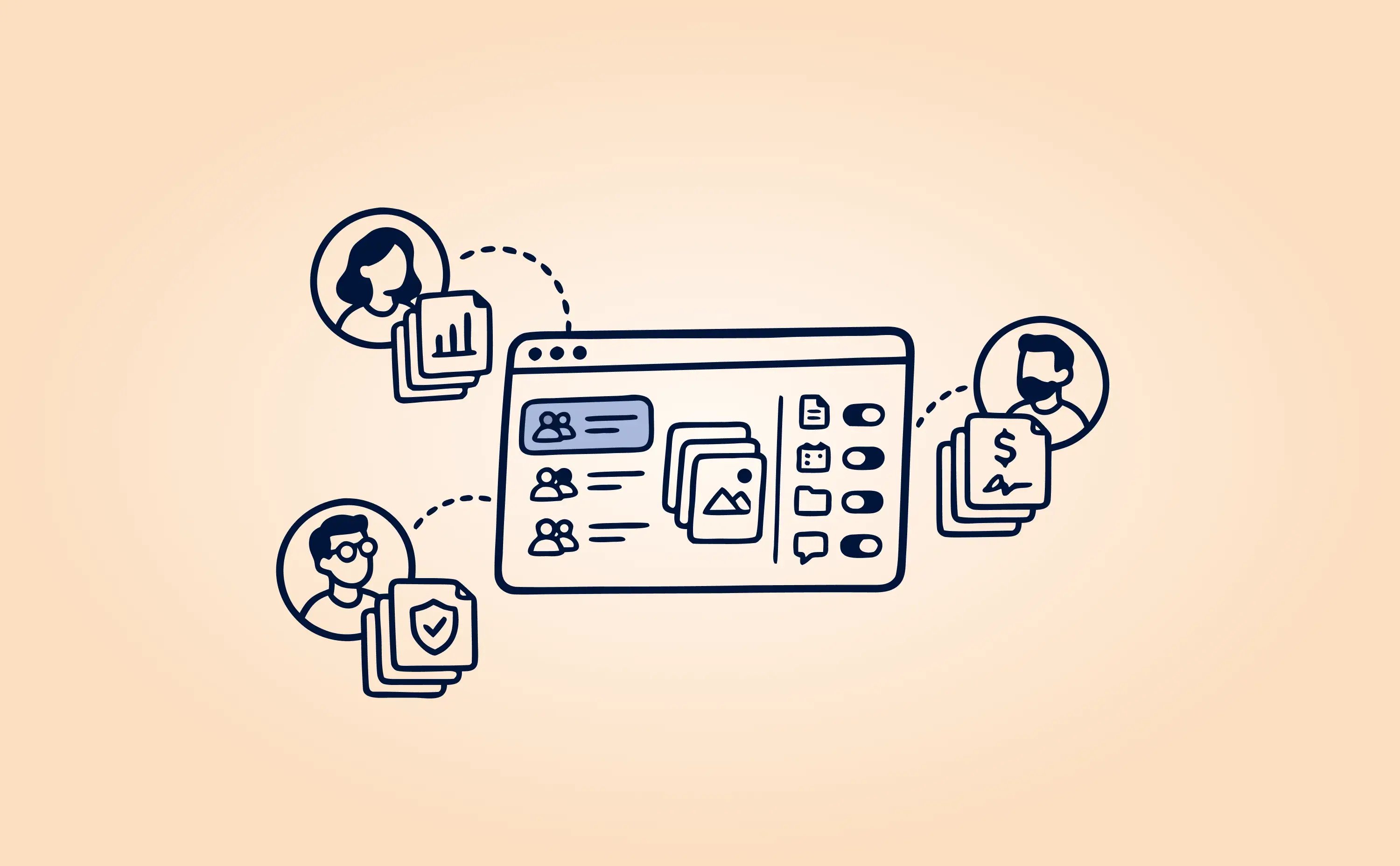
Picture a room with six pages. Your champion reads all of them, because they're building the internal case. Your CFO opens the room, scrolls past the discovery recap, the onboarding plan and the product walkthrough, and eventually finds the pricing page. Your IT lead does the same journey in search of the security details.
Nobody is wrong here. The room just wasn't built for how a buying group reads. Each person is reading a different deal, and they were all handed the same one.
Sellers had found two workarounds. Some built a separate room for each audience and then spent their week keeping them in sync. Others kept sensitive pages, like pricing or contract terms, out of the room entirely and sent them by email instead. Both worked, in a way. Both also undid the reason the room existed in the first place.
Decision one: keep it to one room
The obvious fix was to make spinning up extra rooms easier. We went the other way. The value of a Deal Room comes from everything living in one place, with one link and one shared history of the deal. So the answer had to sit inside the room: one room, with a different view for each audience.
Decision two: groups, not individual settings
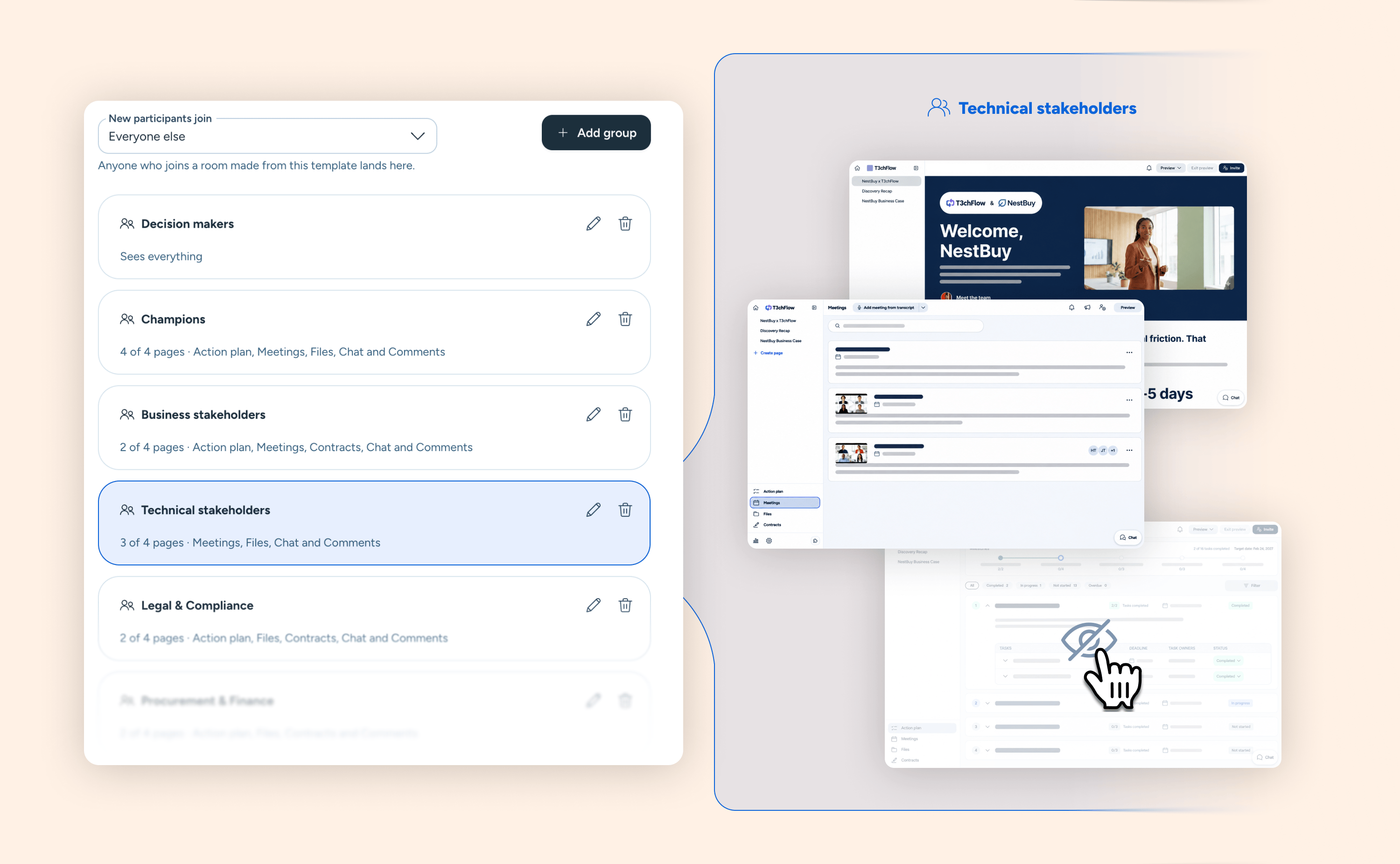
We could have let sellers set visibility person by person. In practice, buyers come in roles: finance, IT, end users, the leadership team. Thinking in roles is how good reps already plan a deal, so that's how we built it. You create groups, decide what each one sees, and put people in them. Each buyer belongs to one group at a time, which keeps the answer to "what does this person see?" simple.
Decision three: control more than pages
Hiding a page is the obvious part. But a buying group doesn't only differ in what it reads, it differs in how it takes part. Your end users may not need the contract tab. Your CFO may not need the chat. So each group gets its own set of pages (Content, Action plan, Meetings, Files, Contracts) and communication features (Chat, Comments, the Introduction page). If something is off for a group, it simply isn't there for them.
Decision four: nothing changes until you want it to
A feature like this is only useful if it doesn't break the rooms people already rely on. So the default is the room as it's always been. Until you create a group, every buyer is "Ungrouped" and sees everything.
Once you do start using groups, we wanted new people to land somewhere sensible without anyone having to remember. Each room has a default, marked "New participants join here". Anyone who joins after that point, whether you invite them, they come through the room's link, or they're added from a CRM, lands in that group. You can always move them later.
Decision five: never make the seller guess
Visibility rules are easy to get wrong when you can't see them. Every place where a seller could be surprised got an explanation in the product:
- Preview as any group. Pick a group from the Preview menu and see the room exactly as they will, including how many of the pages they can see.
- Clear moves. When you move a buyer to another group, the dialog tells you what they'll stop seeing and what they'll start seeing, before you confirm. The change applies straight away.
- New pages are visible by default. When you add a page, it joins every group, and the product tells you so. Leaving a page out is a deliberate choice, never an accident.
- Targeted updates. When you post an update, you choose which groups it goes to, and you can see how many people that is before you send.
Decision six: keep it quiet for the buyer
On the buyer's side, groups are invisible. A finance lead doesn't see a label saying "Finance", and nobody sees which group anyone else is in. They just see a room that's about them. If a page they can see links to one they can't, the link shows as unavailable rather than leading somewhere broken.
Decision seven: set it up once
The teams that run similar deals again and again shouldn't rebuild groups every time. So groups can live in a Deal Room template, and every room created from it starts with the same groups and the same default.
What it looks like in a real deal
Back to that six-page room. The champion is in a group that sees everything. Finance sees the business case, pricing and the contract. IT sees the security and integration pages. The end users see the onboarding plan and the action plan, and nothing about pricing.
It's still one room and one link. When the quote changes, you post an update to finance. When security signs off, IT gets the next steps. Everyone opens the same link, and everyone finds their part of the deal in seconds.
Why it matters
The best reps have always tailored the conversation to the person in front of them. They don't walk a CFO through the onboarding plan, and they don't send pricing to the whole buying committee. Participant groups let the Deal Room do the same thing, so the room works the way your best rep would.