Still dealing with printing, scanning, and chasing signatures?
You don't have to.
Whether you're closing deals, managing contracts, or securing approvals, electronic signature software eliminates manual processes, reduces delays, and keeps business moving forward.
But not all e-signature tools offer the same value.
Some are simple, standalone signing solutions, while others streamline the entire sales workflow, integrate with CRMs, automate proposals, and provide real-time engagement tracking. The right solution depends on how you plan to use it.
So, how do you choose the best one?
This guide breaks down the best electronic signature platforms of 2026, comparing their strengths, weaknesses, and ideal use cases to help you find the right fit.
What is electronic signature software?
Electronic signature software lets recipients conveniently sign documents by typing their name or simply clicking a button in a web browser, on a tablet, or mobile device - no printing or scanning required.
Instead of routing contracts through email and manually tracking them, these platforms handle the entire workflow:
-
Document preparation and sending
-
Signature collection from any device
-
Authentication and secure storage
Every reputable solution creates legally binding signatures that comply with regulations such as ESIGN (US) and eIDAS (EU), complete with tamper-proof audit trails.
Why sales teams need electronic signature software
E-signature software eliminates friction. Buyers sign in seconds from any device, and you get instant notifications when they do.
Here's what electronic signatures do for your sales process:
-
Speed up deal cycles: Contracts that used to take days to route, print, sign, and return can now close in hours. This removes the final barrier to closing when a buyer is ready.
-
Improve the buyer experience: Modern buyers expect digital workflows. Asking them to print and scan a contract feels outdated and creates unnecessary friction.
-
Maintain compliance & reduce risk: Every signature includes a complete audit trail with IP addresses and timestamps. This gives you court-admissible proof of who signed what and when.
-
Integrate with your sales stack: The best platforms sync with your CRM, automatically logging signed contracts and updating deal stages. This eliminates manual data entry for your reps.
Types of electronic signatures explained
Not all electronic signatures carry the same legal weight. Depending on your industry and document type, you may need different signature types.
Simple Electronic Signature (SES)
This is the most basic form, like a typed name or clicking "I agree." SES works for most standard business agreements and internal approvals.
Advanced Electronic Signature (AES)
AES adds identity verification via methods like SMS codes. It's used for higher-value contracts requiring stronger proof of identity.
Qualified Electronic Signature (QES)
This is the highest level of security under EU law, legally equivalent to a handwritten signature. Qualified Electronic Signature is required in highly regulated industries like banking and healthcare.
How we tested the best e-signature software
Many lists ranking e-signature software are just generic overviews. We took a different approach by researching and testing the leading platforms firsthand.
Here's what we evaluated to give you a clear, practical guide:
-
Legal compliance: Does the platform support ESIGN, UETA, and eIDAS, and provide court-admissible audit trails?
-
CRM integration quality: Do integrations sync bi-directionally with major CRMs and automatically update deal data?
-
Mobile signing experience: Can buyers sign easily on a phone without zooming or excessive scrolling?
-
Pricing transparency: Are costs clear upfront, or are key features hidden behind expensive tiers?
-
Sales-specific features: Does it offer tools like proposal tracking and buyer analytics to help sales teams close deals faster?
Here's a breakdown of the top electronic signature software solutions on the market:
-
GetAccept
-
PandaDoc
-
DocuSign
-
Qwilr
-
Proposify
-
Scrive
-
Adobe Sign
-
Dropbox Sign
In case you're in a hurry, here's a quick overview comparing all eight platforms:
|
E-sign provider |
Product highlight | Pro | Con |
| GetAccept | Sales-focused digital signatures & proposal software with CRM integration | Real-time tracking and automatic reminders help you to track progress | Feature-rich, may not suit beginners |
| PandaDoc | Document automation with e-signatures | Great for automation and workflows | High cost for advanced features |
| DocuSign | Enterprise-grade security and compliance | Top security and compliance | Expensive for small businesses |
| Qwilr | Interactive proposals with built-in digital signatures | Visually engaging proposals | Limited PDF upload options |
| Proposify | Proposal software with integrated e-signatures | Easy-to-use and customizable | Minor formatting issues |
| Scrive | Secure digital signatures for regulated industries | Highly secure and compliant | Not ideal for creative documents |
| Adobe Sign | Microsoft-integrated enterprise e-signatures | Deep Microsoft integrations | Premium pricing for enterprises |
| Dropbox Sign | Dropbox-integrated contract management | Seamless dropbox integration | Basic compared to competitors |
(Quick note: This list includes platforms that go beyond simple document signing, offering tools to streamline your entire sales and contract workflow. If you're looking for more than just a digital signature, you're in the right place.)
Let’s dive in.
Essential features in e-signature software
When evaluating platforms, these features separate basic tools from robust sales solutions. Use this checklist to compare your options.
| Feature | Why it matters |
|---|---|
| Audit trails & compliance | Ensures legal enforceability and compliance with regulations like ESIGN, UETA, and eIDAS. |
| Mobile signing |
Allows buyers to sign from any device, removing friction at the final step. |
| Template automation |
Saves hours by letting reps create and send pre-approved contracts in seconds. |
| CRM & workflow integrations |
Automatically logs signed contracts and updates deal stages in your CRM. |
| Real-time notifications & tracking |
Alerts reps when buyers view or sign documents so they can follow up instantly. |
| Advanced authentication |
Verifies signer identity for sensitive agreements using SMS, MFA, or other methods. |
The best electronic signature software in 2026
Here's a breakdown of the best electronic signature platforms in 2026, highlighting their strengths, weaknesses, and ideal use cases.
1. GetAccept
|
🏆 Best for sales teams & deal acceleration |
(Shameless plug… but we really think we should be mentioned in the “best” lists).
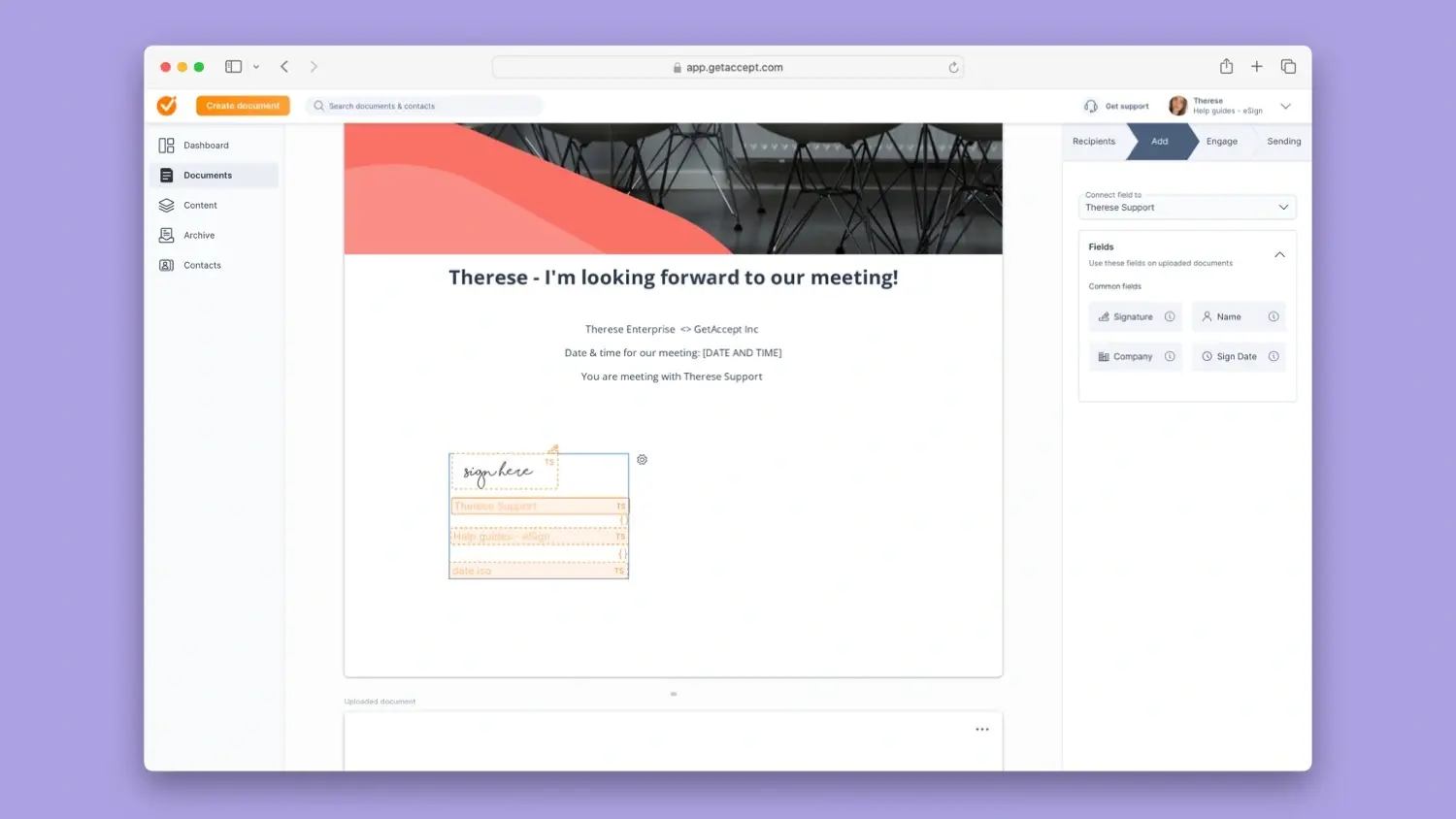
If your business revolves around sales, proposals, and closing deals faster, GetAccept offers far more than just digital signatures.
It’s a Digital Sales Room platform designed to streamline the entire proposal process - from creation to signing - while providing real-time engagement tracking and automation.
Pricing: Starting at $25/month per user (E-sign plan); $49/month per user (Professional plan with full Digital Sales Room); Enterprise plans available.
Why choose GetAccept?
-
Sales-focused digital signature platform that integrates with CRMs like Pipedrive, Salesforce and HubSpot.
-
Automated proposal creation and tracking to help sales reps follow up at the right time.
-
Built-in video messaging and live chat to engage buyers during the signing process.
-
Enterprise-grade security, tamper-proof audit trails, and compliance with global digital signature laws.
Potential drawbacks:
-
The robust feature set may feel overwhelming for users who only need a basic electronic signature tool.
-
Higher-tier plans may be required to unlock advanced automation and analytics.
-
Document editor currently slightly less customizable than some competitors.
Best for:
Sales teams looking for a complete digital sales room experience, beyond just document signing.
2. PandaDoc
|
🏆 Best for automation and workflow management |
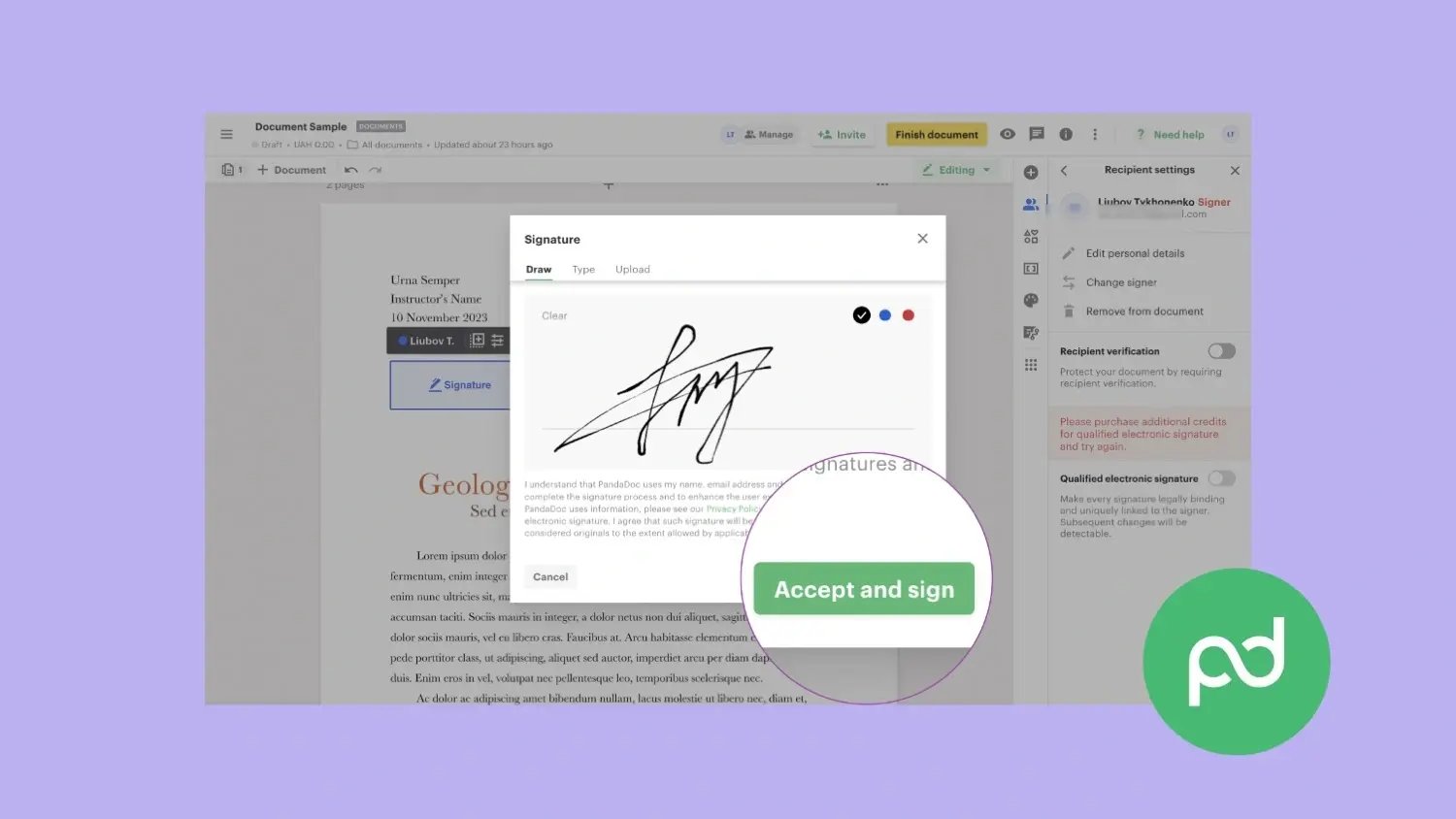
PandaDoc is a document automation platform that streamlines proposals, contracts, and invoices.
With a drag-and-drop document builder, workflow automation, and CRM integrations, PandaDoc makes it easy for teams to manage the entire document lifecycle in one place.
Pricing: Starting at $19/month per user (Essentials); $49/month (Business); custom pricing for Enterprise.
Why choose PandaDoc?
-
Comprehensive document automation, including proposals, quotes, and contracts.
-
Drag-and-drop editor and reusable templates for quick, professional documents.
-
ESIGN/UETA and HIPAA-compliant e-signatures with audit trails and tamper-proof records.
-
Workflow automation to speed up approvals and reduce manual tasks.
Potential drawbacks:
-
Pricing can add up, especially for teams needing CRM integrations and advanced features.
-
Some advanced customizations, like conditional logic and offline access, are limited.
-
Lacks deep sales engagement features, such as in-document chat or video messaging.
Best for:
Teams looking for an all-in-one document management and e-signature solution.
3. DocuSign
|
🏆 Best for enterprise-grade security and compliance |
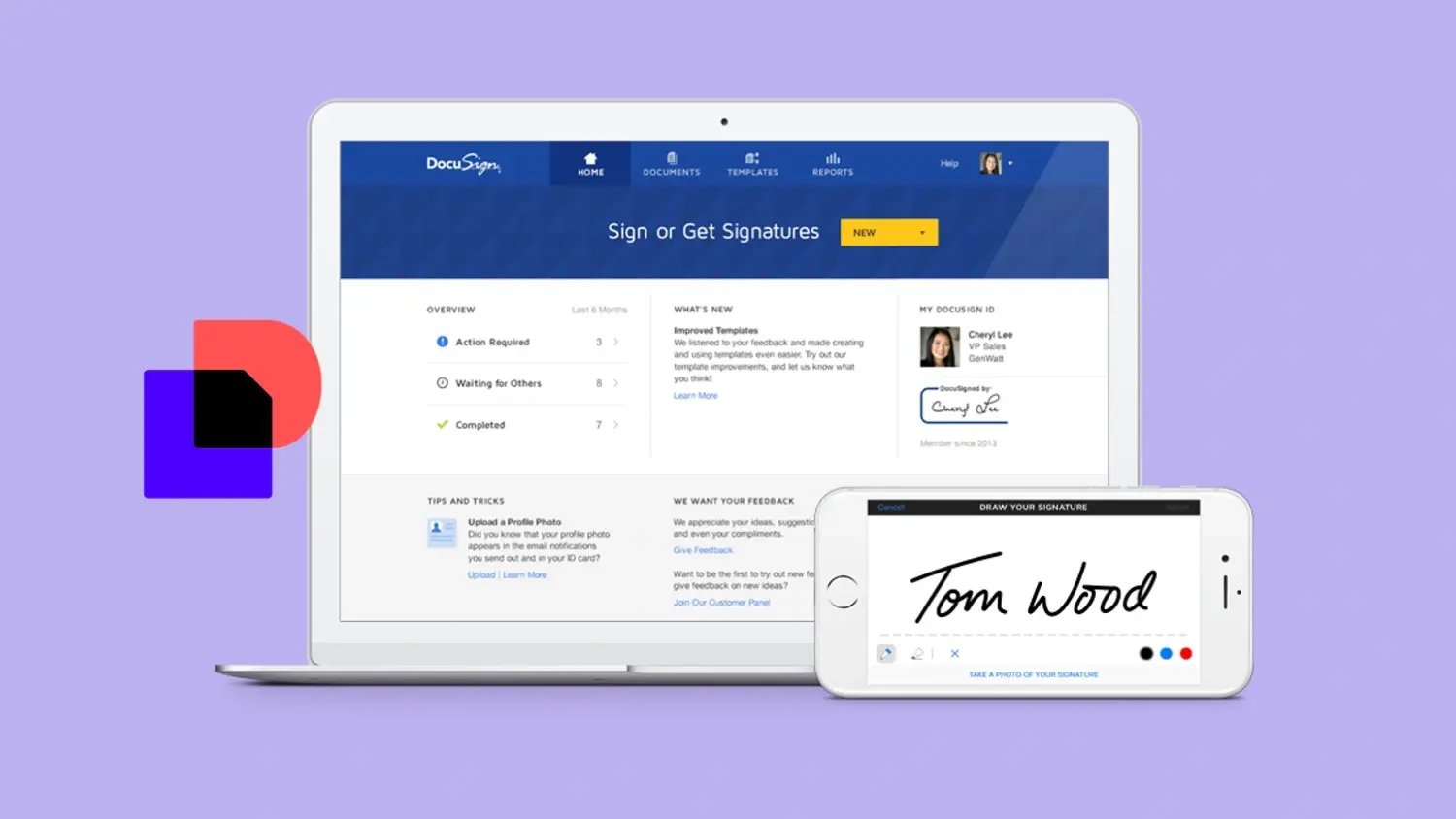
DocuSign is the most recognized name in electronic signatures, offering a highly secure and globally accepted solution.
With comprehensive compliance certifications, advanced authentication methods, and integration with over 400 apps, DocuSign is a trusted choice for enterprises and regulated industries that require top-tier security and legal enforceability.
Pricing: Personal plan at $10/month; Standard $45/month per user; Business Pro $65/month per user; custom enterprise pricing.
Why choose DocuSign?
-
Industry-leading security with SOC 2, ISO 27001, and GDPR compliance.
-
Advanced authentication options, including SMS verification and biometric ID checks.
-
Deep integrations with CRMs, ERPs, and productivity tools like Salesforce, Microsoft 365, and Google Workspace.
-
Robust automation and AI-powered contract analysis for large-scale document workflows.
Potential drawbacks:
-
Pricing is higher than many competitors, especially for advanced workflow automation.
-
Lacks sales engagement tools, such as proposal tracking, in-document chat, or video messaging.
-
Steep learning curve for teams that only need simple e-sign functionality.
Best for:
Enterprises and highly regulated industries that require the highest levels of security and compliance.
4. Qwilr
|
🏆 Best for interactive proposals with built-in e-signatures |
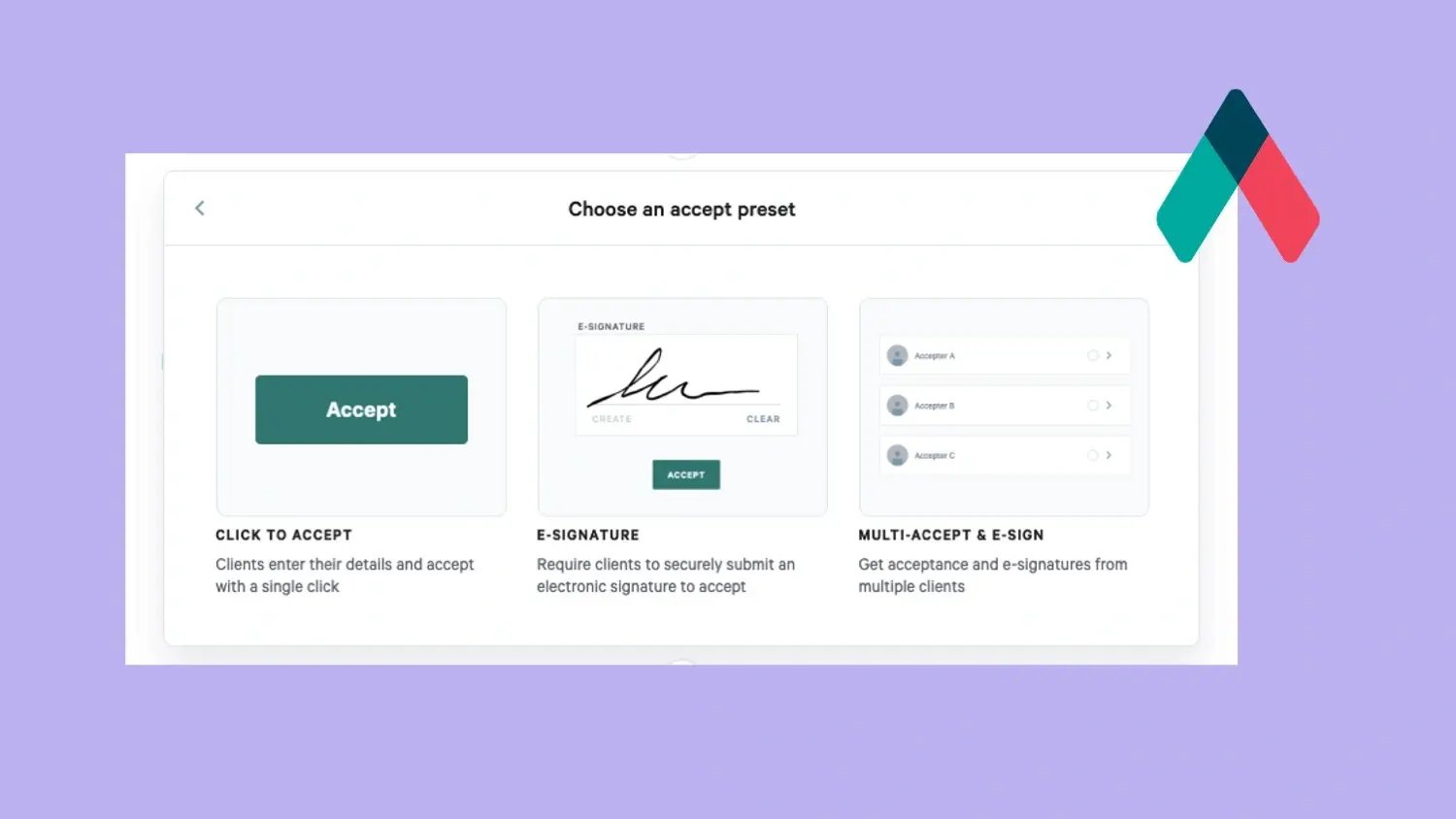
Qwilr transforms static documents into interactive, web-based pages with built-in e-signatures.
This unique format enhances engagement and simplifies the signing process. For businesses that prioritize highly visual proposals, Qwilr is a solid option.
Pricing: Starting at $35/month per user; Business plan $59/month per user; custom enterprise pricing.
Why choose Qwilr?
-
Interactive, mobile-friendly proposals that feel more like engaging web pages than static PDFs.
-
Seamless e-signature functionality directly within the proposal, eliminating extra steps for buyers.
-
Built-in analytics to track engagement, including which sections prospects spend the most time on.
-
Customizable templates and branding to ensure every proposal looks professional and polished.
Potential drawbacks:
-
No option to upload existing PDFs or Word docs - you must create documents within Qwilr's platform.
-
Higher pricing ($35/ mo) compared to basic e-sign tools, making it less ideal for teams that just need contract signing.
-
Limited offline functionality, since proposals are web-based and require internet access.
Best for:
Sales and marketing teams that want highly engaging, interactive proposals with seamless e-signing.
5. Proposify
|
🏆 Best for Proposal Management with Built-In e-signatures |
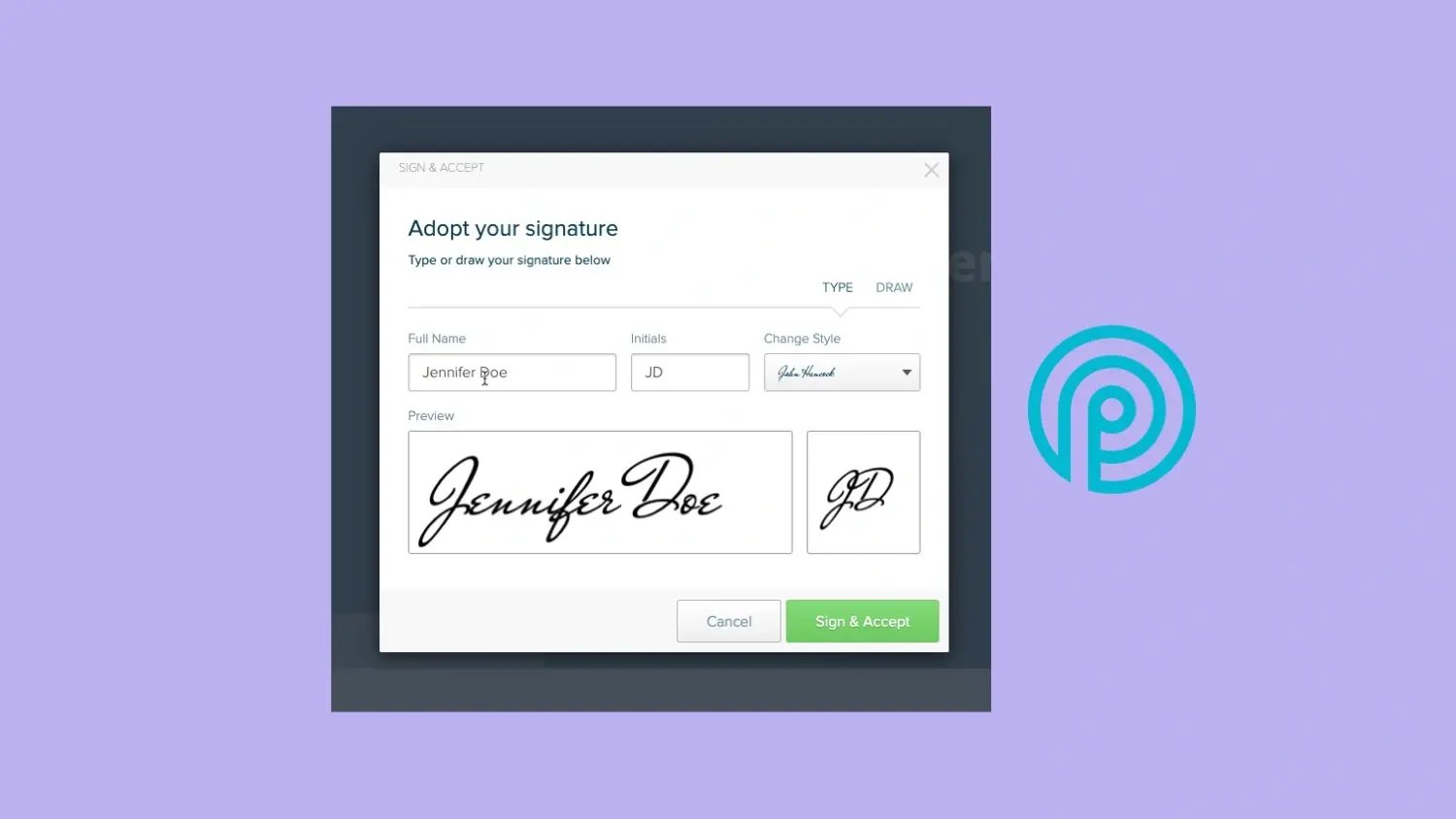
Proposify is a proposal management platform with built-in e-signature functionality.
It uses a structured, template-based system to ensure brand consistency. It also provides real-time insights into prospect engagement.
Pricing: Starting at $49/month per user; custom pricing for larger teams.
Why choose Proposify?
-
Comprehensive proposal management with customizable templates for branding consistency.
-
Legally binding e-signatures included on all plans, ensuring a seamless signing process.
-
Real-time analytics and tracking so sales reps know when to follow up.
-
SOC 2 certified and GDPR compliant, providing enterprise-level security for sensitive documents.
Potential drawbacks:
-
Limited document flexibility, as it focuses primarily on proposals rather than contracts or agreements.
-
Some users report formatting issues when exporting to PDFs, requiring manual adjustments.
-
Slight learning curve for customizing templates, especially for advanced design elements.
Best for:
Sales teams that rely on structured, repeatable proposal templates with built-in electronic signatures.
6. Scrive
|
🏆 Best for regulated industries & compliance-heavy workflows |
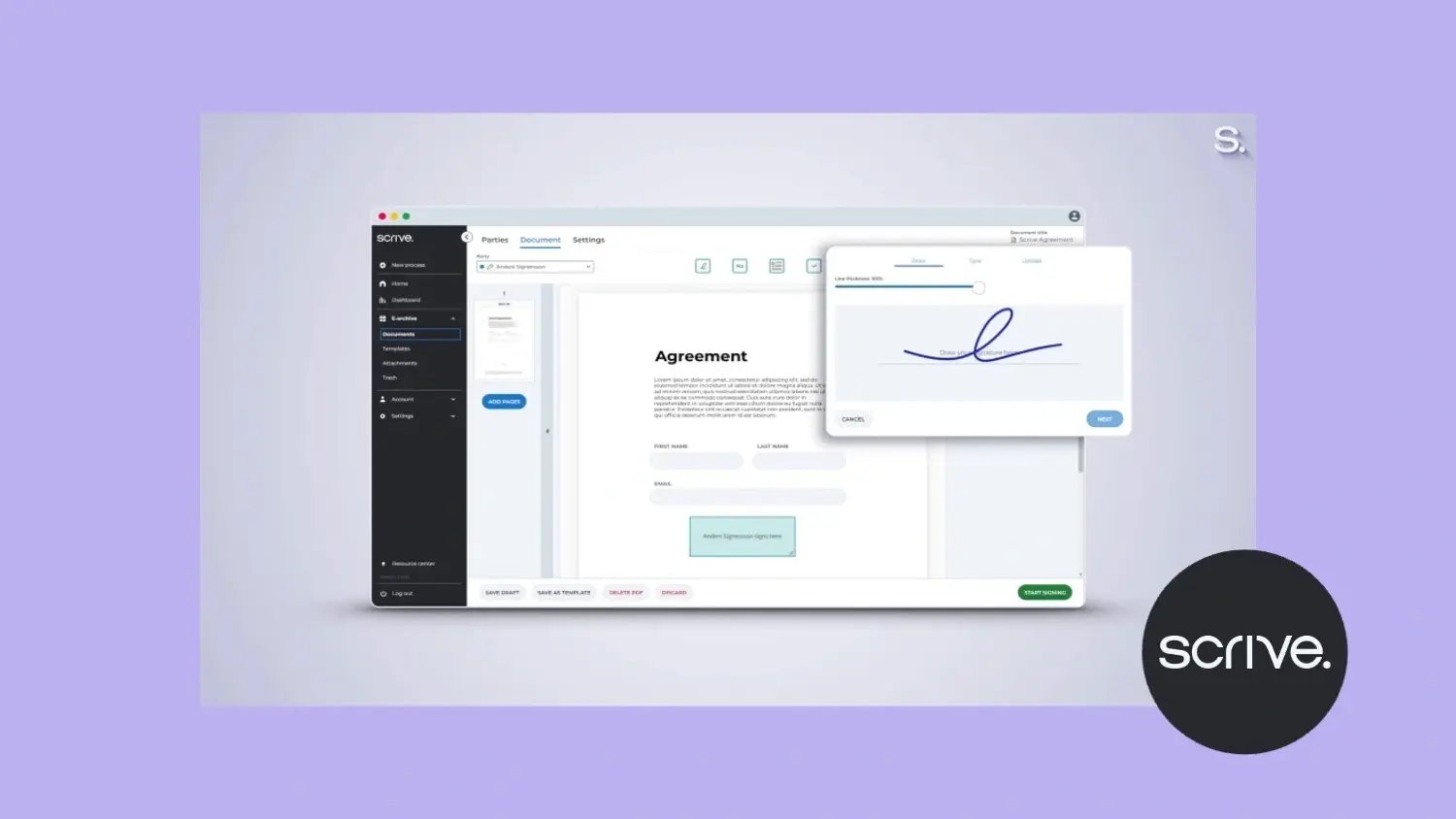
Scrive specializes in secure electronic signatures and digital identity verification.
It’s a top choice for businesses in regulated industries like finance and healthcare. Its advanced authentication methods ensure compliance with strict regulations.
Pricing: Starting at approximately $25-40/month per user; custom pricing for enterprise and high-volume use.
Why choose Scrive?
-
Strong focus on security and compliance, with eIDAS, ESIGN, and UETA adherence.
-
Advanced identity verification tools, including BankID and SMS authentication.
-
Cloud-based document storage with automated archiving for legal and regulatory purposes.
-
Integration with CRM platforms like Salesforce and Microsoft Dynamics.
Potential drawbacks:
-
The platform’s security focus may add complexity for businesses that just need basic e-signatures.
-
Advanced authentication features can increase costs, making it less budget-friendly for small businesses.
-
The user interface, while functional, may not be as modern or intuitive as competitors.
Best for:
Businesses in finance, legal, and healthcare that require high-security digital signatures and identity verification.
7. Adobe Sign
|
🏆 Best for enterprise-level organizations |
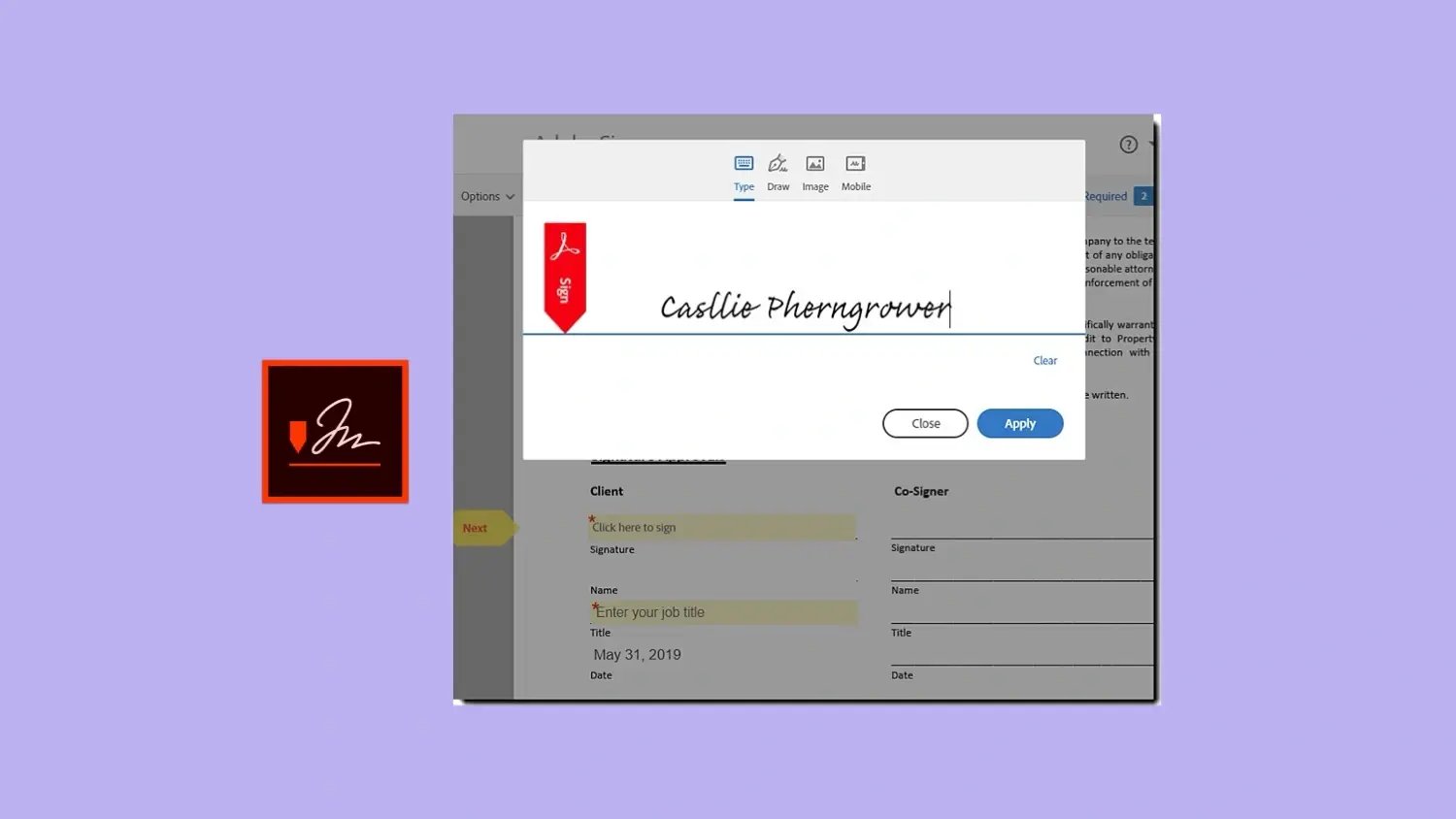
As part of Adobe's Document Cloud, Adobe Sign is a robust solution trusted by large enterprises.
It offers seamless integrations with Microsoft, Salesforce, and other enterprise software. This makes it ideal for businesses needing secure, scalable e-signatures.
Pricing: Included in Acrobat plans starting ~$15-30/month per user; enterprise pricing requires a custom quote.
Why choose Adobe Sign?
-
Deep integrations with Microsoft 365, Salesforce, and other enterprise tools.
-
Highly secure e-signatures with compliance for global regulations, including eIDAS and HIPAA.
-
Customizable workflows for approvals, document routing, and automation.
-
AI-powered document scanning and text recognition for seamless digital workflows.
Potential drawbacks:
-
Pricing is higher compared to other solutions, making it less accessible for smaller businesses.
-
The extensive feature set may feel excessive for companies that only need basic e-signing.
-
Customer support has been reported as slow, especially for small- to mid-sized businesses.
Best for:
Enterprises and large organizations that require deep integrations, security, and workflow automation.
8. Dropbox Sign
|
🏆 Best for small businesses & startups |
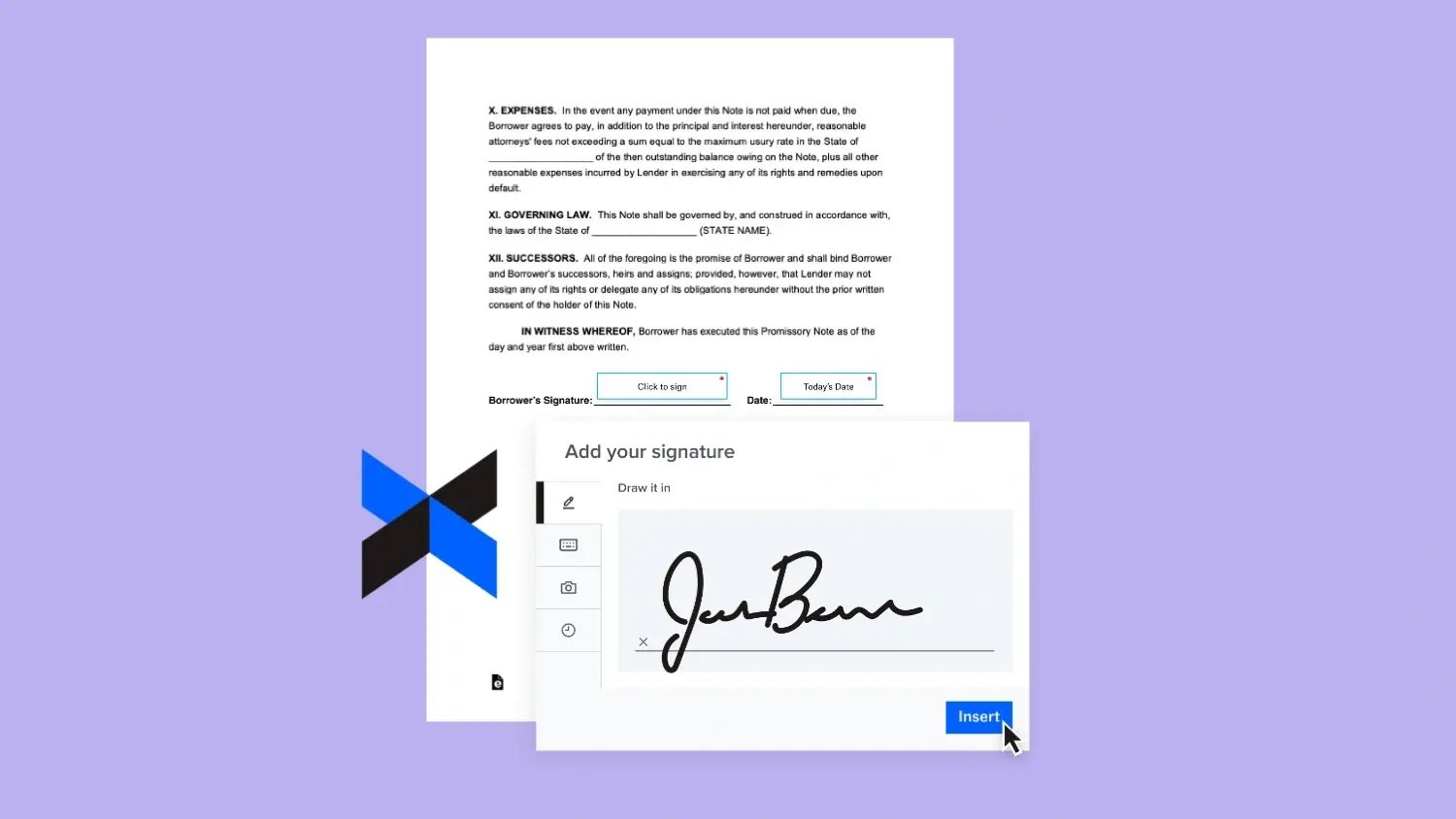
Formerly HelloSign, Dropbox Sign is a simple e-signature solution that integrates with Dropbox and Google Workspace.
It's a great choice for small businesses seeking a lightweight, affordable solution. It provides all the essential features for simple signing workflows.
Pricing: Essentials plan $15/month; Standard $25/month per user; custom pricing for API and enterprise.
Why choose Dropbox Sign?
-
Intuitive interface with seamless Dropbox and Google integrations.
-
Legally binding e-signatures that comply with ESIGN, UETA, and GDPR.
-
Affordable pricing plans suitable for freelancers and small teams.
-
Custom branding options to maintain a professional look.
Potential drawbacks:
-
Lacks advanced features like contract automation, CRM integrations, and detailed analytics.
-
Limited customization for workflows and approval processes.
-
Slower customer support response times compared to competitors.
Best for:
Startups, freelancers, and small businesses looking for a simple, affordable e-signature solution with essential features.
What electronic signature software costs in 2026
E-signature software pricing varies widely depending on features, team size, and use case.
Basic plans ($10-20/user/month): These tools offer simple signing functionality with limited templates. They are good for small teams with straightforward needs.
Mid-tier plans ($25-50/user/month): These platforms include CRM integrations, workflow automation, and engagement tracking. They suit sales teams that need an integrated deal workflow.
Enterprise plans (custom pricing): These offer enterprise-grade security, compliance, and unlimited workflows. Pricing is negotiated based on volume and features.
When comparing plans, watch for per-user vs. per-document models, hidden fees for APIs or integrations, and monthly signature limits.
Which electronic signature software is right for you?
The best digital signature platform depends on your business needs:
|
Need |
Selection |
|---|---|
|
For more than just signatures |
GetAccept and PandaDoc provide full document automation and engagement tracking to streamline sales. |
|
For security and compliance |
Scrive and DocuSign are top choices for regulated industries, offering advanced identity verification. |
|
For a simple, budget-friendly tool |
Proposify and Dropbox Sign offer easy, low-cost options for basic agreements. |
|
For Microsoft-based workflows |
Adobe Sign integrates seamlessly with Microsoft 365 for large-scale document management.
|
Conclusion
The right e-sign software empowers your sales team to close deals faster, improve buyer engagement, and reduce administrative overhead.
By selecting a tool that aligns closely with your sales process, CRM, and growth objectives, you'll optimize workflows, shorten sales cycles, and create a smoother buyer experience.
Ready to upgrade your sales process with electronic signatures?