


GetAccept + Google Drive
GetAccept’s integration auto-uploads signed documents to a designated Drive folder and lets you add Drive files to sendouts. Simply authorize your Google account in Settings > Integrations and select your folder.
Effortless signed document management
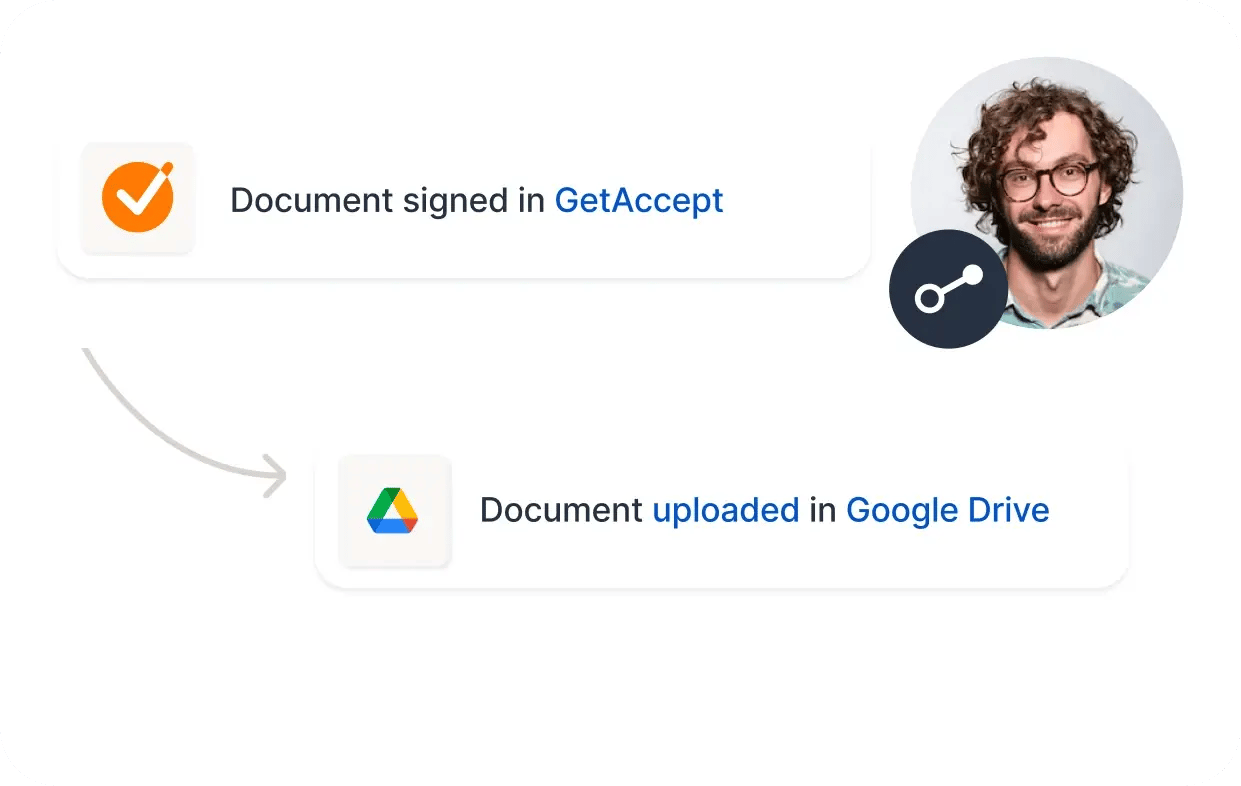
Eliminate manual downloads and file organization hassles. Once a document is signed, GetAccept automatically uploads it to your chosen Google Drive folder, ensuring your files are secure, organized, and readily accessible.
Seamless drive file integration
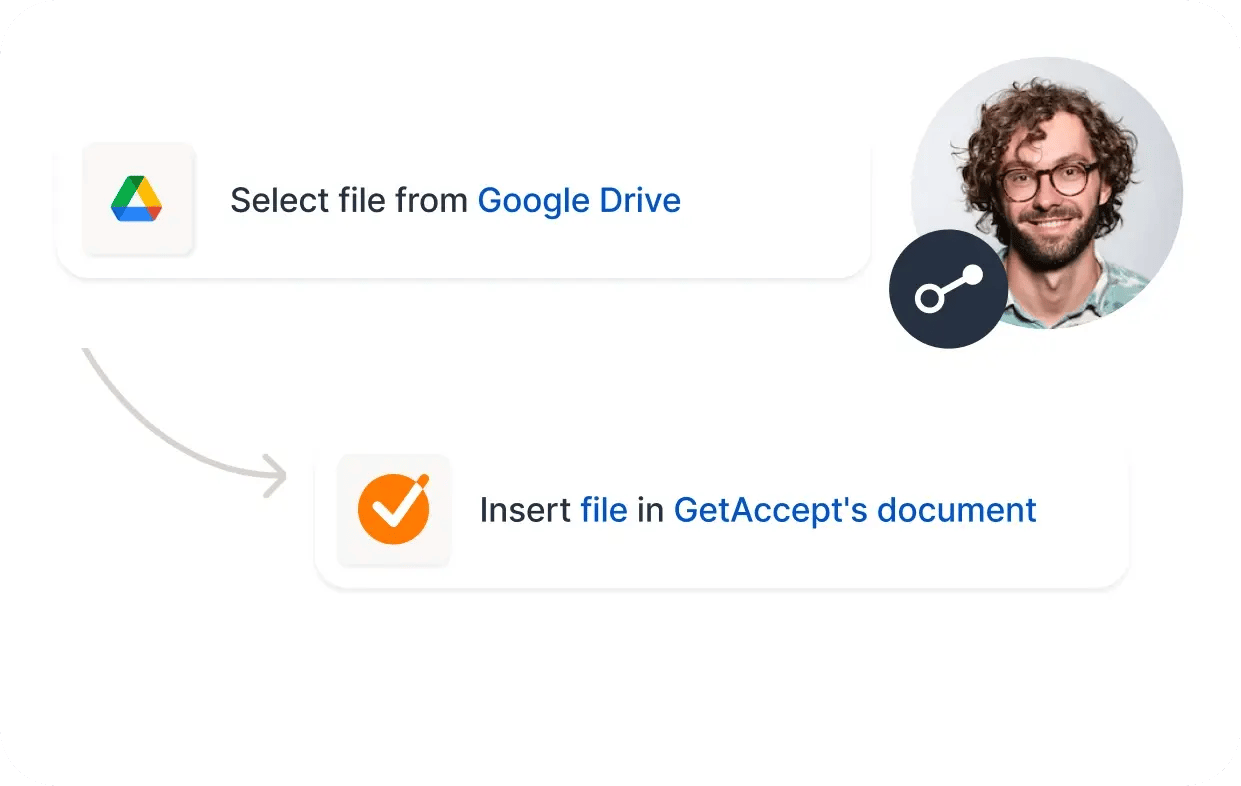
While drafting your document, click on the Google Drive block, select the desired file, and GetAccept will convert it to a PDF for secure, uneditable sharing. For dynamic documents, use Google Doc templates to edit content inline before sending.
Simplify your document management workflow today
Find more integrations
Check out all our integrations and automations: GetAccept connects with hundreds of awesome tools to make your life easier.