Getting the price right and getting a buying committee to sign are two different jobs. DealHub’s strength is the first. Since it bought Subskribe in 2025, it also covers usage-based billing and revenue recognition, which pulls it further toward finance and RevOps teams.
If your buyers still ask for the latest version by email, that gap sits on the sales side of the stack. Most alternatives replace one or more layers of it, so the useful first question to ask is: which layers are you replacing?
GetAccept publishes this guide and is listed first. We applied the same five criteria to every tool and checked public pricing and product pages. Where DealHub or another tool beats GetAccept, we say so.
This guide is for sales leaders and RevOps managers who run DealHub today or have it on a shortlist. It helps you decide which layer to replace, which tool fits that layer, and whether to replace DealHub at all.
TL;DR: Top DealHub alternatives at a glance
-
GetAccept for buyer-facing deal execution with rich Digital Sales Rooms, buyer engagement tracking, contracts, and e-signature
-
HubSpot Revenue Hub for quote-to-cash inside HubSpot CRM
-
PandaDoc for simple proposals, quotes and e-signature with published prices
-
Conga for CPQ, CLM and billing from one vendor
-
Salesforce Revenue Cloud for quote-to-cash and usage-based billing inside Salesforce
-
Scrive for e-signature with Nordic and European eID
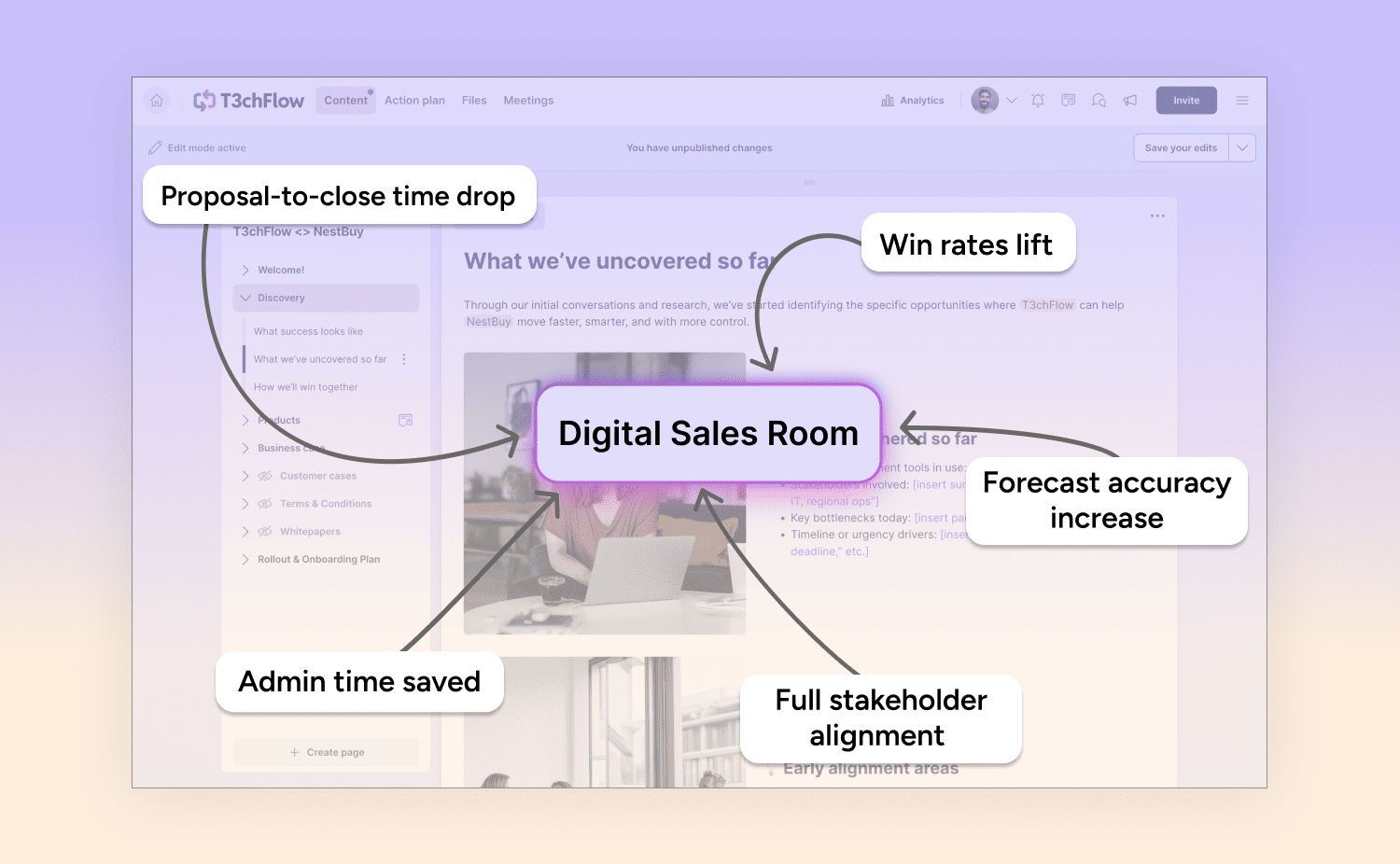
Run your next deal in one Digital Sales Room
Proposals, Mutual Action Plans, e-signatures and stakeholder tracking in one link your whole buying committee can use. It syncs both ways with Salesforce and HubSpot. We'll build the demo around your deals.
What is DealHub?
DealHub is a Texas-based quote-to-revenue platform that combines CPQ, contract management, a digital DealRoom, subscription management and billing for B2B SaaS and services revenue teams. DealHub positions its AI as agentic CPQ, with conversational quoting and revenue analytics.
DealHub announced the Subskribe acquisition in 2025, which added consumption metering, usage-based billing and revenue recognition to its stack.
Why do teams switch from DealHub?
Five situations push teams to look elsewhere: prices they can't benchmark, a wish for a buyer-facing layer built around the seller, low rep adoption, a preference for a modular stack, and a gap between quote and signature.
- Prices you can't compare. DealHub publishes a feature matrix for its Growth and Scale packages but no prices. You request pricing. Seat count, modules, implementation and negotiation all shape the final number, so DealHub is hard to benchmark against tools that list a price per user.
- A buyer-facing layer built around the seller. DealHub's DealRoom is a quote-sharing interface, not a rich buyer workspace with room-level tracking, buyer intent signals, or deal scoring.
- Rep adoption. When a system feels heavy, reps go back to PDFs, email and a separate signing tool. Check your own data before you decide this applies to you: what share of your deals go out through DealHub's DealRoom, and what share go out as an attachment?
- A modular stack. Some teams keep advanced pricing and billing in dedicated tools and add a separate tool for buyer-facing execution. GetAccept, for example, connects to Stripe, Chargebee and Authorize.net for payments, so billing stays in your billing system.
- One path from quote to signed agreement. The gap between a quote and a signed agreement is where duplicate records and competing versions appear. The tools below close that gap in different places: inside the CRM (HubSpot Revenue Hub), inside the document (PandaDoc), inside a shared room (GetAccept) or inside a full suite (Conga, Salesforce Revenue Cloud).
How we compared the alternatives
We compared every tool on the same five criteria:
- Layer of the workflow covered. Which steps between quote and cash does the tool own: quoting, proposal, contract, signature, billing? This decides what you can retire.
- Buyer-facing experience. What does the buyer see and do: a PDF, a quote page, a shared room? This decides whether buyers engage.
- Signing and compliance. Which signature levels and eID methods does the tool support? This matters most in regulated and European markets.
- CRM fit and AI. Which CRMs does the tool connect to, and what does its AI do for the rep or the admin?
- Published pricing and effective cost. What's listed, what's quoted, and what costs extra: add-ons, usage limits, per-signature fees.
At a glance: 6 DealHub alternatives by the layer they replace
The grouping keeps the order honest, because tools in different groups don't compete for the same job.
|
Tool |
Layer covered |
Buyer-facing experience |
Signing and compliance |
CRM fit and AI |
Published pricing (October 2026) |
|---|---|---|---|---|---|
|
DealHub (for reference) |
CPQ, contracts, DealRoom, subscriptions, billing, revenue recognition |
DealRoom with real-time buyer intent |
DealSign e-signature; DocuSign integration |
Salesforce, HubSpot, Microsoft Dynamics 365, NetSuite; agentic CPQ |
None. Growth and Scale packages, pricing on request |
|
GetAccept |
Proposals, Deal Rooms, contracts, e-signature; CPQ on Enterprise |
Deal Rooms with mutual action plans, chat and engagement tracking |
Simple, advanced (eID in Sweden, Denmark, Norway, Finland) and QES (add-on) |
Salesforce, HubSpot, Microsoft Dynamics, Pipedrive, SuperOffice, Upsales, Lime; AI editor, meeting summaries, MCP server (beta) |
eSign $25 and Professional $49 per user per month; Enterprise quoted |
|
HubSpot Revenue Hub |
Quotes, CPQ, contracts, subscriptions, invoicing, payments |
Shareable quote with e-signature and payment; closing agent (beta) |
Dropbox Sign e-signature, 25 or 50 signatures per user per month |
HubSpot only; Breeze AI |
Professional from $95, Enterprise from $140 per month |
|
PandaDoc |
Documents, quotes, e-signature, payments; CPQ optional on Enterprise |
Deal rooms: up to 3 on Business, unlimited on Enterprise |
E-signature on all plans; QES on annual Business and Enterprise |
HubSpot, Salesforce (paid add-on), Pipedrive, monday.com; AI assistant |
Starter $19 and Business $49 per seat per month billed annually; Enterprise quoted |
|
Conga |
CPQ, CLM, document automation, billing, price optimization |
Digital Commerce portal; no deal room on its platform page |
Conga Sign |
Works with any CRM; AiMe AI layer |
Quote only |
|
Salesforce Revenue Cloud |
CPQ, subscriptions, contracts, orders; usage billing in the Billing add-on |
No deal room listed on Salesforce's pricing page |
E-signature through integrations |
Salesforce platform; Agentforce |
Growth $150 and Advanced $200 per user per month billed annually; Billing quoted |
|
Scrive |
E-signature, eID Hub, ID Check, web forms |
Signing portal and web forms; no deal room or CPQ listed |
Qualified Trust Service Provider; BankID, MitID, Freja, Finnish FTN and QES |
Plugins and integrations; MCP server |
Essential €21 and Business €49 per user per month billed annually; Enterprise quoted |
Group A: replacing the deal-execution layer
- GetAccept is best for sales-led B2B teams that sell to buying committees and want proposals, Digital Sales Rooms, contracts and e-signing in one flow.
- HubSpot Revenue Hub is good for teams committed to HubSpot that want CPQ, contracts and billing inside the CRM.
- PandaDoc is good for teams that need proposals, quotes and e-signature without complex pricing rules or billing.
Group B: replacing the full quote-to-cash stack
- Conga is good for enterprise teams that want CPQ, CLM, document automation, e-signature and billing from one vendor.
- Salesforce Revenue Cloud is good for Salesforce-native teams that want quote-to-cash and usage-based billing inside the CRM.
Group C: replacing signing only
- Scrive is good for teams whose main requirement is e-signature with Nordic and European eID.
1. GetAccept: best for buyer enablement and sales-led deal execution
GetAccept is the rep-facing deal execution layer with proposals, Digital Sales Rooms, buyer engagement analytics, contracts and e-signature in one workflow. It covers your deal end-to-end in one space, with full deal context and zero gaps.
GetAccept is best suited for sales-led teams that sell to multiple stakeholders and want the proposal, rich deal rooms, contracts, and signature in one flow.
What GetAccept covers
- Digital sales rooms with buyer intent signals and deal scoring. A Deal Room holds the proposal, a mutual action plan and chat in one link for all the stakeholders. GetAccept shows which pages buyers read and when, and a deal score ranks each send-out by its likelihood to sign.
- CPQ on the Enterprise plan. Reps build quotes from a product library and pricing tables. GetAccept CPQ pulls product data from Salesforce, Microsoft Dynamics, HubSpot and SuperOffice, and connects to Salesforce CPQ. Professional includes pricing tables and up to 3 stored products.
- QES and Nordic eID verification. eID verification covers Sweden, Denmark, Norway and Finland on the Professional plan. QES is an add-on charged per signature, with more than 30 authenticated signing methods and GlobalSign as certification authority.
- EU-hosted AI. The AI editor, smart content, meeting summarizer and AI knowledge base come with Professional. GetAccept hosts its AI in the EU and doesn't route data through third parties.
- CRM sync. Bidirectional sync with Salesforce, HubSpot, Microsoft Dynamics and Pipedrive, plus the Nordic CRMs Lime, Upsales and SuperOffice.
- End-to-end agentic write story: GetAccept's MCP server lets Claude, ChatGPT, Gemini and other LLMs build and publish deal rooms, track engagement, and change documents with rep's approval.
Where GetAccept beats DealHub
DealHub wins on CPQ and billing depth for RevOps teams, and its 'Governed Execution' repositioning leans further into the RevOps and finance buyer. GetAccept wins on the end-to-end buyer-facing deal execution and sales team experience. The two often coexist in the same organisation.
GetAccept's Deal Rooms are built for multi-stakeholder deals, with mutual action plans, contextual comments and file upload from recipients on Enterprise. DealHub's DealRoom starts from the quote.
Signing depth is the second gap. DealHub's e-sign page lists legally binding signatures and a DocuSign connection. GetAccept adds eID verification in four Nordic countries and QES, which matters when your buyers sit in regulated European markets.
Where GetAccept falls short
- No billing. GetAccept doesn't bill. We connect to Stripe, Chargebee and Authorize.net, and your billing system stays where it is.
- Shallower CPQ for complex pricing. GetAccept's CPQ builds quotes from a product library and pricing tables. It doesn't handle usage-based, tiered or bundled pricing models the way DealHub does.
GetAccept pricing
-
eSign - $25 per user per month and can be billed monthly or annually.
-
Professional - $49 per user per month, with a 5-user minimum, billed annually, and adds Deal Rooms, mutual action plans, AI and eID verification.
-
Enterprise adds CPQ, an unlimited product library and SSO, and is quoted.
Several items cost extra: QES is charged per signature, eID and SMS can add charges, unlimited AI content is an add-on, and some CRM integrations are add-ons. Every plan carries a 12-month agreement.
What GetAccept's customers say: Leadfeeder
Leadfeeder (formerly Dealfront), a SaaS lead generation company, runs GetAccept Deal Rooms and mutual action plans on top of Salesforce. With it, Carolina Bräuninger, Senior Strategic Account Executive EMEA, cut her sales cycle from about 150 days to about 50 in a handful of deals.
“Sellers were spending about 2 hours exchanging information with prospects in every single opportunity,” she said. “And I can safely say that, since using GetAccept, this has dropped by 75%.”
Want to see GetAccept on your own deals?
Book a demo or take the interactive tour.
2. HubSpot Revenue Hub
HubSpot Revenue Hub (formerly Commerce Hub) is HubSpot's quote-to-cash product, with quotes, CPQ, contracts, invoicing, subscriptions and payments inside the HubSpot CRM.
Revenue Hub is good for teams committed to HubSpot that want CPQ, billing and contracts without a separate system. An accepted quote can create a contract record automatically, and HubSpot's Breeze AI builds quotes from prompts. HubSpot lists the connected CPQ, billing and payments workflow as a beta (knowledge base updated July 2026).
Where Revenue Hub falls short
- Revenue Hub works only with HubSpot CRM. If your CRM is Salesforce or Microsoft Dynamics, Revenue Hub isn't an option.
- E-signature is built around quotes. HubSpot's basic-tier e-signature runs on Dropbox Sign. Professional includes 25 signatures per user per month and Enterprise includes 50, pooled across the account. HubSpot's pricing and product pages list no eID verification or QES.
Revenue Hub Pricing
Revenue Hub Professional starts at $95 per month and Enterprise at $140 per month. A Revenue Hub seat is required to create quotes, and online payments follow transaction-based pricing.
Pair or replace: GetAccept connects to HubSpot CRM with a two-way sync, so "alternative" can also mean "pair them": HubSpot stays the system of record, and GetAccept runs the room and the signing.
3. PandaDoc
PandaDoc is a document automation platform for proposals, quotes, contracts and e-signature.
PandaDoc is good for teams that need proposals, quotes and e-signature without complex pricing rules or billing. PandaDoc is simpler than DealHub, and it publishes most of its prices.
Where PandaDoc falls short
CPQ is an optional Enterprise feature. Complex pricing rules, subscription billing and clause-level contract workflows sit outside PandaDoc's published plans. Its contract tools center on a repository, expiration alerts, approval workflows and AI data extraction.
PandaDoc pricing
-
Starter costs $19 per seat per month and Business costs $49, both billed annually.
-
Enterprise is quoted per seat or per document. Business adds custom quotes, a product catalog, pricing tables, payment collection, approval workflows, CRM integrations and up to 3 deal rooms. Enterprise adds unlimited rooms and optional CPQ. QES is available on annual Business and Enterprise plans.
- Watch the usage credits. API and automated document creation run on credits. On Starter and Business, API document creation pauses when credits run out, and other automations can bill up to $5 per document in overage.
Comparing PandaDoc with other tools? Read our PandaDoc alternatives guide.
4. Conga
Conga is a revenue lifecycle management suite that combines CPQ, contract lifecycle management, document automation, e-signature and billing on the Conga Advantage Platform.
Conga is the nearest like-for-like match to DealHub's full scope. It's good for enterprise teams that want CPQ, CLM and billing from one vendor.
The suite includes Conga CPQ, Conga CLM with Contract AI, Conga Composer for document generation, Conga Sign for e-signature, Conga Billing, and price management with AI-driven price optimization. Its platform deploys on any CRM, and its AiMe layer adds AI across the suite.
Where Conga falls short
A suite this broad makes for a bigger buying decision. Conga lists sales, legal, finance, HR and executive teams as beneficiaries, so expect several stakeholders in the evaluation. Conga's platform page lists a Digital Commerce portal for multi-channel buying but no deal room.
Conga doesn't publish prices. Its pricing page routes to a quote request. We couldn't find a credible public price, so this guide doesn't print one.
5. Salesforce Revenue Cloud
Salesforce Revenue Cloud is Salesforce's quote-to-cash product, built on the Salesforce platform, with CPQ, subscriptions, contracts and orders, plus a Billing add-on for usage rating and invoicing.
Revenue Cloud is best for Salesforce-native teams that want quote-to-cash and usage-based billing inside the CRM.
Where Revenue Cloud falls short
- All-in cost. The listed prices cover Revenue Cloud. Base Salesforce CRM licenses sit on top.
- Signing and buyer experience. Salesforce describes e-signature as an integration, and its pricing page lists no buyer-facing deal room.
Revenue Cloud pricing
-
Revenue Cloud Growth costs $150 per user per month and covers quoting, a configurator, order capture and subscriptions.
-
Revenue Cloud Advanced costs $200 and adds contracts and orders, consumption and invoicing, and AI and analytics.
-
Both are billed annually and need an annual contract. The Billing add-on is quoted and includes usage rating, an invoicing engine and an accounting subledger.
GetAccept has a live Agentforce connection that lets reps create deal rooms and contracts in natural language from inside Salesforce, so the two can sit side by side.
6. Scrive
Scrive is a Stockholm-based e-signature and eID provider and an EU Qualified Trust Service Provider.
Scrive is best for teams whose main requirement is signing with strong identity checks. Its eID Hub lists methods across the Nordics, Baltics, Benelux, DACH and the UK, including Swedish and Norwegian BankID, MitID, Freja eID and Finnish FTN. Scrive QES is its qualified signature product.
Where Scrive falls short
Scrive's product list covers eSign, eID Hub, ID Check, web forms and contract management through Contractbook by Scrive. It lists no deal room or CPQ. Pair it with a quoting and proposal tool if you need those.
Scrive pricing
-
Scrive's eSign Online plans are Essential at €21 per user per month and Business at €49, both billed annually, plus a quoted Enterprise plan.
-
eID and BankID are available only from Business up, as an add-on with additional fees. Essential doesn't offer them. Only the sender needs a license, and document volume is unlimited.
Which alternative fits which team?
The layer you're replacing decides the tool. Match your situation to a rule:
- Keep DealHub and add GetAccept if pricing, approvals and billing work in DealHub but buyers still get PDFs and reps can't see buyer engagement with your sales content.
- Choose GetAccept if you're sales-led, with long sales cycles, sell to large buying committees, work in regulated European markets, and don't need billing.
- Choose HubSpot Revenue Hub if HubSpot is your CRM and you want CPQ, contracts and billing in one system.
- Choose PandaDoc if your quotes are simple, you want published per-seat prices, and you don't need complex pricing rules.
- Choose Conga if you need CPQ, CLM and billing from one vendor and want it to work with any CRM.
- Choose Salesforce Revenue Cloud if Salesforce is your CRM and you want quote-to-cash and usage-based billing inside it.
- Choose Scrive if signing and eID compliance is the whole requirement.
Frequently asked questions
-
The best DealHub alternative depends on the layer you're replacing. GetAccept, HubSpot Revenue Hub and PandaDoc replace the deal-execution layer. Conga and Salesforce Revenue Cloud replace the full quote-to-cash stack. Scrive replaces signing and eID only.
-
DealHub doesn't publish prices. Its pricing page lists Growth and Scale packages and sends you to a pricing request. For comparison, GetAccept lists Professional at $49 per user per month, and PandaDoc lists Business at $49 per seat per month billed annually.
-
Partly. GetAccept replaces the buyer-facing layer: proposals, Deal Rooms, lightweight CPQ, contracts and e-signature. GetAccept doesn't replace DealHub's billing or its depth on usage-based pricing.
-
GetAccept and Scrive both support Nordic eID and qualified electronic signatures. Scrive is the signing specialist. GetAccept adds Deal Rooms and proposals around the signature.

About the author
GetAcceptGetAccept is a Digital Sales Room platform trusted by more than 5000 revenue teams to help reps spend more time selling and less time on admin. We bring static sales content and scattered communication into one shared space where every stakeholder can access the latest content, timelines, and context throughout the whole sales cycle. And with purpose-built AI that truly understands the context of your deals, creating and updating personalized content takes minutes. Native integrations with popular CRMs let reps work with their existing tools, while making sure activity is automatically synced and updated everywhere it matters. In short – we help sales teams work smart, close faster, and win more.