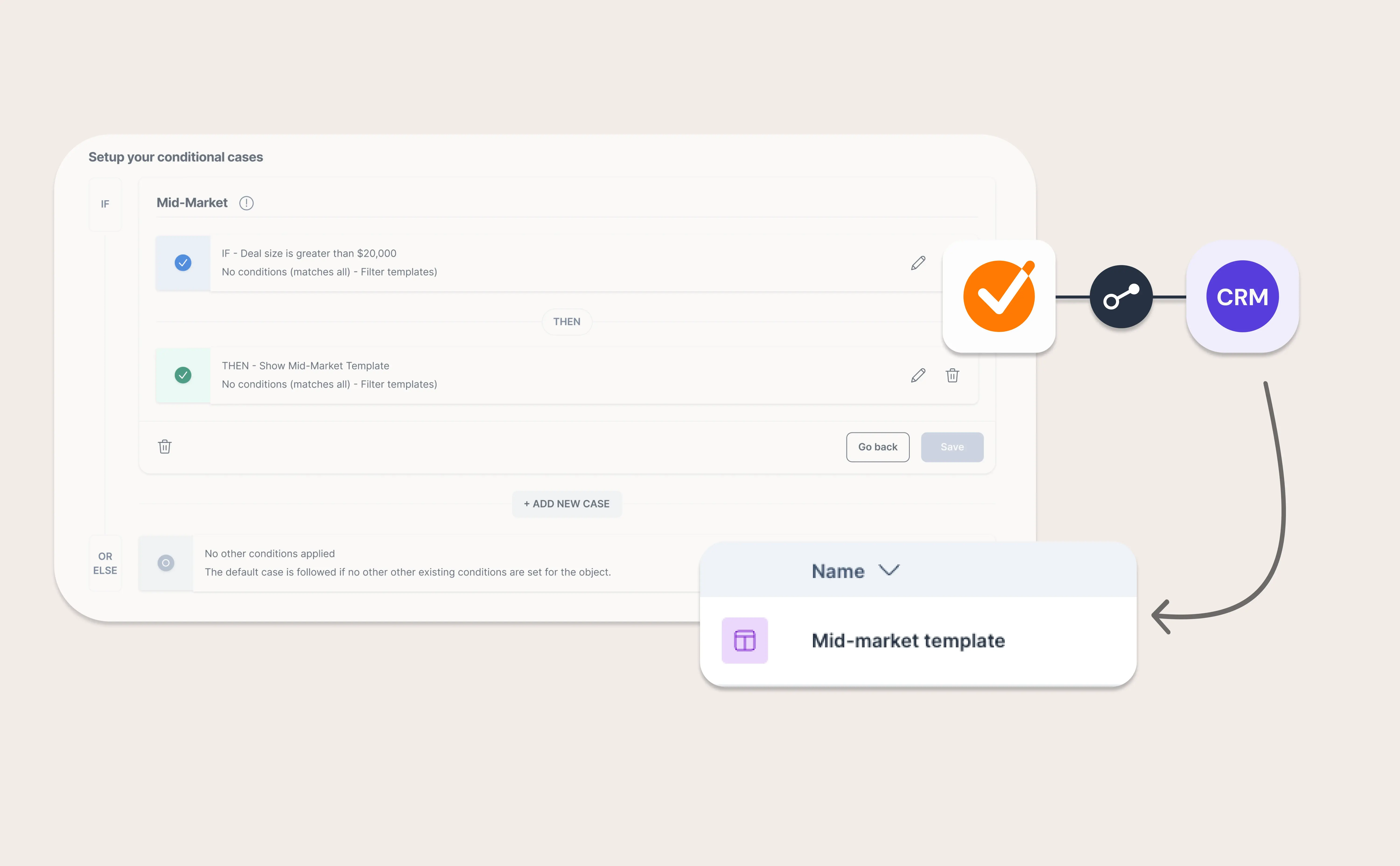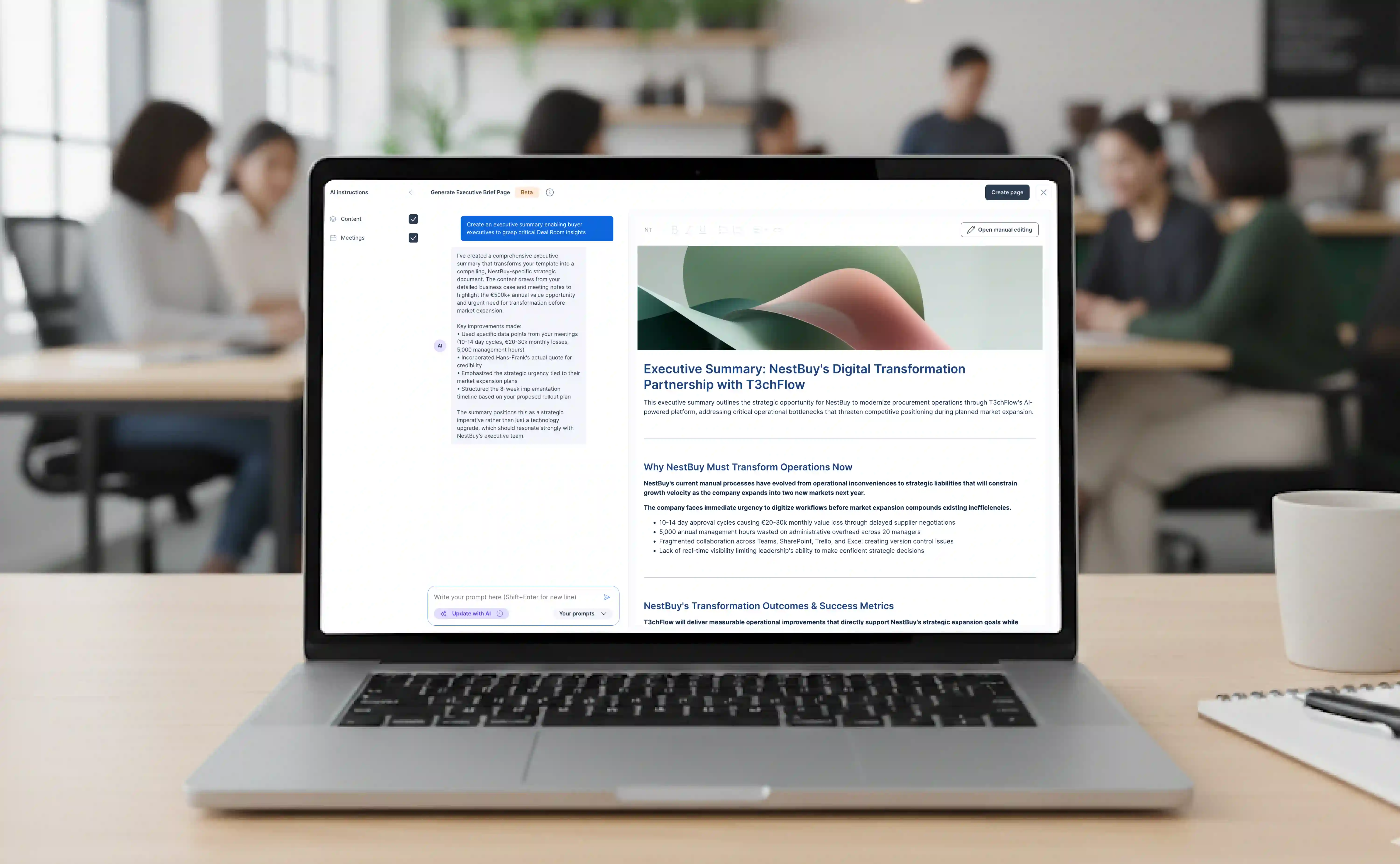
As we continue our international growth journey, we’re constantly looking at areas for us to improve to provide a better GetAccept experience. Supporting different languages and making communication easier are two of the main focuses we are working on.
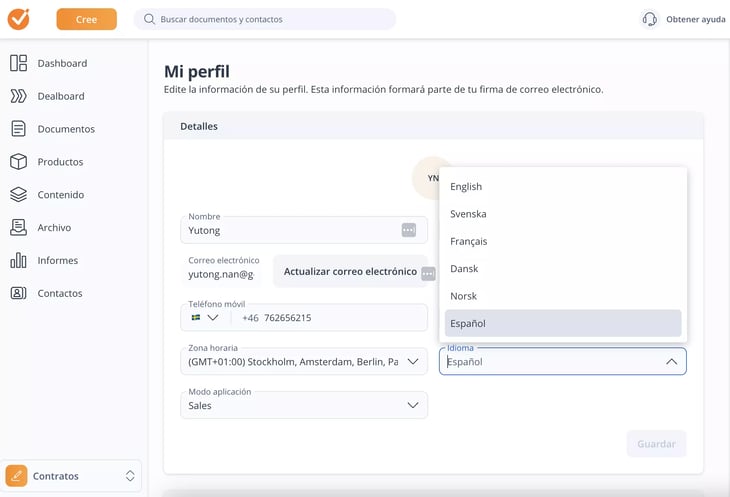
While the newly released feature – Communication Templates – helps you personalize your outbound communication, we’re happy to announce that we have a highly anticipated update for all our Spanish-speaking customers – you can now use the GetAccept interface in Spanish!
How do I change language?
Simply head over to your GetAccept profile (Click your image top right, then “My profile”) and choose your preferred language in the “Language” drop-down.
¡Tachán! You can continue using GetAccept in Spanish.
Wait - does this setting affect any external communication?
Good question - it does not. This language setting only impacts your GetAccept interface. To customize your outgoing communication check out this Help Article.


.png)