


Why company knowledge matters
GetAccept AI is designed to work with context.
Meetings give it insight into what was discussed during your sales conversations. Deal Room content gives it visibility into what’s already been shared with the buyer.
But without company context, the AI still has blind spots.
It doesn’t automatically know how you position your product, how you qualify deals, how you talk about competitors, or which internal rules shape what you sell and to whom. As a result, outputs can sound correct but slightly generic, especially in areas like competitive differentiation, deal qualification, objections about features, or business cases.
That’s where company knowledge comes in.
By adding this information once, you help the AI create outputs that are more aligned with how your team actually sells and how your buyers expect you to communicate.
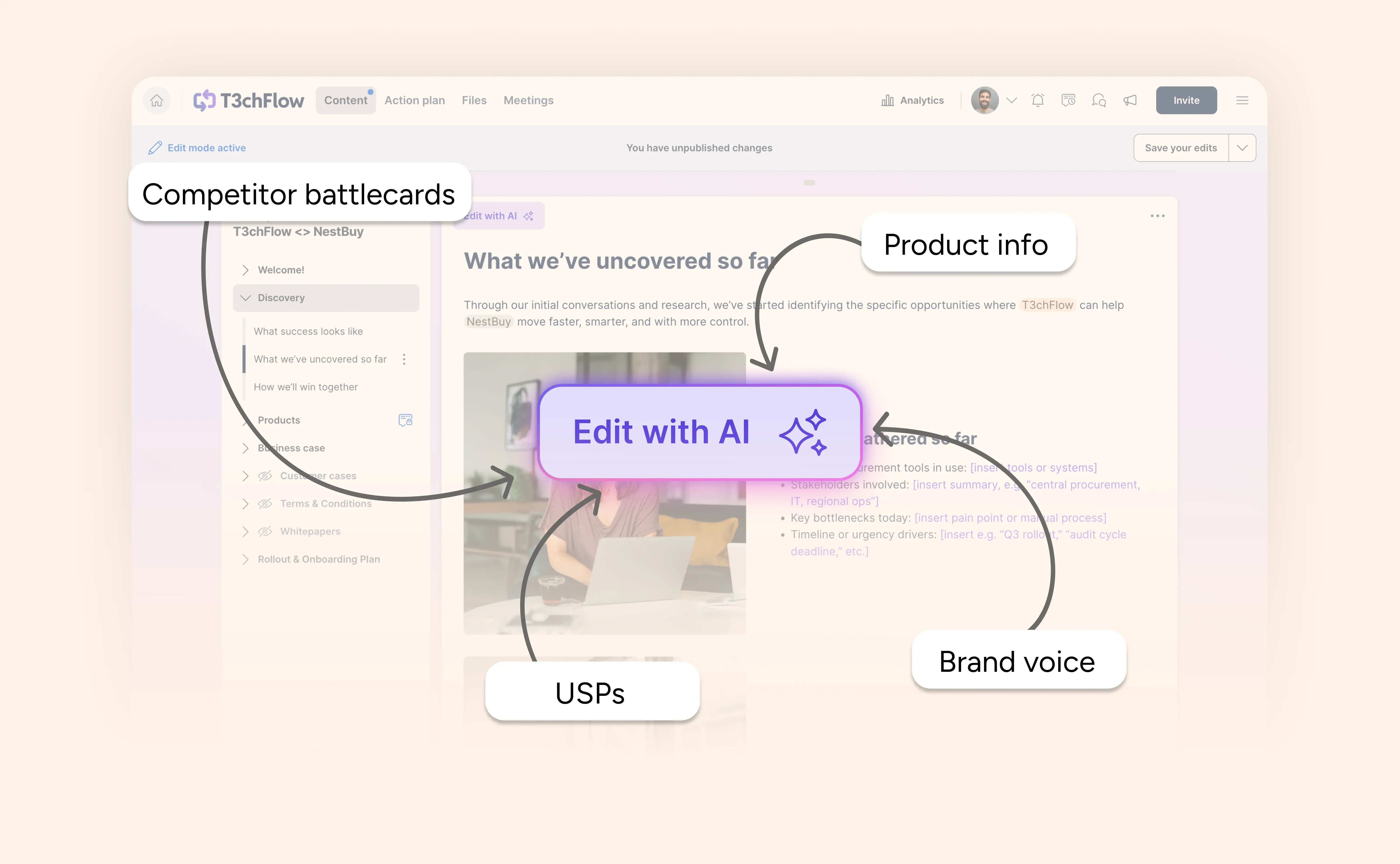
What Company Knowledge is
The company knowledge base lives in AI settings and is managed by admins in GetAccept.
It’s a place to add background information about your company that the AI can reference when generating content. This information is not shown to buyers and is not copied directly into AI outputs.
Instead, it gives the AI additional context so it can make better decisions when responding to prompts, such as what to emphasize, what to avoid, and how to frame recommendations around products, pricing, or next steps.
You can think of it as giving GetAccept AI a clearer understanding of your business before it starts writing.
What you can add (and what works best)
In the AI settings, you can add any type of company and/or product information. This typically includes:
- A description of your company and what you do
- Your main products or services
- Key value propositions
- Competitors and how you differ from them
- Preferred tone of voice and language
- Instructions that guide how the AI should respond
There's no need to write everything from scratch. GetAccept AI can review your website and automatically create a simple knowledge base to help you get started. However, the most valuable inputs are often not what’s already on your website. We recommend adding additional information to enhance your knowledge base, especially internal information and files that won't be picked up from your website.
A useful rule of thumb is:
- ~40% public information (how you describe yourself externally)
- ~60% internal or private knowledge (how your team actually sells)
Examples of high-impact internal knowledge:
- “We never sell product X to companies smaller than 200 employees.”
- “Product Y always requires an implementation phase of at least 45 days.”
- “We typically recommend Product A for new customers and Product B for expansions.”
- “We avoid positioning ourselves as the cheapest option.”
- “Legal review is almost always required for enterprise deals.”
This type of information rarely appears in marketing content, but it strongly influences how reps qualify deals, set expectations, and guide buyers. Adding it to company knowledge helps the AI avoid suggesting things your team would never do in practice.
You don’t need to treat this like internal documentation. Short, clear inputs work best, especially when they reflect how your team actually talks to customers in meetings, emails, and proposals.
As a general rule, if your reps explain something the same way over and over again, or if they frequently correct AI output manually, it probably belongs in company knowledge.

How this context is used by reps
When a rep opens the AI modal to create or edit content in a Deal Room, they can choose what context the AI should use.
Alongside meetings and existing Deal Room content, there’s an option to include company knowledge.
When this is selected, the AI can draw from the information you’ve added. This helps it:
- Reference the right products
- Use familiar language and tone
- Avoid suggesting unsupported deal paths
- Handle comparisons or objections in a way that fits your positioning
For example, a rep might ask the AI to build a business case after a meeting. With company knowledge included, the AI can naturally emphasize the value points your team usually leads with, instead of relying on generic SaaS messaging.
Reps stay in control of the prompt, but the AI has better context to work with.
What to focus on when setting it up
You don’t need to add everything at once.
A good starting point is to include the information that comes up most often in real sales conversations, such as:
- What you sell and who it’s for (and who it’s not for)
- Why customers choose you over alternatives
- Which competitors are mentioned most frequently
- How you usually describe your value
- Any recurring internal rules that shape deals
From there, you can expand and refine the company knowledge base over time. Many teams update it gradually as new competitors emerge, positioning evolves, or messaging becomes clearer.
Example in practice: T3chFlow
Before updating AI settings, T3chFlow’s reps mainly used AI for creating meeting summaries and updating or building Deal Room content. The output was often helpful, but occasionally felt generic or slightly off, especially in how it described the product’s strengths compared to alternative products.
After the admin added company knowledge, including products, positioning, competitor context, and internal selling guidelines, the difference became clear.
For example, the admin added the following writing guidelines to guide GetAccept AI to produce outputs consistent with T3chFlow’s tone of voice:
- Use a clear, confident, and practical tone
- Avoid buzzwords and exaggerated claims
- Focus on customer outcomes rather than feature lists
- When comparing competitors, stay factual and balanced
- Keep responses structured and easy to scan
They also added internal rules, such as minimum company size requirements and typical implementation timelines.
In one meeting, a buyer mentioned they were also evaluating a competitor. After the call, the rep asked the AI to outline the key differences between T3chFlow and the mentioned competitor, and included both Meetings and Company knowledge as context.
The output reflected T3chFlow’s actual positioning and language. This made it easier for the rep to follow up quickly and confidently, and helped the buyer clearly understand how the two alternatives differed.

A quick reality check
You don’t need a perfect setup before using AI.
GetAccept AI works even without company knowledge, but the quality improves as you add more context. Starting with a simple setup is often enough to see better results right away.
The goal isn’t to document everything. It’s to give the AI enough guidance to be helpful in everyday work.
Recap
By completing this lesson, you should now understand that:
- The AI knowledge base provides long-term company context for GetAccept AI
- Admins control this setup and influence AI output across the team
- Reps can choose when to include company knowledge in AI prompts
- Internal, non-public information is often the most valuable input
- Even a light setup helps AI generate more relevant, consistent content
Teach GetAccept about your company once, and every AI interaction after that becomes easier to use and easier to trust.