


Contracts
Learn how to create contracts that build trust, keep momentum, and get signed faster.
- Create digital contracts that feel clear, professional, and easy for buyers to say yes to
- Use templates, conditional content, and CRM data to balance consistency with personalization
- Move deals smoothly from a Digital Sales Room to a signed contract without losing momentum
- Use reminders and engagement insights to prevent contracts from stalling
- Strengthen trust and credibility through well-designed, branded contracts
Lessons in this course

How to create digital contracts that give buyers confidence
This lesson shows how to create buyer-friendly digital contracts that reduce friction and keep ...
How to create contract templates for consistency and personalization
This lesson explains how contract templates help sales teams work faster and more accurately ...
Define the contract types that matter to your business
Explore how defining your own contract categories gives every agreement the right structure, from ...
How to use conditional content to create smarter, faster, hyper-personalized contracts
This lesson shows how conditional content helps you create contracts that adapt automatically to ...

Analytics that matter
In this lesson, you’ll explore which engagement metrics and insights really move deals forward and ...
How to use reminders and engagement insights to move deals forward
This lesson shows how to use reminders and engagement insights in GetAccept to keep deals moving ...
Creating a consistent identity through branded contracts
This lesson explores how branded contracts help build trust and credibility at the final stage of ...
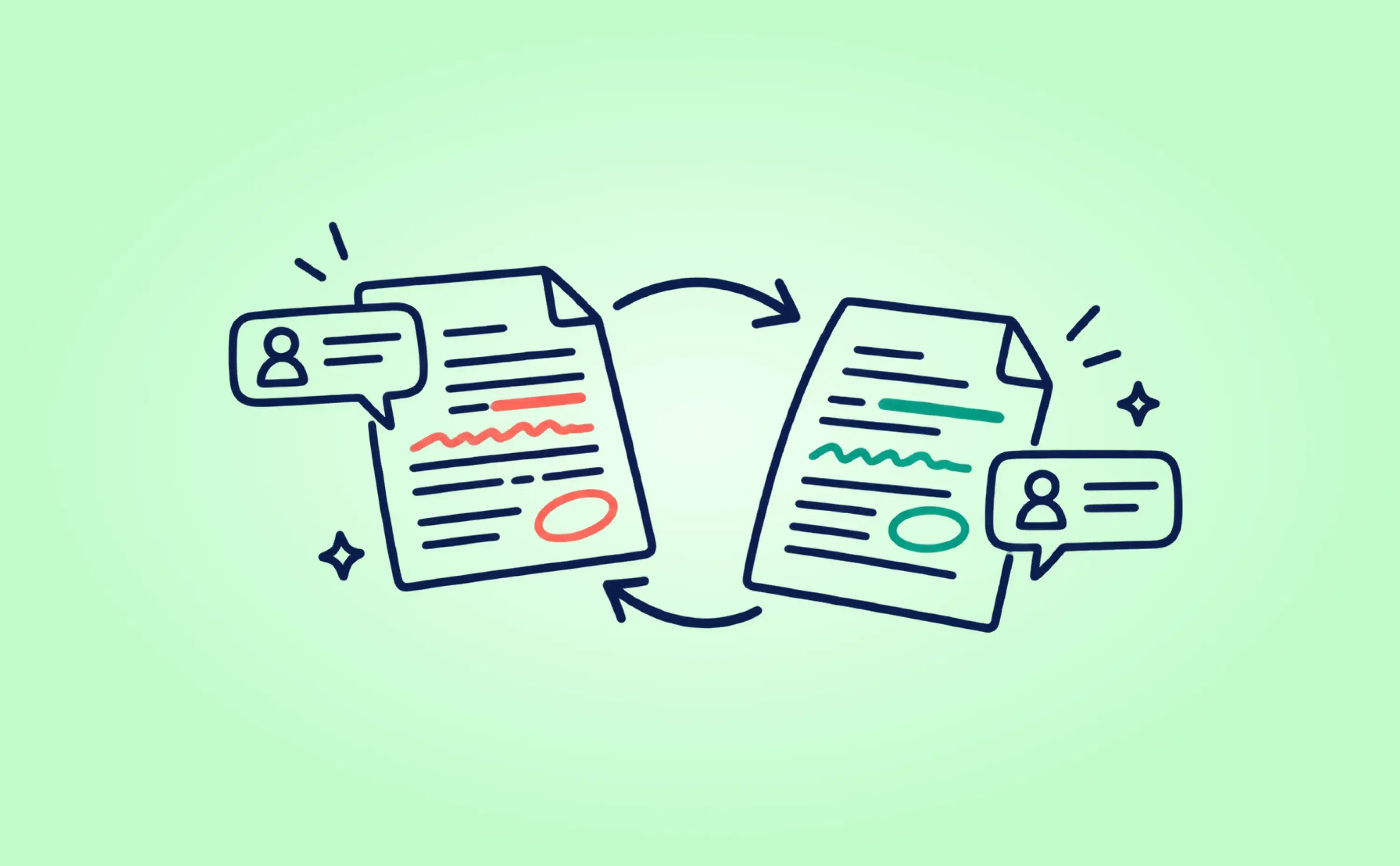
Negotiate contract changes in GetAccept
Discover how recipient's markup lets buyers suggest changes directly on the contract, so the final ...
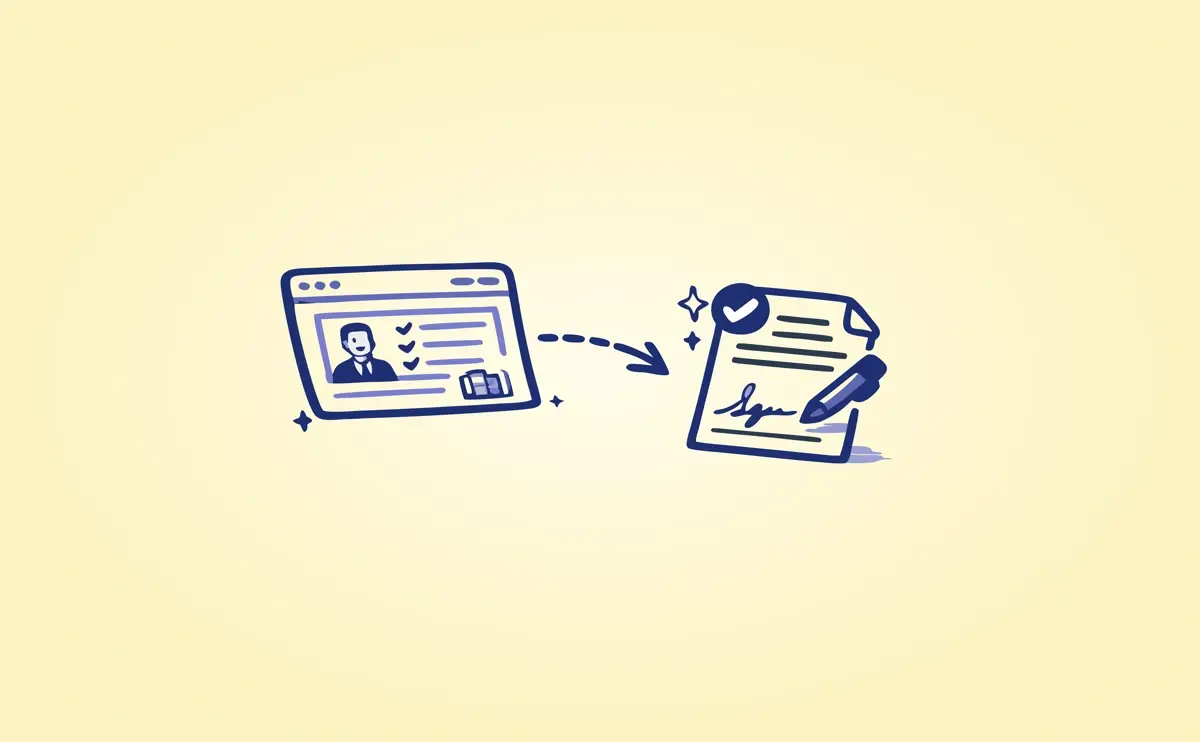
From Deal Room to signed Contract
Learn how a well-built Deal Room creates a clear path from early collaboration to a signed ...
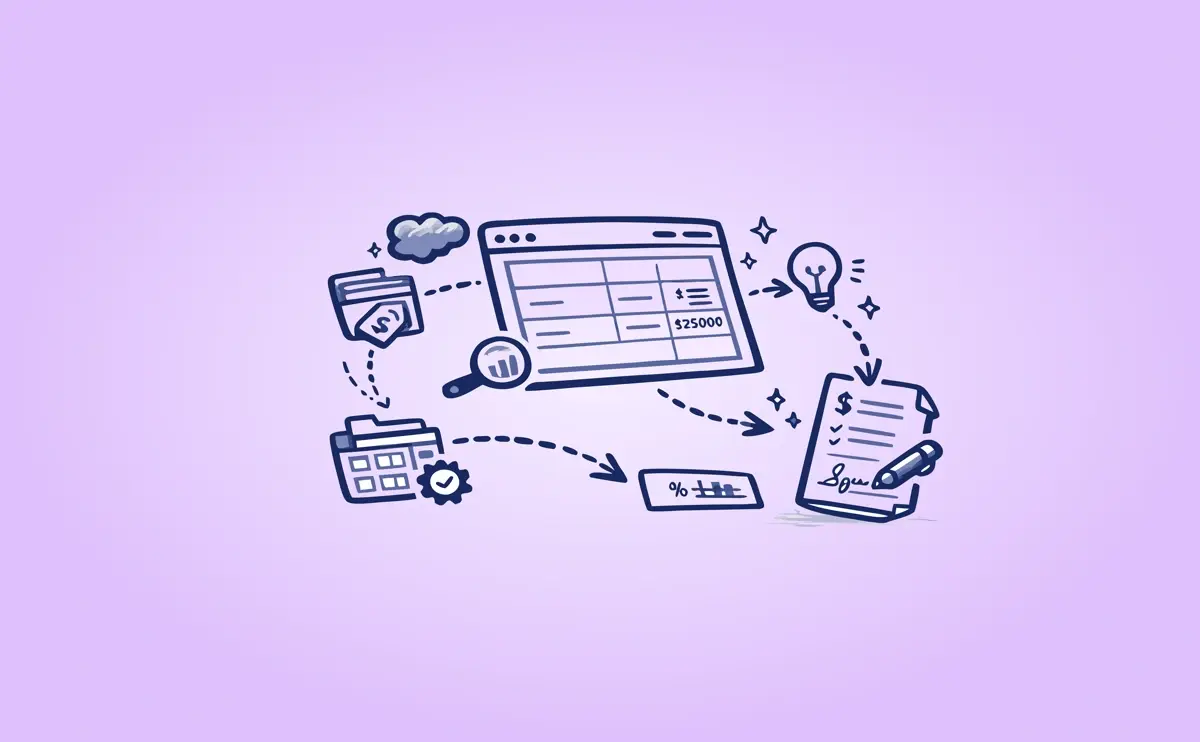
Mastering pricing tables
In this lesson, you’ll learn how GetAccept pricing tables work, why a structured product library is ...
After the signature: Mastering Contract Management
A signed contract isn’t the end of the deal. It’s the beginning of everything that follows. In this ...