-1.jpg?width=48&height=48&name=55f40cc2763590699ea313bb5c9f08b5%20(chosen)-1.jpg)
Just like us, our customers work in Claude, ChatGPT, and other AI assistants. Until now, however, all their deals lived separately in GetAccept.
To see whether the buyer opened the contract, who joined the Digital Sales Room, or what the champion said on Tuesday's call, the rep had to leave the chat, find it, and paste it back into the conversation. That’s three tabs and a copy-paste just to answer one question mid-chat.
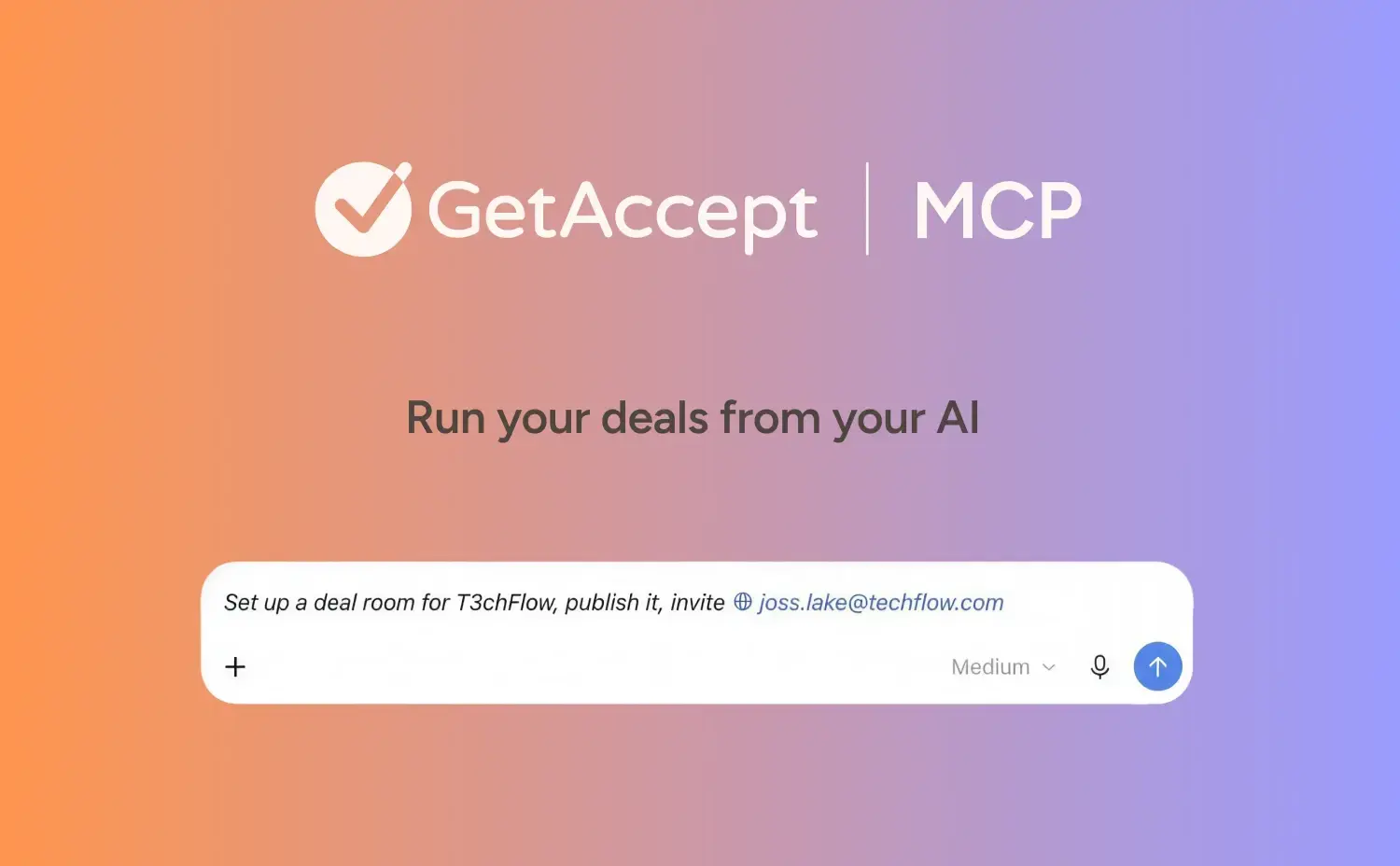
GetAccept MCP server removes that detour. It connects your AI tool to your GetAccept account, combining deal context with your CRM and calendar in one chat window.
What is GetAccept MCP?
GetAccept customers use Digital Sales Rooms to put proposals, contracts, and Mutual Action Plans in front of buyers in one place. Every visit leaves a record: who joined, how long they stayed, which pages they read, who came back to sign. It's a detailed look at how buyers actually evaluate a deal.
GetAccept MCP is a connector that puts all of it into the LLMs like Claude, ChatGPT, Gemini, Slackbot, and others you already use. There's nothing new to learn – you use the account you have, from the AI tool you already open every day.
What your AI can do with GetAccept MCP
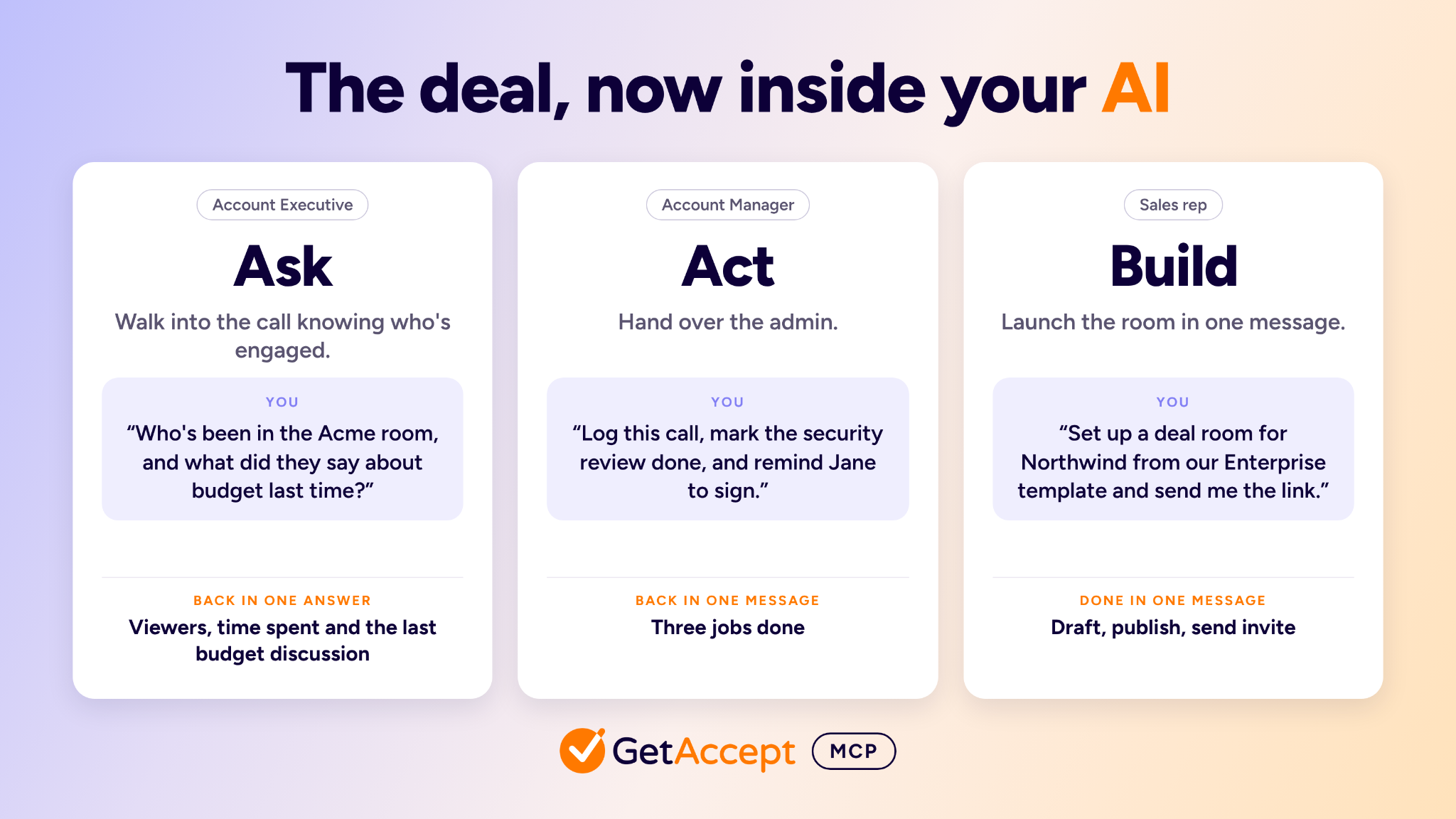
Ask. An Account Executive has a call with Acme in ten minutes. She asks her AI: "Who's been in the Acme room recently, and what did the buyer say about budget last time?" Back comes the data on the people who opened it, how long they stayed, and what was said about budget on the last recorded call. She shows up to the call knowing who's engaged and what's still open.
The same question works from other seats. A RevOps admin asks which rooms have gone quiet or have an overdue task in the action plan, and gets a list without opening each room. In Slack, she can go one step further: “Create a canvas with my active deal rooms as a table.” Slackbot builds it on the spot, with each room’s company, stage, type, value, and a link.
Act. An Account Manager comes off a renewal call with the transcript in hand. She pastes it in: "Log this call in the Acme room, mark the security review task done, and remind Jane to sign the renewal." The call is logged as a draft that the buyer can't see until she publishes it. The task is updated. Jane gets the reminder by email. Three admin jobs, one message.
Build. A sales rep finishes discovery with a new prospect. She types: "Set up a deal room for Northwind from our Enterprise template, rewrite the intro page from my call notes, and send me the link." She checks the room in GetAccept, then tells her AI: "Publish it and invite their CFO." The text on the intro page came from her notes, and the images, tables, and pricing are untouched.
What you can ask GetAccept MCP
An overview of what it can do today, grouped by the job you're doing.
Get the full picture of a deal
- “Prep me for my 2pm with Acme.”
- “Summarize where Acme stands: last call, contract status, who’s been active.”
- “Who has viewed the Acme deal room, and for how long?”
- “Which pages of the Acme contract did the buyer spend time on?”
- “Where does the Acme Mutual Action Plan stand, and what’s overdue?”
- “What does the CRM say about Acme, and does the room’s engagement back it up?”
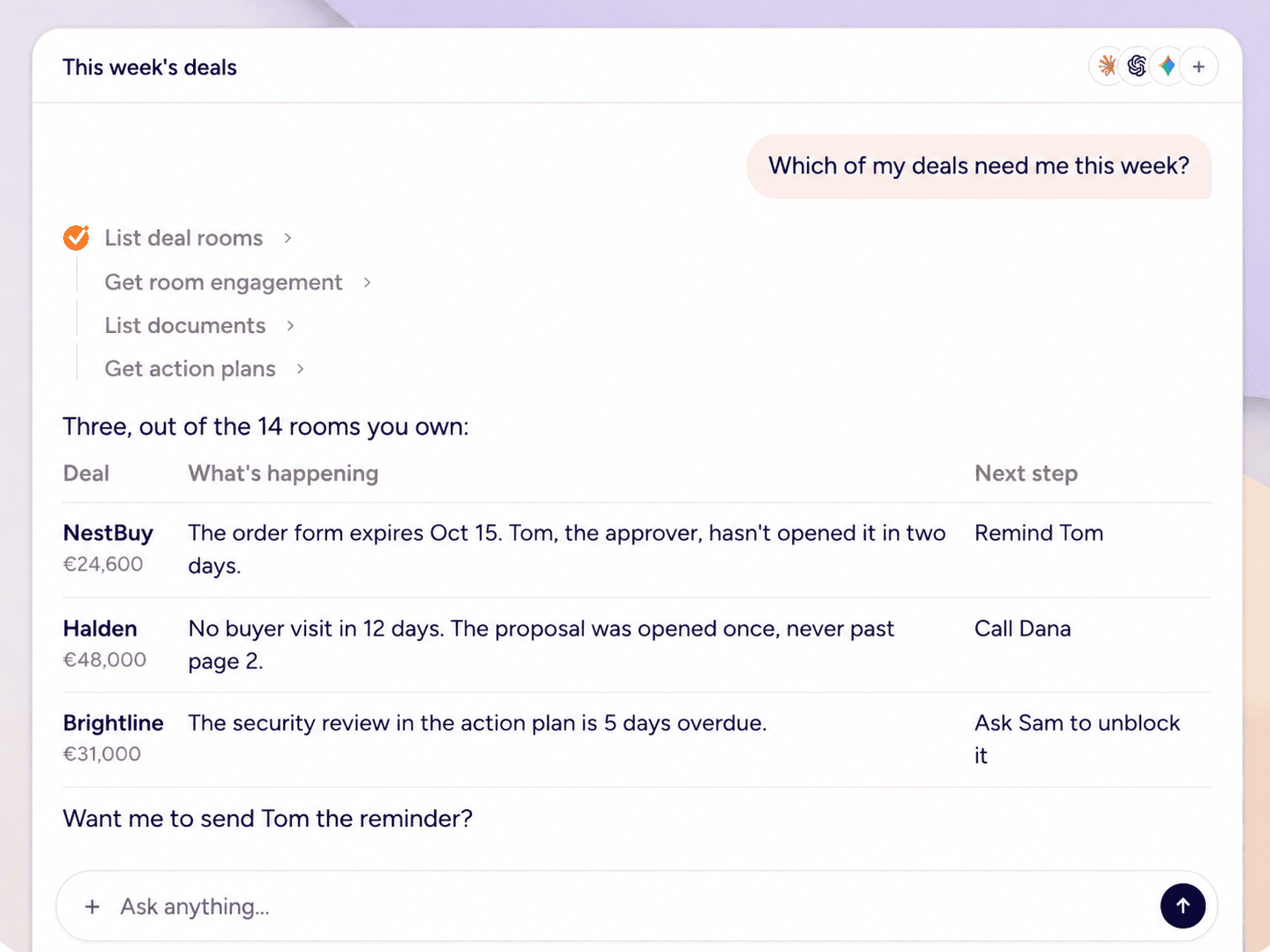
That's a forecast you can back with what buyers actually did, and client conversations that start from what happened.
Remember what was said
- “What did Acme say about budget on our last call?”
- “Summarize my last call with Acme and list the next steps.”
- “What did the buyer say about the security review?”
See what needs you this week
- “Which of my deals went quiet this week?”
- “Which proposals are expiring this week?”
- “Which rooms have a task more than a week overdue?”
Move buyers to the next step
- “Who’s holding up the Acme contract? Nudge them.”
- “Remind Jane to sign the contract.” The reminder goes out right away.
- “Add Tom, the approver, to the Acme room.”
Build and launch a Deal Room
- “Set up a deal room for Northwind from our Enterprise template, rewrite the intro page from my call notes, and send me the link.”
- “Publish it and invite their CFO.”
- "Set up a deal room for Acme from our Enterprise template, publish it, and invite jane@acme.com"
The rep asks; your AI does it. Nothing runs without your say-so.
.png?width=1672&height=941&name=NestBuy%20TechFlow%20Deal%20Room%20Interface%20(1).png)
Keep the Deal Room current
- “Log this call in the Acme room.” Paste in the full transcript, not just a summary.
- “Mark the pricing review task as complete.”
- “Update the summary page in the Acme room to reflect yesterday’s call.”
Use GetAccept in Slack
GetAccept already sends deal activity into Slack channels. Now the same channel can answer questions too. Try:
- “Summarize last week’s meetings and list the next steps.”
- “Who has viewed the Acme proposal this week?”
- “Create a canvas with my active deal rooms as a table.”
What's coming next
More possibilities and actions are coming soon. In the meantime, ask your AI "What can you do with GetAccept MCP?" It lists what's available today, so the answer stays current as we add more.
The same direction shows up inside the product. The GetAccept Agent in Salesforce, now in beta for selected customers, lets reps create Deal Rooms and contracts, ask what's happening on a deal, and update Salesforce records in plain language without leaving Salesforce.
As reps spend more of their day in AI assistants, we want your deals to live in every one of those conversations.
How to set up GetAccept MCP
You need a GetAccept account and an AI tool that supports connectors. In Claude:
- Open Settings/Customize, then Connectors/Connected Apps, and choose Browse connectors.
- Search for GetAccept, select it, and click Connect.
- Sign in with your usual GetAccept login, review the access request, and approve it.
- Back in your AI tool, ask "What can you do with GetAccept MCP?"
Using another AI tool? Any client that supports remote MCP servers over HTTP connects with the same server URL https://mcp.getaccept.com/mcp. The tool walks you through the GetAccept sign-in.
Connect GetAccept - help article.
New to GetAccept? Book a demo, or Sign up.
Your deals are now part of the conversation you were already having. Try it on a real deal this week and share your progress with us.
-1.jpg)