You've probably seen the same comparison table in five different articles: CRM integration ✅, E-signature ✅, Buyer analytics ✅. Five tools, five green checkmarks, no meaningful difference.
The problem is that 'CRM integration' can mean anything. A platform with a beautiful buyer experience but shallow CRM sync solves one problem and creates another: engagement data that lives in a dashboard nobody connects to pipeline.
The distinction is real, and it's the difference between picking a tool and picking the right one for how your team actually sells.
We're GetAccept, and yes, we're included here. We know this market well enough to tell you what actually separates these platforms — and where each one, including us, isn't the right fit.
What is a Digital Sales Room?
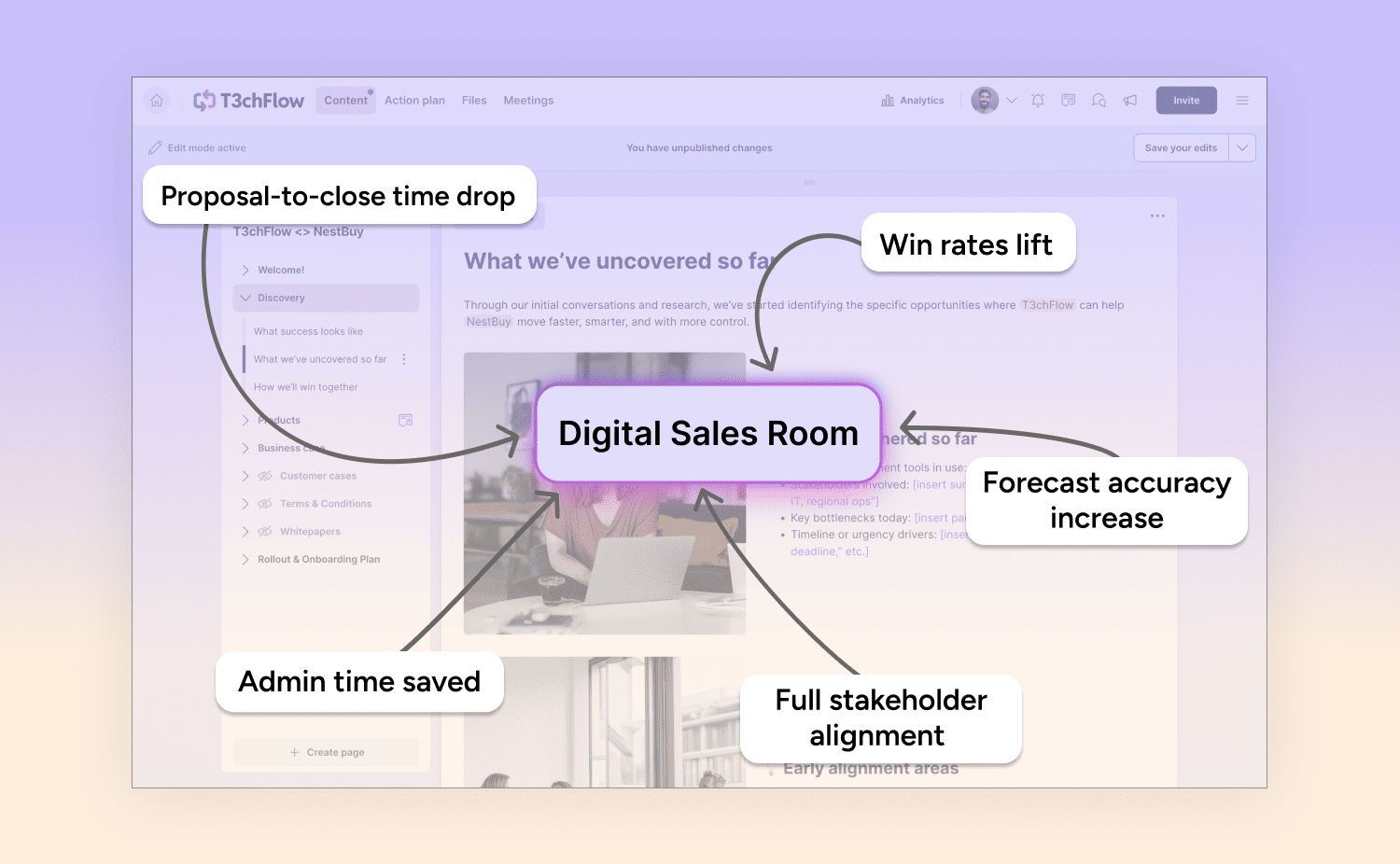
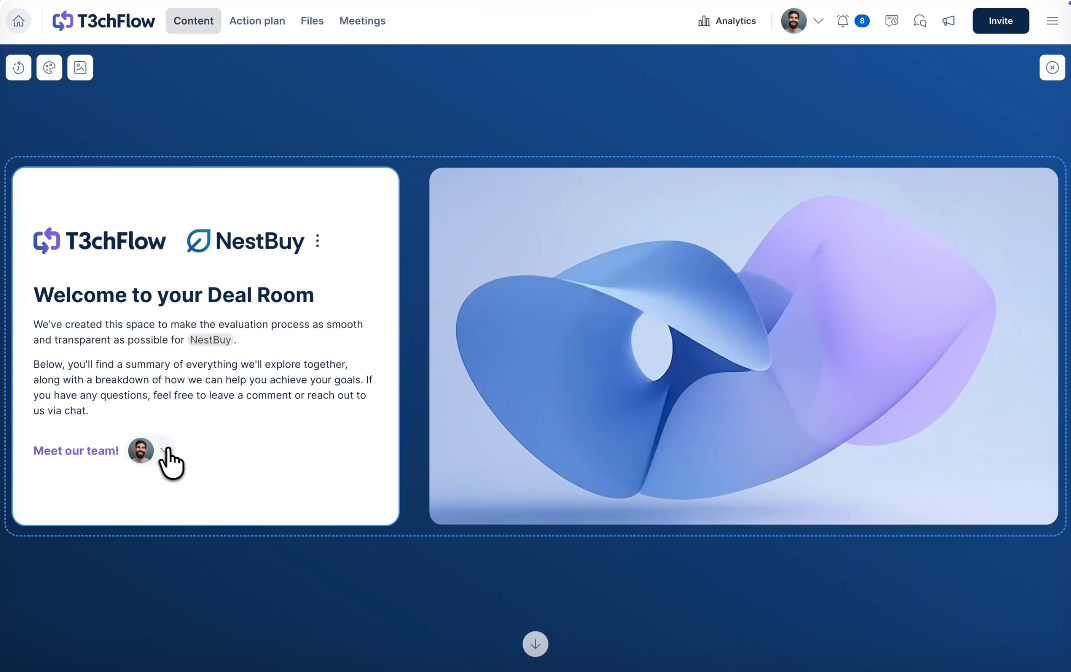
A Digital Sales Room is a shared online workspace where B2B sellers and buyers collaborate throughout the sales cycle, from first meeting to closed-won deal. It replaces scattered emails and static PDFs with a single hub that tracks engagement, surfaces buyer activity, and keeps deals moving forward.
Digital Sales Room software is how sales reps create those spaces. They help with content creation, sharing, and tracking stakeholders.
What should you look for in a Digital Sales Room software?
The right Digital Sales Room software depends on your team size, deal complexity and how much of the deal you want in one place:
| Feature category | What to ask | Why it matters |
| Buyer engagement tracking | Can I see who opened the room, what they viewed, and for how long? | Visibility into buyer behavior drives better follow-up and forecast accuracy |
| Mutual Action Plans | Does the platform support shared timelines and collaborative deal plans? | Keeps both sides aligned and accountable through the buying process |
| Proposals and pricing | Does it build proposals, pricing tables and quotes with configure, price, quote (CPQ) rules, or do you need a separate tool? | Native proposals reduce tool sprawl and keep content in context |
| E-signatures | Are e-signatures native or via third-party integration? | Native e-signature simplifies the close and reduces handoff friction |
| CRM integration depth | Does the platform fetch data from and send data to the CRM automatically? | Native integration means cleaner data, automated workflows, and higher adoption |
| Buyer self-service | What can buyers review, ask, share and sign without waiting on the rep? | Buyers on a committee work on their own schedules, so every step they can finish alone shortens the wait. |
| Rollout time | How long does rollout take, and what does that figure cover? | Directly impacts adoption speed and time to value |
GetAccept's average rollout is 30 days from the start of onboarding to launch; ask each vendor what its own figure covers.
A note on CRM integration depth: "Native integration" isn't just marketing language. It means deal data flows in both directions without manual exports. This means buyer activity syncs to contact and opportunity records automatically, and reps don't have to choose between using the platform and keeping their CRM clean.
GetAccept offers native Salesforce and HubSpot integrations that sync deal data bidirectionally — which is one example of what strong integration actually looks like in practice.
GetAccept publishes this page and scores itself on the same criteria as every other tool. The list is based on real feature research, published pricing, our own conversations with prospects, and G2 review data.
The best Digital Sales Room software
G2 lists Digital Sales Room software as a category of "customer-facing digital portals that can be used to share relevant marketing content, chat with clients, and craft custom proposals with prospective buyers" [G2, 2026]. The platforms below represent the strongest options in that category.
1. GetAccept
GetAccept is the best Digital Sales Room for B2B sales teams with complex sales processes, with every stakeholder, plan and document in one shared room. It ranks third of 87 products in G2's Digital Sales Room category by G2 Score [G2, 2026]. It also brings proposal software, CPQ functionality and e-signatures together, so you can manage everything from the first meeting to the signed contract in one place.
🏆 Best for: B2B sales teams with complex sales processes that want proposals, e-signatures and buyer engagement in one platform.
G2 Rating: 4.6/5 (1245+ reviews)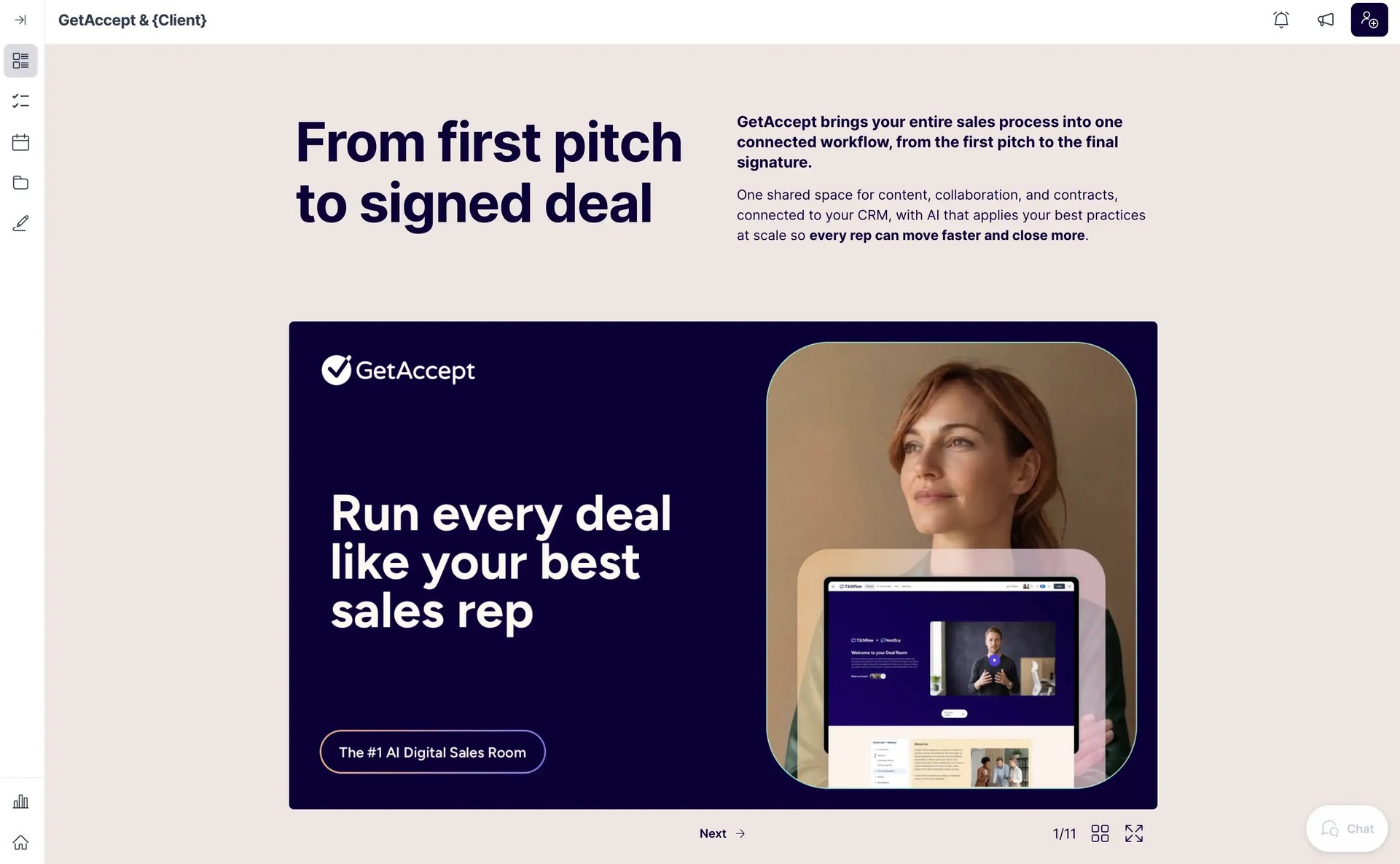
Key strengths:
- Buyer activity tracking: See which stakeholders read what content, how long they engage, which sections they revisit, and whether they share materials internally, so you can manage the buying committee and stay in control of the sales process.
- AI purpose-built for sales (that doesn't suck): From meeting summaries to deal-winning sales content, GetAccept AI helps reps create personalized, timely, and relevant communication, without the copy-pasting or tab switching.
- Mutual Action Plans: Buyer and seller share one plan of next steps, owners and deadlines, and the buyer can invite missing stakeholders to join.
- Native two-way Salesforce and HubSpot sync: Send and receive data to and from your CRM to automate entire workflows, eliminate time-consuming tasks, and make the sales process more efficient. GetAccept also integrates with Microsoft Dynamics and several other popular CRMs.
- Proposals, pricing and e-signatures in one platform: Manage the whole process from opportunity created to closed-won in one place, by creating, tracking, and signing proposals and contracts in the same platform as your Digital Sales Room. Pricing tables come with Professional, and CPQ with Enterprise.
Pros:
Users praise the quality of GetAccept’s CRM integrations, with a Head of Revenue Operations noting: “GetAccept has completely transformed the way we manage our deal flow, document tracking, and digital selling. As a revenue operations leader, I’ve worked with many tools – but none have blended functionality, user experience, and results quite like GetAccept. Integrations with our CRM (we use HubSpot) are seamless, saving time and reducing manual errors.” [G2, 2025]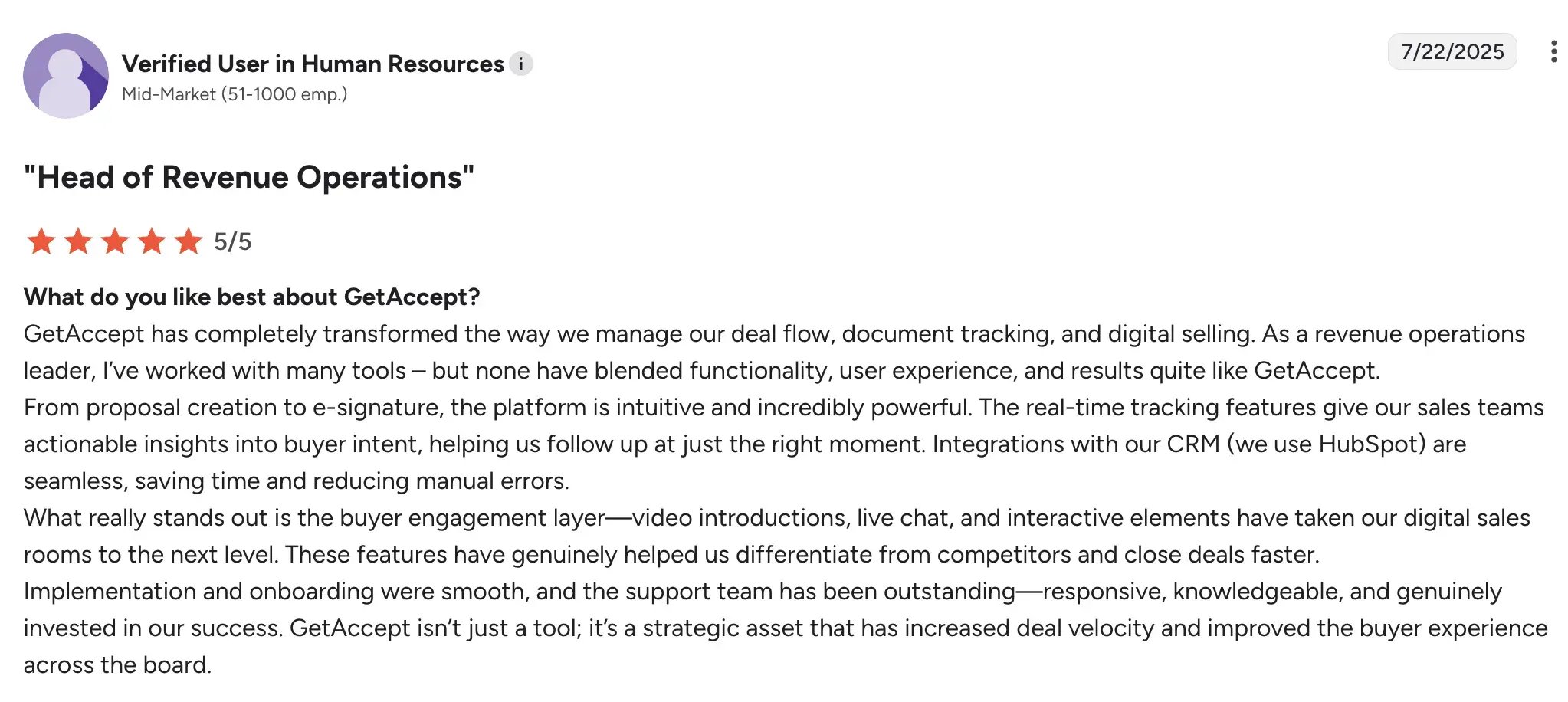
The advanced stakeholder tracking is popular as well, with one Sales Director noting: “What I like best is understanding what your prospect is doing after the meeting. Are they looking at your quote or materials? Are they just saying they opened the document but really didn't and have no interest? Are they forwarding the document to other people in the company you don't know about?” [G2, 2025]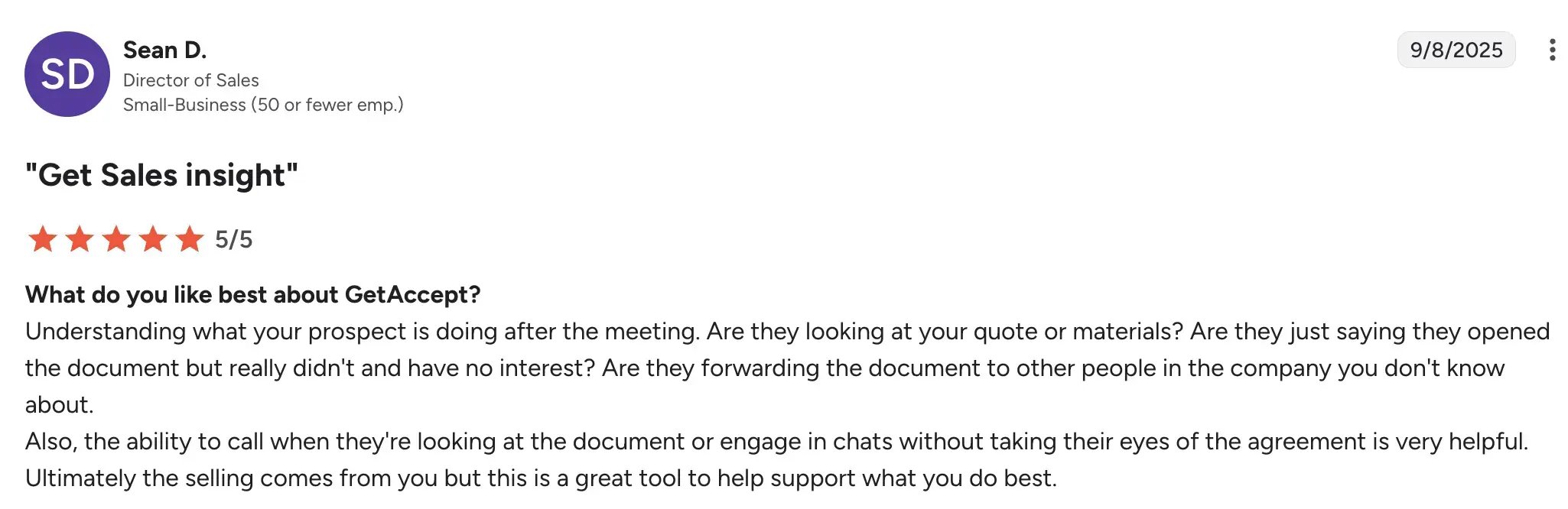
A Revenue Operations Manager also notes the quality of support and ease of use: “Our Customer Success Manager has been incredible, the support and training are top tier. The GetAccept tool is easy to use and set up, and the dashboard very useful.” [G2, 2025]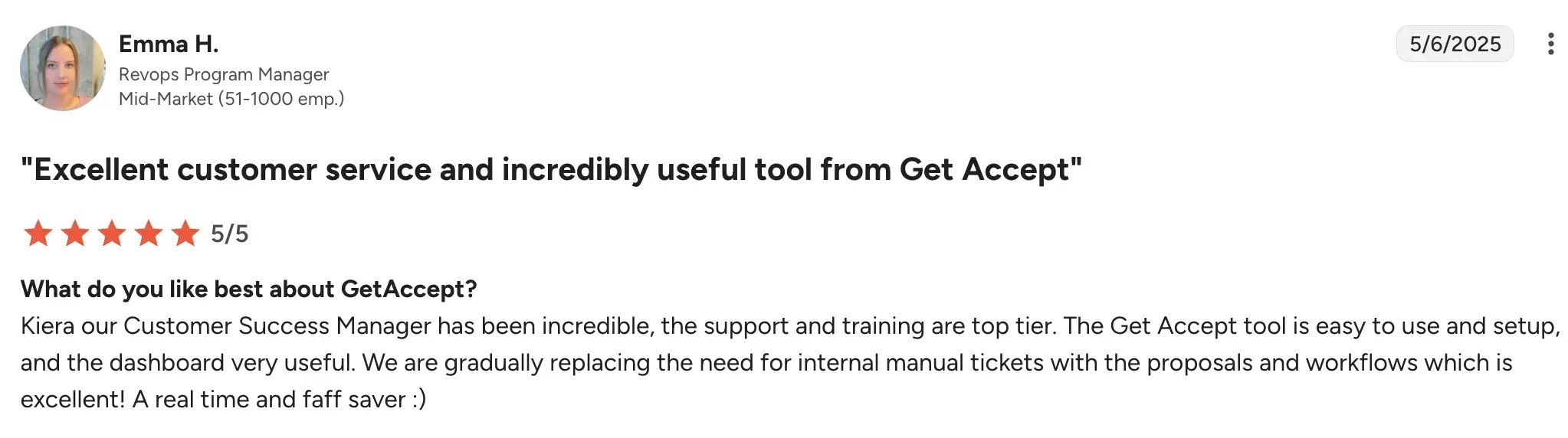
Cons:
GetAccept offers plenty of flexibility for tailoring proposals and Digital Sales Rooms, although teams with more specialized requirements may need more setup.
Buyer self-service
Buyers can review content and pricing, chat with the seller, invite colleagues and sign from one link without waiting on the rep.
Pricing
- Professional: $49 per user per month, billed annually with a five user minimum; it includes the Digital Sales Room. See GetAccept pricing.
- Enterprise: custom pricing; adds CPQ, SSO and API access.
- eSign: $25 per user per month, for teams that only need e-signature and document workflows. A free trial is available.
2. Aligned
🏆 Good for: Teams that build each deal around a Mutual Action Plan and want clear stakeholder visibility.
G2 Rating: 4.6/5 (1300+ reviews)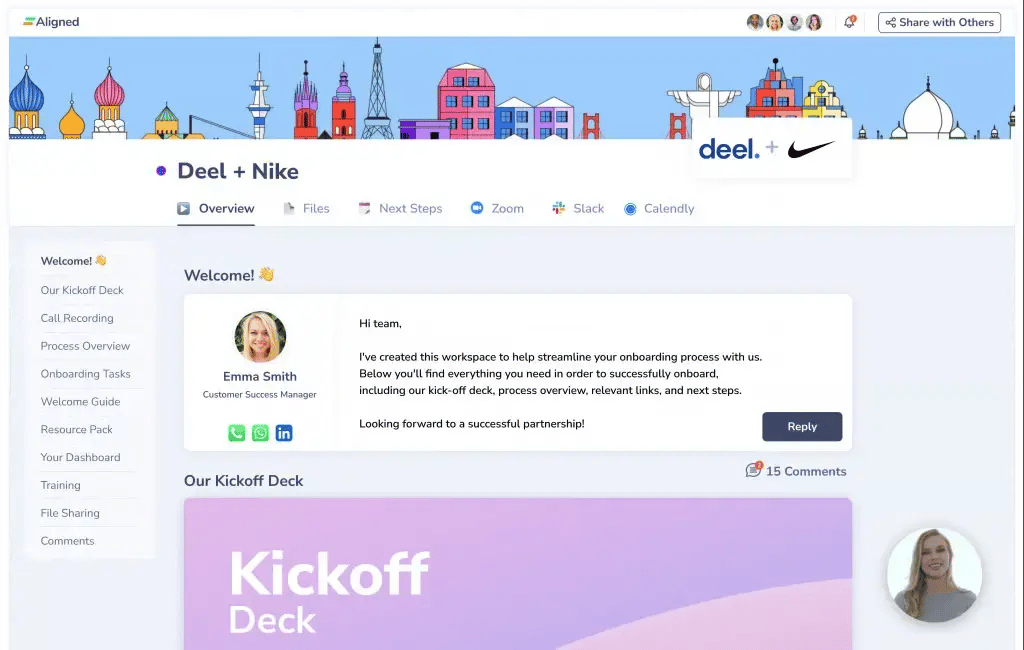
Pros:
- Strong mutual action plan and deal collaboration features
- Clean, highly customizable buyer-facing interface
- Good stakeholder tracking and engagement analytics
- Solid HubSpot and Salesforce integrations
Cons:
- E-signature depends on the PandaDoc integration that comes with the Pro plan
- Two-way Salesforce and HubSpot sync is limited to the Enterprise plan
Buyer self-service
Buyers see content, tasks and next steps without a login and on the Pro plan and above they can get AI answers from the deal content.
Pricing
- Starter: free.
- Basic: $29 per user per month billed annually, or $35 billed monthly.
- Pro: $49 per user per month billed annually, or $60 billed monthly; adds AI features and the PandaDoc integration.
3. Trumpet
🏆 Best for: SaaS teams that want branded buyer pages with fast setup.
G2 Rating: 4.7/5 (1300+ reviews)
Pros:
- Fast setup with strong design defaults
- Highly branded, visually polished buyer experience
- Good engagement tracking and notification features
- Growing integration ecosystem
Cons:
E-signature starts on the Scale plan; the Free and Pro plans do not include it
Pricing
- Free: no charge, with up to 10 Pods.
- Pro: $45 per user per month, or $450 per user billed annually; up to five users.
- Scale: $100 per user per month, or $1,000 per user billed annually; adds e-signature and more AI features.
- Elite: $160 per user per month, or $1,600 per user billed annually; adds the full AI suite.
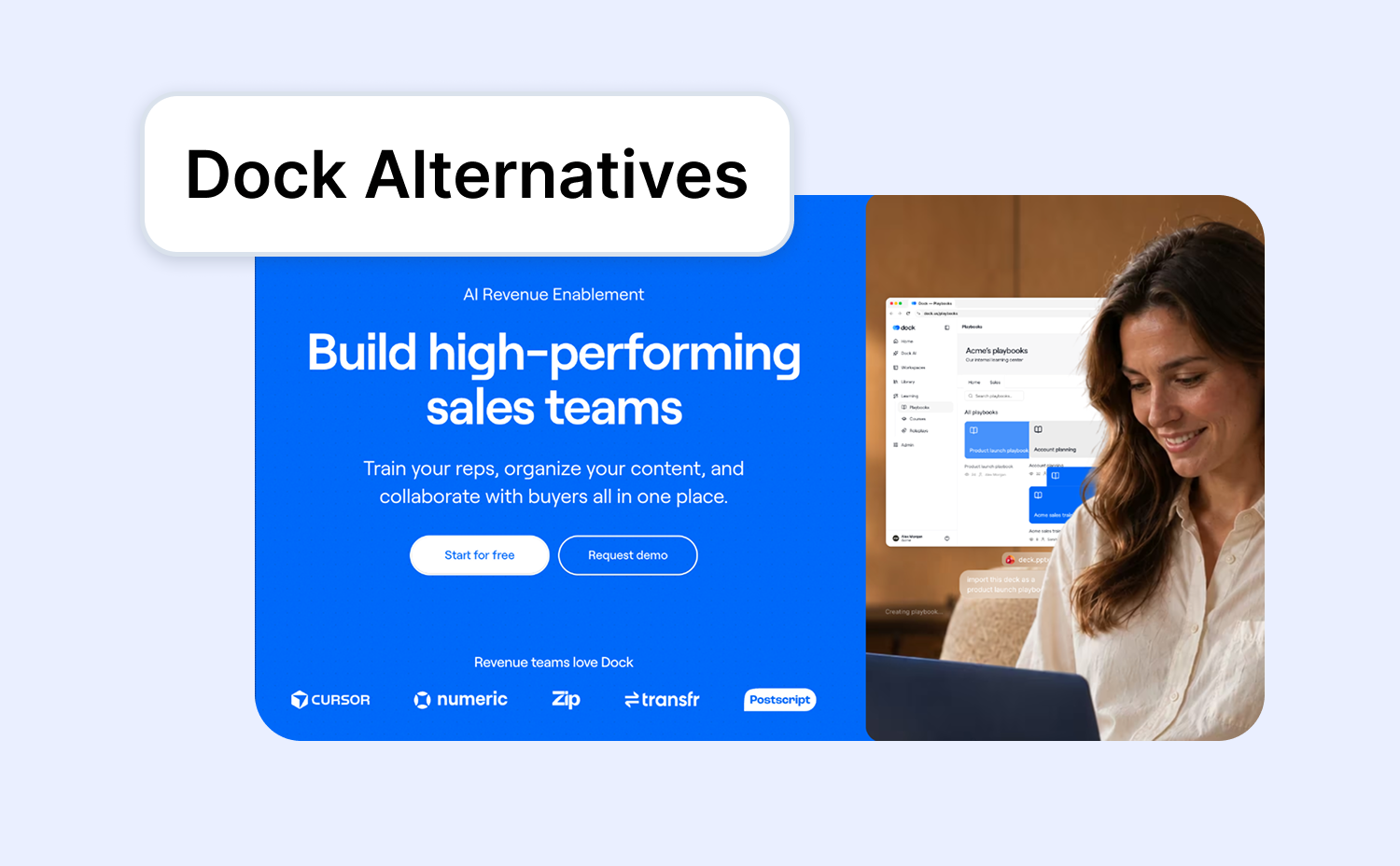
4. Dock
🏆 Good for: Customer Success teams running onboarding and renewals.
G2 Rating: 4.6/5 (450+ reviews)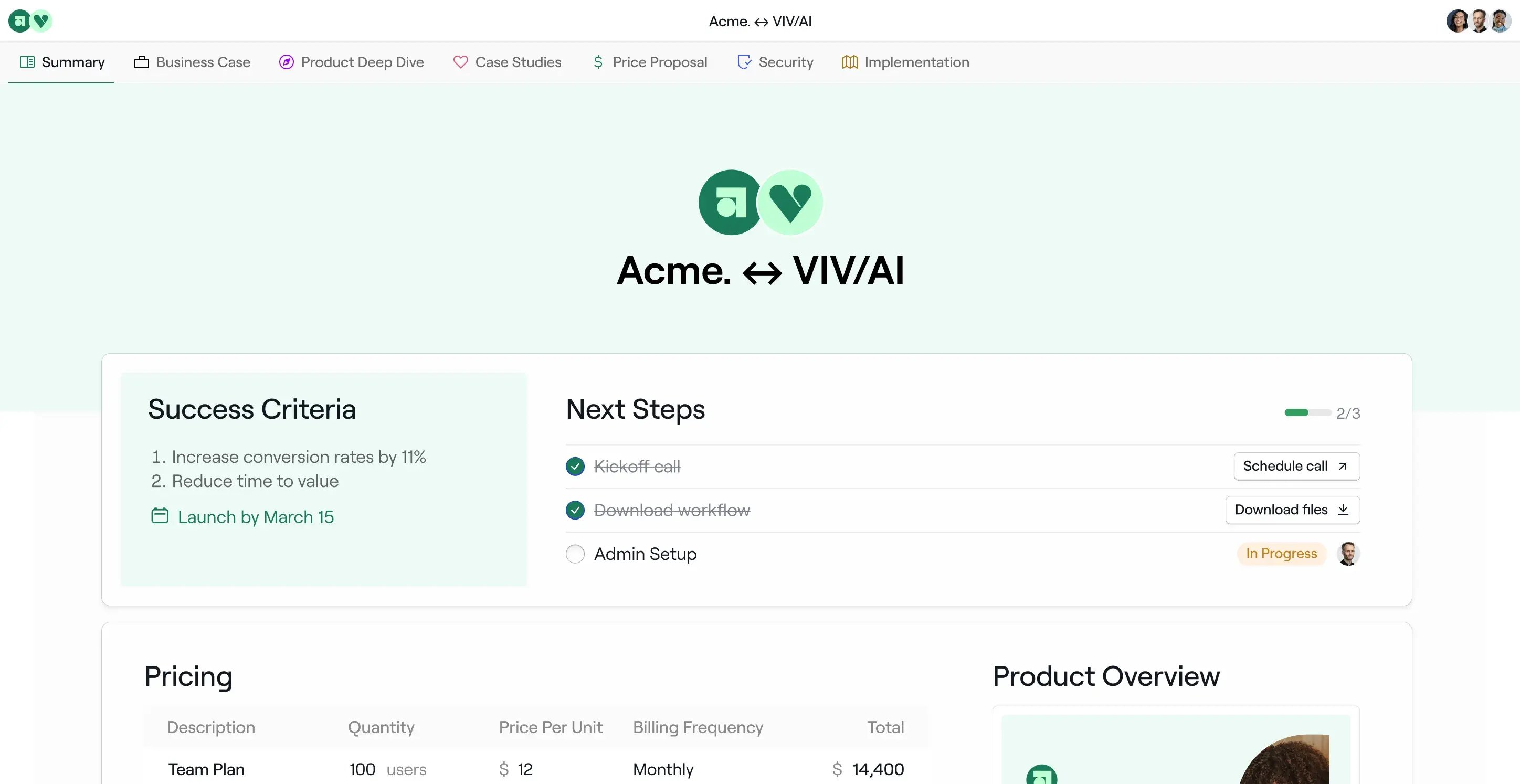
Pros:
- Simple setup with low configuration overhead
- Strong customer onboarding and post-sale workspace features
- Clean buyer experience with good content organization
- A free plan for getting started
Cons:
- Less depth on advanced analytics and stakeholder tracking
- Proposal and e-signature capabilities are more limited.
- CRM-connected order forms need the Premium plan
Buyer self-service
Buyers get one link to a workspace with the business case, pricing and action plan, and Dock lists a Buyer AI Chat.
Pricing
- Free plan: $0.
- Standard: $350 per month for five seats, with extra seats at $50 per month.
- Premium: $1,000 per month billed annually for 10 seats.
5. Flowla
🏆 Good for: Small teams starting on a free plan.
G2 Rating: 4.9/5 (100+ reviews)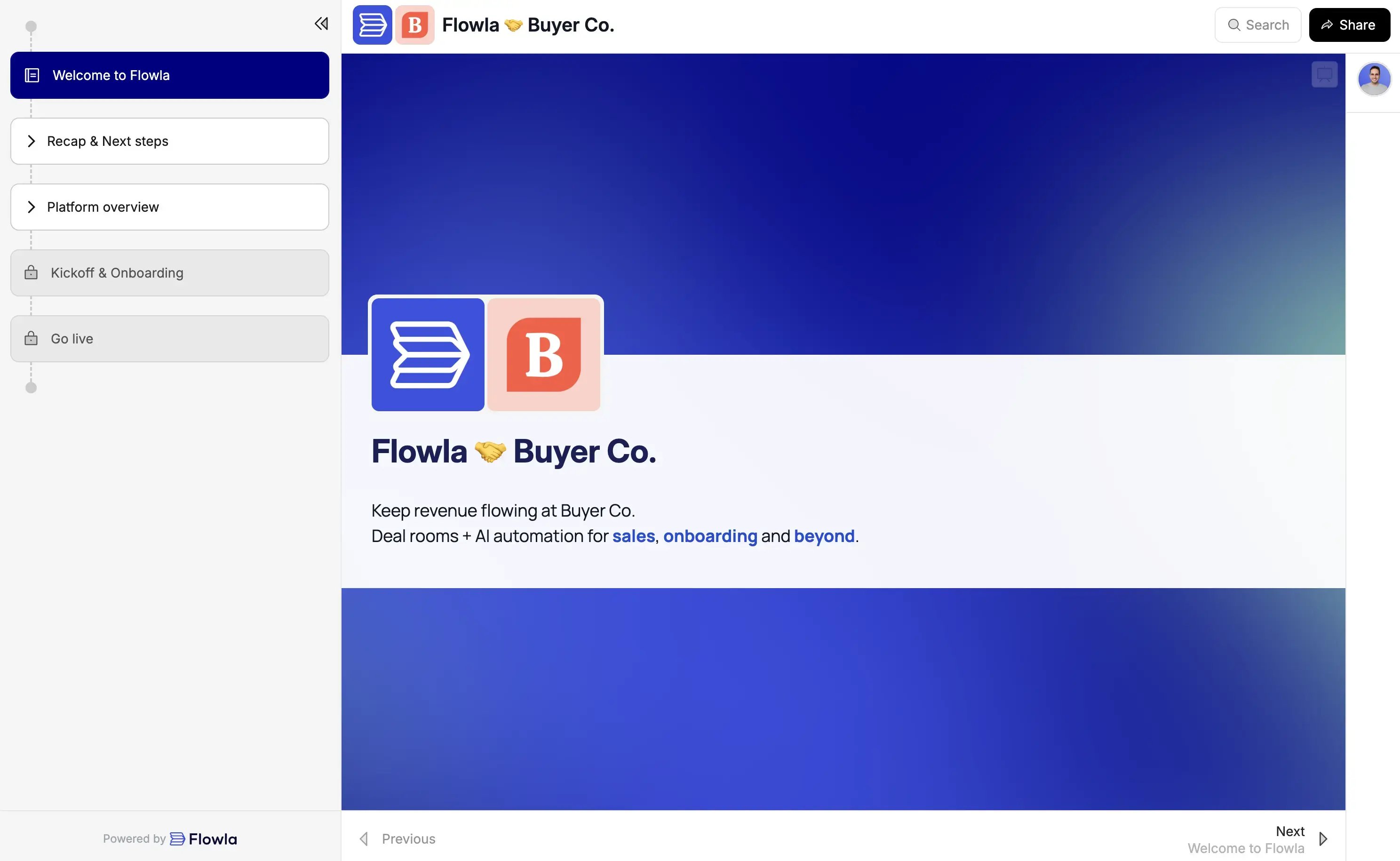
Pros:
- Clean, modern interface with fast workspace setup
- Good pipeline and deal flow visibility for managers
- Straightforward buyer experience with low access friction
- A free Starter plan to begin with
Cons:
- Newer platform with a smaller feature set than more established competitors
- E-signature is included only on the Team and Enterprise plans
Buyer self-service
Buyers get a shared plan both sides can see, plus forms and e-signatures.
Pricing
- Starter: free, with up to 20 buyer workspaces.
- Team: $99 per seat per month, billed on a rolling monthly basis; includes e-signature.
How the top Digital Sales Room platforms compare side by side
Here's a quick-reference comparison across the key dimensions that matter most in a DSR evaluation:
|
Platform |
Buyer engagement tracking |
Mutual Action Plans |
Proposals and pricing |
E-signatures |
CRM integration |
Starting price |
|---|---|---|---|---|---|---|
|
GetAccept |
Advanced |
Yes |
Proposals and pricing tables; CQP on the Enterprise plan |
Native |
Native two-way sync with Salesforce and HubSpot, as well as Microsoft Dynamics, Pipedrive, and others |
$49/user per month, billed annually |
|
Aligned |
Strong |
Yes |
PandaDoc integration (Pro plan) |
Integration |
Salesforce, HubSpot, Close, Pipedrive and Microsoft Dynamics 365 |
Free plan; $29 per user per month, billed annually |
|
Trumpet |
Good |
Yes |
Proposals and quotes |
Scale and Elite plans |
Salesforce, HubSpot, Microsoft Dynamics Close, and Pipedrive
Salesforce, HubSpot, Microsoft Dynamics Close, and Pipedrive |
Free plan; $45 per user per month (up to five users) |
|
Dock |
Basic |
Shared next steps |
Order forms and pricing sections |
Integration |
Salesforce, HubSpot and Attio |
Free plan; $350 per month (for five seats) |
|
Flowla |
Good |
Yes |
Proposals and recaps on demand |
Team and Enterprise plans |
Salesforce, HubSpot
Salesforce, HubSpotSalesforce, HubSpot |
Free plan; $99 per seat per month (Team)
Free plan; $99 per seat per month (Team)Free plan; $99 per seat per month (Team) |
GetAccept puts stakeholder tracking, Mutual Action Plans, proposals with CPQ pricing and e-signatures in one platform, with two-way Salesforce and HubSpot sync. The other four differ mainly by plan: Aligned signs through PandaDoc, Trumpet and Flowla add e-signature on higher plans, and Dock bundles order forms with its sales and onboarding workspaces.
Do you need a dedicated Digital Sales Room or an enablement suite?
Since Seismic and Highspot merged in August 2026, Digital Sales Room features come as a module inside an enablement suite or as a dedicated platform.
- Suite tier: Mindtickle, Seismic (which now includes Highspot) and Allego bundle training, coaching and content governance with a buyer-facing module; pricing is by quote.
- Dedicated tier: GetAccept, Aligned, Trumpet, Dock and Flowla focus on the deal itself, from the shared plan to the signature.
If you’re comparing suites our guide to Highspot alternatives covers the options after the merger.
Key benefits of using digital sales room software
The average B2B buying group committee consisted of 9-11 individuals in 2025 [6sense, 2025].
Most of them never talk to a rep directly. They get a forwarded link, evaluate on their own timeline, and make decisions your team can't see or influence.
Here's how digital sales room software solves this problem:
- Full buying committee visibility: Instead of relying on your champion to relay information, you can see which stakeholders are engaging, what they're looking at, and when activity spikes.
- A better buyer experience: Buyers get one link, one place, and everything they need to make a decision.
- Shorter sales cycles: When buyers can access, review, and share content without waiting for a rep to resend an attachment, deals move faster. Dealfront reports that in several deals the sales cycle dropped from 150 days to about 50.
- Better forecast accuracy: Real engagement data beats gut feel. When you can see that three stakeholders reviewed the contract yesterday, your forecast confidence goes up. When nobody's opened the room in two weeks, you know to act.
- Less rep administrative time: ScaleWise reports saving 16 hours a month on proposal creation.
- Multi-stakeholder alignment: Mutual action plans, shared timelines, and collaborative workspaces help buyers align internally, which is often the biggest bottleneck in complex deals.
How to choose the right Digital Sales Room for your team
Not all digital sales room platforms are built the same. Here's a structured frame
GetAccept offers native Salesforce and HubSpot integrations that sync deal data bidirectionally — which is one example of what strong integration actually looks like in practice.
Next steps: How to choose the right Digital Sales Room tool for your team
Look at your use case.
👉 If your priority is giving the whole buying committee on shared room, with proposals, e-signature, stakeholder management and CRM sync built in, the GetAccept Digital Sales Room is built for that. It's the strongest option for B2B sales teams running deals inside Salesforce, HubSpot, or Microsoft Dynamics.
👉If a branded buyer page or a shared Mutual Action Plan is the only priority, Trumpet and Aligned each focus on one of the two.
👉 If simplicity and post-sale handoffs matter more than advanced analytics, Dock is the cleaner choice.
👉If your team runs onboarding and renewals after the sale, Dock centers on those post-sale handoffs.
👉If you're a small team starting on a free plan, Flowla's Starter plan covers up to 20 buyer workspaces.
Not sure where you land? GetAccept offers a free trial and demo – a good way to see whether the full-workflow approach fits before you commit.