.webp?width=48&height=48&name=yutong-nan%20(1).webp)
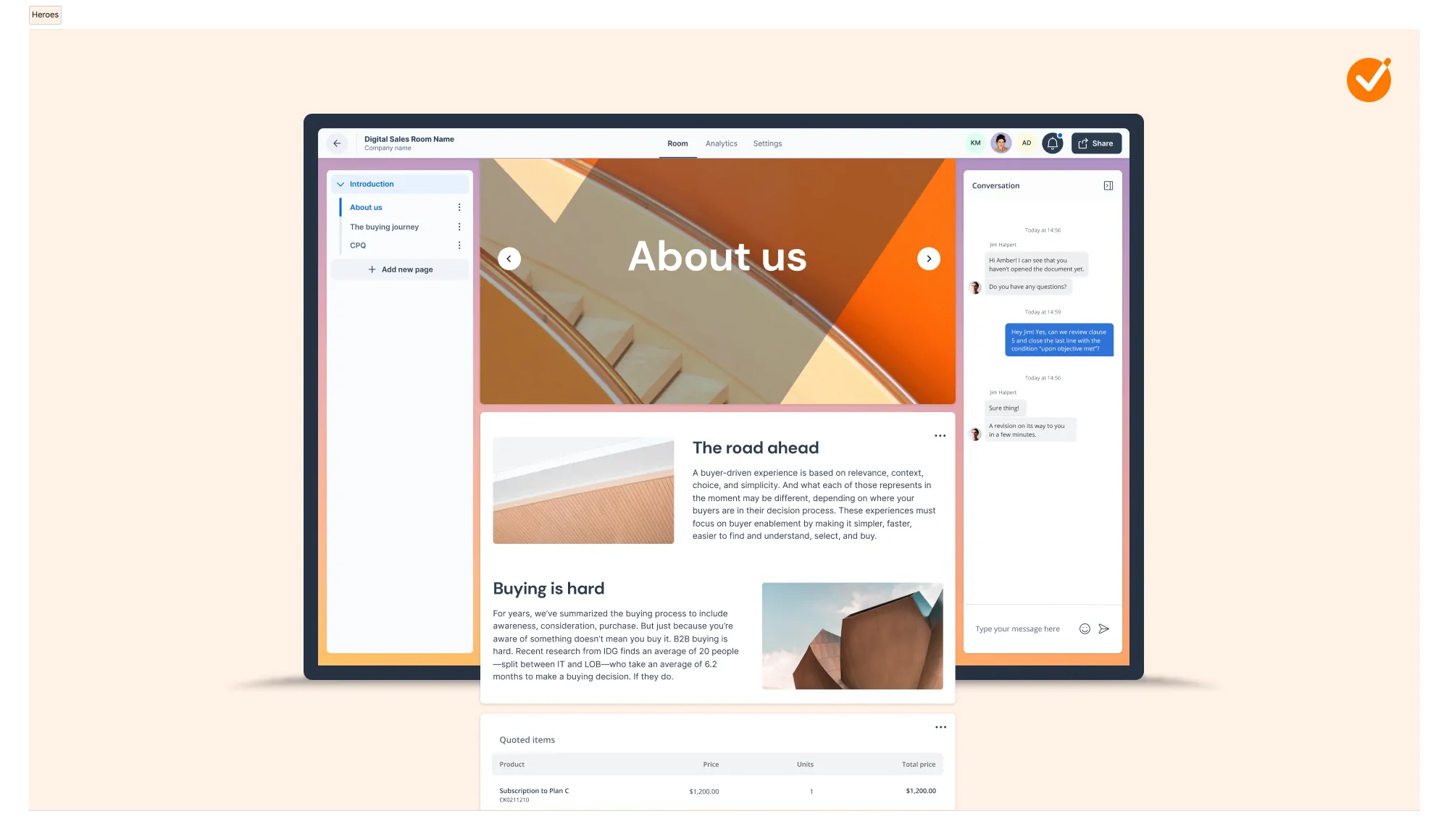
In April, we added a new Deal Room module to our product offering. While the Contract Room module helps you share digital contracts and collect signatures, our Deal Room is a revamped microsite where you can efficiently collaborate with your buyers to move deals forward by using features like mutual action plans, real-time notifications, and dynamic content.
And now you can create and share Deal Rooms directly within HubSpot! Since the flow for sending out contracts remains unchanged, in this blog, we’ll show you how to share a Deal Room from within your HubSpot environment.
How does it work from HubSpot?
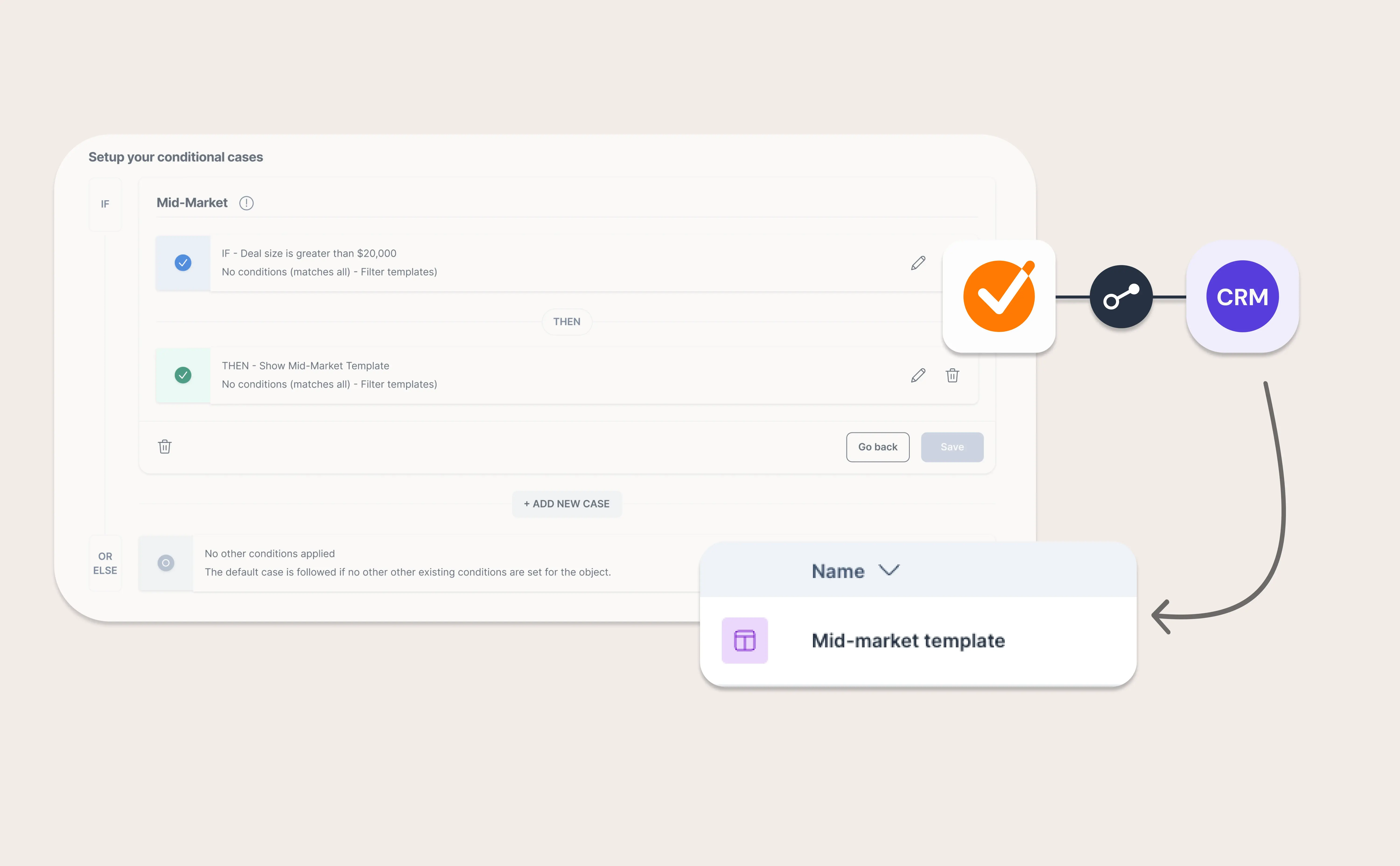
Select a pre-made template, invite your prospects, and share it with a personalized note. Creating and sharing a Deal Room in Hubspot is as easy as that!
Every time your prospects open the room, leave a message in the chat, or invite another stakeholder into the room, you’ll receive a real-time notification in your email inbox so you can always stay on top of your deals.
How about the Contract Room module?
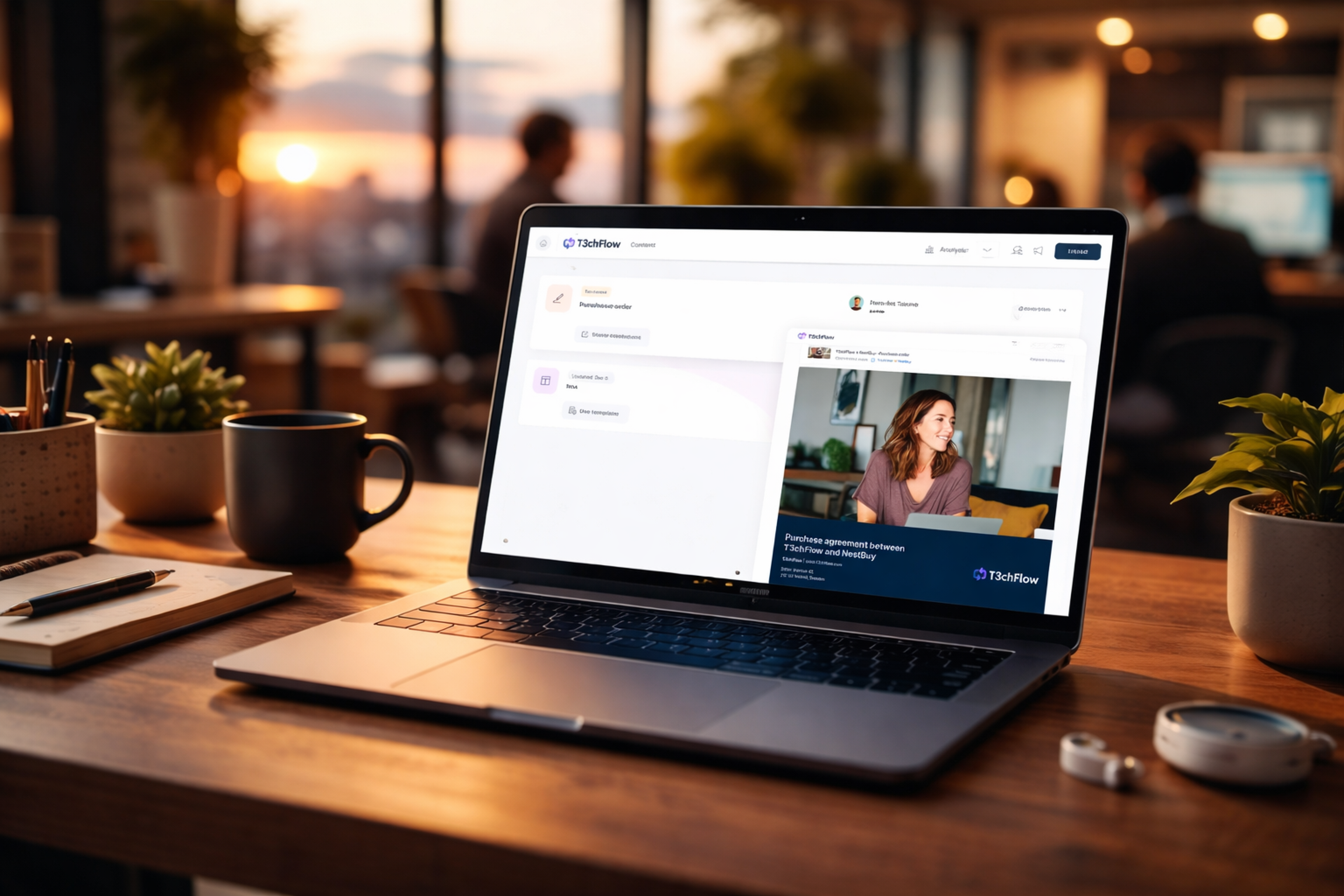
The way to share a digital contract and collect e-signatures from HubSpot remains unchanged. Simply click the “Contracts” option to get the process started!
Check out our help article for more detailed information, and don’t hesitate to reach out to your designated GetAccept contact if you have any questions!
.webp)
About the author
Yutong NanProduct Marketing Manager at GetAccept, specializing in CRM tools, integrations, and automation. Focused on leveraging technology to enhance sales workflows, drive efficiency, and improve CRM adoption.

.png)