Do you end up sending robotic messages to your prospects trying to automate your sales follow-up process?
Two things that set a great salesperson aside from an average salesperson are persistence and personalization!
Sales follow-up statistics tell us that 80% of sales require 5 follow-ups after the initial contact, but 44% of salespeople give up after the first one! We all know persistence is key, but we just don’t do it.
Because doing so takes a lot of time, we want to focus on actually connecting with leads, building relationships, and making sales, not on mundane tasks. Today, the average salesperson can spend only 34% of his time selling directly to leads!
But can’t we just automate our sales follow-up process?
Yes, we can automate certain tasks, such as logging contact records in CRM or scheduling reminders, but when it comes to communication and personalization, there’s a thin line between automation and robotization.
Buyers can all tell when we are being genuine and when we are faking it.
And there lies the sales reps’ dilemma. Yes, we need a certain level of automation to save time, but at the same time, we have to keep the right level of personalization. But how do we balance that to drive sales engagement?

Use email templates
Today, any modern CRM solution comes with email templates, where you can turn your best and most repetitive sales emails into templates and then personalize them by merging contact record properties (such as first name and company name) into the subject and body of your emails.
To keep the right level of personalization, make sure at least one-third of your email copy includes research-driven, company-specific, hand-picked information.
Leverage research tools
To keep a high level of personalization, you don’t have to do a lot of manual research.
Just use solutions that speed up communication preparation. For example, LinkedIn Sales Navigator can help your team easily stay on top of news and job changes with their target accounts. Or you can use social media listening tools to set up listening streams based on specific companies and keywords. Your inside sales team can then use this intel to start meaningful conversations.
Use workflow automation
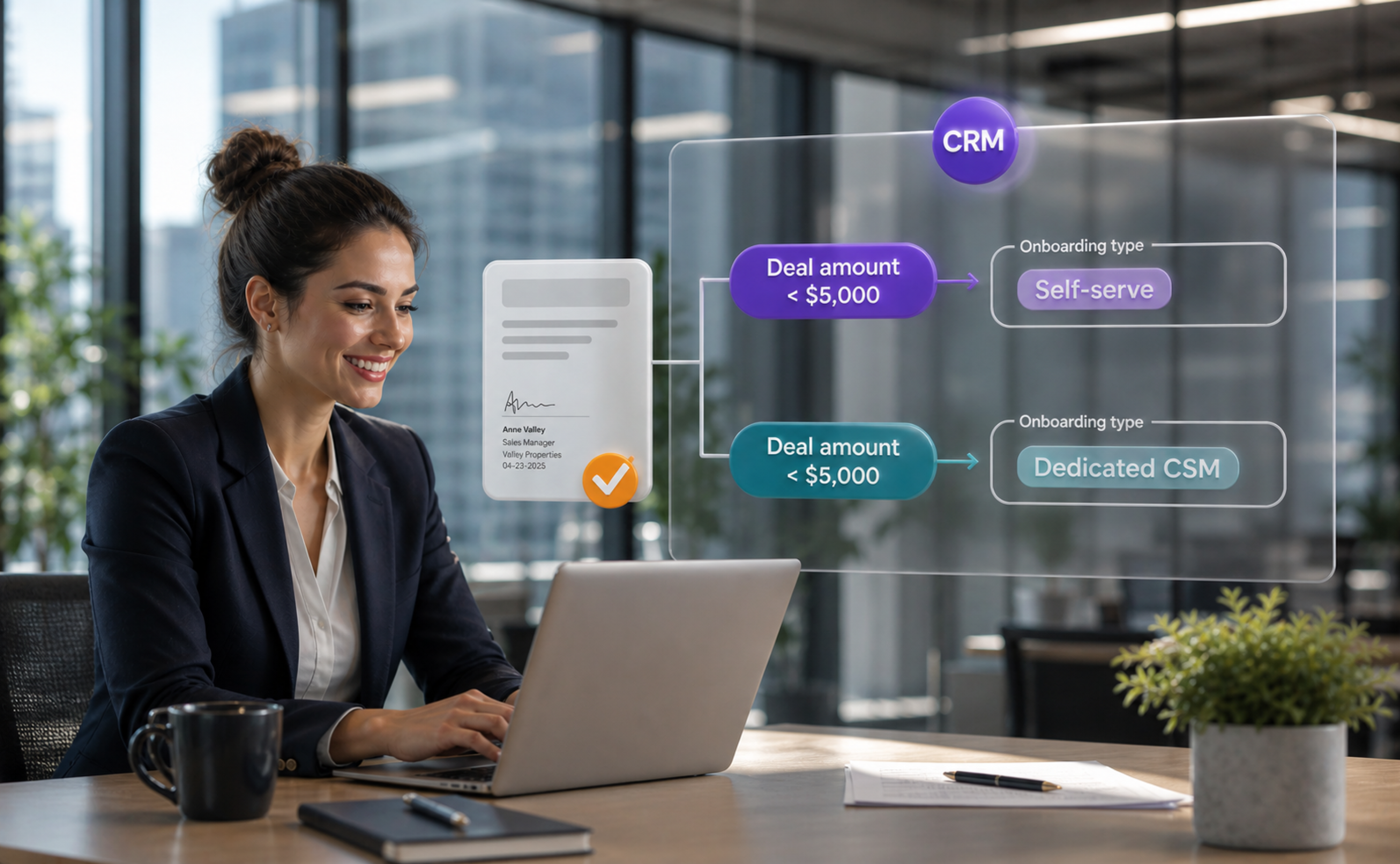
Most modern CRM software like HubSpot, Pipedrive, and Freshsales provide workflow automation, where you can automate time-consuming tasks like data entry, setting reminders, routing leads, and monitoring opportunities.
This is a safer kind of automation that will certainly save you time without hurting your personalization. So just go for it.
Track documents & emails
Please stop calling or contacting your prospects simply to check in!
This is annoying and off-putting and can only deter your prospect even if they were initially interested in doing business with you. Instead of that, start tracking the emails and sales documents you send and get real-time notifications on sales engagement.
This will help you with two things. First, you will have a much better chance to hit the perfect timing with your follow-up. Second, by analyzing the engagement, you will be able to optimize and personalize your sales pitch.
Use a multi-channel approach
First things first, do your research and learn which channels they prefer to communicate with.
Is it email, landline phone, social media, chat, or web conference? Your choice will definitely depend on other factors like the urgency of the situation or the nature of the deal but always try to personalize the channels based on your customer’s favorite mode of communication.
Send personalized videos
Using video in sales is a trending topic.
It’s possibly the highest level of personalized communication, and it generates great results. For example, GetAccept customers have seen a 41% increase in engagement with sales documents that has a personalized video introduction.
Automating the video process might not be that easy, but you can prepare video script templates to help you save time.
It’s a subtle art to find the right balance between automation and personalization with your sales follow-up, but start implementing at least one or more of these techniques today to engage your customer more.