Christmas Gifts from Dev
It’s almost that time of the year again, Christmas! Our development team has been coding relentlessly and grinding hard this autumn to deliver Christmas gifts to all the good users of GetAccept. This is what you can expect under your tree this year!
Get ready to unwrap...
- Two-Factor Authentication for users
- Scroll to page and view time on video
- Updates in CRM Chrome extensions
- Send video reminder from the web-app
- Improved signature capture
- Send templates from iOS app
Two-Factor Authentication
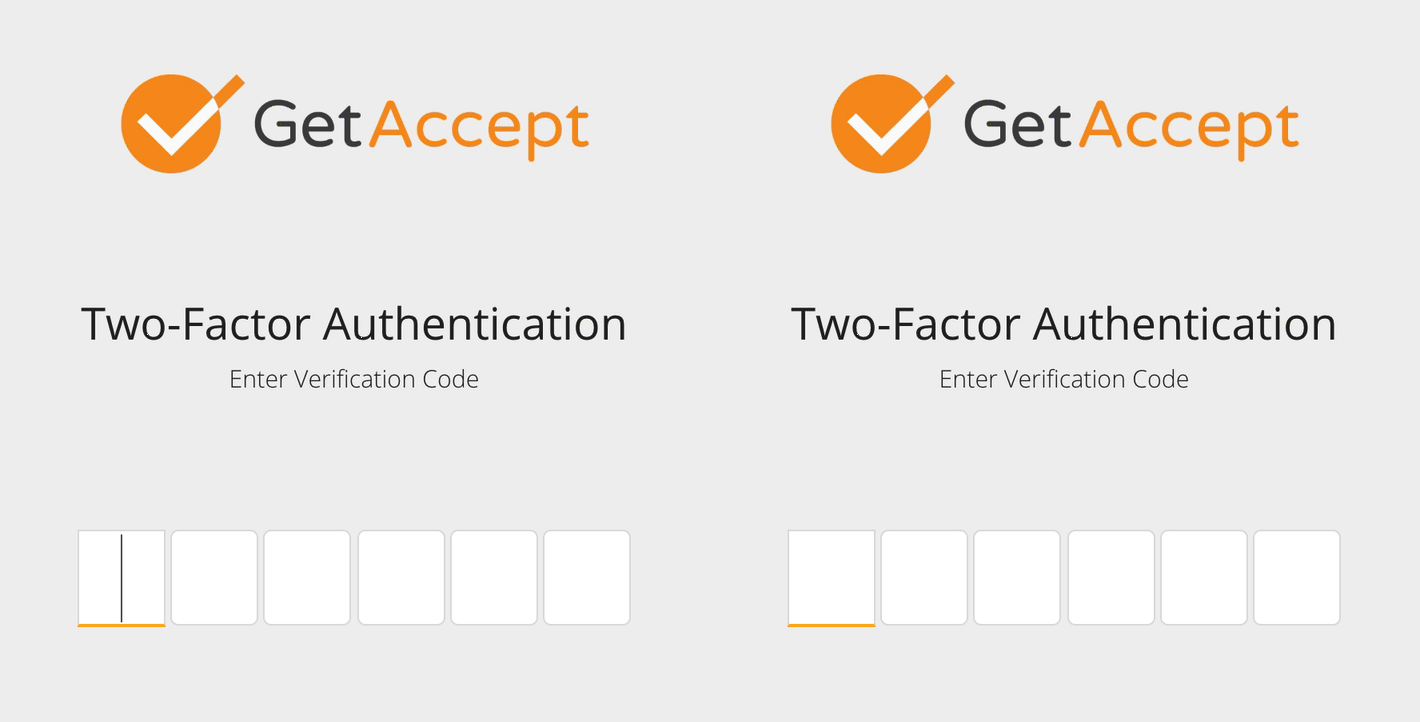
Is security important to you? We’ve made GetAccept even more secure by adding two-factor authentication for your users through Google Authenticator. If you’re an administrator, you can activate it for all users on your account to ensure the correct person is logged in. To activate it, go to Settings → Security → Enable Two-Factor Authentication.
Scroll to Page and View Time on Video
You can now scroll to a specific page of your document by clicking the orange page thumbnail in the time spent overview.
We also thought you’d like to track how much time recipients view the document’s intro video. If your send out has one, it will show how long time the recipient has viewed it and, if you click on the blue thumbnail, you can view your video again.
CRM Chrome Integrations
We’ve made updates to our Chrome extensions to make them even better!
- You can now work with folders inside the integration to make it easier to find the right template.
- Google Docs templates are now supported in Chrome extensions. This means you can upload and edit a template right from within your CRM.
Send Video Reminder
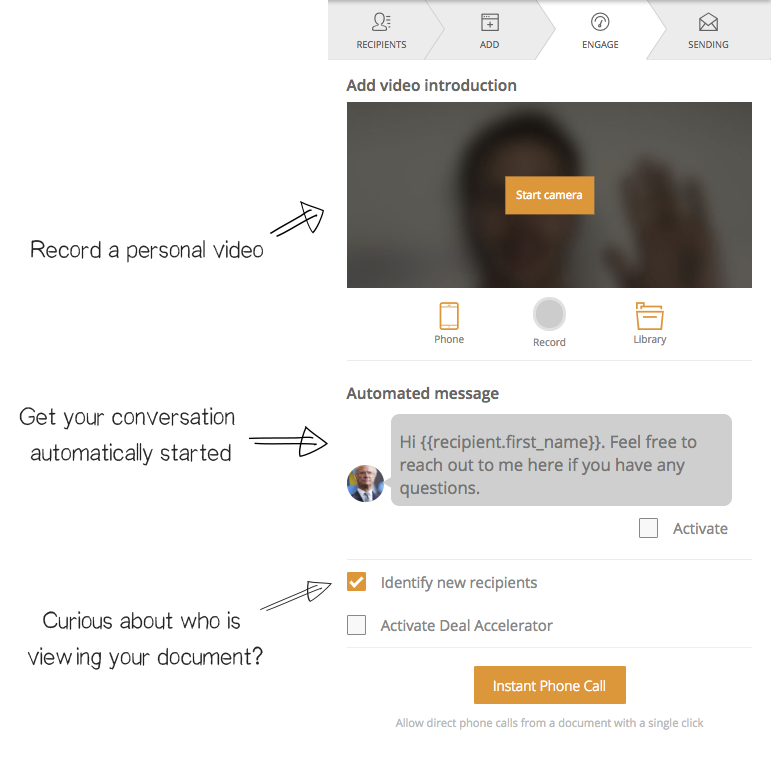
We’ve added a new feature called Send Video Reminder. Use this when you haven’t received the attention you’d hoped for on your first send out attempt. Now you can follow up with a reminder they can’t resist!
Deliver video reminders in 3 simple steps:
- Record your video
- Write your recipient a message that will stand out
- Send the reminder and watch as they engage with your send out
Improved Signature Capture
As a sender, you can now “type” your signature when you’re about to sign and send the document. This is perfect if you’re not a big fan of drawing with your mouse or trackpad. You can even choose your favorite font!
Ps: My favorite front is
Send templates from your iOS app
We’re excited to announce that you can now send GetAccept templates directly from your iPhone/iPad! Simply select your template, add a recipient, fill out fields, and send it! Could it be any easier?
Other Fixes
- Added users hit rates and deals won on the dashboard
- Speed up the uploading of videos in web application
- Some overall updates in the user interface and small bug fixes