.webp?width=48&height=48&name=yutong-nan%20(1).webp)

The signing flow within HubSpot just got more flexible. Now, you can add your prospects/customers as external approvers directly within HubSpot. In the meantime, your organization's approval roles will be referred to as internal approvers.
This update gives you more flexibility to customize the signing flow based on your needs.
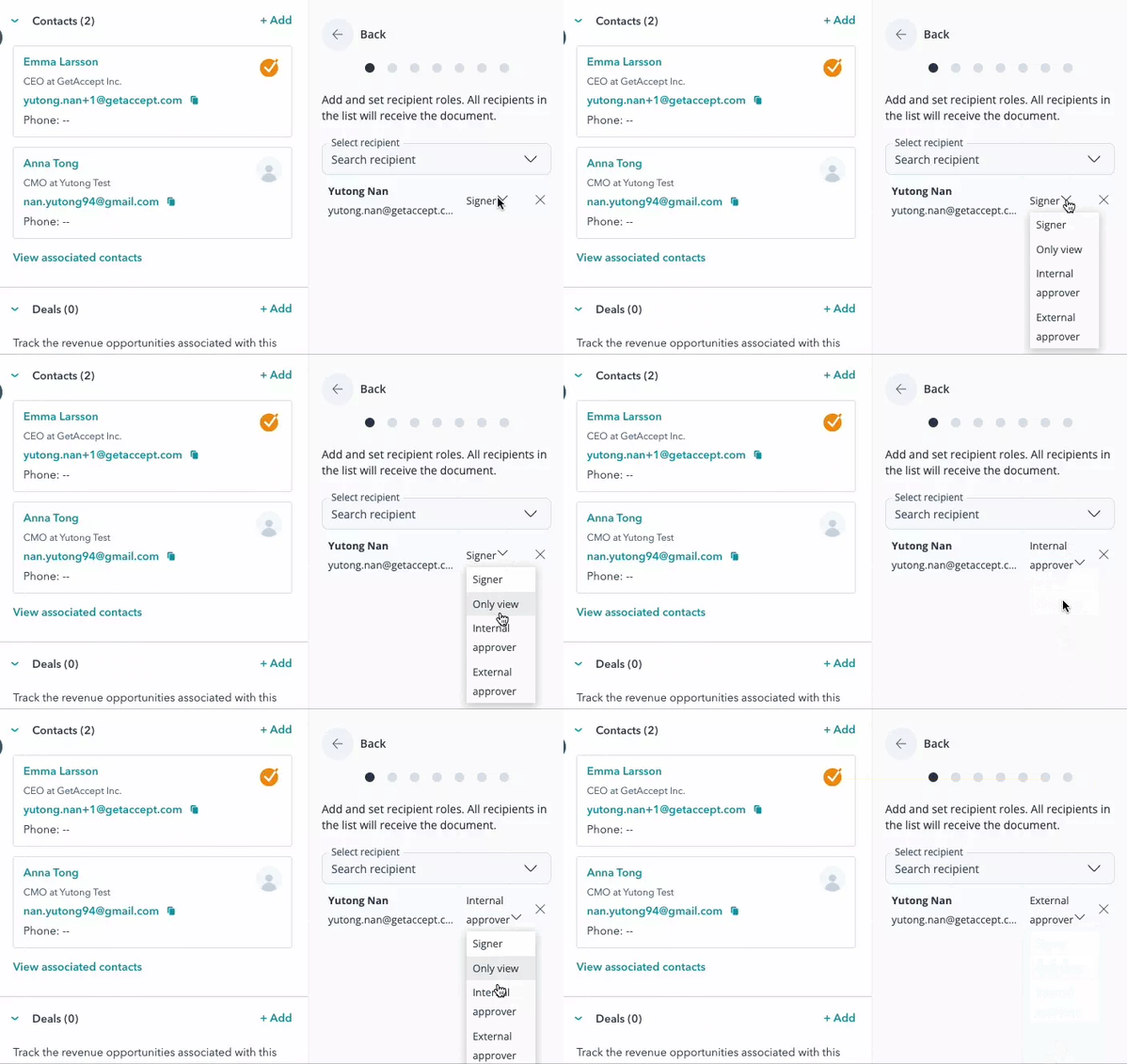
Differences between Internal and External Approver Roles
Internal approver
An internal approver is someone within your own organization. They are not visible to anyone but the sender, their actions will not be noted in the certificate audit log, and they can not interact with other recipients or the sender in the chat.
With this update, internal approvers will be a role solely used to approve the document before you are able to take the next steps.
External approver
An external approver is outside your team or organization, usually one of your prospects or customers.
An external approver is visible on the signing page and in the recipient list, can be interacted with in the chat, and all actions are noted in the certificate audit log.
You, as the sender, can track how an external approval interacts with your documents to stay on top of an ongoing deal.
How it works
.webp)


.png)